This is the Trace Id: c5d7c85f10cd4b479cc03f101fc63078
Skip to main content
Microsoft 365

Microsoft SharePoint

The knowledge platform for Copilot and agents.
Overview

Securely collaborate, sync, and share content

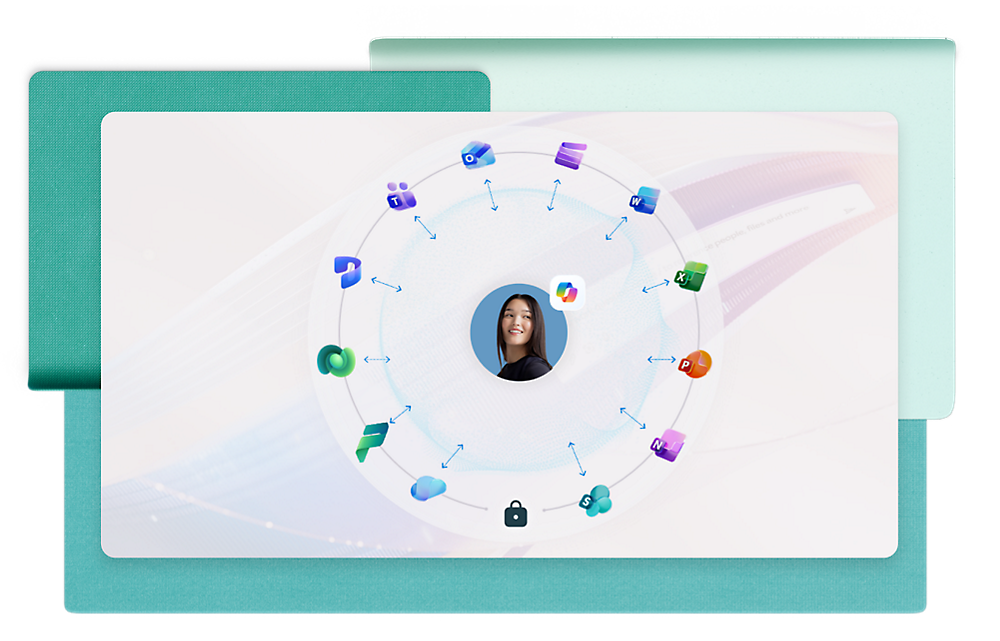
  • Ground Microsoft 365 Copilot in your organization's knowledge with Work IQ, powered by SharePoint.
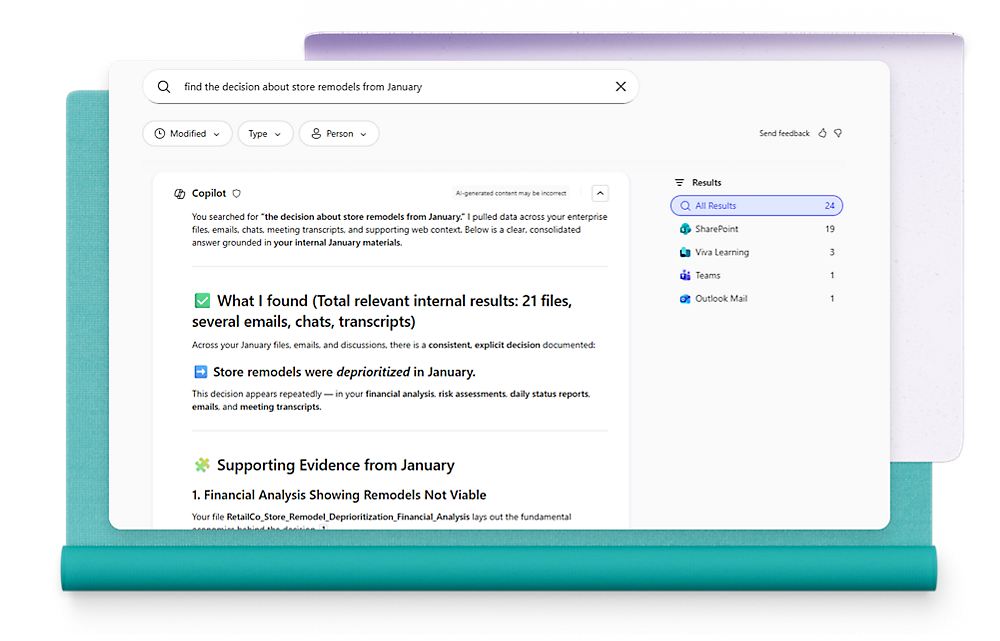
  • Enable AI‑powered search that understands intent, surfacing the right files and answers faster.
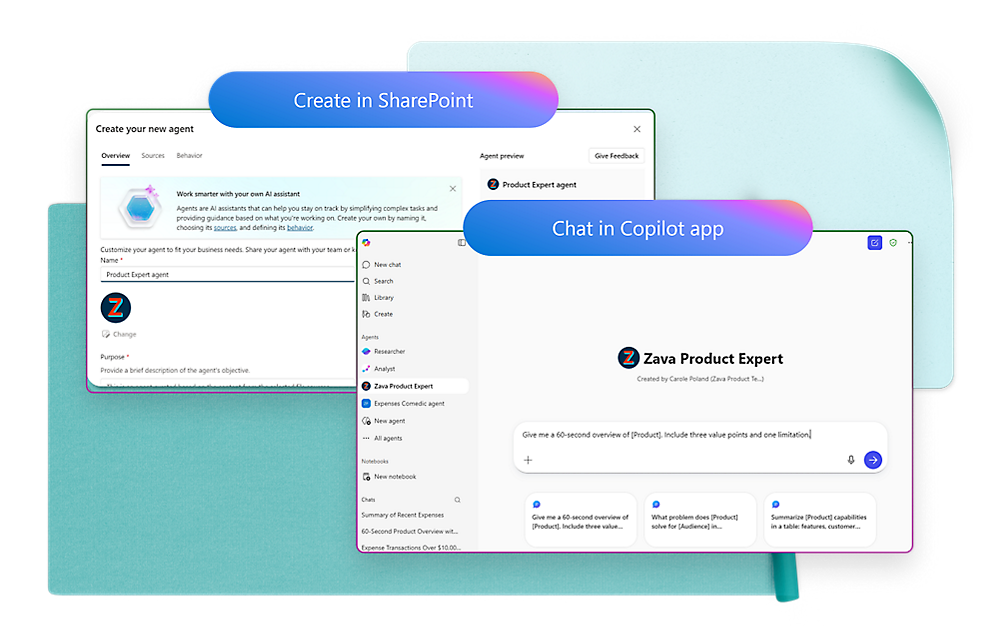
  •  Quickly create the agent you need with customized knowledge scope.
Back to tabs

One SharePoint experience

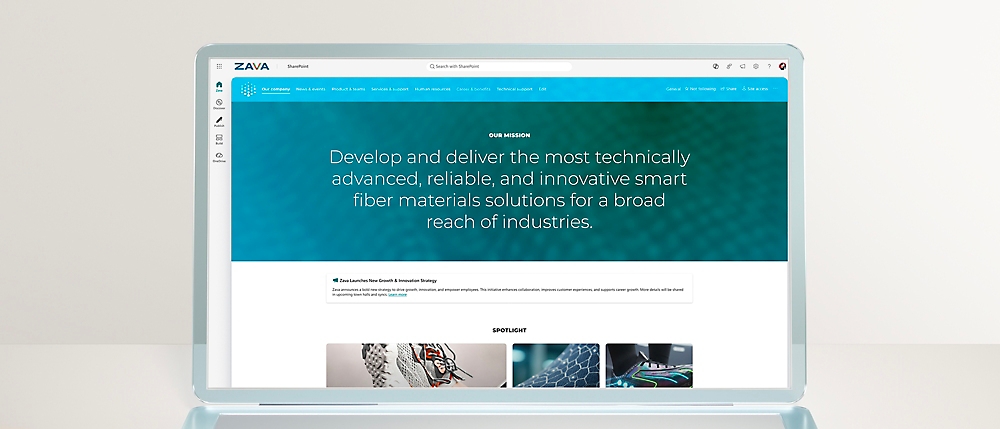
Create your organization's branded hub

Get a branded hub for news, culture, apps, and resources—built on trusted knowledge and scale via AI.3

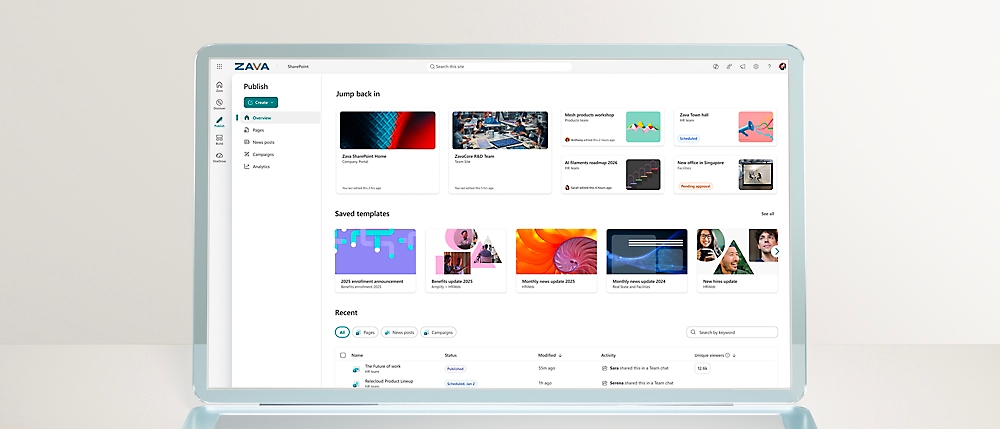
Create once, reach everywhere, and measure what matters

Plan, publish, manage, and track analytics for pages, news, and campaigns with multichannel distribution.3

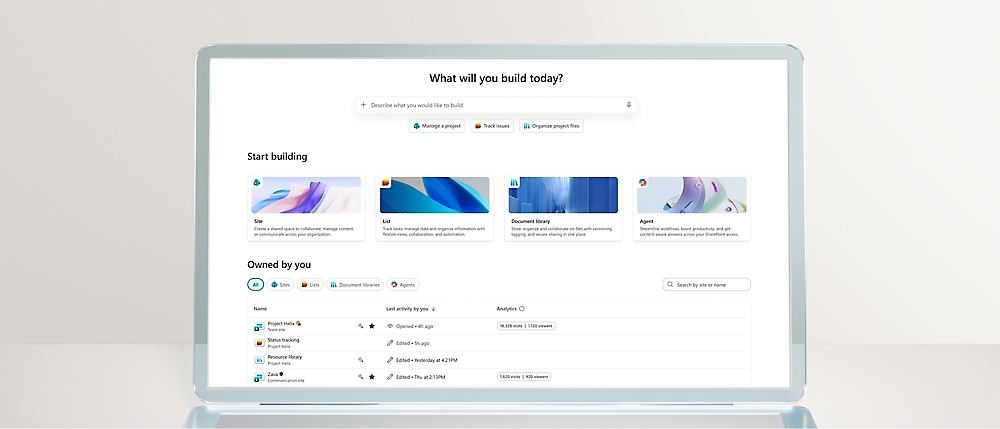
Build smarter solutions with AI and automation

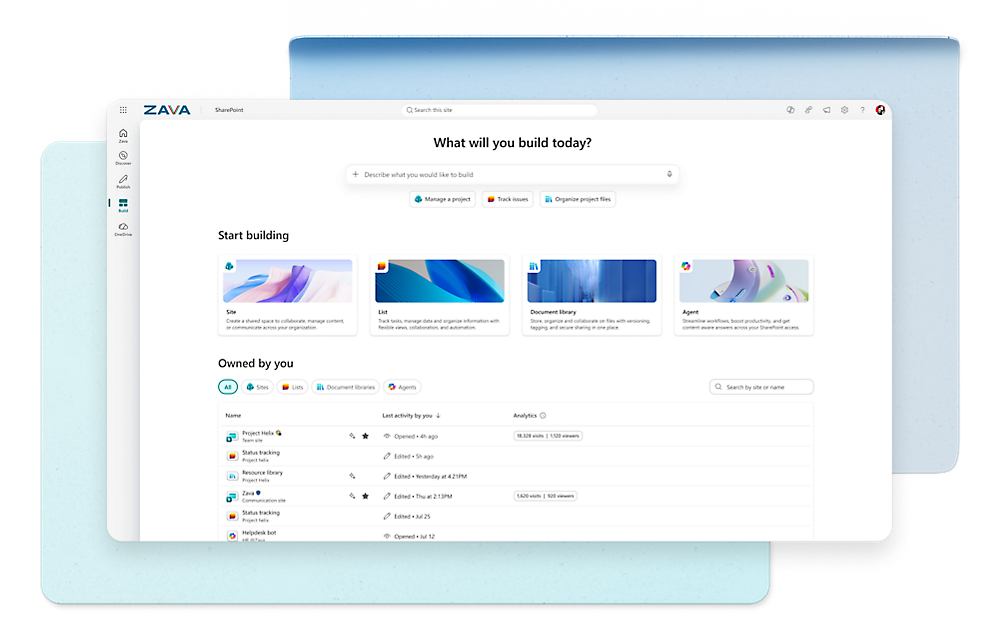
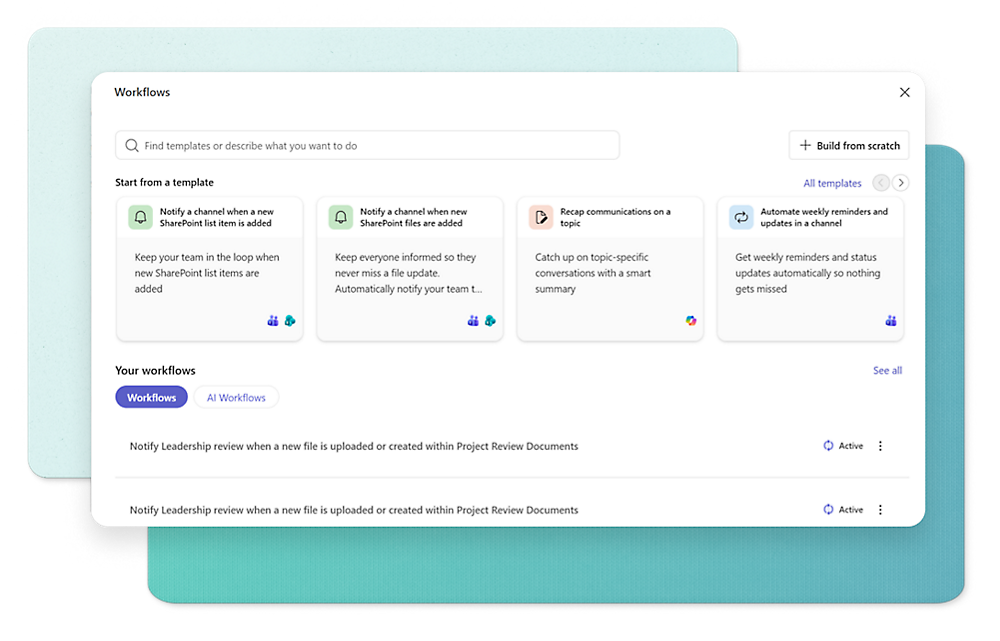
Create tailored sites with unified tools, templates, and AI‑powered insights across content, lists, and agents.3

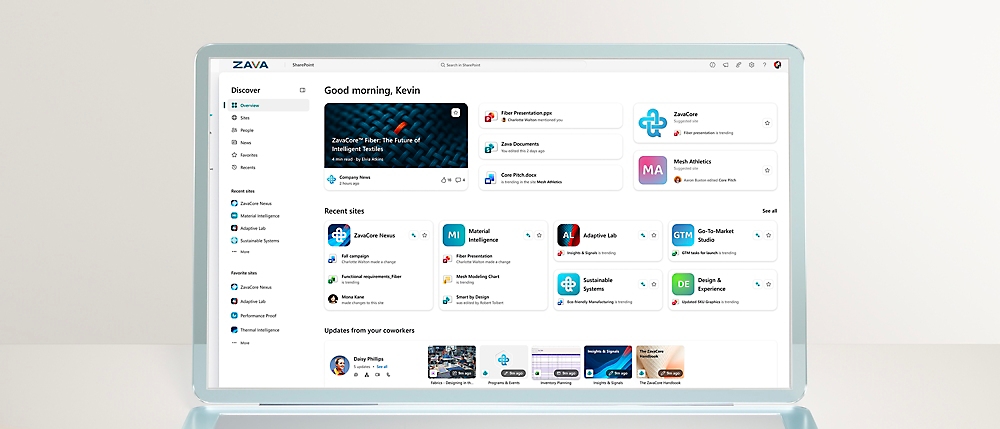
Stay connected with AI that surfaces what matters to you

Find what matters across SharePoint, exploring relevant sites, pages, and resources based on your work.3
AI TRANSFORMATION

Simplify processes across your business

Microsoft 365 Copilot

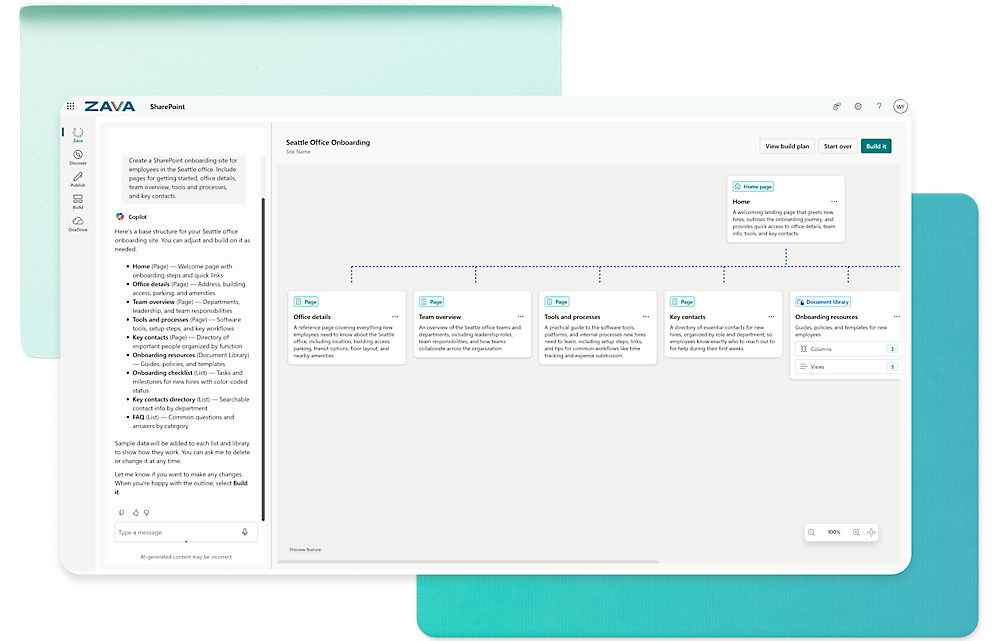
Quickly create striking pages and sites with Copilot. Simply explain what you need in natural language.

Agents in SharePoint

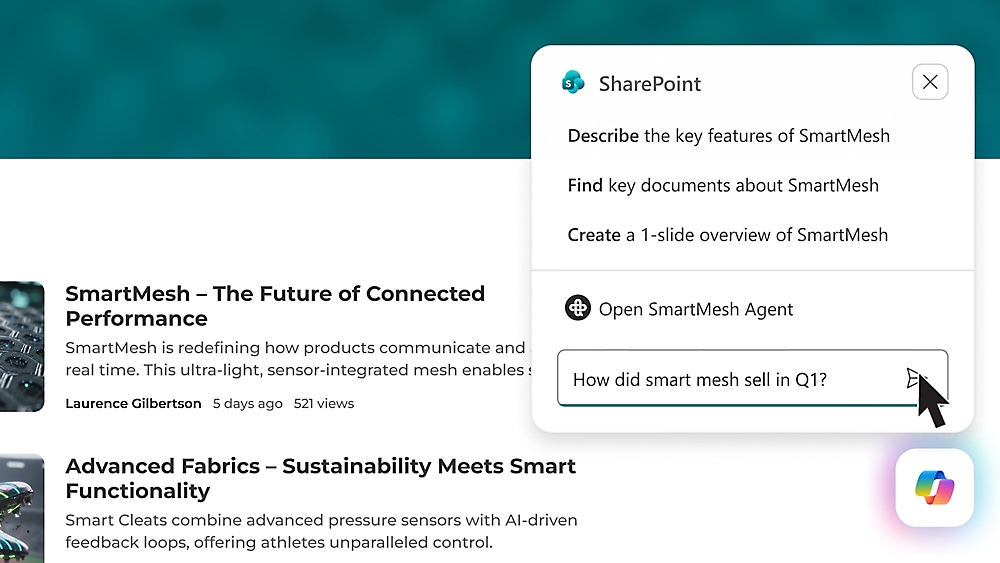
Enhance knowledge-sharing and teamwork with agents that answer questions, summarize information, and provide content insights.

Advanced Management

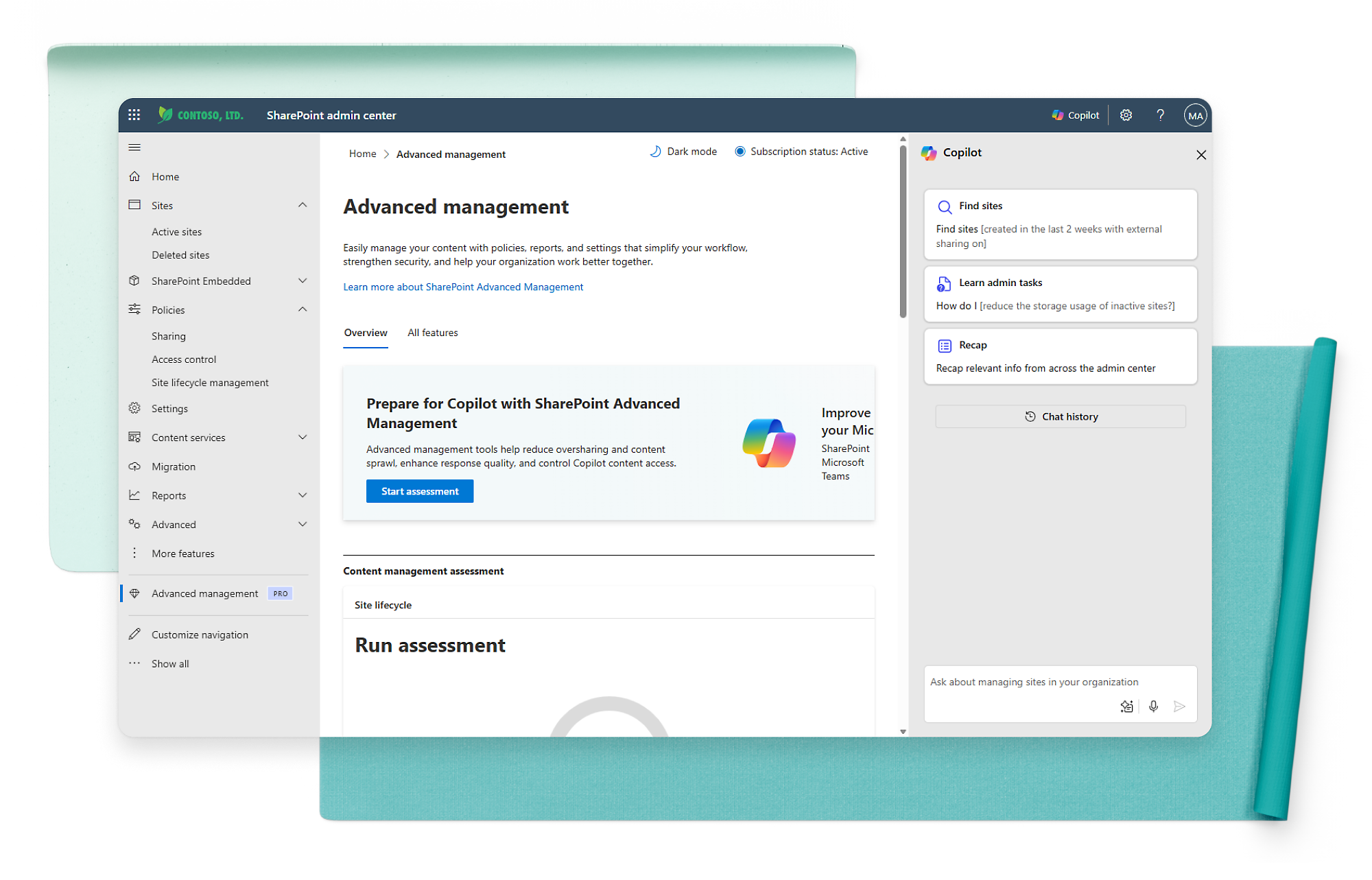
Maintain security and compliance with content management capabilities such as restricted access control, data governance, and conditional access policies.
EXPLORE SHAREPOINT

Turn knowledge into action, at scale

SharePoint brings intelligence to every experience, wherever you work.
Templates

Design. Create. Deliver.

Easily build beautiful, engaging sites that enable real-time collaboration, seamless communication, AI-powered automation, and agent-assisted knowledge discovery and reasoning.

Authoring support

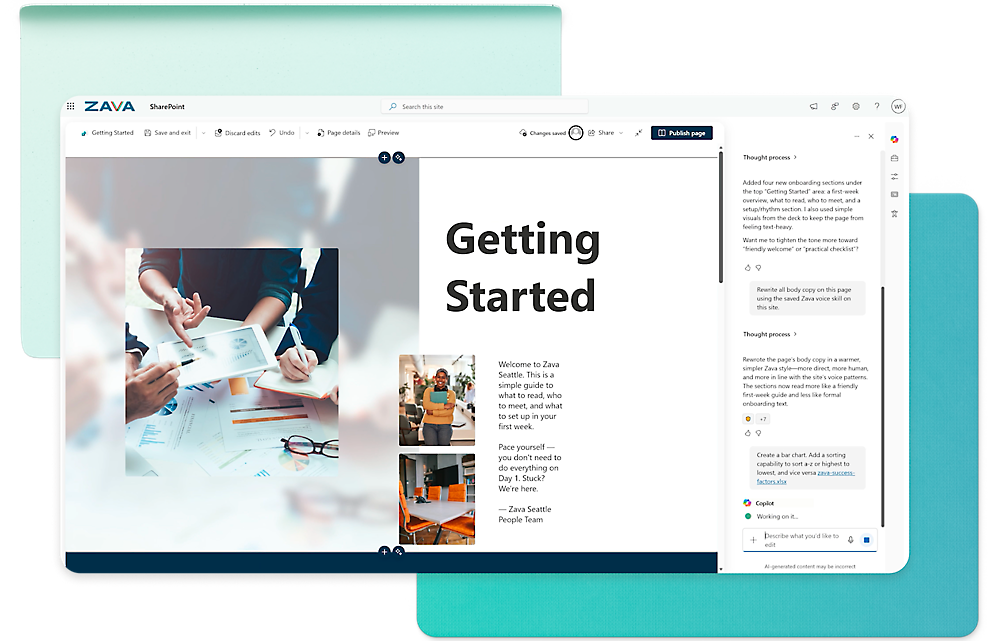
Streamline content creation with Copilot.

Design ideas

Tailored site design from your content
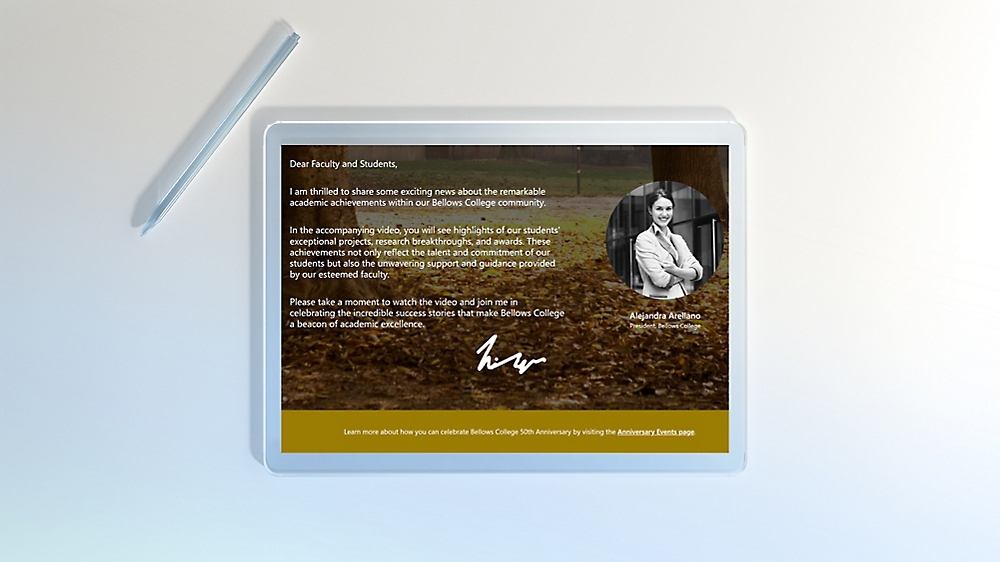
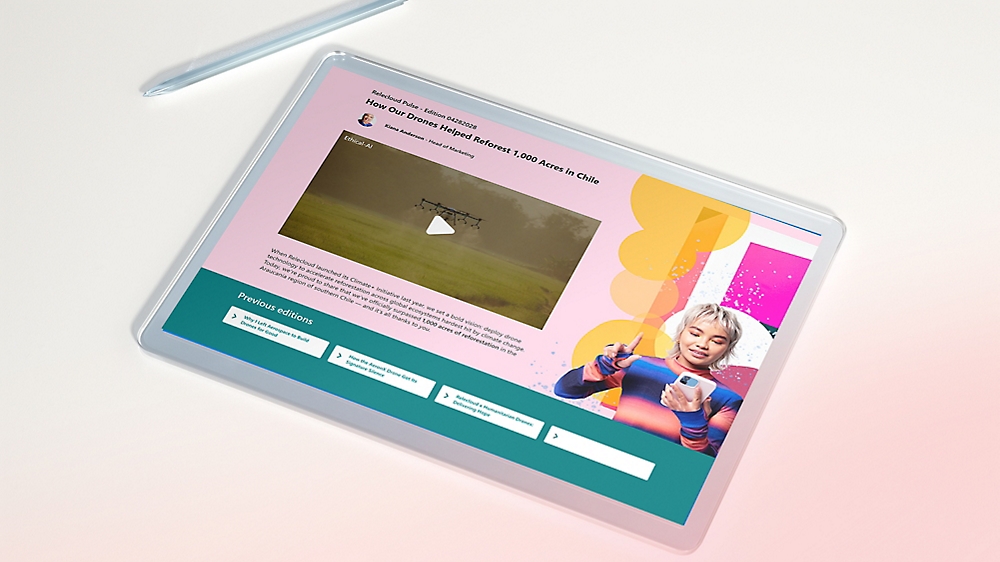
A tablet showing a video file on the screen

 Flexible layouts

Create dynamic and visually appealing site designs

Scaled simplicity

Templates, tool boxes, and drag-n-drop support

Immersive content

Supports video and motion for an immersive experience
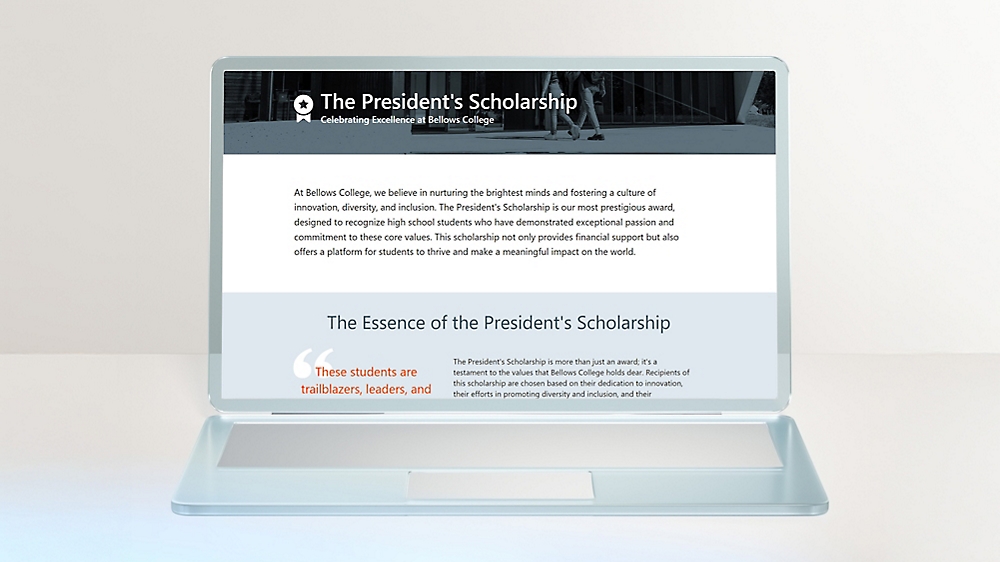
A computer interface displaying a dashboard of latest updates

Ready-made agents

Site-specific agents for each site
Plans & pricing

Compare SharePoint Online options

Back to tabs
Events

Stay connected with our latest events to learn, explore, and innovate

Used by millions worldwide

More than 200,000 organizations and 190 million people use SharePoint for intranets, team sites, and content management

Frequently asked questions

  • Microsoft SharePoint is a web-based collaboration and document management platform used by organizations to store, organize, share, and access information securely. It's part of the Microsoft 365 suite and integrates with other Microsoft tools like Word, Excel, Teams, and Copilot.

    SharePoint supports content management, intranet portals, and internal communications to help streamline workflows and improve productivity.
  • SharePoint offers granular permission settings, allowing administrators to control access at the site, list, and item levels.
  • SharePoint can be customized using site designs, web parts, PowerApps, Power Automate, and custom development with SharePoint Framework (SPFx).
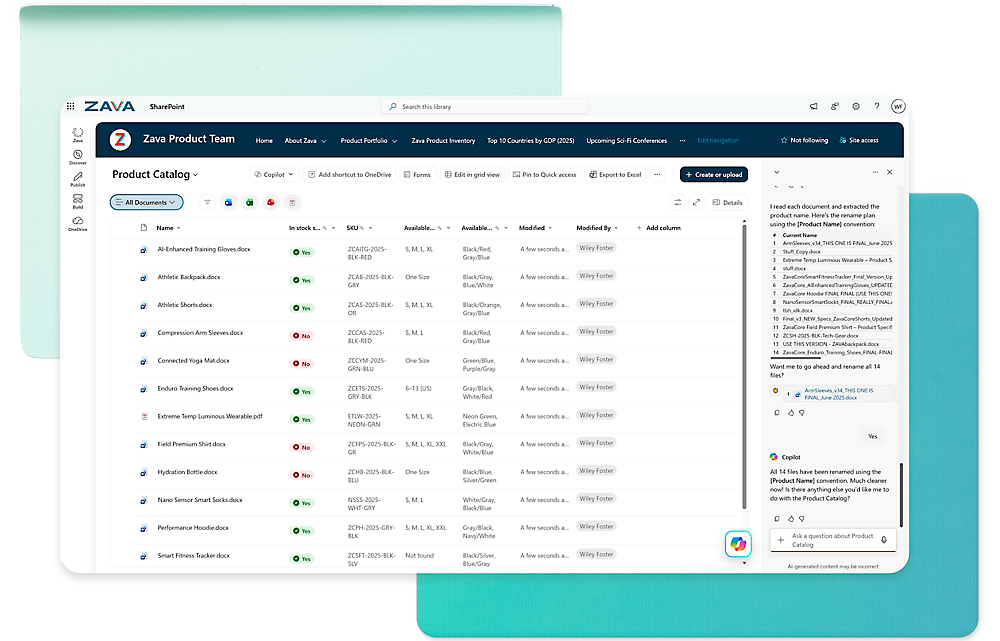
  • Copilot helps SharePoint users author pages and create content-rich sites. With Copilot, you can type in natural language about the kind of content you want to create, including the language, tone, and information, and it will do the work for you. You can also provide existing content―like a Word document or PowerPoint presentation―to Copilot, and it will transform that content into a beautiful page.
A man sitting on a couch using a laptop.
Contact Sales

Add Copilot to your Microsoft plan

Achieve more than ever using AI integrated with Word, Excel, PowerPoint, Outlook, and other Microsoft 365 apps.
Microsoft 365
Bring your business ideas to life with the tools you need to create and connect.

Microsoft OneDrive

Securely save and share what’s important.

Microsoft 365 Backup
Keep your business running with fast recovery.
  1. [1]
    Once your paid subscription begins, you have a 7-day cancellation window to receive a prorated refund, only paying for what you use. You may cancel your subscription at any time in the Microsoft 365 admin center. Learn how to cancel your Microsoft 365 subscription. When a subscription is canceled, all associated data will be deleted. Learn more about data retention, deletion, and destruction in Microsoft 365.
  2. [2]
    After your one-month free trial ends, your subscription will automatically convert to a paid subscription and you’ll be charged the applicable subscription fee based on the subscription term and billing plan you select. Cancel anytime during your free trial to stop future charges. A credit card is required to sign up. Storage for trials will be limited. Microsoft reserves the right to suspend access to its products and services if payment is not received after your one-month free trial ends. Learn more.
  3. [3]
    Learn more about public preview.

Follow Microsoft 365