
Image prompting 101: Master AI image generation with Copilot
Learn how to write effective AI image prompts and enhance your AI image generation skills with this guide from Copilot. Structure and format your prompts to generate pictures that align with your inner visions.
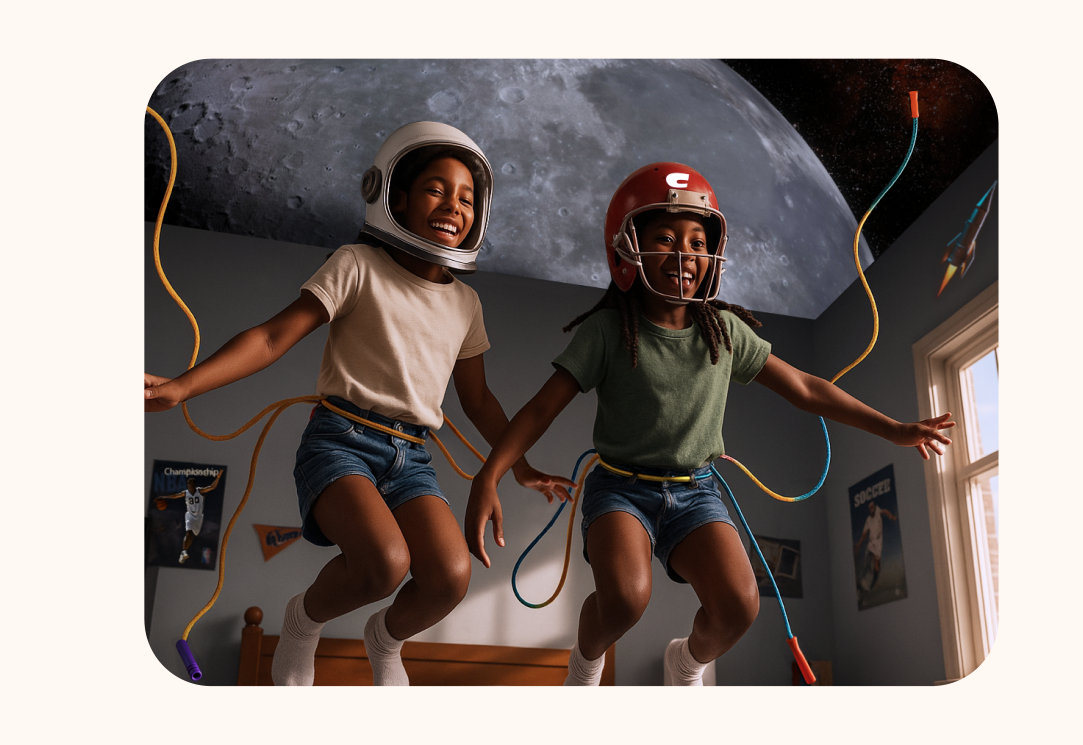
- Strong prompts lead to better AI image generation.
- The clarity, detail, and structure of your AI image prompt directly influence what sort of image is generated.
- Descriptive language enhances creativity.
- Using vivid adjectives, specific subjects, and clear artistic styles helps AI models understand your intent and produce more tailored results.
- Refinement is part of the process.
- Editing your AI image prompts by adjusting tone, detail, or composition can unlock more consistent, professional-quality AI images over time.
What is an AI image prompt?
An AI image prompt is the text-based set of instructions that you provide to a generative AI model like Copilot to generate a unique image. By specifying the subject, background, style, colors, and other details, you guide the AI to translate your imagination into a visual representation, essentially turning your text into digital art.
Your prompt can be as simple as a phrase, or as complex as a sentence or paragraph, but the more detailed and specific you are about what output you want, the more likely you are to receive AI generated art you’re happy with.
How you structure and format your prompt can have a significant impact on the quality and diversity of the images you get.
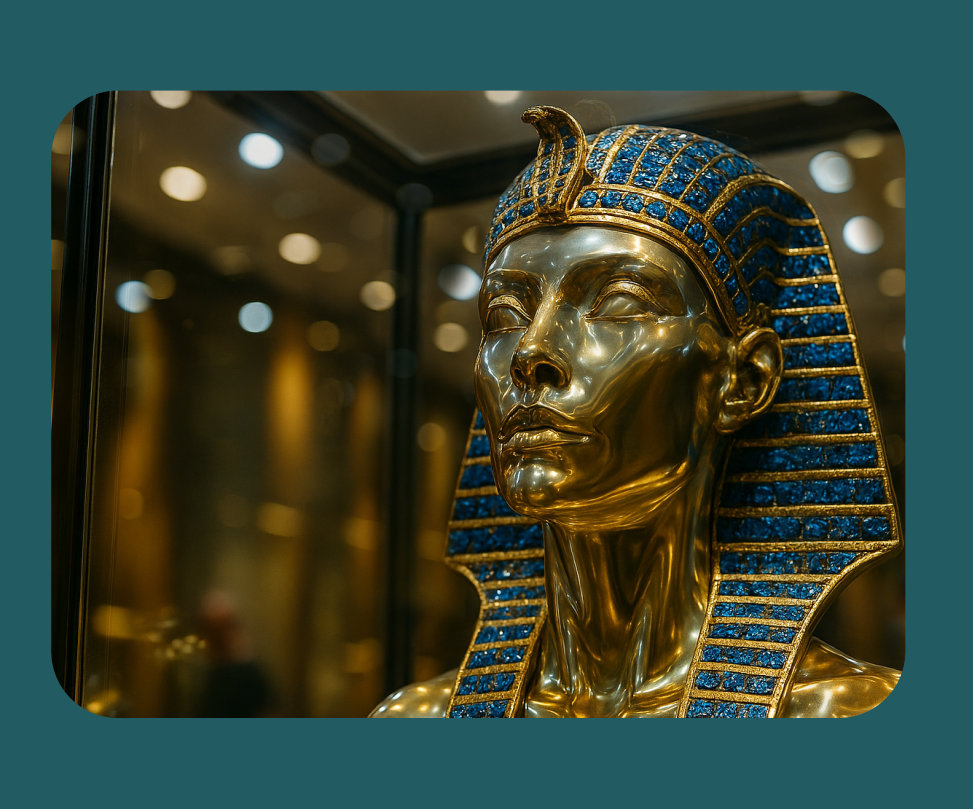
How to write an AI image prompt
AI image generation is a lot like generating text: a specific, detailed prompt is more likely to get you the result you want. Check out these quick tips and best practices for AI artwork prompts:
Starting a prompt
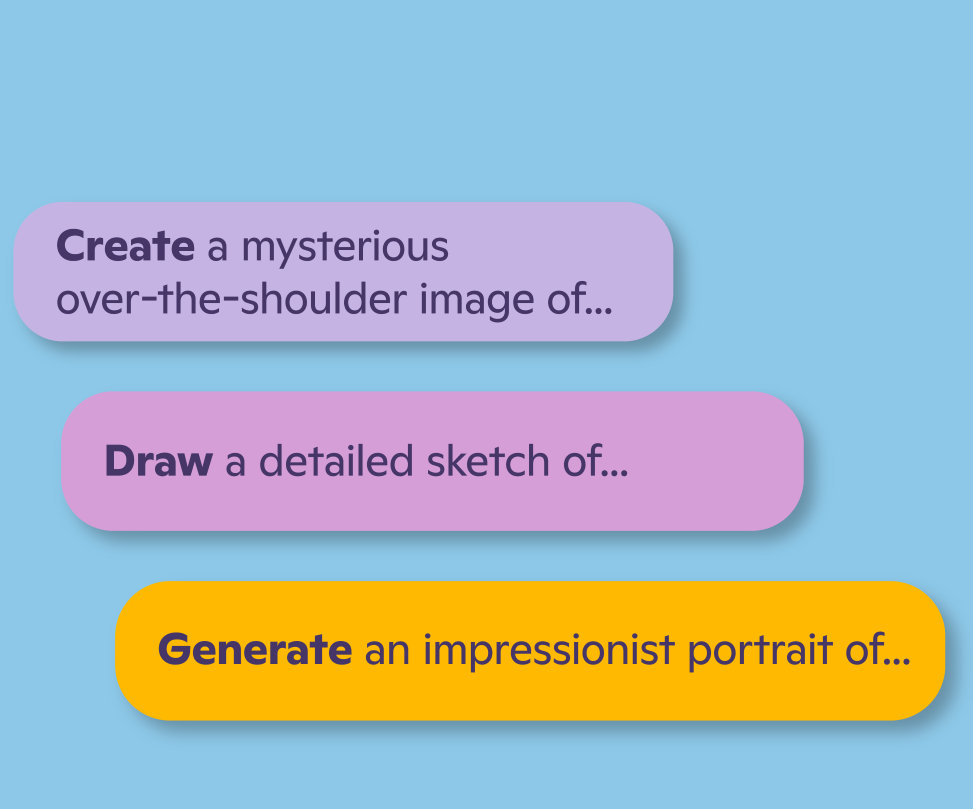
To generate images, begin your prompt with the right formula of words. Start with the subject of your art, then move to any details you want to be included. Add more details to get better results. Similarly, you’ll need to let generative AI know that it’s going to be creating art and not writing an email. Try starters like these to prompt Copilot to generate an image rather than a conversation.
Descriptive language in AI image generation
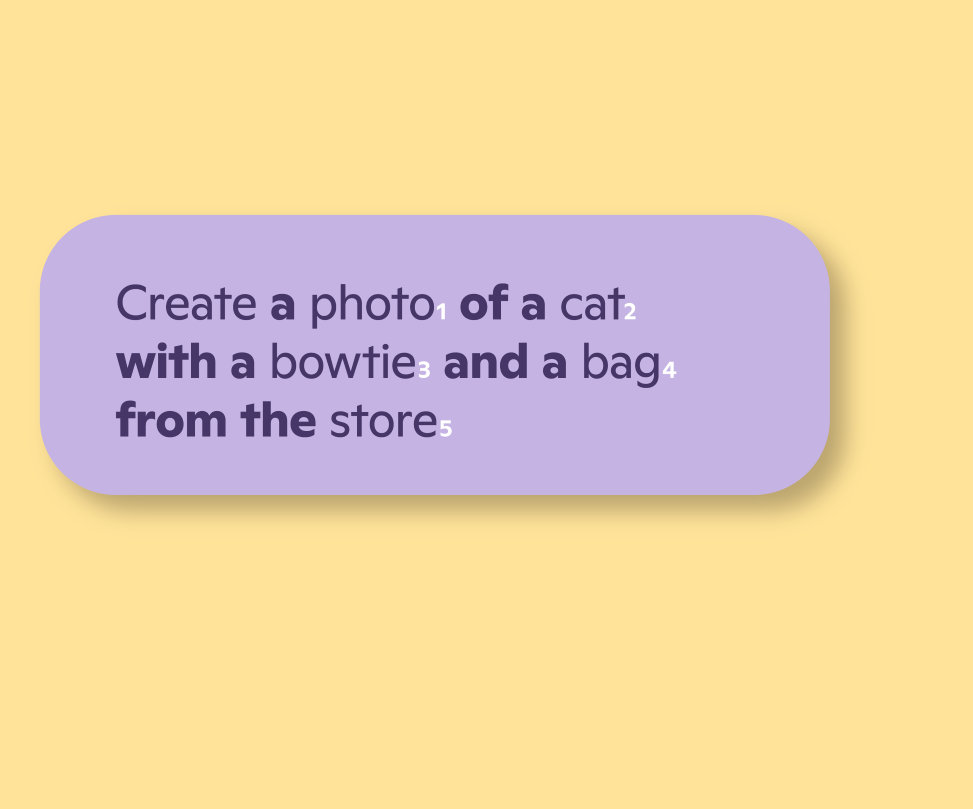
When it comes to prompt engineering, it’s important to make every word count. Copilot does not recognize stop words like “a,” “for,” and “from.” So, while stop words can help you phrase your prompt, focus on descriptive language. For the best results, use at least six descriptive words that tie directly to the image you want. Here is an example of a prompt with too many stop words and not enough descriptive words:
Other AI image prompt ingredients
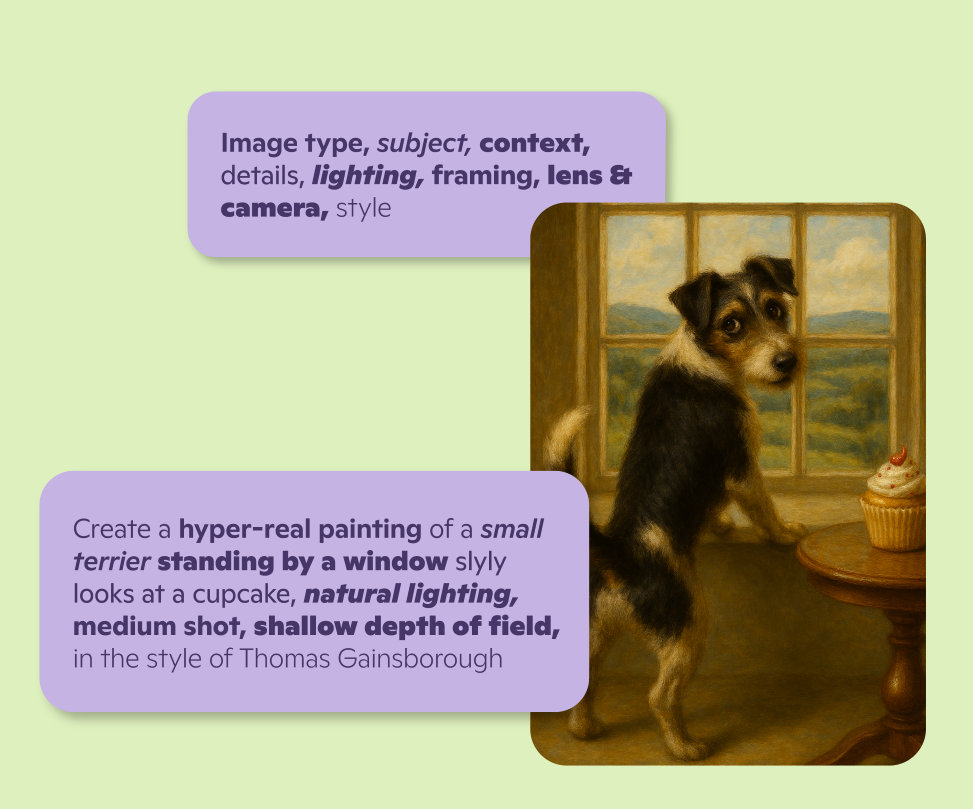
What goes into a good prompt for AI image generation? While not all of these components or ingredients are required, they are helpful when used correctly. The following components of image prompt engineering help Copilot to better identify what type of image you want: image type, subject, context, details, lighting, framing, lens and camera, and style.
Here is an example with a type of image, subject, and a variety of detailed descriptors to help Copilot generate an original image:
Best practices for writing an AI image prompt
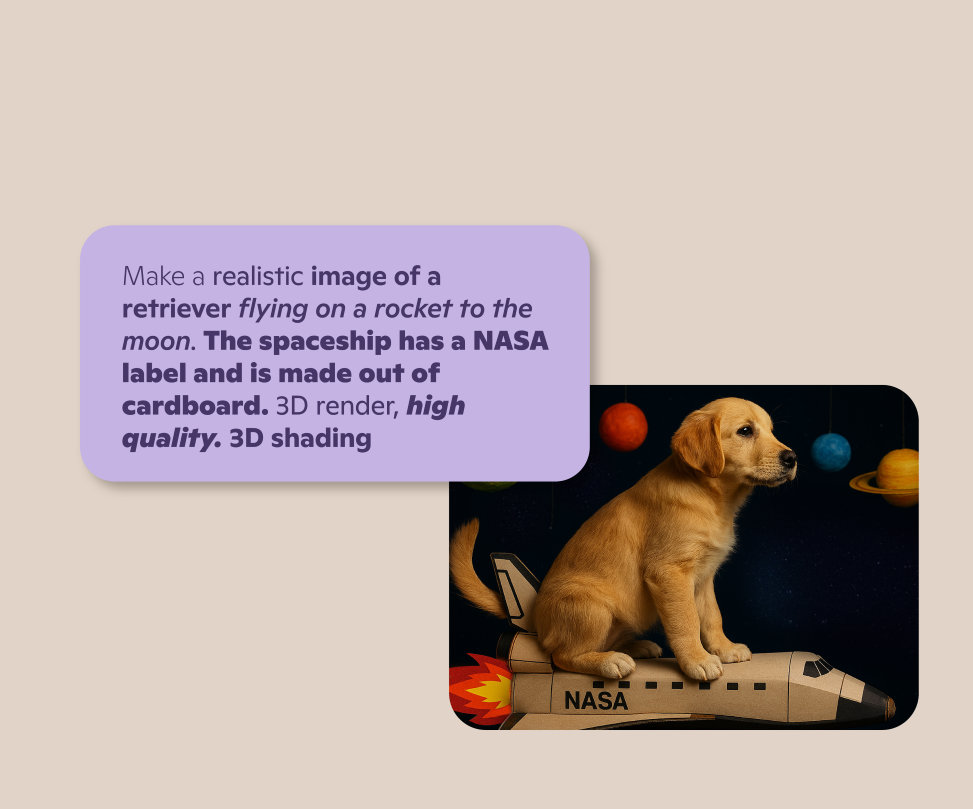
When writing an AI art prompt, be sure to use precise language and a minimum of six keywords to describe the results you want. Avoid vague or ambiguous terms that could lead to multiple interpretations. For example, you could ask Copilot to make an image of a “dog on a spaceship.” However, if you want something more detailed, try this:
Don’t forget to use as many ingredients as you can to get a better result. Be sure to provide:
- A clear action (make, create, paint, illustrate, draw, generate)
- A detailed subject
- A specific style
- A scene or setting
- A list of additional elements
Be creative
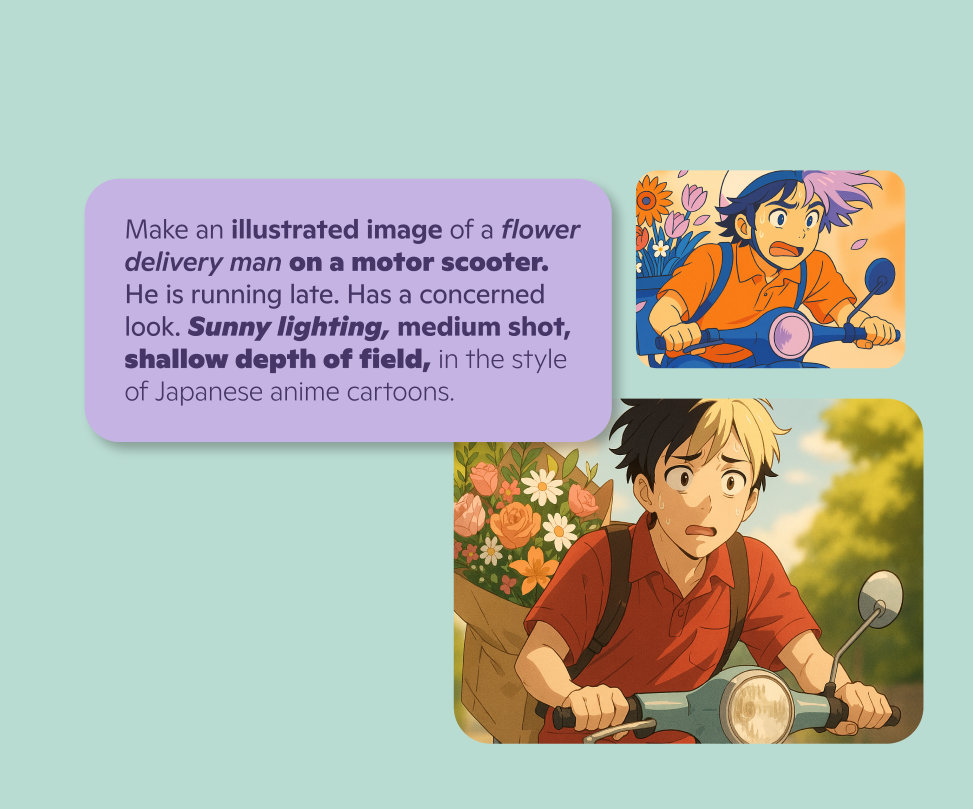
Use your imagination and experiment with different combinations and variations of at least six words. You can use metaphors, analogies, humor, and more to generate new, more interesting images. For example, you could just ask Copilot for “a flower delivery man,” but why stop there? Get more creative and playful with details, like this:
Best practices for writing an AI image prompt
With practice and imagination, you can use prompt engineering to generate stunning images and art that tell unique stories. Let your imagination run wild and make any art you can imagine with Microsoft's AI image generator in Copilot.

Follow Copilot