


-
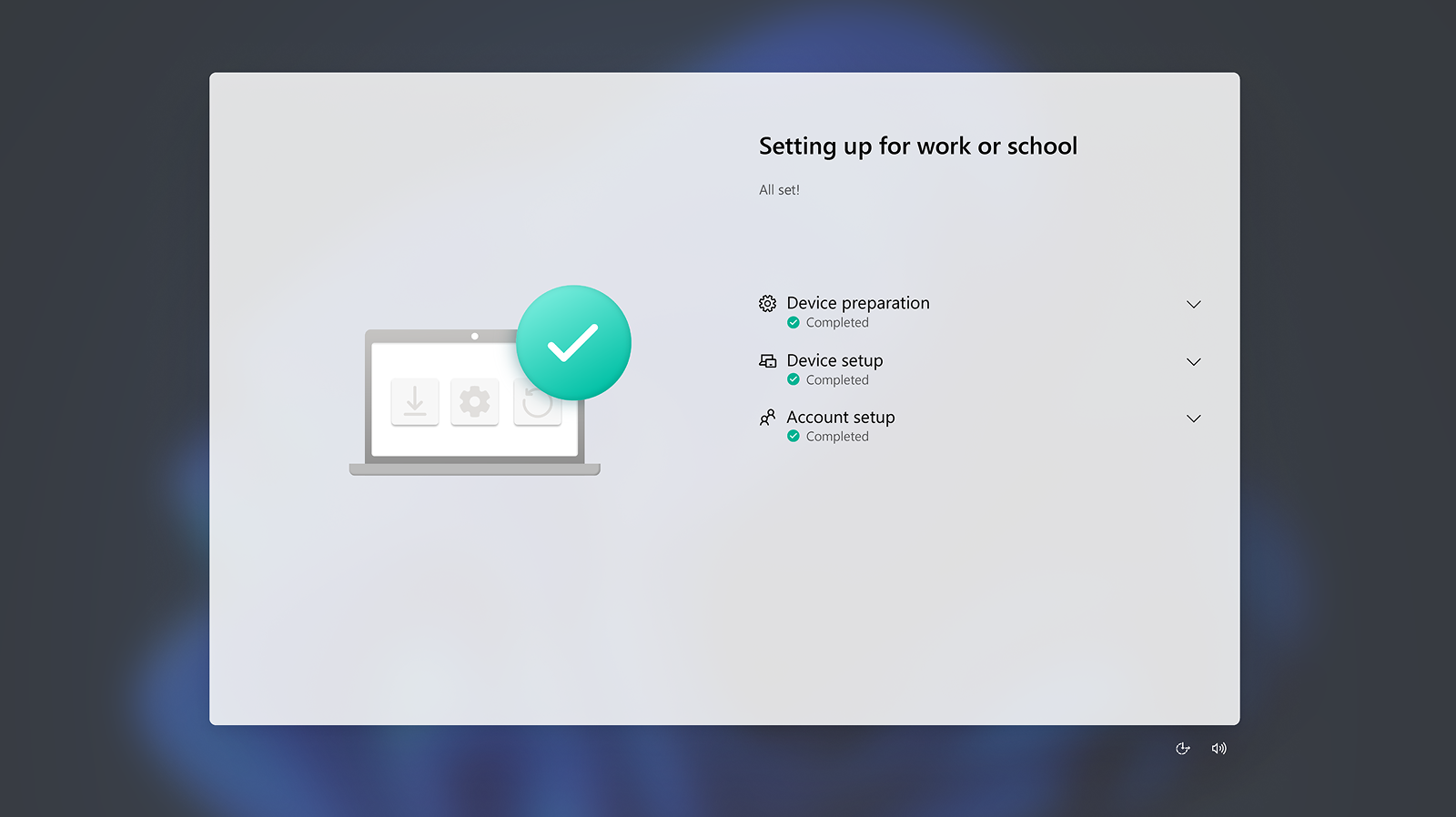
Deploy faster with Windows Autopilot 11 for zero-touch provisioning to get employees’ new PCs ready to go—with apps and security policies in place.
-
Anticipated reduction in device management time by up to 30% due to improved reliability and support for proactive diagnostics with Copilot+ PCs. 4
-
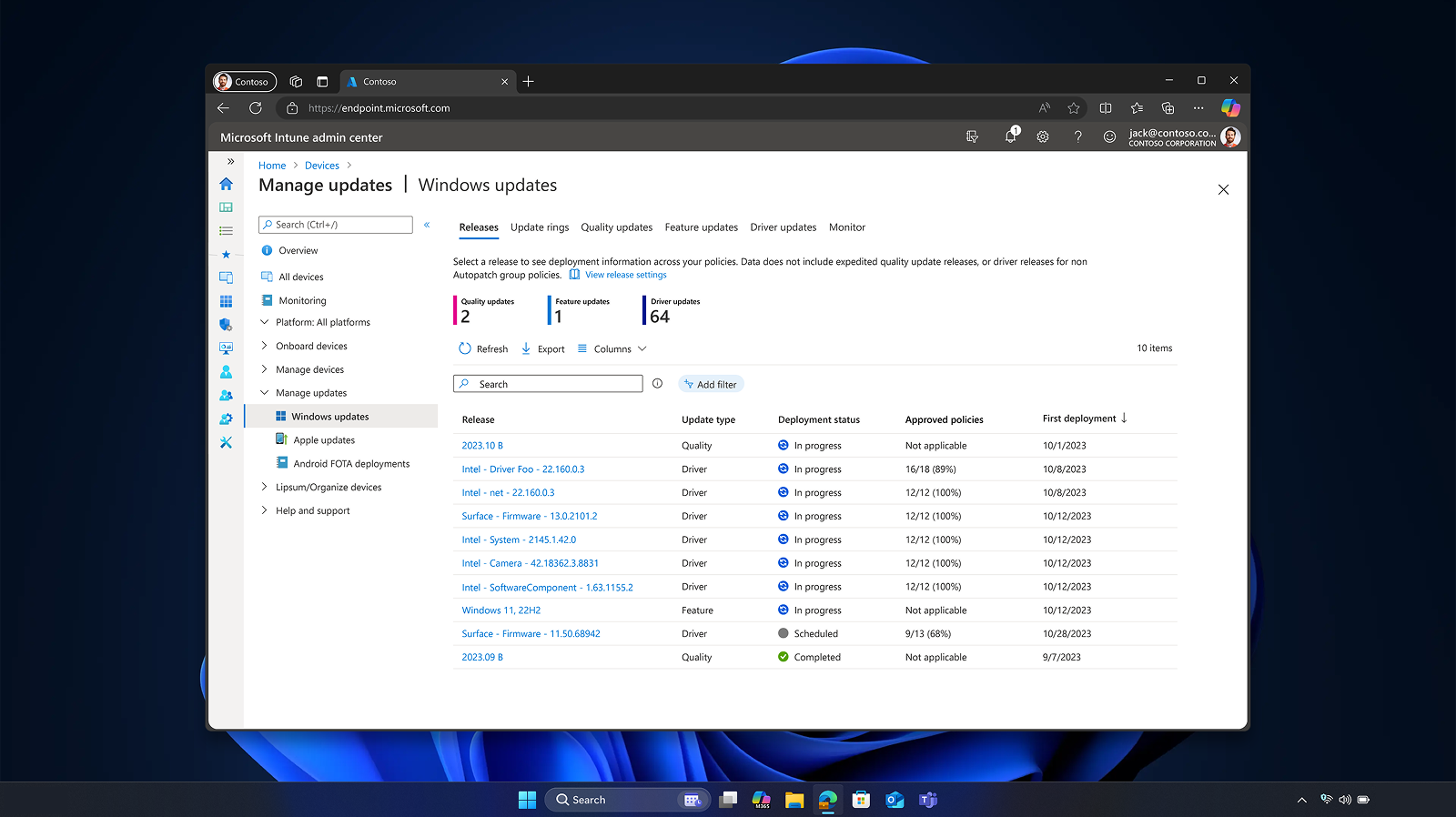
Manage devices, apps, AI tools, Zero Trust policies, and least-privilege access using Microsoft Intune, 2 so endpoints remain compliant and secure.
-
Increase your productivity by using security features turned on by default and self-service features that can reduce helpdesk requests.
Windows 11: A smooth transition starts here.
Windows 10 support has ended, and every business is navigating this moment differently. Whether you're upgrading now or exploring what’s next, we’ll help make the transition smooth, secure, and tailored to your team.
Windows 11 Pro means business
Keep pace, stay protected. Windows 11 Pro devices including Copilot+ PCs enable centralized IT control and AI-enhanced productivity.

Windows 11 Pro means business
Keep pace, stay protected. Windows 11 Pro devices including Copilot+ PCs enable centralized IT control and AI-enhanced productivity.
Windows 11 Pro means business
Keep pace, stay protected. Windows 11 Pro devices including Copilot+ PCs enable centralized IT control and AI-enhanced productivity.
![[FPO] A presenter leading a discussion in a meeting room.](https://cdn-dynmedia-1.microsoft.com/is/image/microsoftcorp/MSFT-CLE-Comarketing-Windows11Pro-hero-desktop:VP5-800x450?fmt=png-alpha)
Why Windows 11 Pro

Optimize business operations and set up robust safeguards
Maximize your efficiency with speedy deployment and centralized IT controls.

Drive productivity and help boost business performance
With AI integrated across apps people can do more, faster—without compromising security.

Support data integrity and protect against the latest threats
Build long-term resilience with a security posture that evolves continuously to help meet ever-changing threats.
Power your business with Windows 11 Pro devices

Laptops

Desktops and all-in-ones

2-in-1s

Copilot+ PCs
Decide, deploy, accelerate
Use the resources below to help identify and roll out the best Windows option for accelerating productivity, strengthening security, and keeping IT and the business aligned.

Find the Windows solution that fits your business
Compare Windows 11 Pro devices, including Copilot+ PCs, across security, management, performance, productivity, and AI to find the best fit for your business needs.

Explore Windows 11 Pro
Make the move to Windows 11 Pro with confidence by demonstrating ease of deployment and ROI across productivity drivers, data protection, AI governance, and more.
Windows means streamlined work, secure by default
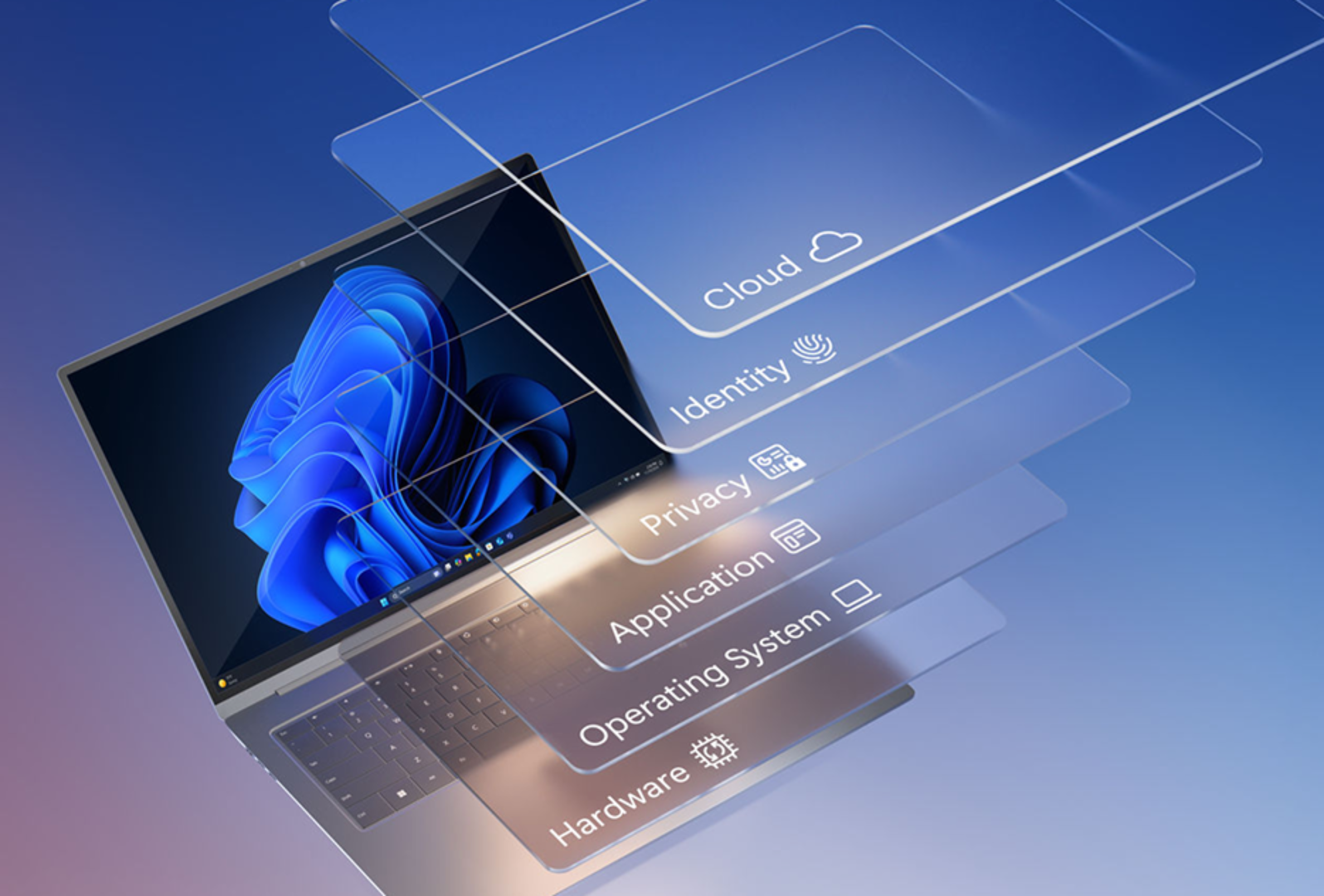
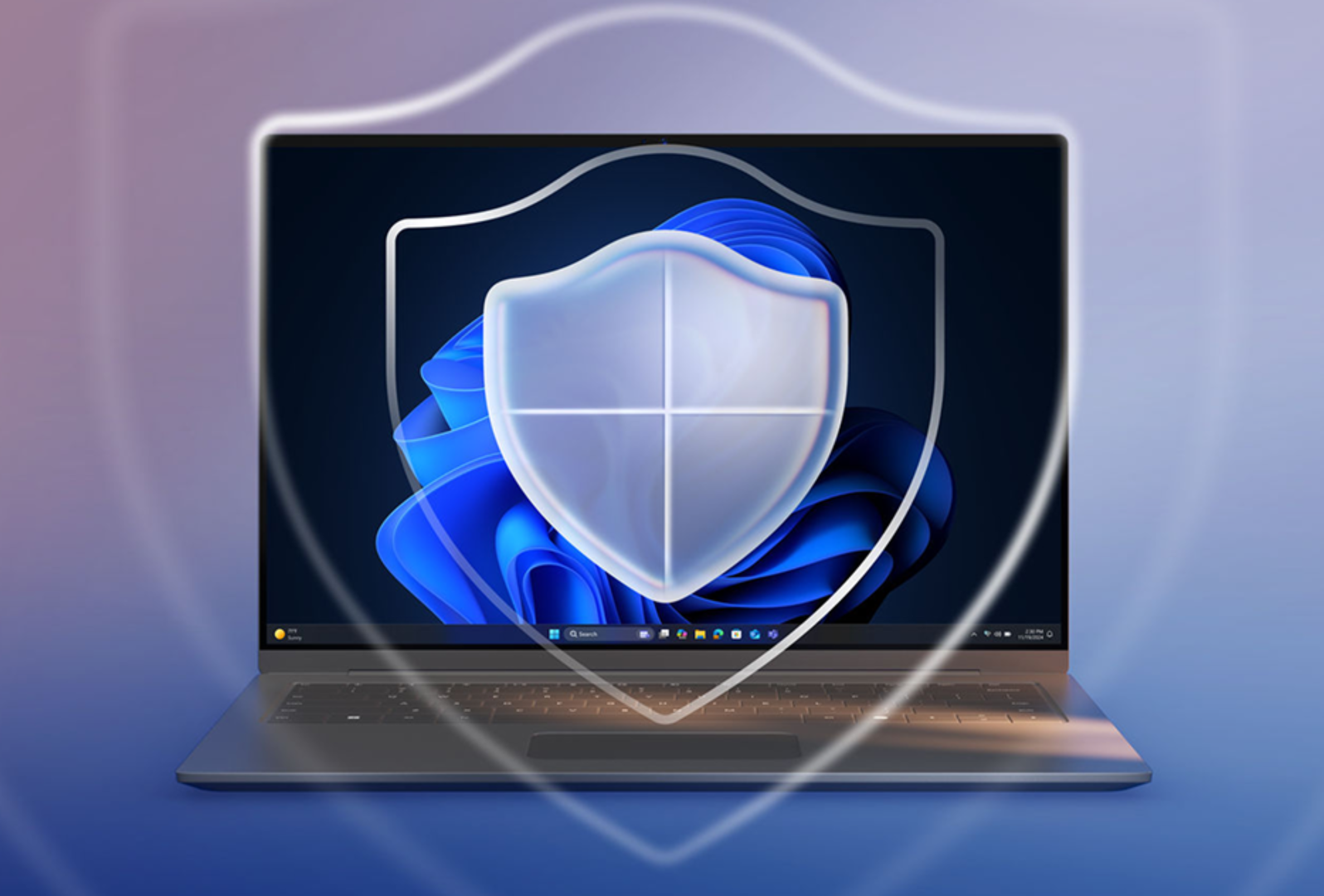
Protect against evolving threats. Windows 11 Pro devices, including Copilot+ PCs, deliver chip-to-cloud security and intelligent data safeguards to help maintain control and compliance.
Intelligent safeguards and granular control
Significantly reduce security incidents with intelligent safeguards—application control, least privilege admin protection, and hardware-backed isolation.
Identity protection anywhere and everywhere
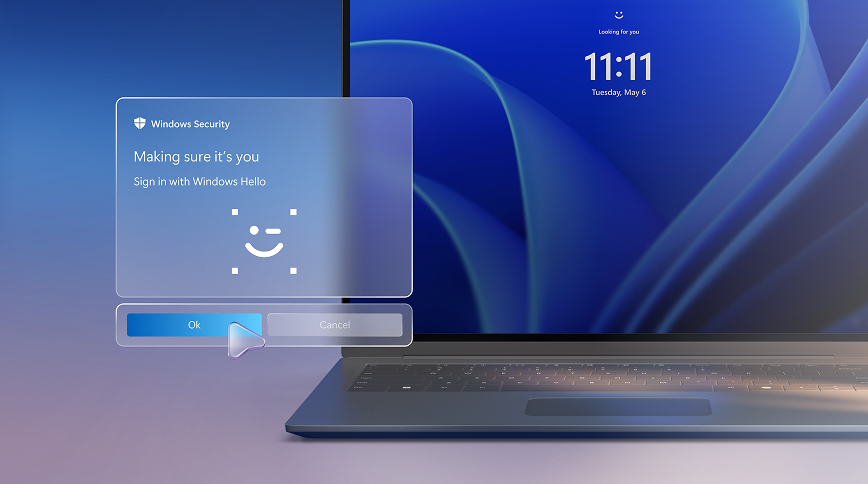
Protect identities across devices. Secure, passwordless sign-in and proactive phishing defense are backed by biometric authentication, 1 intelligent threat detection, and admin safeguards.
Intelligent data security and compliance
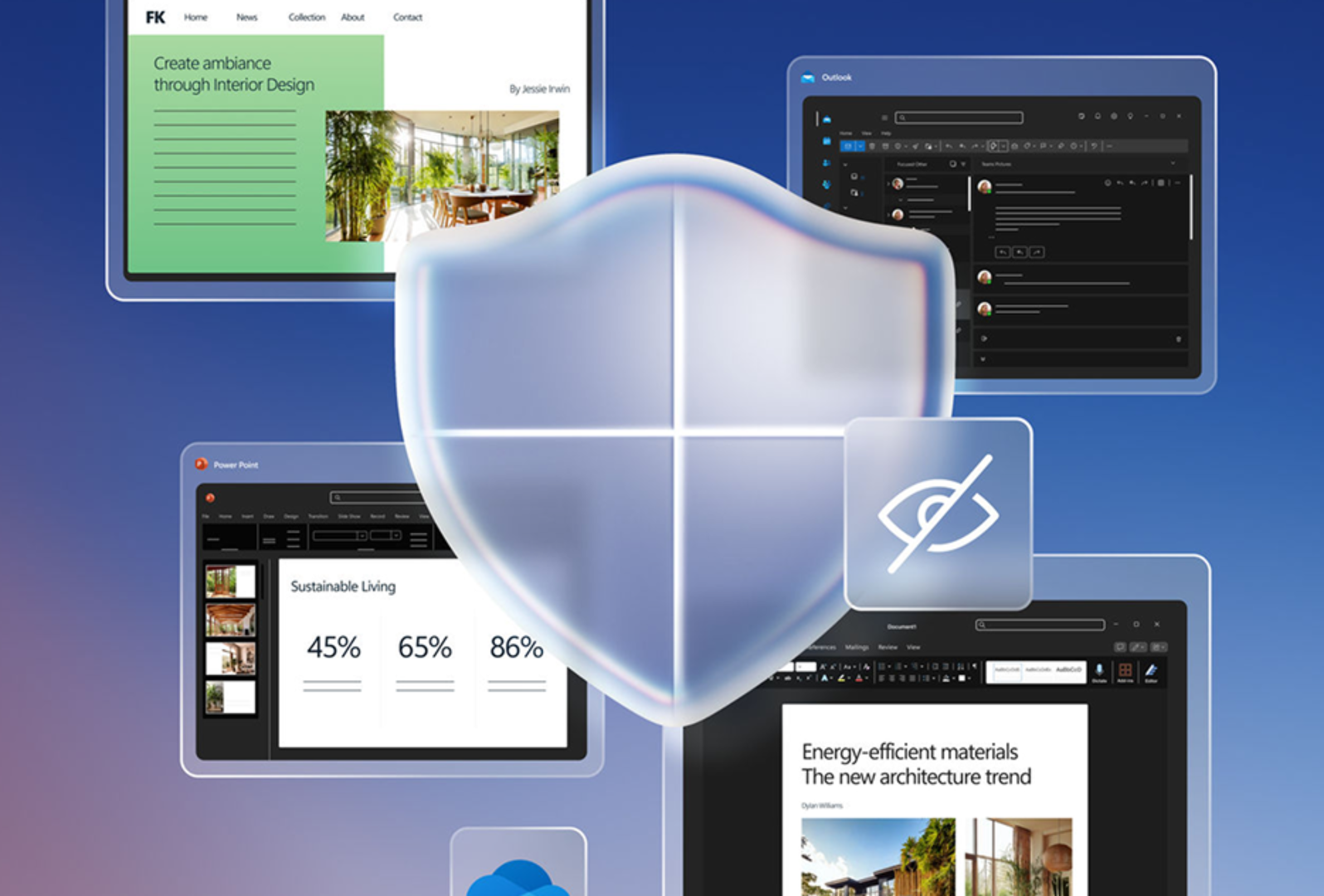
Help keep sensitive information protected and aligned to your security policies. Shield business data with device encryption by default, 2 real-time malware safeguards, and identity protection.
Continuous evolution
Help people stay focused. Windows 11 Pro delivers real-time threat protection with Microsoft Defender Antivirus and Windows hotpatch security updates without restarts. 3

Power, performance, and protection with Windows 11 Pro
More time for your people, less work for IT, and stronger data protection.
Windows means productivity, protected
Speed never comes at the cost of security with Windows 11 Pro. It combines improved IT control with a familiar, faster way for people to work.
Work smarter with built-in AI
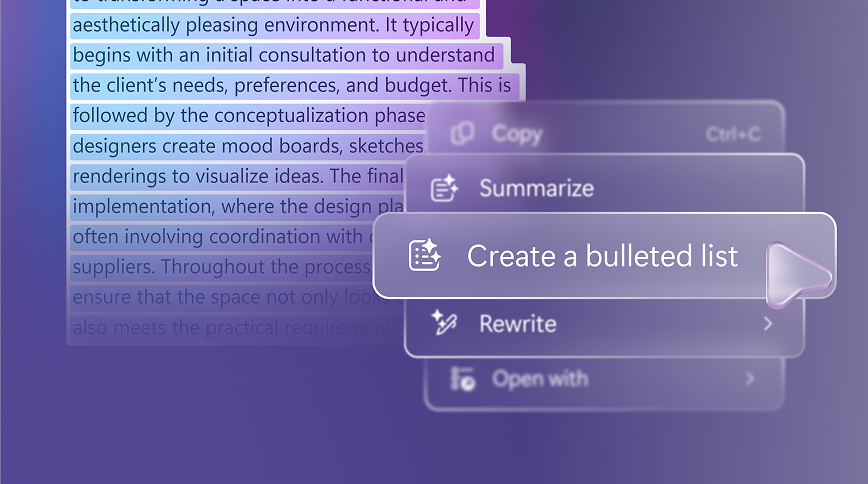
People can finish tasks faster with the powerful combination of recommended actions, AI-driven search, and automated actions.
Collaborate from anywhere
Help people work better together. With simple layouts, clearer calls, and access to shared files and apps, everyone can stay aligned to get more done.
- Snap layouts: Keep shared docs, chats, and apps side by side for fast decision-making.
- Noise cancelling and background blur: Clearer video calls help meetings stay on track.
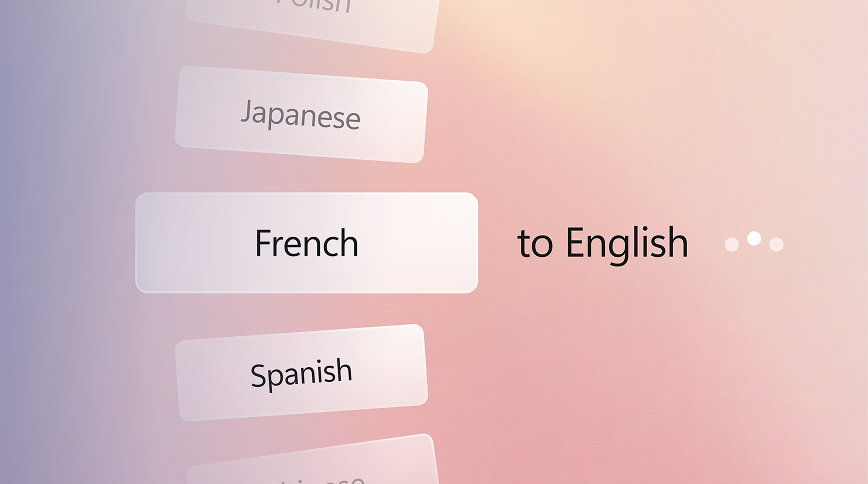
- Live Captions: Real-time subtitles help make meetings inclusive. 7
Windows means IT efficiency
Stay in control at scale: Help reduce support tickets and strengthen security across devices, apps, and AI, so you can keep the organization running with speed and confidence.


Frequently asked questions
Frequently asked questions
-
The upgrade to Windows 11 is for the same edition as you have on your Windows 10 device. Windows 11 Pro does not offer Windows 11 Pro in S mode, so you will need to switch out of S mode to upgrade.
-
PCs with Windows 11 are available from a broad selection of retailers and our partners. Explore Windows 11 Pro computers today.
-
Yes, and you can get the best Copilot experiences using Windows 11 PCs, with Copilot+ PCs offering the most advanced AI capabilities. For enterprise data protection, users must sign in with their Microsoft Entra ID. 12
-
Windows 11 Pro helps increase engagement of each employee by bringing more intelligent, inclusive experiences across every job and workstyle. It balances information access and employee flexibility with addressing an ever-changing threat environment. In addition, it helps IT cut costs and complexity with cloud tools, streamlined devices, and management from anywhere.
Upgrade to Windows 11 Enterprise for advanced management and security features. -
Windows 11 Pro helps employees work more efficiently by:
- Managing multiple apps at once to reduce time lost to switching windows.
- Minimizing distractions during deep work sessions with Focus Assist, which improves concentration and output.
- Streamline workflows and boost operational efficiency with AI assistance in familiar apps, with optimized experiences delivered on Copilot+ PCs. 10
-
Copilot+ PCs represent a cutting-edge category of AI-enhanced Windows 11 devices. In addition to the CPU and GPU available on conventional computers, Copilot+ PCs feature high performance neural processing units (NPUs). These NPUs—capable of executing over 40 trillion operations per second (TOPS)—are designed to handle demanding AI workloads efficiently, enabling high-performance features such as real-time language translations. By handling certain AI tasks, the NPU frees up the CPU and GPU to focus on other operations, resulting in improved overall system performance and can deliver longer battery life 9 due to optimized power distribution.
-
The Neural Processing Unit (NPU) embedded in Copilot+ PCs is a chip purpose-built to accelerate AI processes and enable advanced and unique AI experiences. 10 NPUs are optimized for low-latency, high-throughput execution with less memory fetching, enabling advanced AI functionality while helping ensure fast-system performance overall and long battery life. 9 Core features powered by the NPU on Copilot+ PCs include Live Captions with real-time translation, Click to Do 13 that analyzes text or images on your screen and gives intelligent suggestions for the next steps in your workflow, and improved Windows search 14 to find documents and settings by describing them, Copilot+ PCs also provide an opportunity for developers to create their own AI models that leverage the NPU by using resources available in Microsoft Foundry on Windows. Learn more.
-
Copilot+ PCs are optimized to deliver exceptional AI-powered experiences 10 to boost innovation, enhance communication, and increase productivity for both IT staff and employees. Leveraging the performance of high-powered NPUs, these devices offer unique features and tools that cater to a variety of operational needs. While Copilot+ PCs offer unique experiences, they are business ready and can be securely managed with the same tools and processes used for other Windows 11 Pro PCs. Highlights of Copilot+ PCs features delivered through 2025 that use the NPU include, Click to Do, 13 improved Windows search, 14 Live Captions with translation, 15 and Windows Studio Effects. 16 For context, let’s compare a familiar experience. On Windows 11 Pro PCs, you can have a great videocall enhanced by features like background blur and Live Captions for dozens of languages. Copilot+ PCs with their powerful NPUs take that videocall to the next level, with features like automatic framing and live translation from 40+ languages into English and from 27 languages into Chinese (Simplified).
-
While all Windows PCs have a CPU and GPU, Copilot+ PCs add a powerful Neural Processing Unit (NPU) capable of over 40 trillion operations per second. This NPU is purpose-built to accelerate demanding AI workloads, enabling faster performance, longer battery life, 9 and new hybrid AI experiences that intelligently distribute tasks between the device and the cloud. Copilot+ PCs feature the most powerful Windows security by default—including Secured-core PC protection and Microsoft Pluton—and can be managed with the same tools as your other Windows 11 Pro PCs.
-
Copilot+ PC experiences are not available on all Windows 11 Pro PCs and are exclusive to a specialized class of Windows 11 devices that feature advanced system specifications. As the highest-performing Windows PCs available, Copilot+ PCs are designed with advanced hardware capabilities—most notably a neural processing unit (NPU) capable of over 40 trillion operations per second (TOPS). Features exclusive to Copilot+ PCs include AI-enhanced features such as Click to Do, 13 Live Captions with translation, 15 Windows Studio Effects, 16 and more.
Stay ahead. Get the insights
Gain an edge with expert insights on security, data protection, productivity, and IT management.
Stay ahead of what's next for business PCs
Receive monthly insights on Windows innovation, security, and productivity.
- [1] Device dependent and may require compatible accessory. Learn more about Windows Hello ESS.
- [2] Microsoft Intune required; sold separately.
- [3] Microsoft 365 Business Premium required.
- [4] New Tech: The Projected Total Economic Impact™ of Microsoft Copilot+ PCs. Microsoft-commissioned study by Forrester Consulting, July 2025. Projected benefits for a single composite organization that has US$1 billion annual revenue and 2,000 employees with 80% using Copilot+ PCs. In comparison to a mixed environment of conventional Windows 11 and Windows 10 PCs.
- [5] Windows 11 Survey Report. Techaisle LLC, September 2024. Commissioned by Microsoft. Windows 11 results are in comparison with Windows 10 devices.
- [6] Per user license sold separately; also requires eligible Microsoft 365 plan.
- [7] Hardware dependent. Live Captions available in many languages. Learn more about Live Captions.
- [8] Results in comparison to Windows 10 PCs. Improve your day-to-day experience with Windows 11 Pro laptops, Principled Technologies, April 2023. Report commissioned by Microsoft.
- [9] Battery life varies based on settings, usage, device, and other factors.
- [10] Copilot+ PC experiences vary by device and region and may require updates continuing to roll out; timing varies. See Copilot+ PCs FAQs.
- [11] Microsoft Intune and Microsoft Entra ID required; sold separately. See Windows Autopilot requirements.
- [12] Requires eligible Microsoft 365 license.
- [13] Click to Do. Copilot+ PC feature. Image actions now available across devices; other actions vary by device, region, language, and character sets. Subscription required for some actions. Learn more.
- [14] Copilot+ PC feature. Improved Windows search works with specific text, image, and document formats only; optimized for select languages (English, Chinese (Simplified), French, German, Japanese, and Spanish). See Copilot+ PC FAQs.
- [15] Copilot+ PC feature. Live Captions translates video and audio subtitles into English from 40+ languages and over 25+ languages into Chinese (Simplified). See Copilot+ PC FAQs.
- [16] Compatible camera required; available effects vary by device. See Copilot+ PC FAQs.


Follow Microsoft Windows