

For all-day work performance1 with gaming power.



The Windows difference


Explore Windows features
Discover what makes Windows the best place to work, play, and create.
Frequently asked questions
A Windows computer is a PC that runs the Windows operating system (OS). These include laptops, desktops, 2-in-1s, all-in-ones, gaming PCs, AI PCs, and more. In simple terms, Windows is the software that helps you do everyday things on your computer, like browse the web, open apps, manage files, stream content, create documents, and personalize your experience. New Windows PCs run Windows 11, the latest version of the OS.
What makes a Windows computer appealing to many people is the range of choices. Instead of just one device style, Windows is available across many brands, screen sizes, designs, and performance levels. That means you can find a Windows PC for everyday use, school, work, gaming, or creative projects—whatever matters most to you.
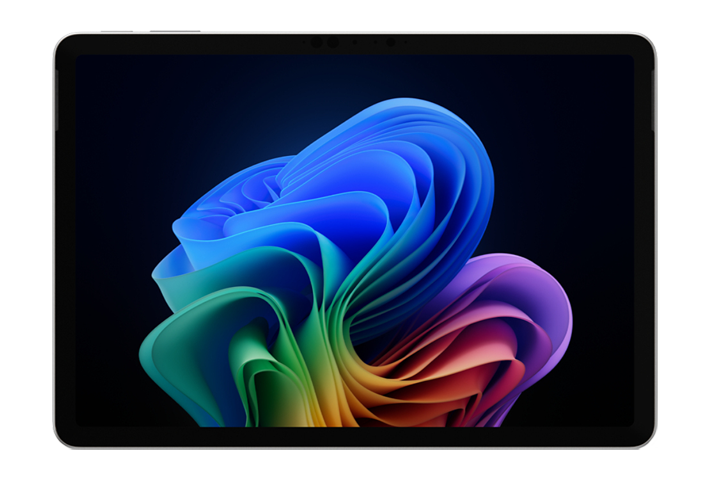
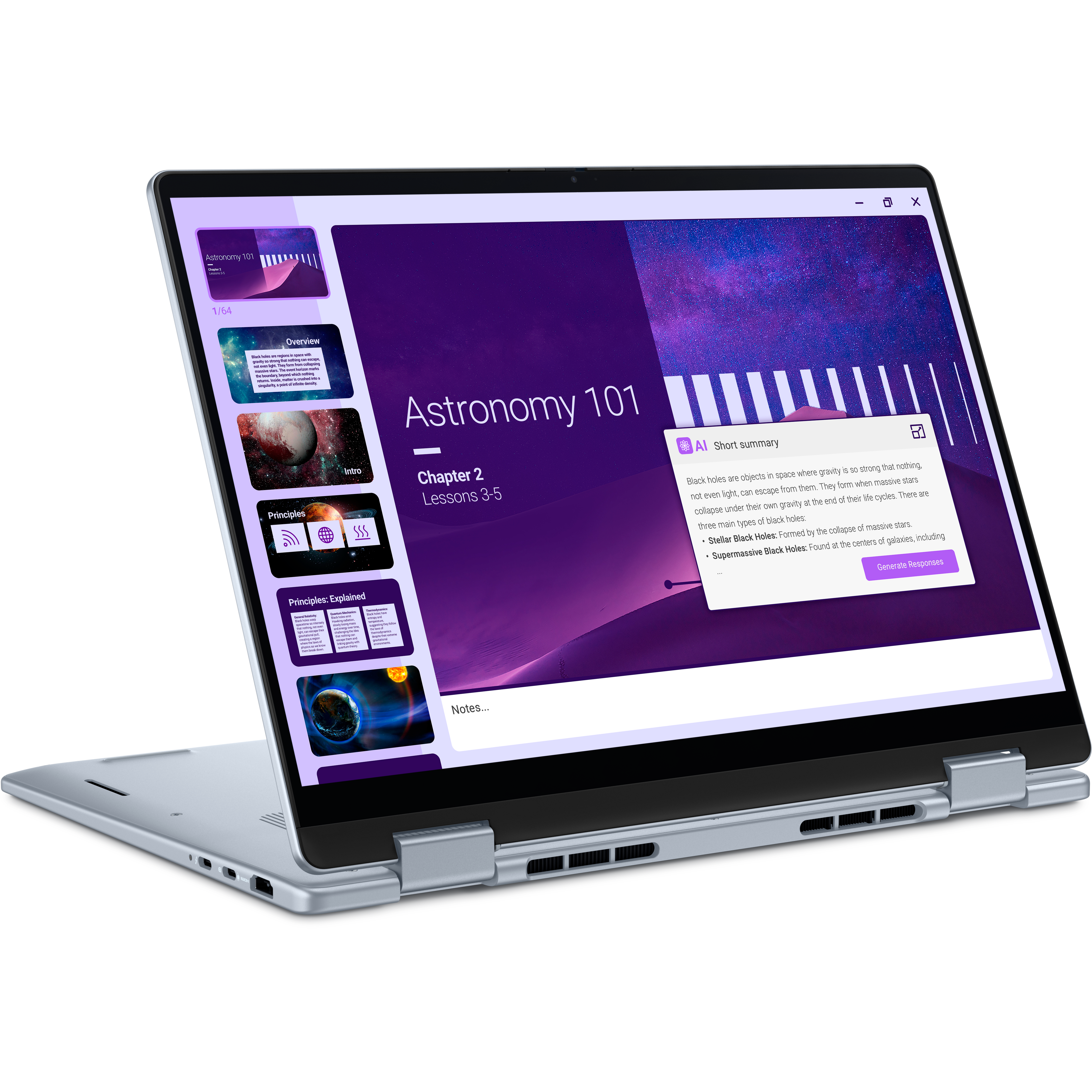
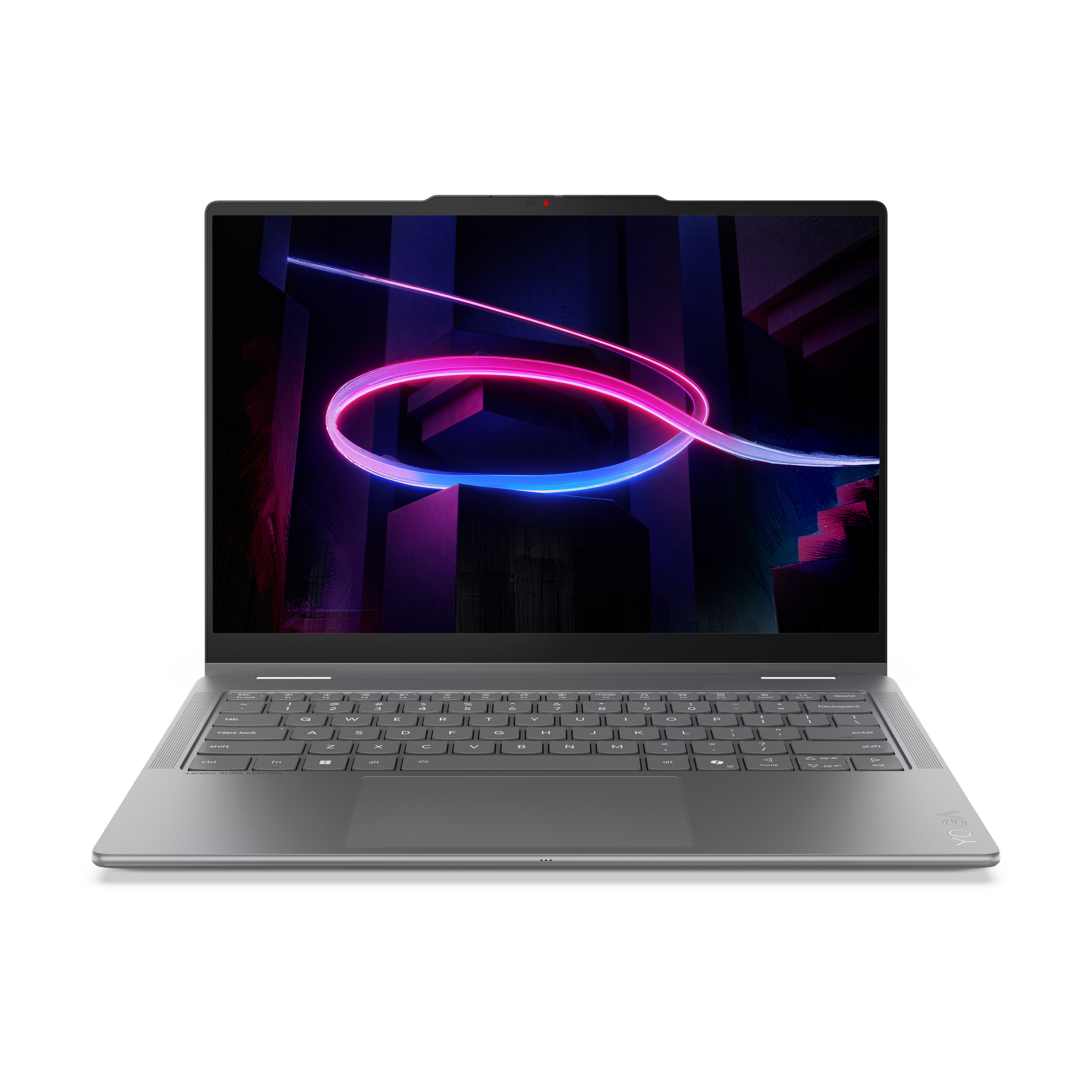
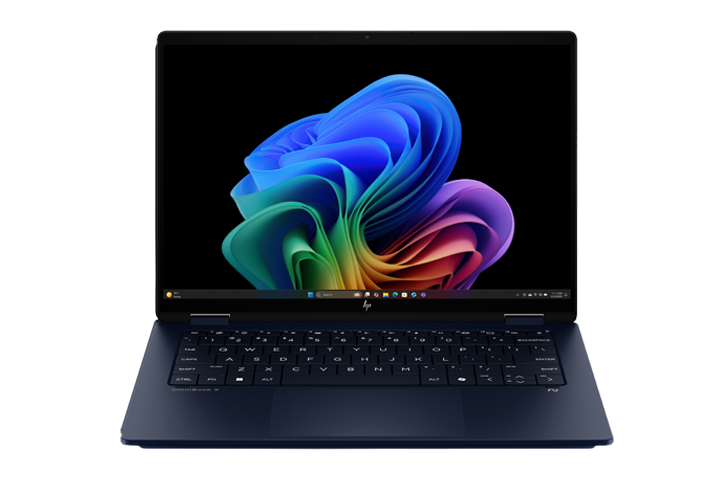
There’s no single newest Windows 11 computer, because Windows 11 is available on many new PCs from a variety of manufacturers. New Windows 11 models are released regularly across categories like laptops, desktops, 2-in-1s, gaming PCs, and AI-powered Copilot+ PCs. That means the newest Windows 11 computer can look very different depending on the brand you prefer and whether you want something ultra-portable, performance-focused, or built for AI-powered experiences.
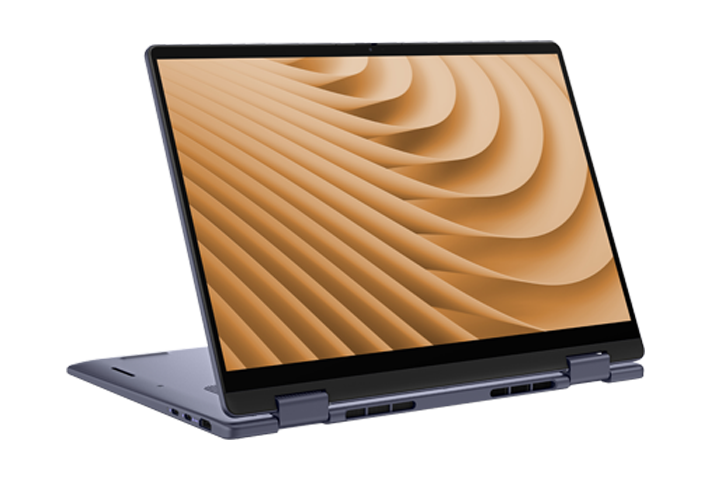
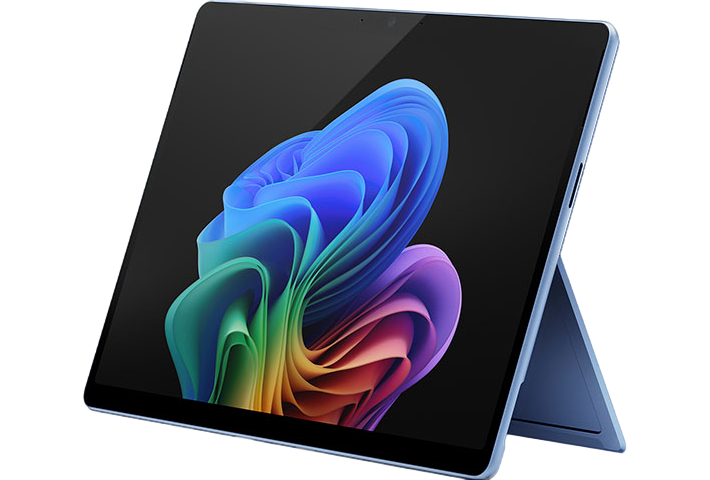
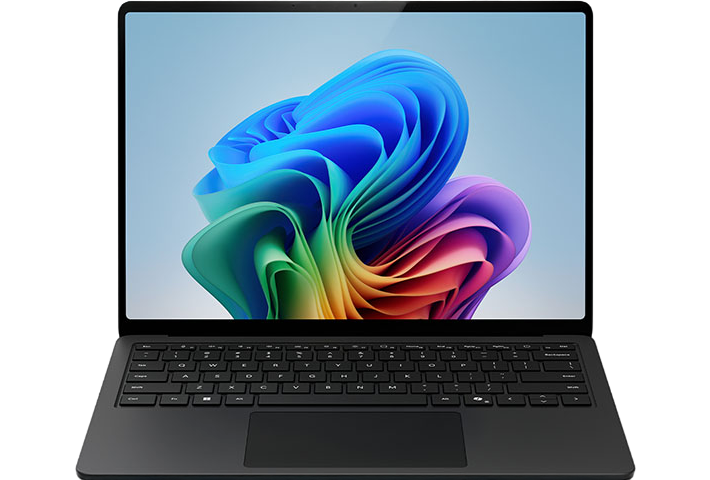
Windows 11 runs on many types of PCs, including laptops, desktops, 2-in-1s, all-in-ones, gaming PCs, and AI-powered Copilot+ PCs. Microsoft also offers Windows 11 PCs built for a variety of uses, from everyday browsing and schoolwork to gaming, creative projects, and multitasking.
The best PC for graphic design combines strong performance with a high‑quality display to support visual work. The ideal graphic design PC balances power, color accuracy, and speed for day‑to‑day creative tasks.
Look for a PC with:
A high‑resolution, color‑accurate display.
A fast processor and graphics performance for large files.
Enough memory and storage to keep workflows running smoothly.
This setup helps ensure designs look accurate on screen and work efficiently from concept to final output.
A Copilot+ PC is a good choice if you want a Windows device that’s built for faster performance and built‑in AI features. These PCs run Windows 11 and include special hardware designed to handle AI tasks directly on the device, helping everyday work feel quicker and more responsive.
You may want to buy a Copilot+ PC if you:
Want a faster, more responsive Windows AI PC that’s more specialized for AI tasks, offering over 40 trillion operations per second (TOPS) for fast performance.
Use features like improved Windows search14, writing help, image tools, or real‑time captions.
Prefer AI features that run directly on your device for faster responses, added privacy, and less reliance on the cloud.
Care about long battery life and modern security features.
If you don’t use AI‑powered tools or are happy with your current Windows PC, a Copilot+ PC isn’t required, but it can be a smart upgrade if you want the latest Windows capabilities designed for the future of computing.
A good PC for basic use is one that handles everyday tasks smoothly without being overpowered or expensive. These PCs are designed for reliability, simplicity, and ease of use.
A PC for everyday home use should:
Browse the web, check email, and stream video without slowing down.
Handle documents, schoolwork, and light multitasking without lag.
Start quickly and stay responsive throughout the day.
Offer battery life that can last through normal daily use.
For most people, a Windows PC with up-to-date hardware and Windows 11 is more than enough for everyday computing, whether at home, school, or work.
A high-performance PC is designed to handle demanding tasks quickly and reliably. These PCs go beyond everyday computing and are built for speed, power, and sustained performance.
High‑performance PCs typically include:
Powerful processors that can handle intensive workloads and multitasking.
Advanced graphics for complex visuals, creative work, or gaming.
More memory and fast storage to keep large apps and files running smoothly.
Higher‑quality displays and cooling systems to support long, demanding sessions.
If you create content, work with large files, run advanced software, or want top‑tier speed and responsiveness, a premium performance Windows PC is built to keep up with those needs.
A good gaming PC is built to deliver smooth performance, fast response times, and high‑quality visuals. When choosing one, focus on the components that directly impact how games look and feel.
Key things to look for in a gaming PC include:
A powerful graphics processing unit (GPU), which has the biggest impact on frame rates and visual quality in games.
A processor (CPU) that balances core count, speed, and cache size and that pairs well with the power and performance levels of your GPU.
Memory (RAM) that balances capacity, speed, and latency. Higher memory capacity, faster transfer rates, and lower latency can all deliver performance increases while gaming, but it depends on your other components.
Fast storage, like a solid-state drive (SSD), to reduce load times and in-game stutters.
Sufficient cooling and an adequate power supply for your chosen components, which can help your PC maintain consistent performance during long gaming sessions.
If you're aiming for higher frame rates, crisper graphics, or compatibility with the latest games, focusing on these key areas will help you find a gaming PC that fits your style and performance needs.
Yes. In fact, gaming PCs are great for everyday tasks thanks to their powerful hardware components. Some common use cases even benefit from GPU acceleration, like browsing the web or using certain software for work or school.
A gaming PC works well for everyday use because it can:
Browse the web, check emails, and stream videos with ease.
Handle schoolwork, documents, spreadsheets, and video calls smoothly.
Multitask easily, even with many apps or browser tabs open at once.
Run creative or productivity software with GPU acceleration.
While gaming PCs are designed for high‑end games, that performance also makes them great for everyday computing. The main differences you may notice are related to power consumption and system cooling, but for most daily tasks a gaming PC works well as an all‑around computer.
A productivity computer is a PC designed to help you get work done efficiently and comfortably. It’s built for everyday tasks like writing documents, managing spreadsheets, joining video calls, browsing the web, and multitasking across apps.
A productivity computer is suited for:
Work and school tasks such as documents, email, presentations, and research.
Multitasking with multiple apps or browser tabs open at the same time.
Video calls, collaboration tools, and everyday communication.
Staying responsive and reliable throughout a full work or school day.
Unlike gaming PCs or high-performance computers, productivity computers focus on speed, stability, and efficiency rather than advanced graphics. They’re ideal for professionals, students, and anyone who wants a dependable Windows PC for getting things done quickly and smoothly.
Screens simulated. Features and app availability may vary by region and market.
- [*]
Unless Microsoft is listed as the retailer, clicking a third-party retailer link will take you to an external website, whose privacy policy, terms and conditions will apply. Microsoft is not responsible for the privacy policy, content, or accuracy of external websites. All specifications are subject to change without notice. Please check with each retailer for exact offers. Products may not be available in all markets. Displayed prices are current lowest prices offered by stated retailers and are subject to change. Prices are not offered by Microsoft unless stated.
- [1]
Battery life varies significantly by device and with settings, usage, and other factors.
- [4]
Touchscreen: Requires a PC with touchscreen capability. Digital Pen: Pen-capable tablet or PC required. Pen accessories may be sold separately.
- [5]
Hardware-dependent. Learn more.
- [6]
Security updates (including OS and firmware) are provided in accordance with published operating system and device lifecycle policies.
- [7]
Listed battery life for each computer is provided by manufacturers or retailers unless otherwise stated. Please check individual specifications on retailer or manufacturer site for full battery life details. Battery life varies with settings, usage, and other factors.
- [8]
Review ratings are pulled in from third-party retailers and shown in aggregate from the data available for each PC. To view the most up to date review data for each PC including individual reviews, visit the retail sites listed for each PC.
- [9]
All specifications are subject to change without notice. Please check with each retailer for exact offers. Products may not be available in all markets. Displayed prices are current lowest prices offered by stated retailers and are subject to change. Prices are not offered by Microsoft unless stated.
- [11]
Surface battery life varies significantly based on usage, network and feature configuration, signal strength, settings, and other factors. See Surface battery testing and estimated performance - Microsoft Support for details.
- [12]
Copilot+ PC experiences vary by device and market and may require updates continuing to roll out; timing varies. See aka.ms/copilotpluspcs.
- [13]
Image actions now available across devices; other actions vary by device, region, language, and character sets. Subscription required for some actions. See aka.ms/copilotpluspcs.
- [14]
Works with specific text, image, and document formats only; optimized for select languages (English, Chinese (Simplified), French, German, Japanese, and Spanish). See aka.ms/copilotpluspcs.
- [15]
Based on Steam’s catalog of PC games. Source: The Preferences Powering PC Gaming report by Ampere Analysis, commissioned by Microsoft, September 2025.
- [16]
Games sold separately; availability varies by device, region and over time. Internet, additional fees, minimum hardware, and/or other requirements apply for some games and features. Performance may vary significantly by device.
- [17]
Some layouts only available based on display resolution and scale settings.
- [18]
Through 8/31/26, while supplies last. Available only to eligible college students with a valid .edu email address who are new subscribers; auto-renew and other terms apply. See terms for details.