

Windows security
Your security matters. From the moment you turn on your PC, Windows 11 defends against potential risks to help make sure your credentials, photos, and files don’t fall into the wrong hands.*

AI-powered security
Built-in features like Smart App Control and Microsoft Defender Antivirus make Windows 11 PCs harder to hack.

Your privacy matters
Powerful hardware and software—like Microsoft Pluton10 and Windows Hello4—work together to protect your data across devices.

Layers of protection
Windows 11 PCs help protect your data with layered security features such as malware defense, VPN support, and passkeys.
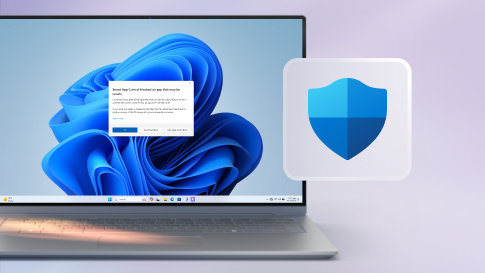
Trust your apps
With the power of AI, Smart App Control can help predict which apps are safe to run on Windows 11.
Your data protected
Harder to hack and easier to update, PCs with Microsoft Pluton have the ultimate security processor built right in.10
You are the security
Windows 11 can lock your device when you leave, then, with Windows Hello, unlock it and sign you back in when you return.4*

Your privacy matters
Maintain your privacy wherever you are with Windows 11 security features that help protect what matters to you across your devices.
Microsoft Account
From your PC to the cloud, online or on the go, your Microsoft account helps protect your identity and data.
Privacy Dashboard
Easily adjust settings and permissions in your Privacy Dashboard, like which apps are using your camera, mic, or location.
Find My Device
Locate, lock, or erase your device to protect your personal information and data if it’s lost or stolen.
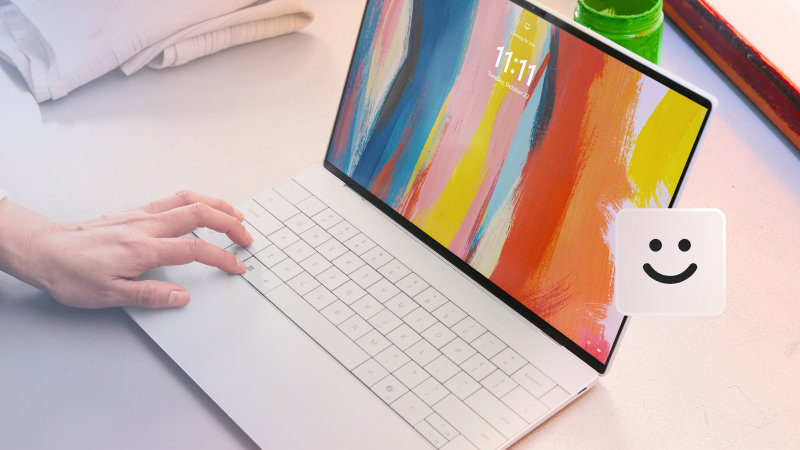
Your identity secured
Step up your security with identity protections that keep what’s yours, yours.
Windows Hello
No more passwords to remember. Just sign into your Windows devices with facial recognition or your fingerprint.4
Microsoft Authenticator
Easy, secure sign-ins for all your online accounts using multifactor authentication, passwordless phone sign-in, or password autofill.
Passkeys
Forget the password. Get fast, easy, and secure sign-in and protection against phishing for your online accounts.4
Security from every angle
Windows 11 PCs deliver layers of security to help keep bad actors at bay. From malware and data protection to trustworthy apps, your credentials, photos, and files are protected.


Microsoft Defender Antivirus
A next-generation protection solution that comes with Windows 11, Microsoft Defender Antivirus is real-time, always-on antivirus protection.

Microsoft Defender SmartScreen
If a website, application, or download is potentially malicious and could harm your computer, SmartScreen will warn you.

Windows Firewall
With Windows Firewall, unwanted traffic is blocked from entering your PC.

Bluetooth protection
Whether you’re using Bluetooth headsets, mice, keyboards, or other wireless accessories, you can feel confident that it’s a secure connection.

Secure Wi-Fi
Windows Wi-Fi supports industry standardized authentication and encryption methods, to help keep you safe no matter where you connect—even on public networks.

Virtual private networks (VPN)
A VPN, or virtual private network, is a secure tunnel connecting your PC and the internet. A variety of VPN apps are available in the Microsoft Store.

Family Safety
Manage your family’s digital safety with screen time limits, content filters, and activity monitors.5

Microsoft Edge
Built-in security features help fend off online threats as you safely browse the web with Microsoft Edge.6

OneDrive
Cloud-based file and photo protection helps you securely store, share, and sync your stuff across devices.7

Microsoft Defender
Microsoft Defender8 works with Windows Security to protect your PC and gives you advanced protection across devices.
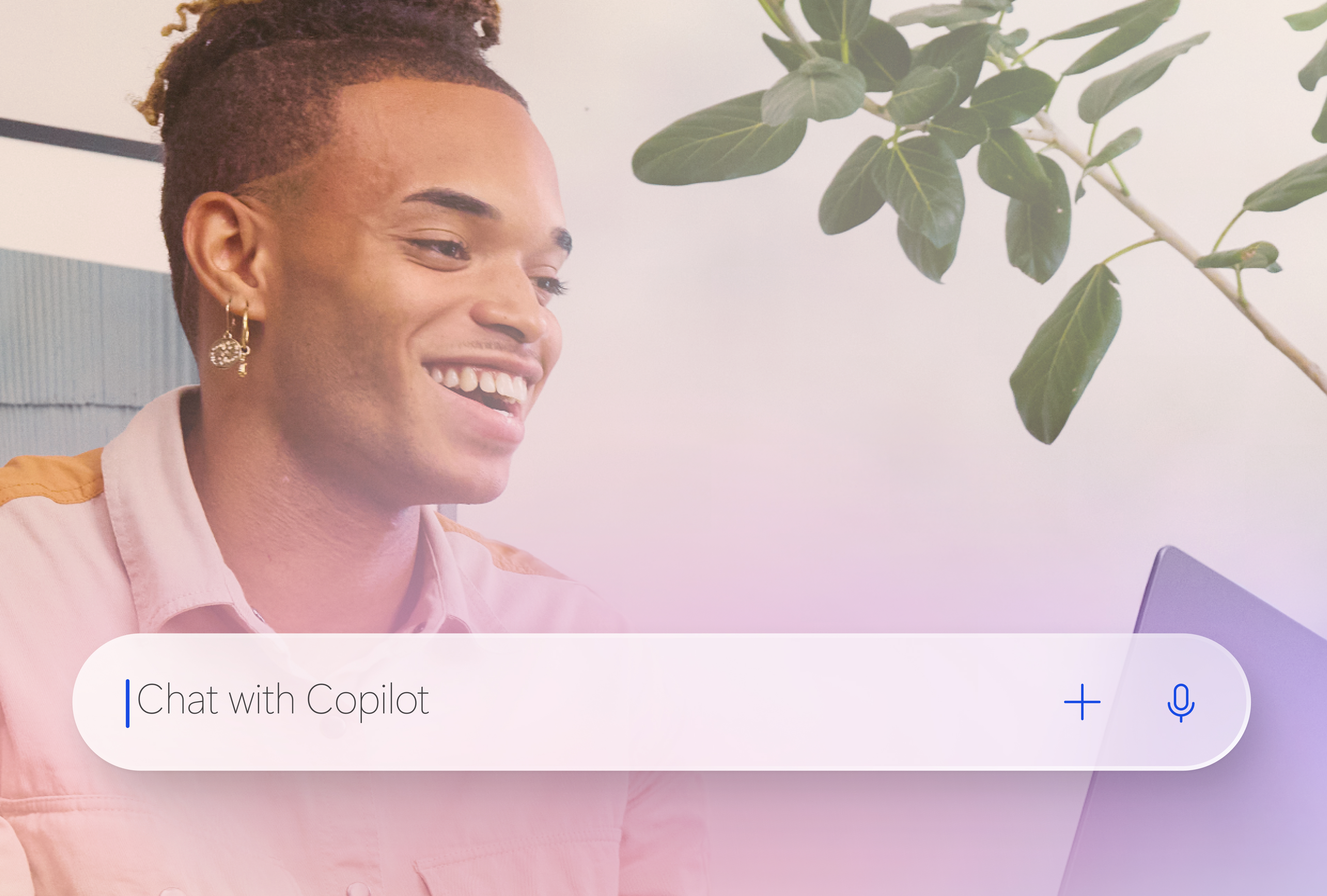
AI in Windows
AI-powered features are part of Windows 11, giving you enhanced security, intuitive assistance, and the power to create beyond your imagination.
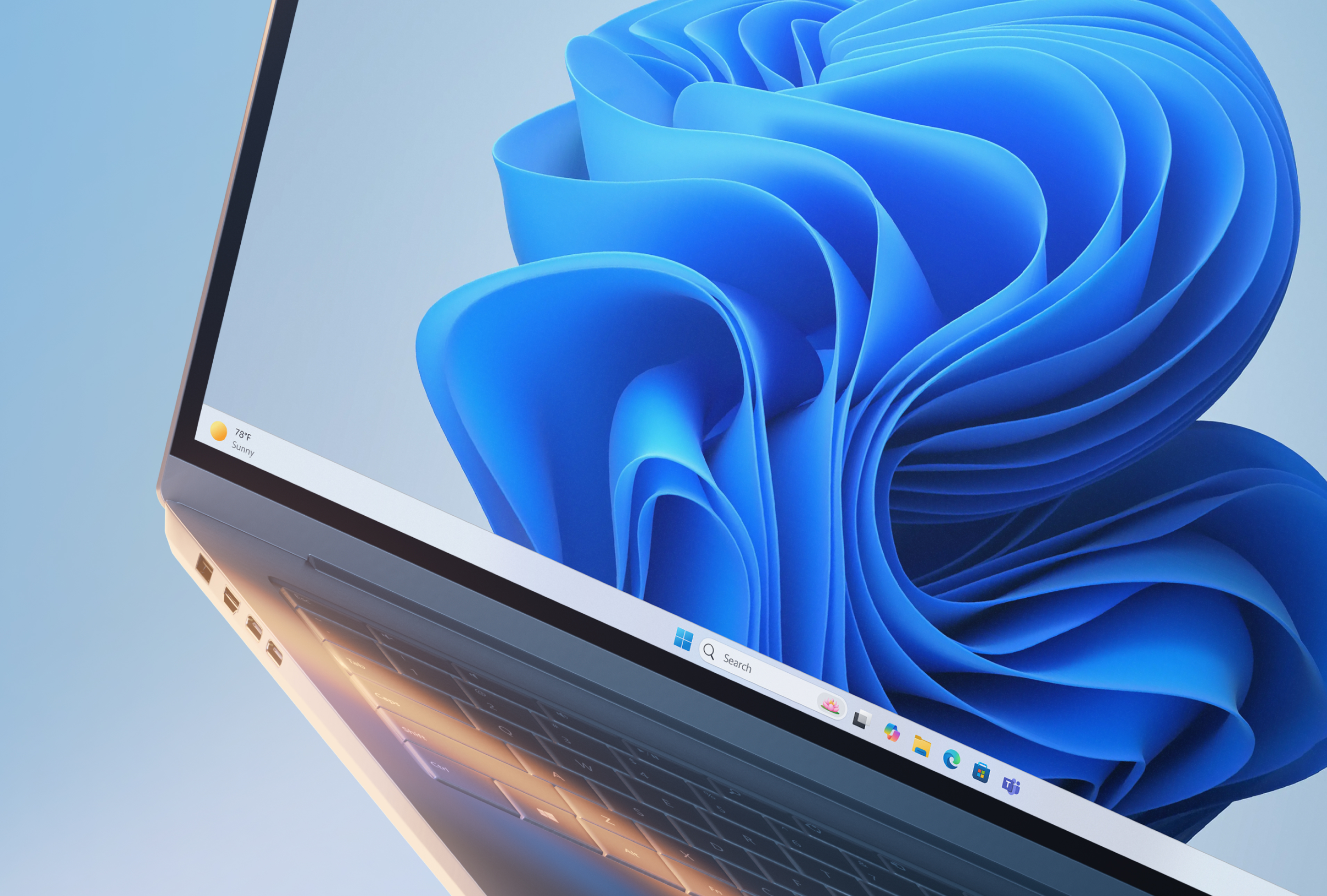
Meet Windows 11
Easier to use, to be productive, to stay safe, and to play to your heart’s content, Windows 11 lets you focus on what matters while it does the rest.
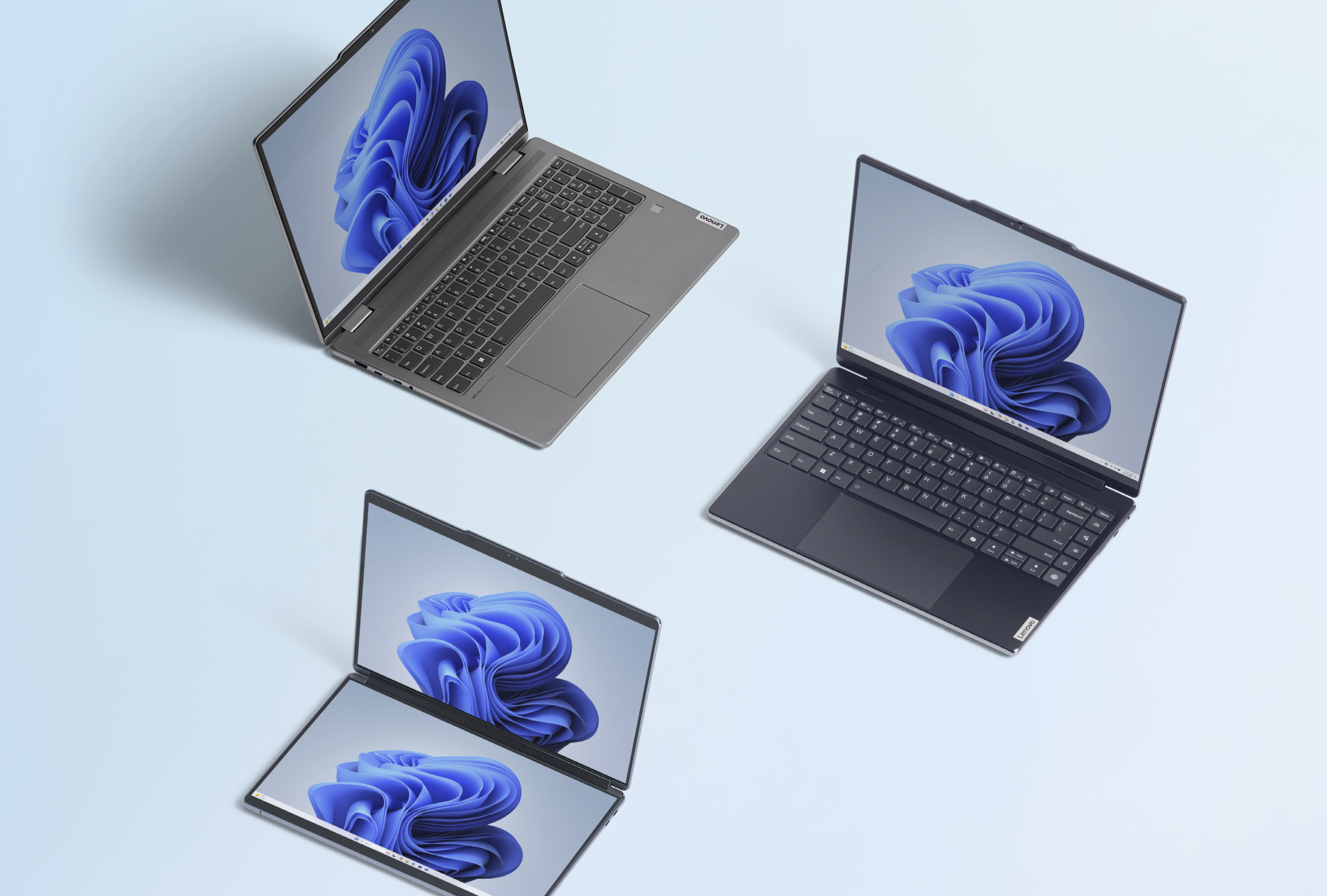
Help me choose
Not sure which PC is right for you? Let us help. Answer a few simple questions, and we’ll show you the PCs that can fit your needs.
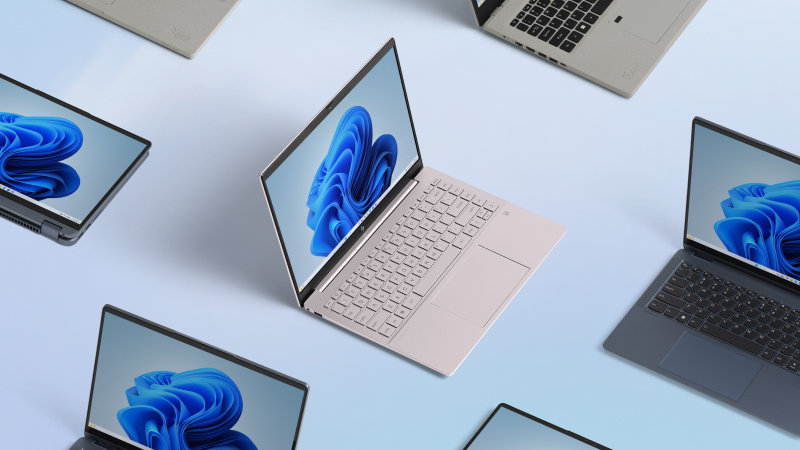
Shop Windows 11 PCs
Sleek, innovative, and exactly what you need. Find a Windows 11 PC that fits your needs today.
Windows 11 devices feature Windows Security, including Microsoft Defender Antivirus, which protects you from viruses and malware.
Your Windows 11 device comes with Microsoft Defender Antivirus built-in. You don’t have to pay extra for this antivirus protection.
Windows Hello is a more secure way to sign into your device without a password. Learn more about Windows Hello and how it works.
Download Microsoft Edge for safer online browsing. Microsoft Edge has built-in security features like Microsoft Defender SmartScreen and Password Monitor to help you stay secure online.
Find My Device lets you remotely lock your device or locate it if it’s lost or stolen. You’ll need to sign in to your device with a Microsoft account and have your device’s location turned on for it to work. Learn more about how Find My Device works.
- Screens simulated. Features and app availability may vary by region.
- Some features require specific hardware. Learn more at Windows 11 Specs and System Requirements.
- * For supported devices with latest security updates installed.
- 4 Device dependent and may require compatible accessory. Learn more about Windows Hello.
- 5 App available for download through Microsoft Store. Manage your family’s digital safety with screen time limits, content filters, and activity monitors. Learn more.
- 6 Available on the latest version of Microsoft Edge. Must be signed into a Microsoft account.
- 7 Files may be made available for offline use. Otherwise, internet access required. Fees may apply.
- 8 Subscription sold separately. App availability varies by geography.
- 10 Built in on all Copilot+ PCs and hardware dependent on other Windows 11 PCs.
Follow Microsoft Windows
Share this page