HAX Toolkit
Design Library
Guidelines
Design Library
Design Patterns
Workbook
Playbook
About
Share ideas
Microsoft Security
Azure
Dynamics 365
Microsoft 365
Microsoft Teams
Windows 365
Microsoft AI
Azure Space
Mixed reality
Microsoft HoloLens
Microsoft Viva
Quantum computing
Sustainability
Education
Automotive
Financial services
Government
Healthcare
Manufacturing
Retail
Find a partner
Become a partner
Partner Network
Microsoft Marketplace
Software companies
Blog
Microsoft Advertising
Developer Center
Documentation
Events
Licensing
Microsoft Learn
Microsoft Research
View Sitemap
HAX Design Library
Interactive collection of the 18 Guidelines for Human-AI Interaction, with design patterns for applying them and examples.
Guideline 1 > Pattern 1A > Example
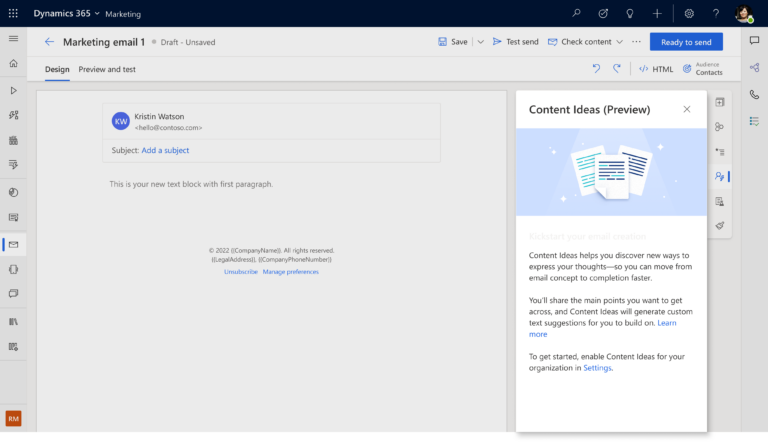
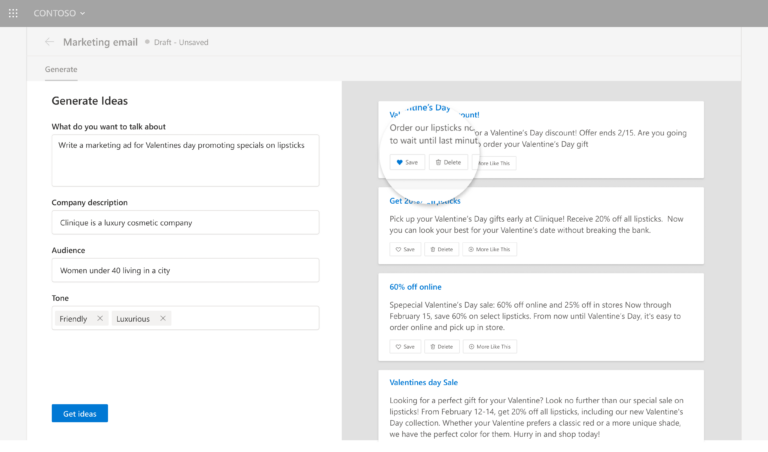
D365 Marketing | 1A: Introductory blurb
Guideline 1 > Pattern 1A > Example
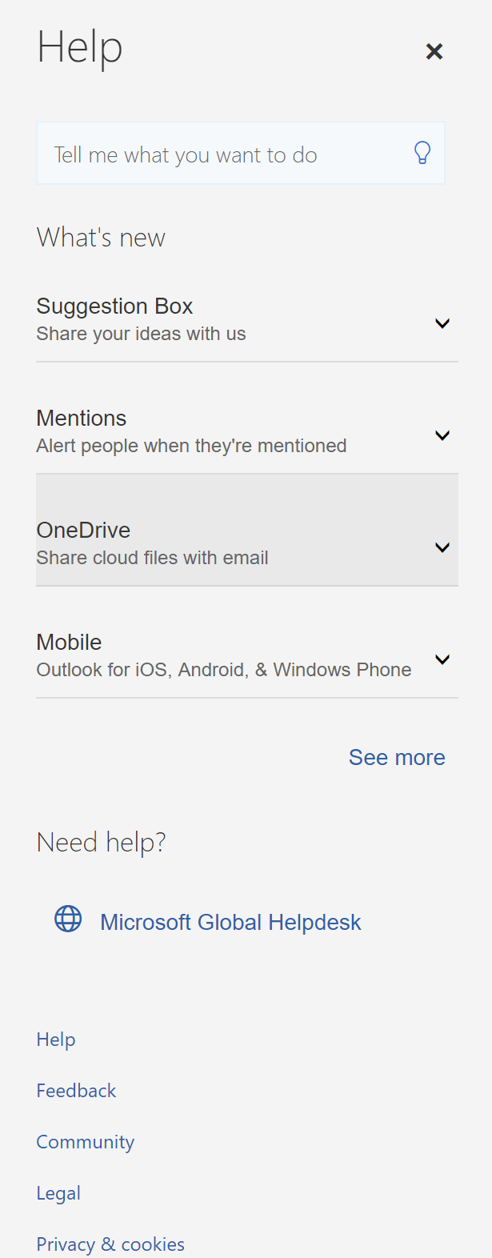
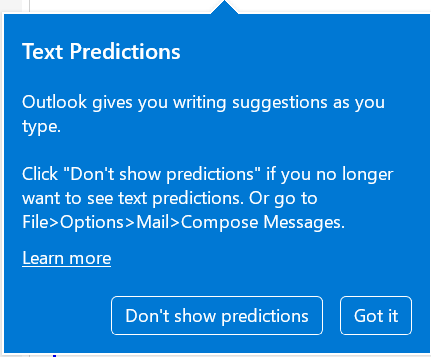
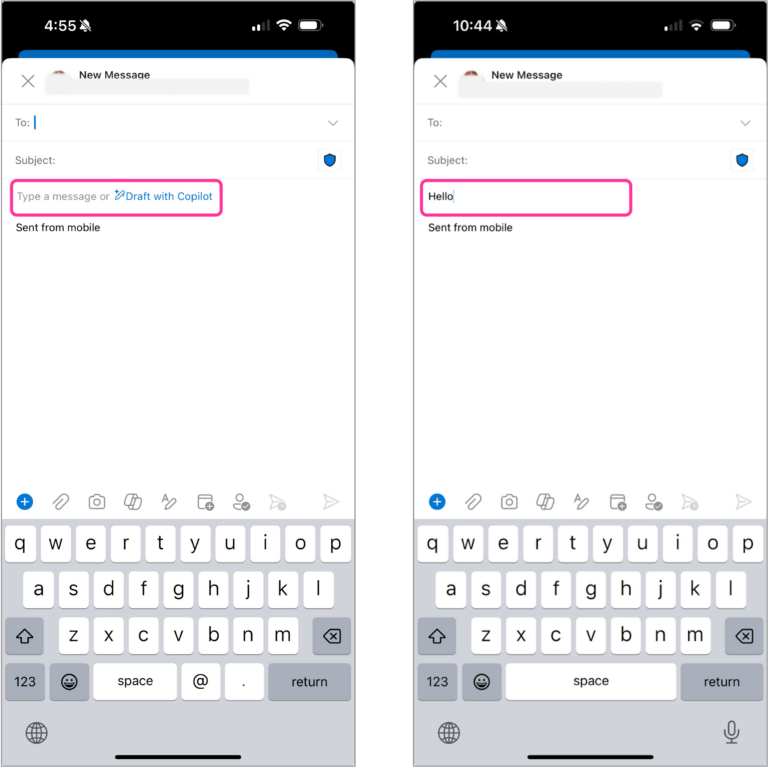
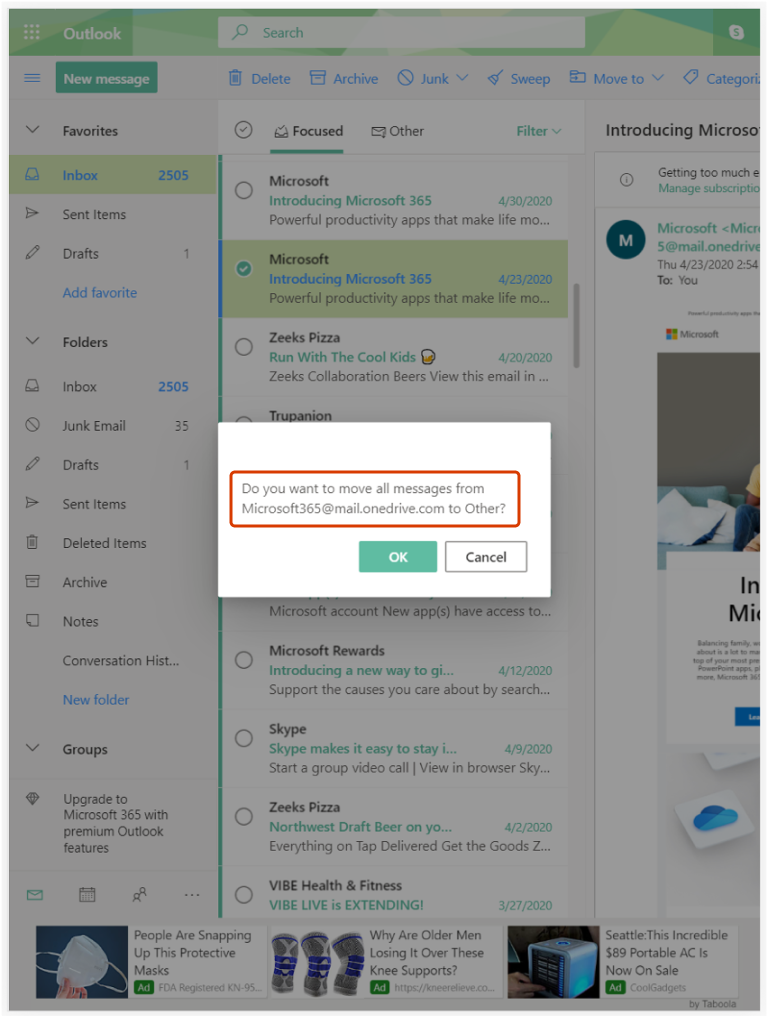
Outlook | 1A: Introductory blurb and G17: Provide global controls
Guideline 1 > Pattern 1B > Example
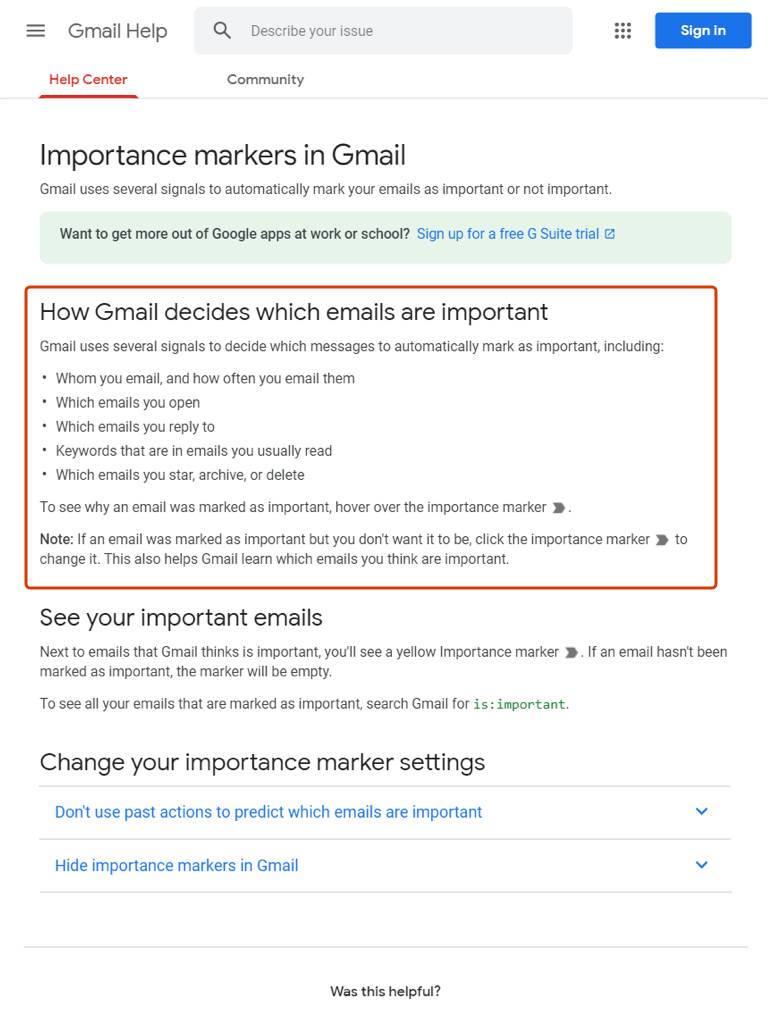
Gmail | 1B: Use explanation (G11) patterns
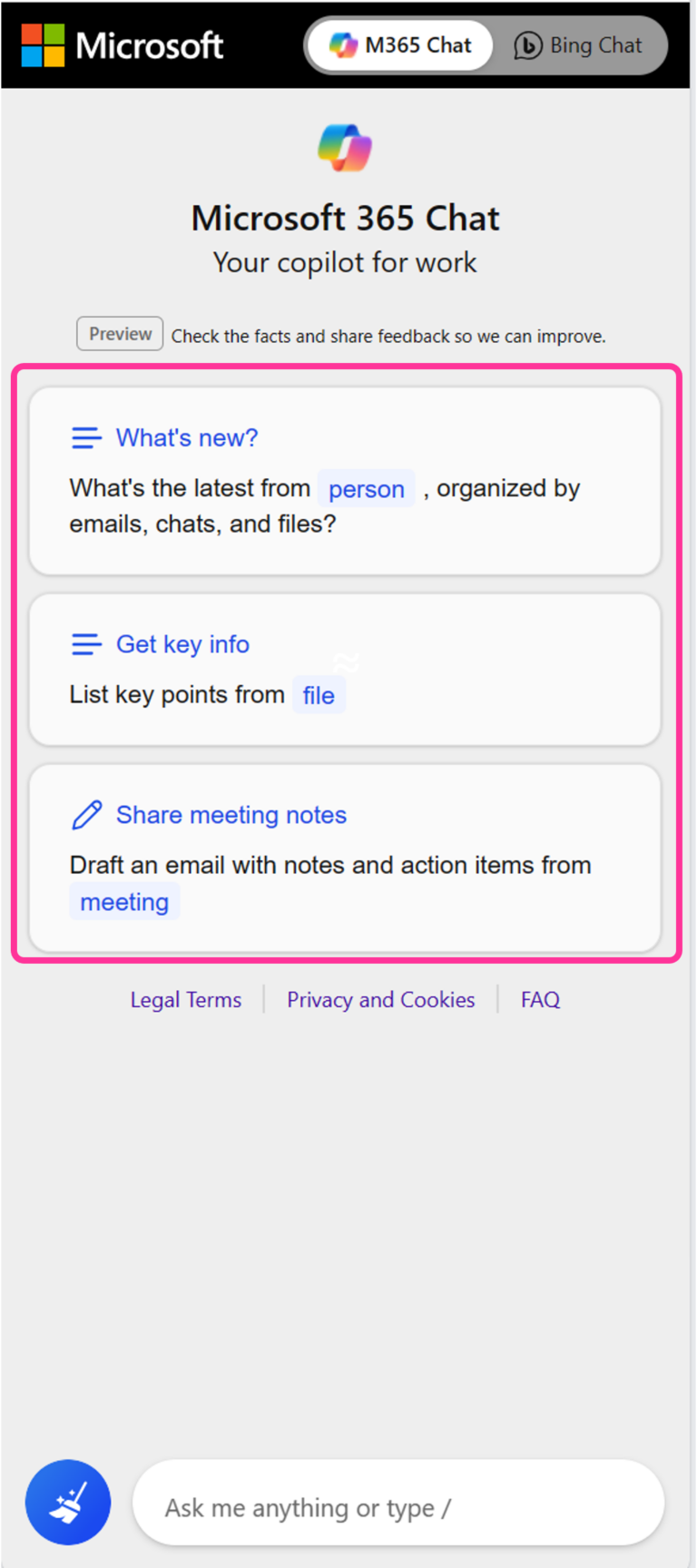
Guideline 1 > Pattern 1D > Example
M365 Chat | 1D: Make clear what the system can do
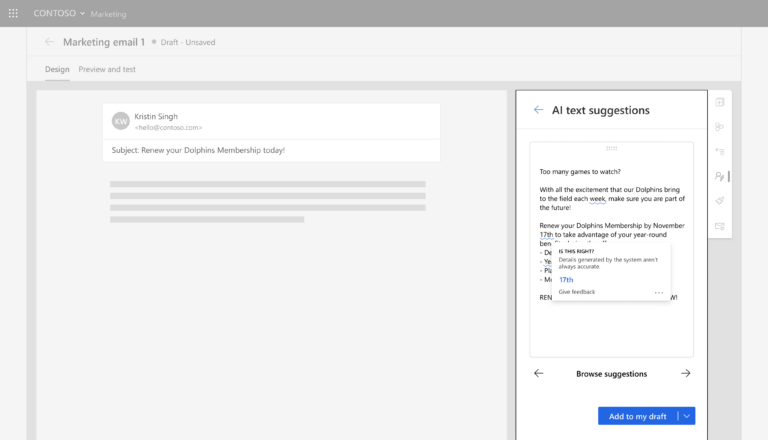
Guideline 2 > Pattern 2C > Example
Contoso | 2C: Report system performance information
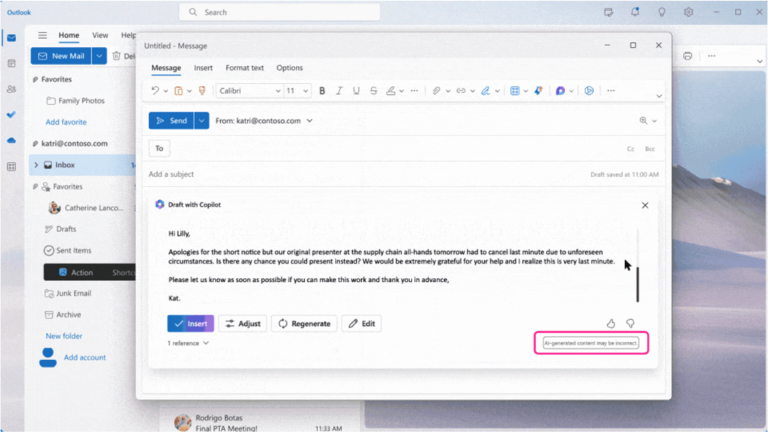
Guideline 2 > Pattern 2D > Example
Copilot in Outlook | 2D: Provide low performance alerts
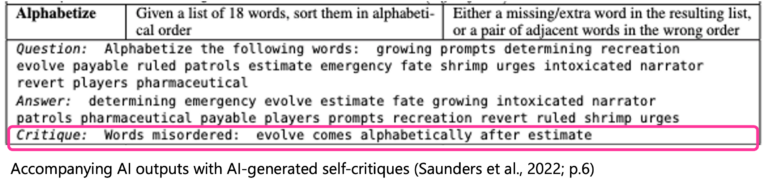
Guideline 2 > Example
AI Critiques | G2: Make clear how well the system can do what it can do
Guideline 2 > Example
Copilot in Outlook | G2: Make clear how well the system can do what it can do
Guideline 6 > Example
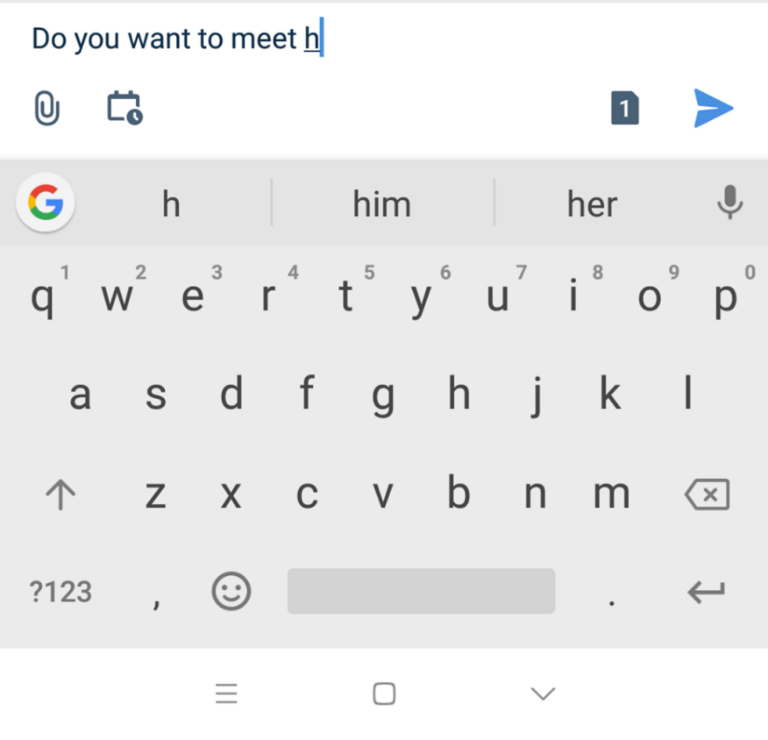
Android | G6: Mitigate social biases
Guideline 7 > Example
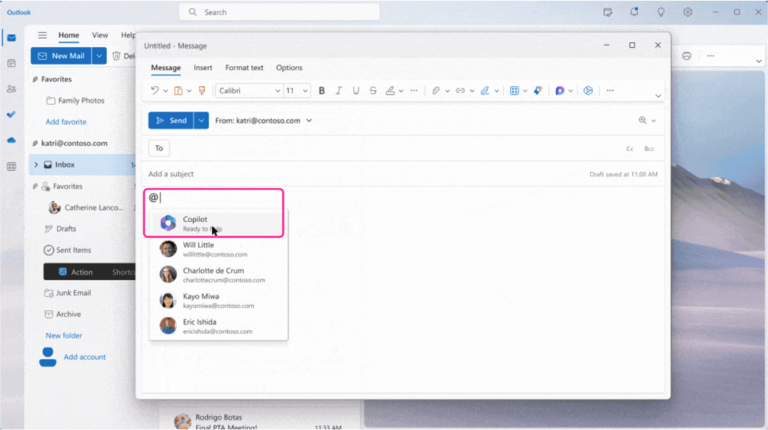
Copilot in Outlook | G7: Support efficient invocation
Guideline 8 > Example
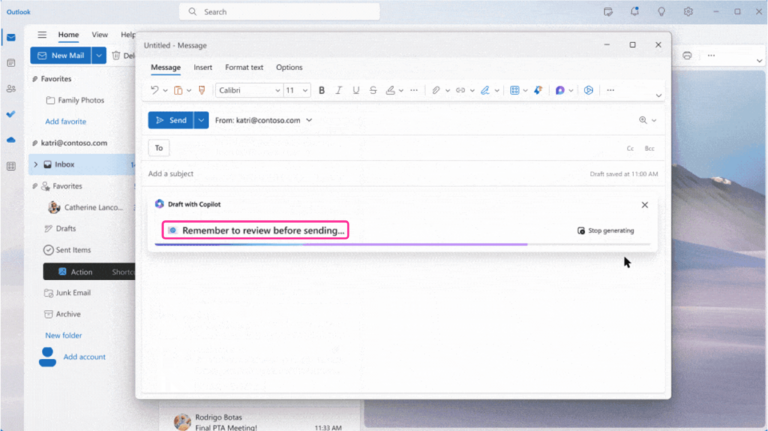
Copilot in Outlook | G8: Support efficient dismissal
Guideline 9 > Pattern 9B > Example
Copilot in Outlook | 9B: Rich and detailed edits
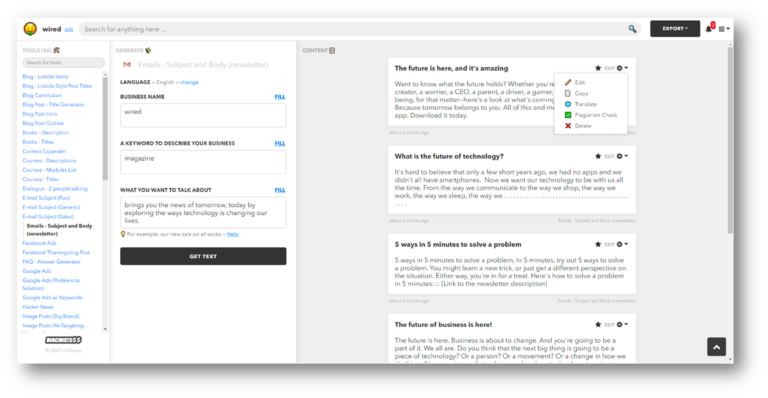
Guideline 9 > Pattern 9B > Example
Nichesss | 9B: Rich and detailed edits
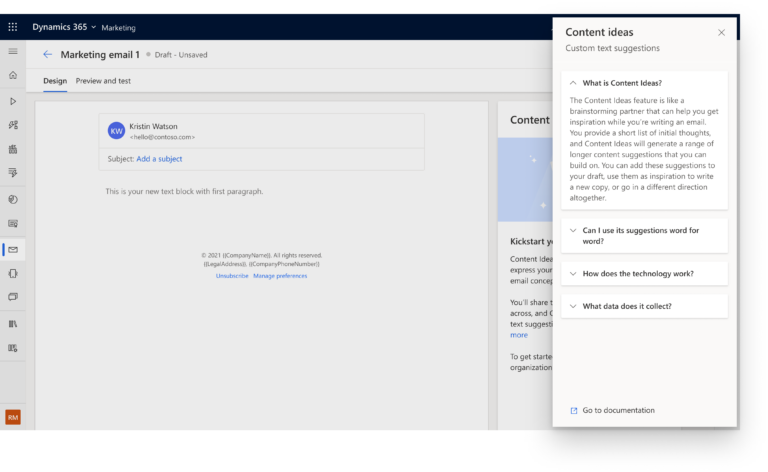
Guideline 11 > Pattern 11B > Example
D365 Marketing | 11B: Global explanations
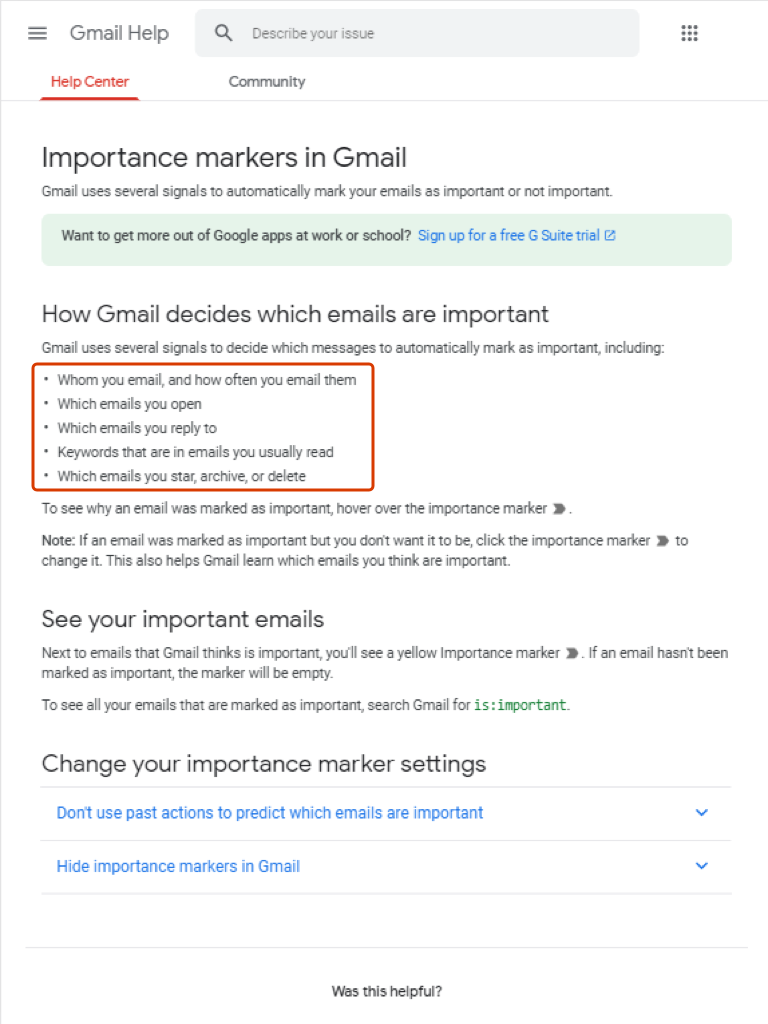
Guideline 11 > Pattern 11D > Example
Gmail | 11D: Map system input attributes to system outputs
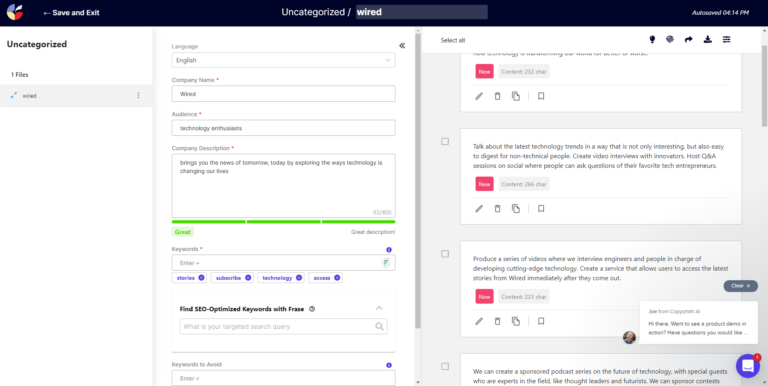
Guideline 11 > Pattern 11G > Example
Copysmith | 11G: “What if explanations”
Guideline 15 > Pattern 15D > Example
Contoso | 15D: Use existing public rating or interaction data as feedback for the system
Guideline 16 > Pattern 16A > Example
Outlook | 16A: Feedforward: Convey the consequences of user actions before the user takes action
Guideline 16 > Pattern 16B > Example
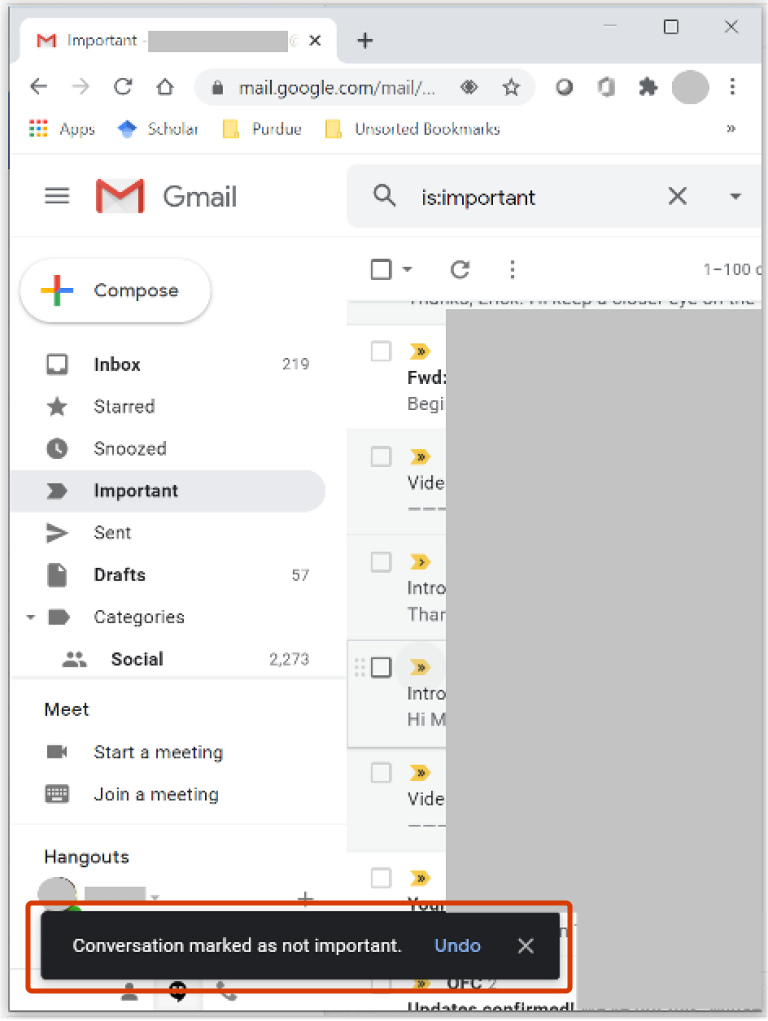
Gmail | 16B: Feedback: Convey the consequences of user actions after the user takes action
Guideline 18 > Example
Outlook Web | G18: Notify users about changes
English (United States)
Your Privacy Choices Opt-Out Icon
Your Privacy Choices
Your Privacy Choices Opt-Out Icon
Your Privacy Choices
Consumer Health Privacy
Sitemap
Contact Microsoft
Privacy
Manage cookies
Terms of use
Trademarks
Safety & eco
Recycling
About our ads

 HAX Toolkit