


Artificial intelligence is quickly becoming a daily companion in our everyday lives, helping us manage tasks, stay organized, and work more efficiently. Among these tools, Microsoft Copilot stands out as a consumer-friendly productivity solution that brings the power of AI directly into your hands. Designed to simplify workflows and enhance creativity, Copilot offers intelligent assistance that adapts to your needs, whether you’re drafting emails, making grocery lists, or planning events. Unlike other AI solutions, Copilot is easily accessible, intuitive to use, and built to integrate with Microsoft's trusted ecosystem, making it a standout choice for anyone looking to harness the full potential of AI automation in their daily routine.
OCTOBER 08, 2025 3 MIN READ
Unlock productivity with AI automation

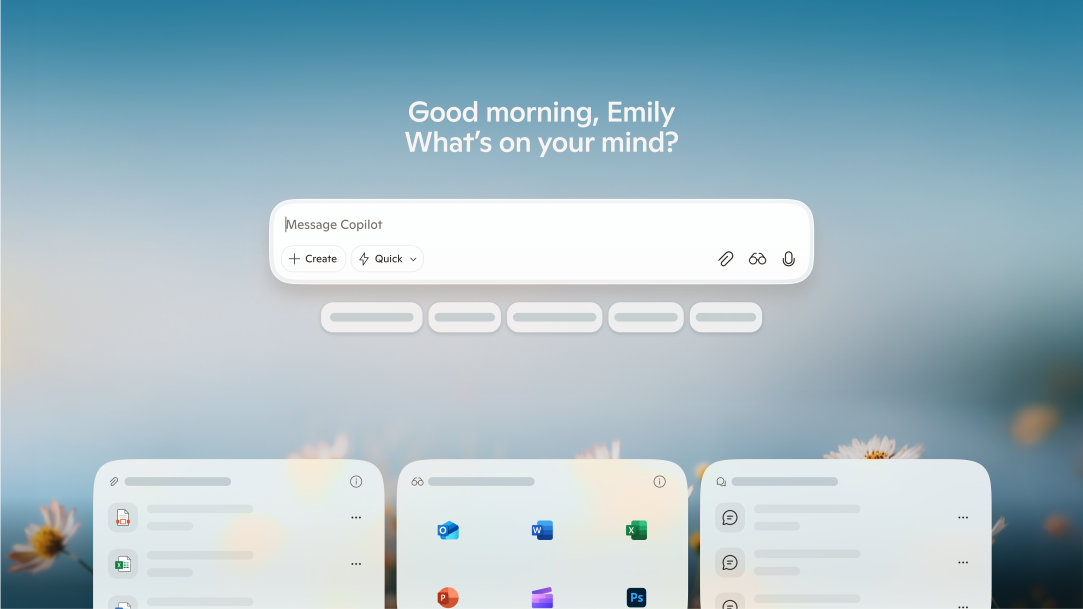
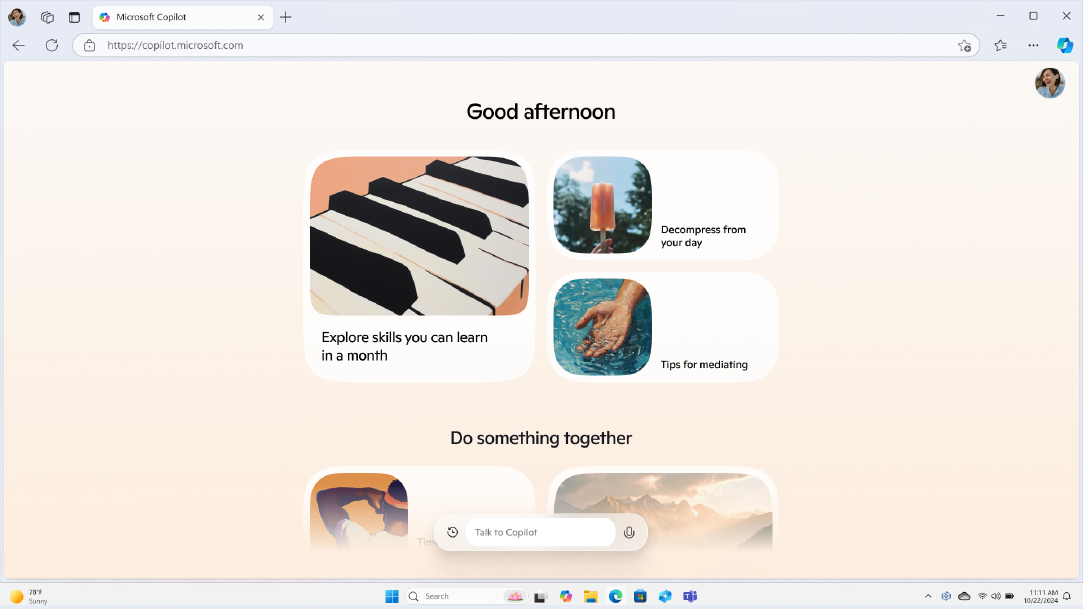
Copilot: Your integrated AI assistant (companion)
So, what is AI automation, and where does Copilot come in? AI automation refers to the use of artificial intelligence to perform functions that might otherwise take longer to do manually. Copilot is your AI companion built to enhance your productivity and alleviate the burden of everyday tasks. Think of it as your friendly partner in efficiency.
In addition to the free version of Copilot via web or mobile Copilot app, you can enjoy an even more seamless AI experience with an upgrade to a Microsoft 365 subscription. This subscription allows you to use Copilot to automate tasks across Microsoft apps like Word, Excel, Outlook, Teams, and more. For example, Copilot can automate meeting summaries in Teams, generate reports from Excel data, draft follow-up emails based on recent conversations, or create task lists from project notes in Word. By simplifying user interactions and reducing manual effort, Copilot helps you stay focused and efficient while keeping your workflows connected and secure.
Elevate your personal efficiency with Copilot
Copilot transforms how you work by responding to natural language prompts. You can ask it to summarize emails, draft a message, or organize your calendar, all without switching apps or digging through menus. It offers smart suggestions for writing, planning, and organizing, and even provides personalized insights based on your recent activity. Whether you're managing a busy household or juggling multiple projects, Copilot helps you stay on top of your tasks.

AI art created via Copilot
Practical AI solutions for everyday use
Copilot isn’t just for professionals; it’s a powerful tool for everyday life. Here are some practical ways it can help:
- Draft personal emails or messages: Copilot can help you draft thoughtful notes or replies based on your tone and intent.
- Summarize content: Quickly condense newsletters, articles, or long email threads into digestible summaries.
- Plan events or trips: Ask Copilot to help you organize itineraries, shopping lists, or weekly schedules.
- Manage household tasks: Set reminders, track chores, and create shared to-do lists.
- Track goals or habits: Stay motivated, visualize your achievements, and enjoy encouragement with Copilot.
By leaning on Copilot for AI automation, you can simplify daily routines and free up time for what matters most.
Take control with AI automation
Incorporating Copilot into task automation strategies marks a transformative shift in how both individuals and organizations approach productivity. By streamlining repetitive workflows, enhancing decision-making with intelligent suggestions, and integrating seamlessly across Microsoft 365 platforms, Copilot empowers you to focus on the moments that matter. Try Copilot today and unlock your full potential.
DISCLAIMER: Features and functionality subject to change. Articles are written specifically for the United States market; features, functionality, and availability may vary by region.
Mentioned in this article

Copilot
Copilot app
Copilot for individuals
You may also like

General AI - 3 MIN READ
10 Ways to save time with AI automation
Learn how to simplify everyday tasks with these handy AI automation tips.
General AI - 4 MIN READ
Where can you access Copilot?
Learn how to access your AI assistant to its fullest potential in your daily life.
General AI - 4 MIN READ
What is Copilot, and how can you use it?
Learn how you can use Copilot, your AI-companion.
