 Discover Windows
Discover Windows
Discover Windows
November 28, 2025
Share this page


Imagine turning on your PC and…nothing happens. No desktop, no icons, no apps. That’s what life would look like without an operating system (OS), the invisible star of every computer.
An operating system is like your PC’s stage manager. It makes sure the lights turn on, the cues hit at the right time, and the players (your apps and hardware) perform in harmony. Without it, the show simply wouldn’t go on.
This article will explain how operating systems work, why they matter when you’re choosing a computer, and how Windows 11 takes things to the next level.
Why operating systems (OS) matter
An OS is more than background software; it’s the heartbeat of your computer. At the most basic level, this is how operating systems work: they connect your hardware with your software, making sure your PC actually responds to you.
It handles:
When you choose a computer, you’re also choosing the OS that defines how it feels to use. A well-designed OS saves time, keeps your data secure, and makes your PC a tool you actually enjoy.
Choosing the right OS for your computer
Because PC operating systems shape everything you do, it’s one of the most important choices when picking a new computer. Whether you’re writing school papers, joining video calls, gaming into the night, or managing family photos, the OS determines how easy—and how fun—that experience will be.
If you’re wondering what the best OS for PC life looks like, it depends on what matters most to you. Do you value performance? Security? Creativity? Or a balance of everything? The right OS ensures your computer is set up for success.
Did you know? Every time you click on an icon, dozens of invisible OS processes are working behind the scenes to make that simple action possible.

Windows 11: the OS made for today
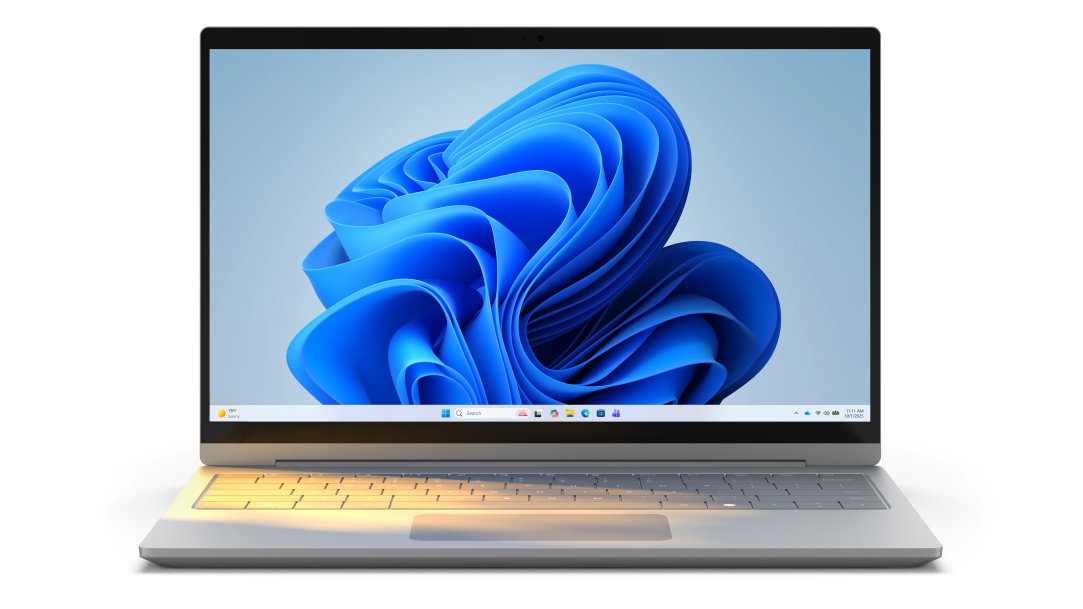
When you choose a new PC, you’re choosing Windows 11—the operating system built for the way we work, play, and connect today. Windows 11 combines a clean look with features that simplify daily life.
It’s designed to:
In short, Windows 11 gives your PC its personality—it’s what makes your device intuitive, productive, and fun.
Windows 11 features that elevate your everyday
When you look at what sets Windows 11 apart as an operating system, it’s the built-in features that make everyday computing feel smoother and more intuitive. Windows 11 includes:
Smarter, faster, more fun: your PC deserves it
At its core, the operating system is what makes your computer more than wires and chips—it’s what makes it yours. It organizes, protects, and powers everything you do.
With Windows 11 as the foundation, your computer becomes more than a tool. It becomes a partner: one that’s faster, more intuitive, and built to keep up with your life.
Discover Windows 11 PCs today.


