
Windows organization tips
Make your space feel like home with these Windows 11 features. With a variety of options that help you manage your daily life to work on the go, learn how you can get and stay organized.

Windows organization features
Learn more about how to use this Windows 11 feature to stay organized.
Snap
Get the most out of your Windows 11 experience with Snap layouts. Snap layouts can place the windows you need perfectly side-by-side on one screen when you use Windows.
Widgets
Explore ways widgets can keep you updated on the weather in your area, the traffic on your route, and the tasks you have to do when you use Windows.
Multiple desktops
Having multiple desktops designated by theme or task can help you compartmentalize your digital life—and switch between them instantly.
Windows shortcuts
Windows shortcuts let you access and navigate your PC faster. The more you learn, the quicker you get things done.
Create new folders to organize your files
Keep your desktop organized by creating folders in Windows.
How to get organized in your digital world
See how these organization tips from Windows 11 can help you stay clutter free and organized, from your files to your finances.
Other categories
Meet Windows 11
Explore what’s new and learn why Windows 11 is the best Windows yet.
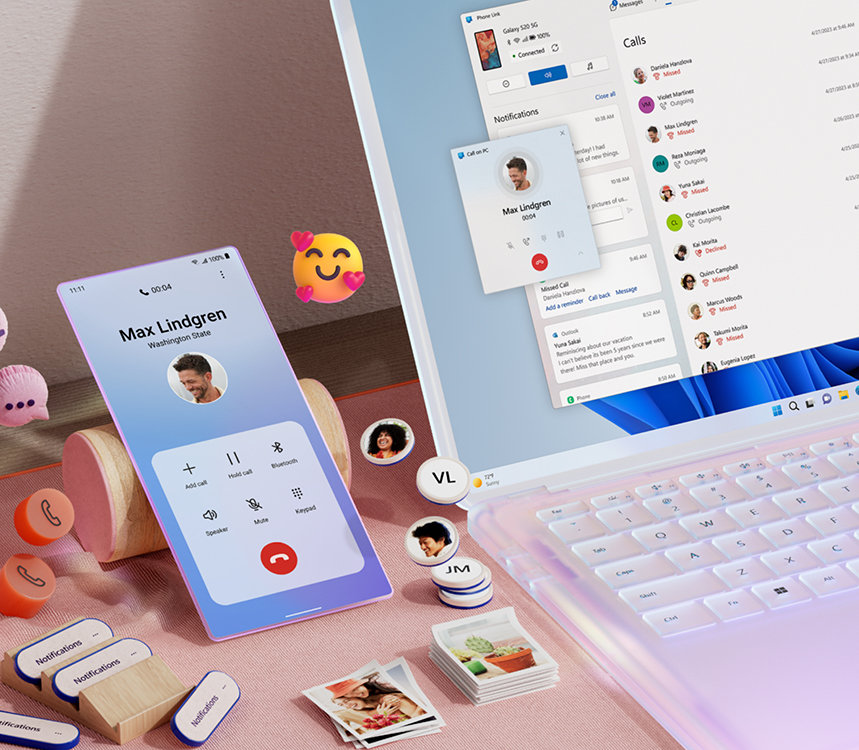
Sync smartphones to your computer
Stay connected with your Windows PC and streamline your digital life.


Follow Microsoft Windows