
Windows security tips
We take your security seriously. We know you do, too. That’s why we’ve created these Windows 11 features to help keep your identity, information, and apps secure.

All Windows security features
Windows Hello
Security that doesn’t stop! Windows Hello is a more personal, more secure way to get instant access to your Windows devices using facial recognition, fingerprint, or PIN.
Windows Backup
With Windows Backup, transitioning most files, apps, and settings from one PC to another is seamless so everything is right where you left it, exactly how you like it.
Presence sensing
Presence sensing is a feature in Windows 11 that can automatically lock your device when you walk away. It can also unlock your device and, with Windows Hello, sign you back in when you return.
Passkeys in Windows
Are you tired of constantly forgetting your passwords and having to type them in every time you want to access your favorite websites or applications? Say hello to passkeys! Passkeys provide a more secure and convenient way to sign in.
Other categories

Meet Windows 11
Explore what’s new and learn why Windows 11 is the best Windows yet.
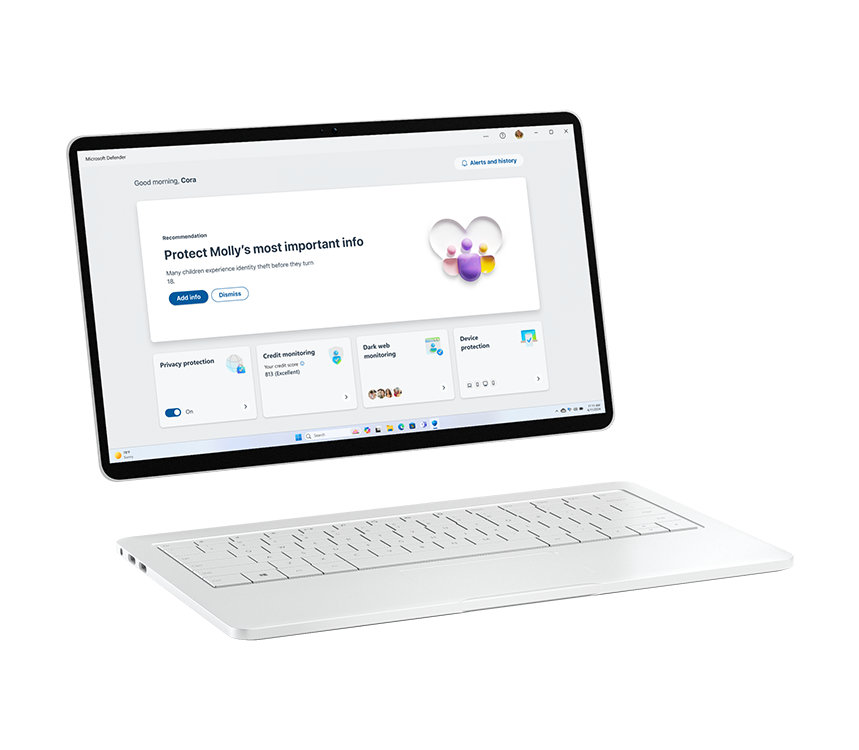
Windows 11 security
Always on guard, Windows security helps to keep your important information secure.


Follow Microsoft Windows