This is the Trace Id: ca69e4de5a2cc693c2ce037b15a76308
Skip to main content
Surface

Get up to $500 cash back with an eligible trade‑in. Learn more

Explore all Surface Copilot+ PCs

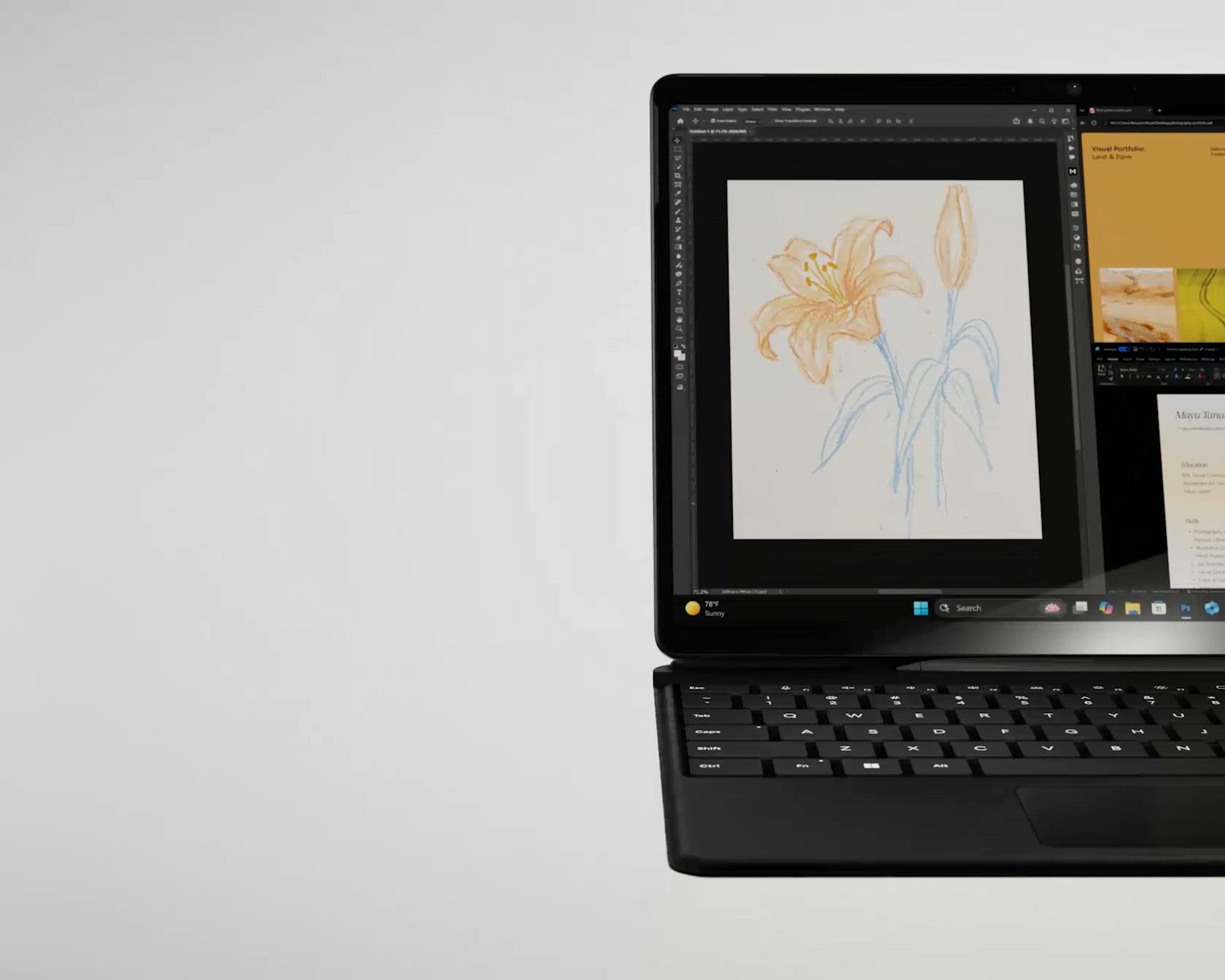
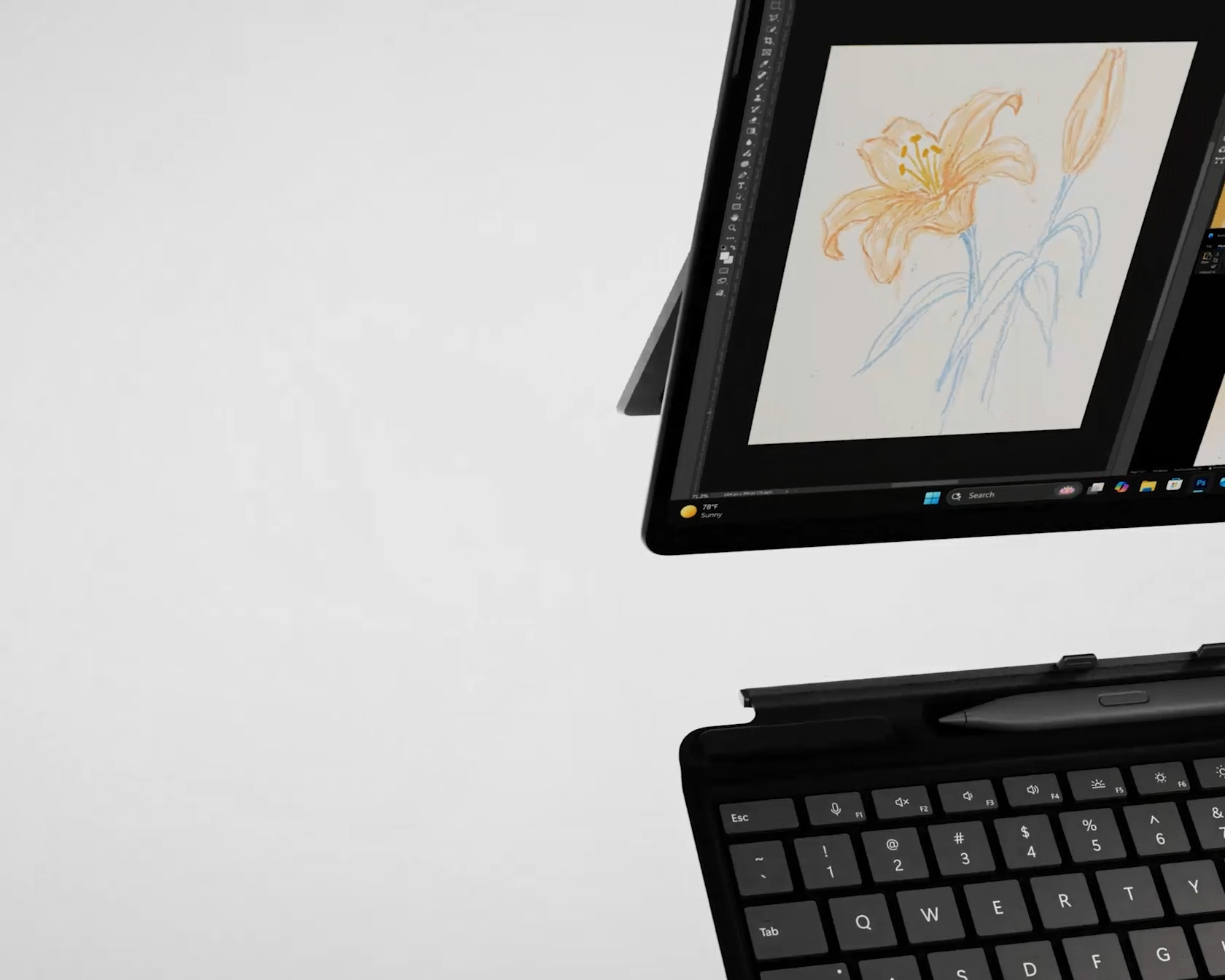
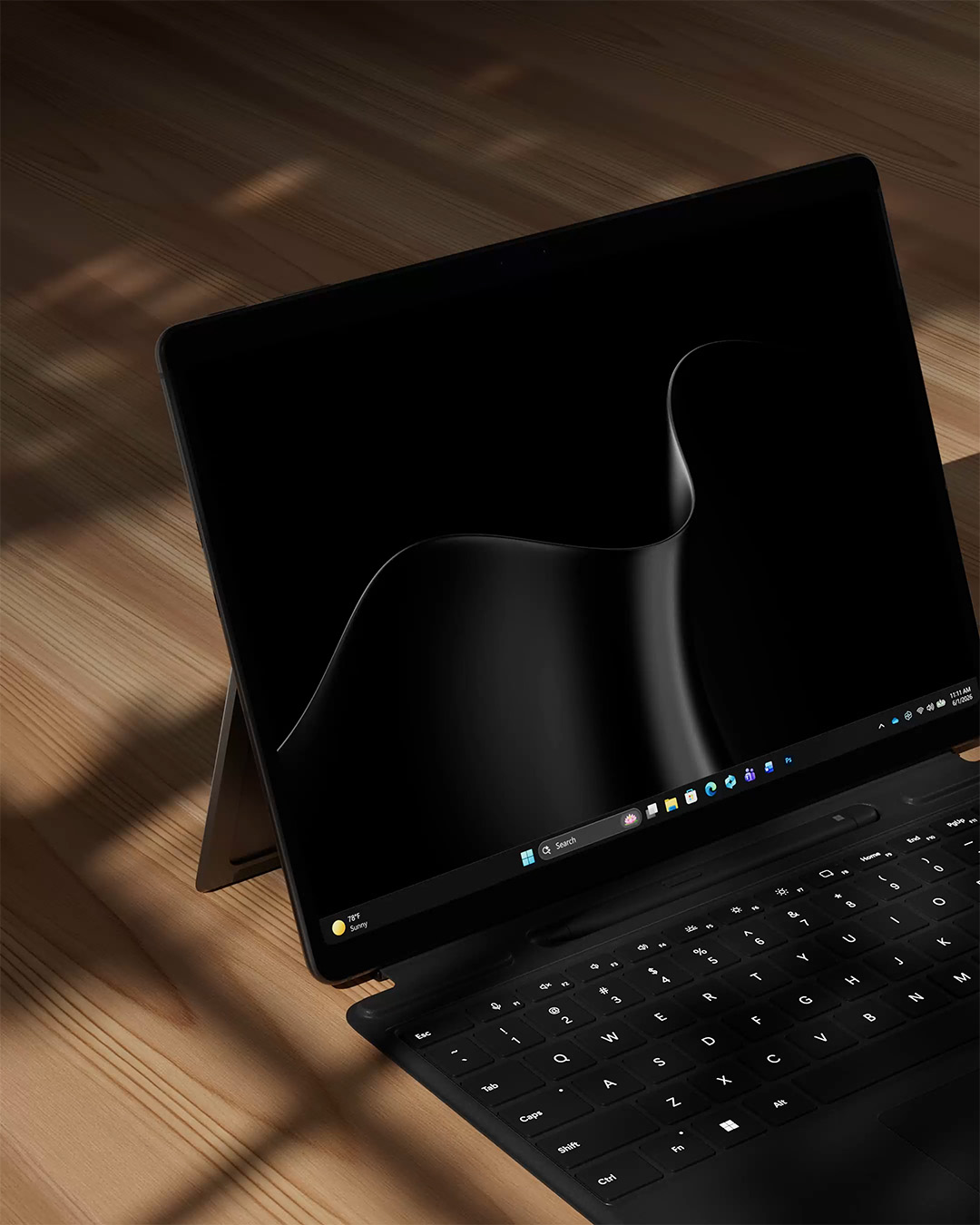
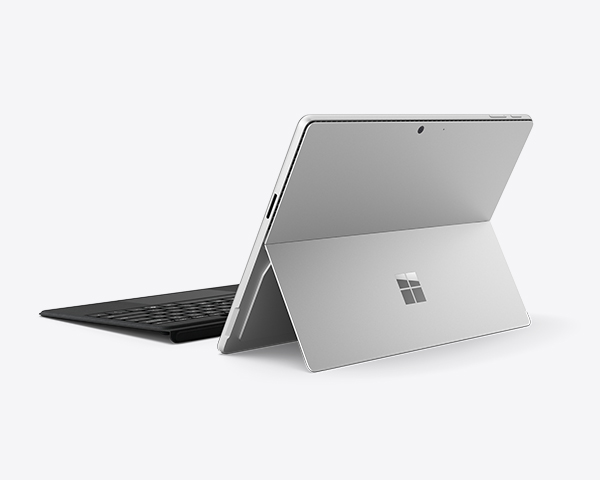
Two color Surface 2-in-1s displaying kickstand and detachable keyboard

Surface Pro

Versatile 2-in-1 PCs from Microsoft.
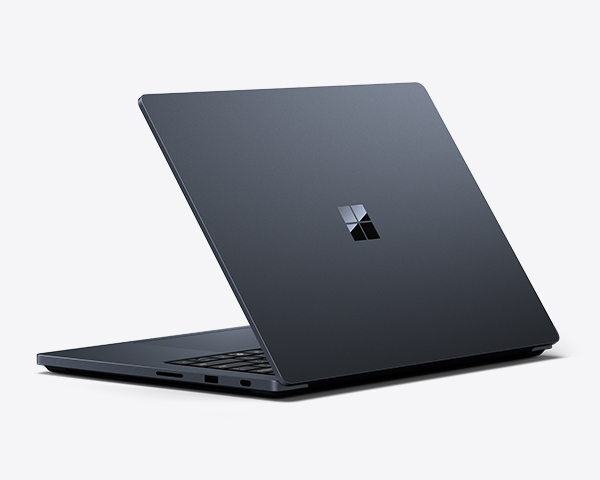
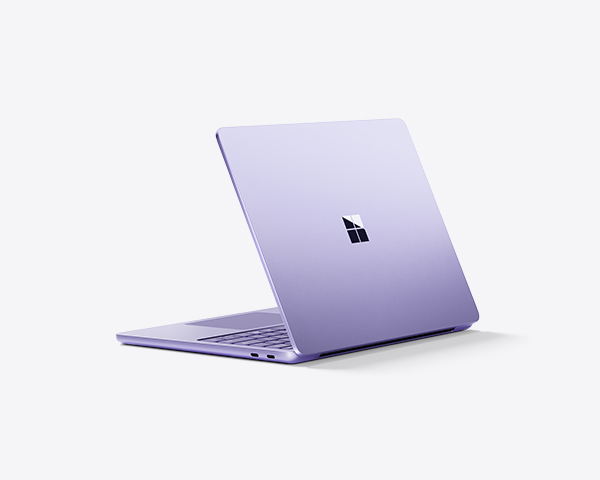
Family of Surface Laptop devices in various colors

Surface Laptop

Sleek touchscreen PCs from Microsoft.

Make the move to Windows 11

Support for Windows 10 has ended. Make the move to Windows 11 in three simple steps and experience the best Windows yet on your new Surface device.
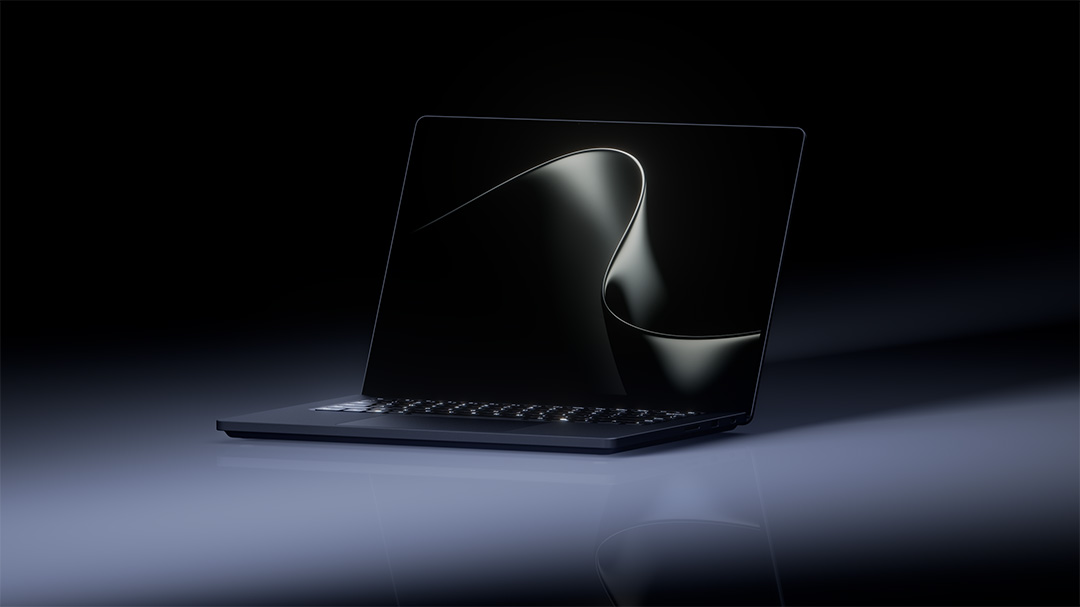
Angled view of a halfway open Surface laptop with the Microsoft rainbow bloom on the screen overlaid with file folder icons
Family device images with back cover view

See which Surface PC is right for you

Learn more about Copilot+ PCs, compare their specs, and choose the AI-powered laptop or 2-in-1 device that’s right for you.

Frequently asked questions

  • Surface PCs are part of Microsoft’s Copilot+ PC1 family—Windows 11 devices designed with built-in AI hardware.5

    A Surface PC with AI includes the following:

    • Built-in AI chip (NPU)
      Surface Copilot+ PCs include an integrated Neural Processing Unit (NPU)—a dedicated, on-device AI processor which apps may use to run AI tasks directly. When apps use the NPU to offload and accelerate AI workloads, it can support advanced experiences, like image creation and real-time translation with accelerated speed and efficiency.5
    • New Copilot+ PC experiences in Windows
      On a Surface Copilot+ PC with AI, you can get Copilot+ PC experiences1 in Windows designed to take advantage of that NPU—for example:
    1. Find and re-discover things you’ve seen on your PC more easily with Recall.6
    2. Generate and enhance images in Microsoft Photos with Restyle Image,7 Image Creator,7 and Super Resolution.8
    3. Select text to choose quick, AI-powered actions like summarizing, creating a bulleted list, and rewriting—and much more with Click to Do.9


    With a Surface PC, enjoy the same Windows desktop, apps, and Surface design you’re used to—but with AI built in.1

  • On a Surface Copilot+ PC,1 AI is built-in to help you work, create, and connect. With a Surface Copilot+ PC, you can do all this and more with AI:

    • Get writing and research help. Use Copilot on Windows10 on supported devices to draft or refine emails and documents, summarize content, ask questions, and get ideas in supported apps and services.
    • Learn more with ease. Use Copilot Vision11 on supported devices to receive insights and step-by-step guidance based on what Copilot sees on your screen.
    • Have conversations with AI. Use Copilot Voice12 on supported devices to talk with Copilot. Just tap or click the microphone on your phone, on the web, or on your laptop or PC to begin a voice chat with Copilot.
    • Edit and create images. On supported Copilot+ PCs,1 Microsoft Photos adds AI features like Restyle Image,7 Image Creator,7 and Super Resolution8 help you enhance or reimagine your photos.
    • Improve video calls and recordings. On supported Copilot+ PCs,1 Windows Studio Effects16 can adjust framing, blur your background, and enhance audio to help you look and sound your best on calls.
    • Do more, faster. On supported Copilot+ PCs,1 Recall6 helps you find and jump back into what you’ve already seen on your PC more easily, while Click to Do9 lets you take faster action to summarize, rewrite, and more.
  • Microsoft designs Surface Copilot+ PCs1, with security built in. Protection starts in the hardware and continues through Windows 11 features and ongoing updates.5,13

    Here’s some of what helps make Surface AI PCs secure:


    Learn about even more ways Surface devices prioritize your security.

  • Surface PCs run Windows 11, which supports a wide range of PC games, gaming accessories, and cloud gaming services including Xbox Game Pass [link: Xbox PC app | Xbox].

    Note: The best Surface device for gaming depends on how you play—whether you’re playing PC games locally, using cloud gaming, or connecting accessories and external monitors for a larger setup.

    Here are a few Surface models to consider based on performance capability and flexibility:

    • Surface Laptop (Copilot+ PC): Designed for performance and portability, Surface Laptop is well-suited for users who value a portable gaming laptop.
    • Surface Pro (Copilot+ PC): Surface Pro’s flexible design and all-day battery life17 make it a great 2-in-1 laptop for gaming at home or on the go.
  • Choosing a Surface Copilot+ PC for gaming and streaming depends on how you plan to use it—whether you game and stream separately, do both at the same time, or switch between different setups.

    When comparing streaming and gaming PCs, consider:

    • How you plan to use gaming and streaming: Some players stream gameplay live, while others use streaming services to play games, watch content, or game casually. Understanding your usage helps narrow the right balance of performance and flexibility.
    • Support for accessories and monitors: Both gaming and streaming often involve external monitors, controllers, microphones, webcams, and other accessories. A PC that supports standard peripherals makes it easier to customize or expand your setup.
    • Connectivity and reliability: Stable connections and modern ports are important for both gaming and streaming, especially when using multiple accessories or external displays.
    • Flexibility in gaming options: Many players use a mix of local PC gaming and cloud gaming. Choosing a Windows PC that supports both gives you more ways to play and stream content.
    • Form factor and space: Whether you prefer a portable PC or a more stationary setup can influence what works best for gaming and streaming in your space.


    For many users, the best PC for gaming and streaming is one that supports Windows gaming, works with common accessories and monitors, and adapts to different ways of playing and watching. Comparing devices side by side can help you find the option that fits your needs now and as they evolve. 

    Surface Copilot+ PCs are designed for productivity and AI-powered experiences, but they can absolutely play games too. Many popular titles run well on Surface, especially with features like Auto Super Resolution that use on-device AI to enhance your gameplay. They're a great fit if you enjoy gaming as part of a well-rounded PC experience — catching up on your favorite games between classes or meetings, playing on the go with outstanding battery life, or streaming games via cloud gaming services like Xbox Cloud Gaming.

  • [1] Copilot+ PC experiences vary by device and market and may require updates continuing to roll out; timing varies.
  • [2] For Surface Laptop 13.8" and 15" with Snapdragon X Elite vs. MacBook Air 15" with M4 10-core CPU based on Cinebench 2024 Multi-Core benchmark. Performance varies by device. See aka.ms/cpclaims.
  • [3] For Surface Laptop, 13-inch local video playback test. Battery life varies significantly based on usage, network and feature configuration, signal strength, settings, and other factors. See aka.ms/SurfaceBatteryPerformance.
  • [4] Comparison based on NPU TOPS for Surface Copilot+ PCs versus Surface Laptop 6 and Surface Pro 10 for Business. Actual TOPS performance may vary based on usage conditions and other factors.
  • [5] Performance varies by device.
  • [6] Requires Windows Hello Enhanced Sign-in Security. Optimized for select languages (English, Chinese (Simplified), French, German, Japanese, and Spanish). Content-based and storage limitations apply. See aka.ms/copilotpluspcs.
  • [7] Cocreator in Paint, Restyle Image in Photos, and Image Creator in Photos Optimized for English text prompts and requires a Microsoft account and internet connection to access cloud services that help ensure the responsible use of AI.
  • [8] Super resolution in Microsoft Photos Available now on Copilot+ PCs with Snapdragon® X Series processors and on other devices starting mid-2025.
  • [9] Image actions now available across devices; other actions vary by device, region, language, and character sets. Subscription required for some actions. See aka.ms/copilotpluspcs.
  • [10] May require Windows Update or app download from the Microsoft Store.
  • [11] Copilot Vision on Windows is available in over 170 markets worldwide through the Copilot on Windows app. Usage limits vary by plan. Availability may vary based on device.
  • [12] Use of Copilot Voice is not limited, but Microsoft 365 Personal, Family, and Premium subscribers have priority access whenever capacity is limited. It also works in a wide range of languages.
  • [13] For supported devices with latest security updates installed. Some features require specific hardware. Learn more at Windows 11 Specs and System Requirements.
  • [14] Features and functionality subject to change.
  • [15] Device dependent and may require compatible accessory. Learn more about Windows Hello.
  • [16] Requires built-in camera; available effects vary by device. See aka.ms/copilotpluspcs.
  • [17] Battery life varies significantly based on device configuration, usage, network and feature configuration, signal strength, settings and other factors. See aka.ms/Surface Battery Performance for details.

    For Local Video Playback
    Surface Pro 12-inch - up to 16 hours
    Surface Pro 13-inch - up to 14 hours

    For Active Web Browsing
    Surface Pro 12-inch - up to 12 hours
    Surface Pro 13-inch - up to 10 hours

Follow Surface

Share this page