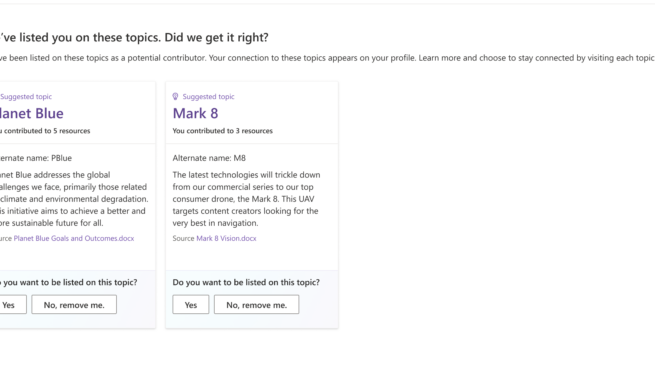
Viva Topics | 9A: Switch classification decisions and G2
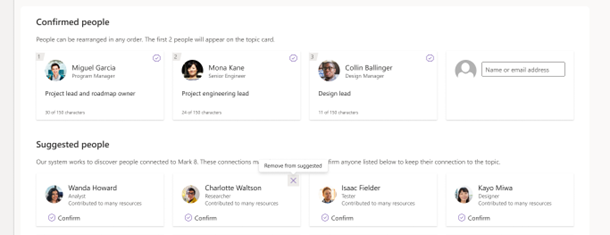
Viva Topics | 9A: Switch classification decisions
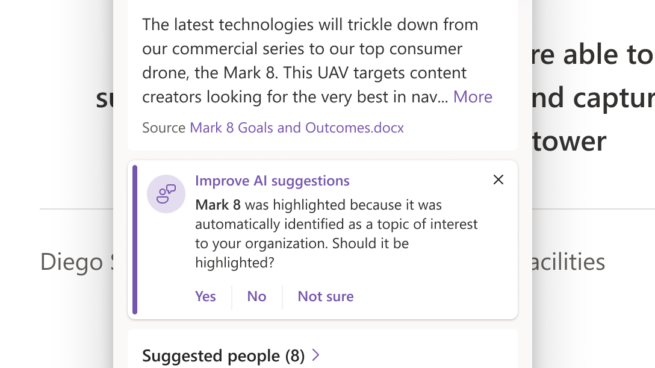
Screenshot of a block of text with one highlighted word. A Topic card is displayed next to the highlighted word In addition to information about the topic (description, related people) it has a block that reads: "Mark 8 was highlighted because it was automatically identified as a topic of interest to your organization. Should it be highlighted? Yes. No. Not sure.

Viva Topics | 15A: Encourage explicit feedback on individual system outputs
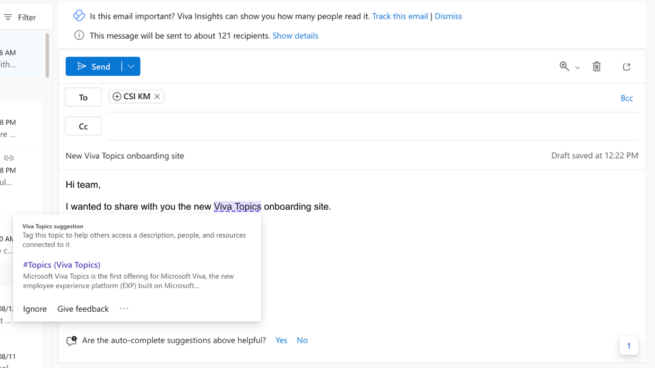
Viva Topics – G4: Show contextually relevant information
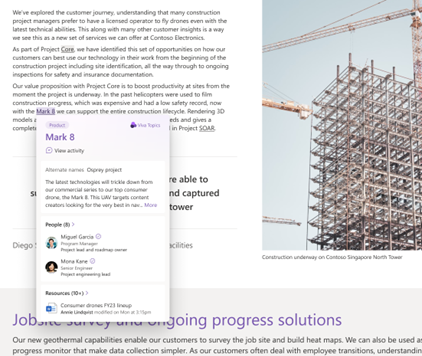
Viva Topics | G4: Show contextually relevant information
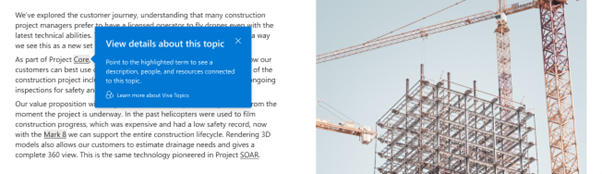
an image of a construction site and accompanying text. A pop up on top of a highlighted phrase reads "View details about this topic. Point to the highlighted term to see a description, people, and resources connected to this topic. Learn more about Viva Topics."

Viva Topics | 1C: Expose system controls

Viva Topics | 1C: Expose system controls

D365 Customer Service | 9B: Rich and detailed edits

Nichesss | 9B: Rich and detailed edits
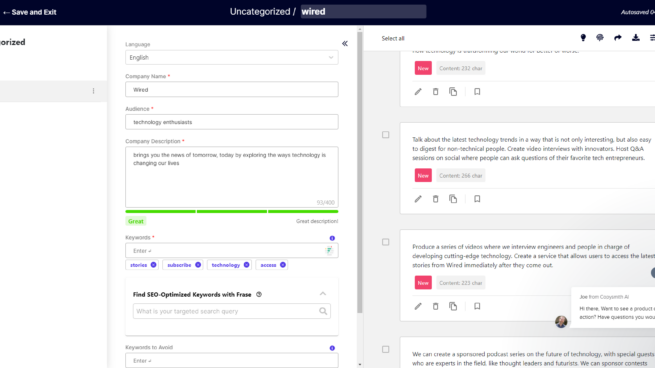
Copysmith | 11G: “What if explanations”
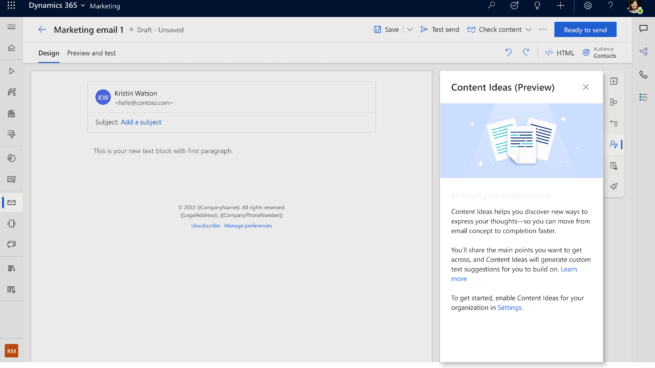
D365 Marketing | 1A: Introductory blurb
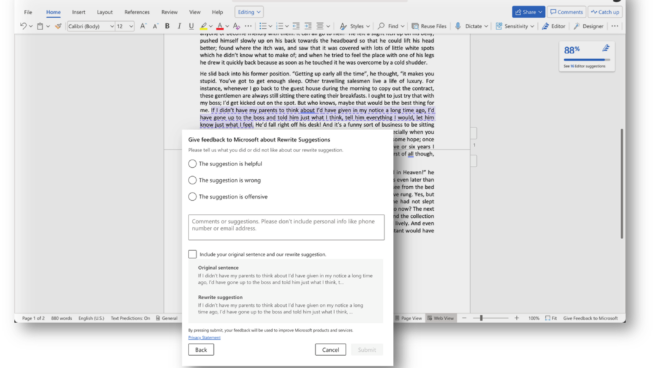
Word Online | 15C: Reporting inappropriate content