
July 23, 2024
Share this page


7 ideas for giving your computer a new look
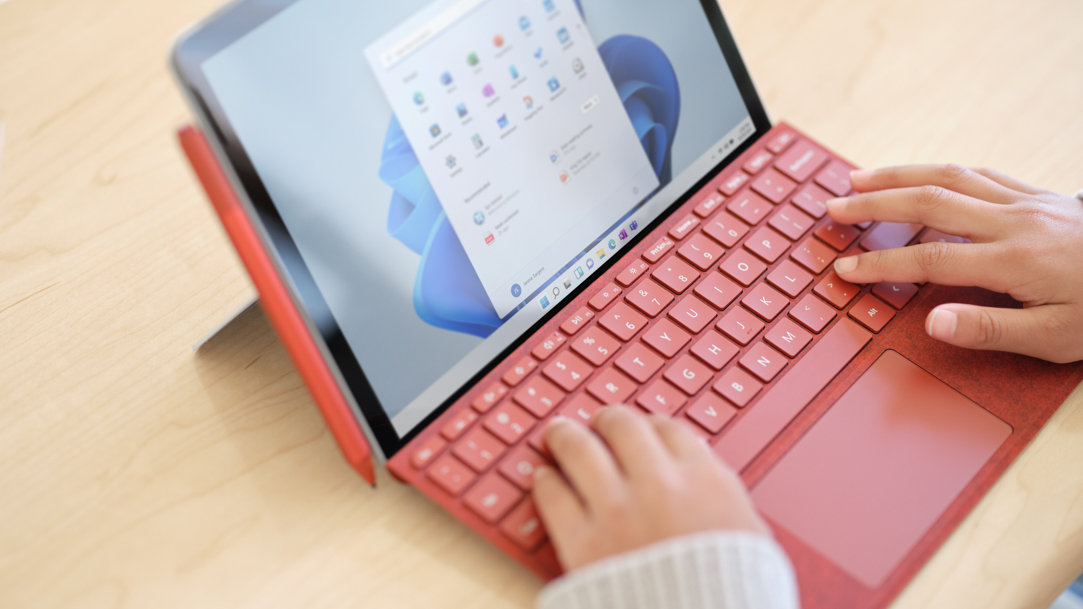
In a world where technology is a constant companion, making your computer reflect your personal style isn’t just fun—it also enhances your interaction with your device. Personalizing your computer can be a refreshing way to rejuvenate your workspace and make your daily tasks more enjoyable. Here’s how you can customize your computer background and overall aesthetic to match your unique style.
How to customize your computer aesthetic
One of the simplest ways to personalize your computer is to customize the desktop wallpaper. Go beyond the default options and choose an image that speaks to you. Whether it’s a photo from a memorable vacation, a piece of digital art, or a calming pattern, your wallpaper can set the tone for your day.
2. Customize icons and folders
Your desktop icons and folders don’t have to be boring. Customize the icons for a cleaner look or to match a theme you love. Plenty of online resources offer icon packs, or you can create your own for a truly unique touch.
3. Decorate your laptop with skins and stickers
Laptop skins and stickers are great ways to express your personality. Not only do they give your computer a new look, but they also protect it from scratches and wear. Choose from designs that reflect your hobbies, favorite bands, or inspirational quotes.
4. Select a new cursor design
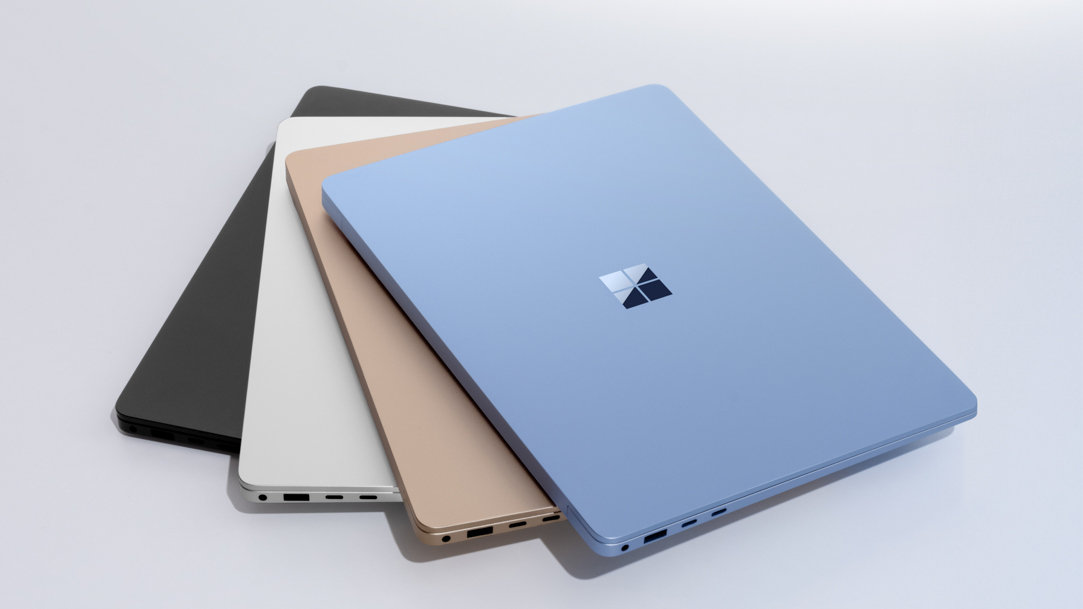
Who says cursors have to be plain? You can change your cursor to a custom design that adds a small but delightful twist to your computing experience. If you have a Windows 11 device like the new Surface Laptop 7ᵗʰ Edition or Surface Pro 11ᵗʰ Edition, open Settings. In the search box, type mouse and then select Mouse pointer style in the list of results. From there, select the design, color, and size that you like.
5. Purchase a keyboard
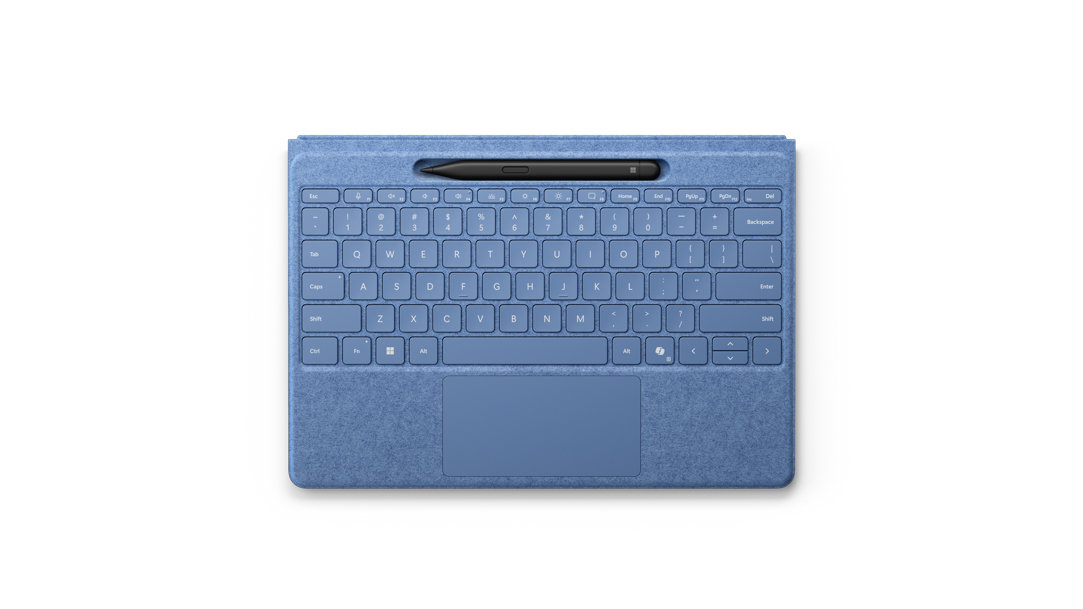
A specially designed keyboard like Surface Pro Flex Keyboard1 can change the look and feel of your computer. Choose the colors and style that fits your personality to add visual flair. Surface Pro Flex Keyboard is currently available in black or bright sapphire.
6. Organize your desktop widgets
Widgets can add both functionality and style to your desktop. Keep your desktop organized with a stylish clock, calendar, or weather widget that complements your background and icons.
7. Light up your space with LED strips
LED light strips with customizable colors can add ambiance to your computer setup. Place them behind your monitor or under your desk for a subtle effect that can change to fit your mood or the task at hand.
Customize your Surface device with accessories
Microsoft Surface devices offer accessories1 to customize and enhance your computing experience like Surface Arc Mouse, or purchase Surface Pro Flex Keyboard with Slim Pen, which is designed to be used either attached to your Pro2 for the ultimate laptop setup or detached3 as a standalone keyboard for unrivaled flexibility. Use other accessories to create the digital experience you want.
Your computer is a central part of your daily life, so why not make it a reflection of who you are? From changing your desktop background to adding ambient lighting, each step you take to customize your computer aesthetic makes your workspace more personal and enjoyable. For a more personalized computing experience, choose an option that fits your needs with Microsoft Surface.
Products featured in this article

Surface Accessories
Surface Pro Flex Keyboard with Slim Pen
Surface Laptop 7ᵗʰ Edition
Surface Pro 11ᵗʰ Edition
Surface Arc Mouse
Related topics

What the colors of your Surface devices and accessories say about your personality

How to customize your laptop for school
