
December 12, 2023 | Updated: November 10, 2025
Share this page


The benefits of using a touchscreen laptop
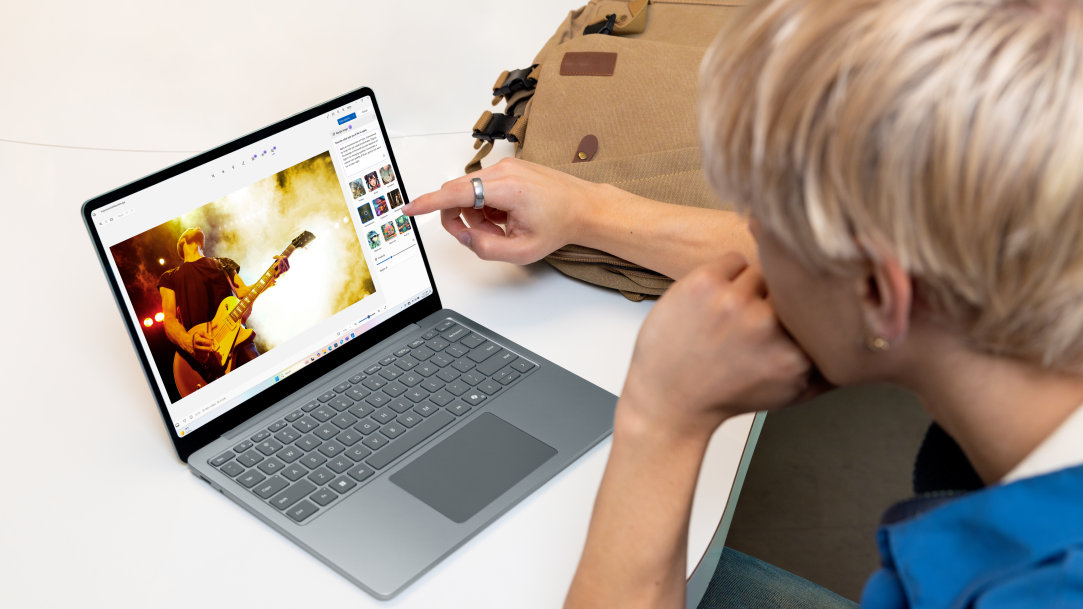
Touchscreen computers combine the best of both worlds: Not only do you have a keyboard and mouse (or touchpad) that you’re familiar with, but you can also directly interact with the screen—either through a stylus or with your finger. This changes the ways we can interact with digital devices. See how the magic of touch unlocks new possibilities for work, play, and every experience in between.
The future at your fingertips
Unlike traditional computers that rely solely on a keyboard and mouse, touchscreen laptops introduce a natural way to interact with your device. High-resolution touchscreens, like those built into Microsoft Surface Copilot+ PCs, respond to your every touch and gesture. And, because they’re equipped with all day long battery life1, your Surface Laptop and Surface Pro 2-in-1 PCs go where you go. This enables a more direct, intuitive creative process. You can pinch to zoom into intricate details, rotate your canvas with a simple two-finger twist, and use touch to quickly select tools or adjust brush sizes.
How touchscreen computers can enhance productivity
If you're in the design, architecture, or healthcare industries, for example, you’ll be well-served by a portable computer that you can take from your home to the workplace or job site. Complex design work is made simple with a touchscreen laptop: zoom in on blueprints or graphic elements with a pinch of your two fingers, or sketch directly on the screen. The ability to directly interact with your work using a stylus or your fingers brings a level of precision that was previously hard to achieve.
If you’re in the medical field, meeting with patients, you can’t afford to be tethered to a traditional keyboard and mouse. Carry your touchscreen laptop with you to conduct visits, fill out and sign forms directly on screen with a stylus like Surface Slim Pen2,3. No more switching between tools or navigating complex menus—simply touch and work.
Accessibility and inclusivity for all walks of life
Another significant benefit of touchscreen laptops is the improvement they bring to accessibility and inclusivity. Some people with disabilities often find it easier to use touchscreens instead of traditional input devices such as keyboards, mice, or touchpads. Interacting directly on a large, smooth, responsive screen can be a game-changer. What’s more, touchscreen laptops also offer alternative input methods like voice recognition and screen readers.
For businesses and educational institutions, this inclusivity is vital to fostering an inclusive environment and making a positive impact on the lives of many. Teachers and trainers can work with students more effectively, employees can collaborate seamlessly, and customers can engage more easily.
Immersive entertainment for books, movies, and more
Touchscreen devices aren't just about work; they can provide a more immersive entertainment experience as well.
From reading e-textbooks to editing videos, screen resolution and touch responsiveness matter. Surface Copilot+ PCs respond to your every touch and gesture. Both Surface Laptop and Surface Pro 2-in-1 PCs are powered by Snapdragon® X Elite and Plus processors, which means they’re lightning-fast, with sleek touchscreens to give you vibrant detail, sharp text, and a comfortable viewing experience.
For example, Surface Laptops feature a PixelSense touchscreen4 for incredible image quality and a natural, faster way to interact with your laptop. Choose from 13.8-inch, 15-inch, or 13-inch models. Surface Laptop, 13.8-inch and Surface Laptop, 15-inch deliver HDR Touchscreens with Dolby Vision.
Bring your touchscreen computer anywhere
In contrast to traditional laptops, touchscreen computers are often all-in-one solutions, with their screen and computer components integrated into one sleek device. This not only saves space but also reduces cable clutter, making your workspace more organized. Even if you opt for accessories such as external monitors, mechanical keyboards, or trackball devices, you can set up an aesthetically minimalist work setup with a touchscreen device—and disconnect it from your workspace if you need to go on the road.
Surface Pro 2-in-1 PCs, for example, work like a laptop, play like a tablet, and have the power to go beyond what you thought possible. Choose a Surface Pro, 12-inch or a Surface Pro, 13-inch model to express yourself with touch, voice, or pen on the PixelSense LCD touchscreen or the PixelSense touchscreen with optional OLED. Grab a Surface Slim Pen and draw, take notes, or navigate on the high-resolution touchscreen. You can use Surface Slim Pen to write anywhere you can type in Windows 11, like search boxes and input fields. You can count on laptop productivity and tablet creativity on the go as you switch between modes with ease.
Microsoft touchscreen laptops are at the forefront of personal and professional computing, with the potential for enhancing productivity, immersive entertainment, improved accessibility, space-saving, and mobility. Compare Surface devices and find the ideal Microsoft touchscreen laptop that fits your needs, your lifestyle, and your budget.
- [1] Battery life varies significantly based on usage, network and feature configuration, signal strength, settings, and other factors. See aka.ms/SurfaceBatteryPerformance for details.
- [2] Sold separately.
- [3] Surface Slim Pen (2nd Edition) experiences and compatibility vary by which Surface device you are using it with. Visit Surface Slim Pen Compatibility to learn more.
- [4] Optimized for touch interaction only. Pen input and compatibility with Surface Pen, Surface Slim Pen, or similar accessories is not supported.
Mentioned in this article

Compare Surface Copilot+ PCs
You may also like

The differences between Surface Laptop and Surface Pro from Microsoft

Why a Microsoft Surface is the best Windows device experience
