
December 12, 2023
Share this page


Creative ways to wrap gifts
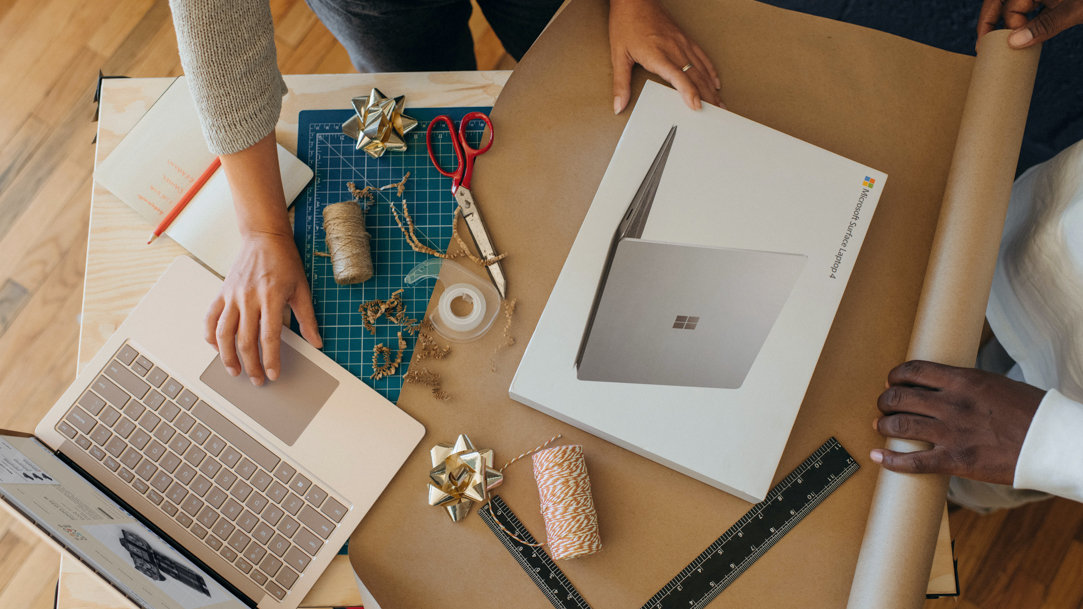
When it comes to giving gifts to friends and family, you want to make the moment as special you can. While anyone would be delighted to receive something like a Surface device, thoughtful gift wrapping is the easiest way to make any present more memorable. Learn how to wrap gifts in unique and imaginative ways, turning your thoughtful gesture into a moment they'll cherish forever.
The basics of gift wrapping
Before you take your gift wrapping to the next level, let’s learn a little more about gift wrapping basics.
Choose the right wrapping paper
Select wrapping paper that reflects the personality of the recipient. Whether it's a vibrant pattern, elegant design, or a favorite color, this sets the tone for your entire presentation. Additionally, thicker wrapping paper usually denotes higher quality. Lastly, look for wrapping paper with gridlines on the back to help you cut clean lines.
Measure twice and cut once
Measure the laptop's dimensions carefully to make sure your wrapping paper fits the package. The wrapping paper should fit the box snugly while leaving enough room to fold the edges of the paper neatly.
Creative gift-wrapping ideas
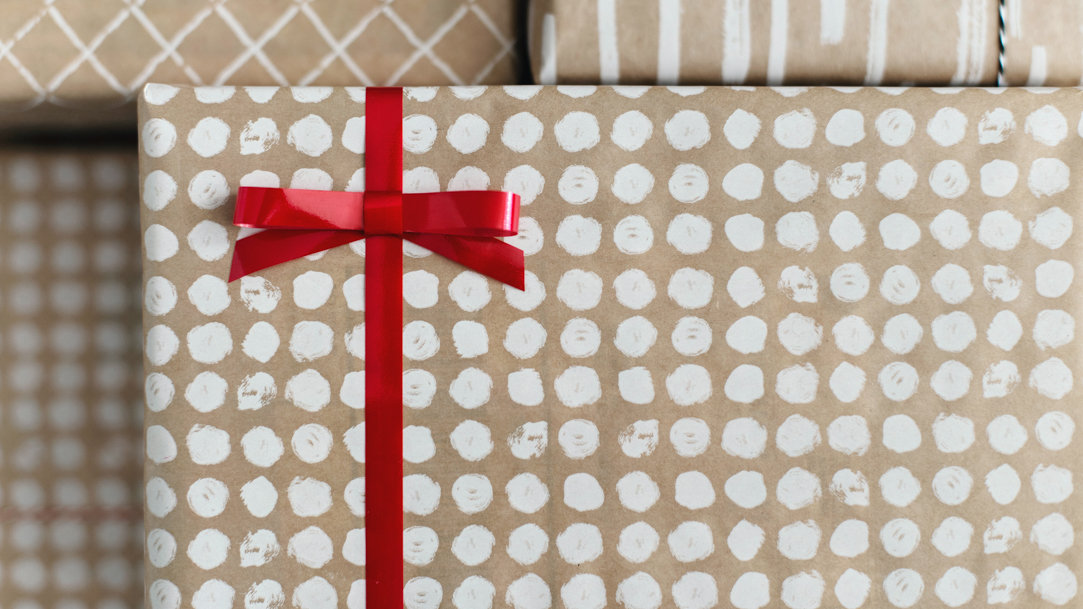
There’s elegance in simplicity. For a classic look, place the gift in a sturdy, plain gift box. Decorate the box with a beautiful ribbon, a heartfelt message, or even a small bouquet of flowers. That said, we’re here to explore some ideas beyond the classic. Try these creative gift-wrapping ideas to make your present truly stand out.
Quirky coverings
- Newspaper. If you don’t have wrapping paper on hand, wrap the laptop in newspaper and secure it with twine or colorful duct tape. Add a personalized touch by circling headlines that hold sentimental value to your relationship.
- Comic book panels. For a comic book enthusiast, wrapping a gift in pages from their favorite comics adds a unique and personalized touch.
Artsy techniques
- Decoupage. Apply decoupage techniques by gluing cutouts from magazines, photographs, or artwork onto the laptop's gift box, creating a customized and textured finish.
- Elegant florals. Pay homage to nature by incorporating real or artificial flowers into your gift wrapping. Press flowers into your wrapping paper or slip a flower into your ribbon before tying the bow.
- Rustic colors. Wrap the laptop in a natural, rustic fabric like burlap or brown paper. Add twigs, pinecones, or leaves for a woodland-inspired presentation.
Add a finishing touch
Regardless of the gift-wrapping style, the final, small touches can truly make it special. Add a heartfelt card, bow, hand-drawn styling, personal message, or even a dash of fragrance to your packaging to express your love and thoughtfulness.
No matter what you’re gifting, these creative techniques will make it even more memorable. Select a style that mirrors the recipient's personality for a thoughtful gesture they won't forget. Thinking of giving the gift of a Surface device, but not sure which one? Take the quiz today and find your (or your loved one’s) perfect PC.
Products featured in this article

Microsoft Surface
Related topics

How to use family sharing between laptops and 2-in-1 PCs

Best lightweight Surface for traveling
