
March 03, 2026 | Updated: June 16, 2026
Share this page


Touchscreen laptops: Top picks for work and entertainment
In this article:
- Touchscreen laptops enable intuitive interaction through tapping, swiping, and pinching, offering a faster and more fluid alternative to traditional keyboards and mice.
- Integrated pen support with Surface Pro allows for natural writing and sketching directly on the screen, providing a level of precision ideal for note-taking and creative design.
- Surface Pro offers 2-in-1 adaptability for those needing a tablet-to-laptop transition, while Surface Laptop provides a classic clamshell design with premium touch capabilities.
- Surface Laptop is designed with high-resolution PixelSense touchscreens and Dolby audio elevate streaming and gaming, making it more engaging to watch movies or browse photos.
- Surface laptops pair a responsive touch interface with built-in AI tools to help you manage tasks, create images, and stay organized more naturally.
A touchscreen laptop blends the familiarity of a traditional computer with the immediacy of touch. Instead of relying solely on a keyboard and touchpad, you can tap, swipe, sketch, and interact with your device in a way that feels natural and immediate.
Whether you’re powering through assignments, sketching your next big idea, or unwinding with your favorite shows, touchscreen laptops unlock new possibilities for work, play, and everything in between. Microsoft Surface PCs are a top pick.
Why choose a touchscreen laptop?
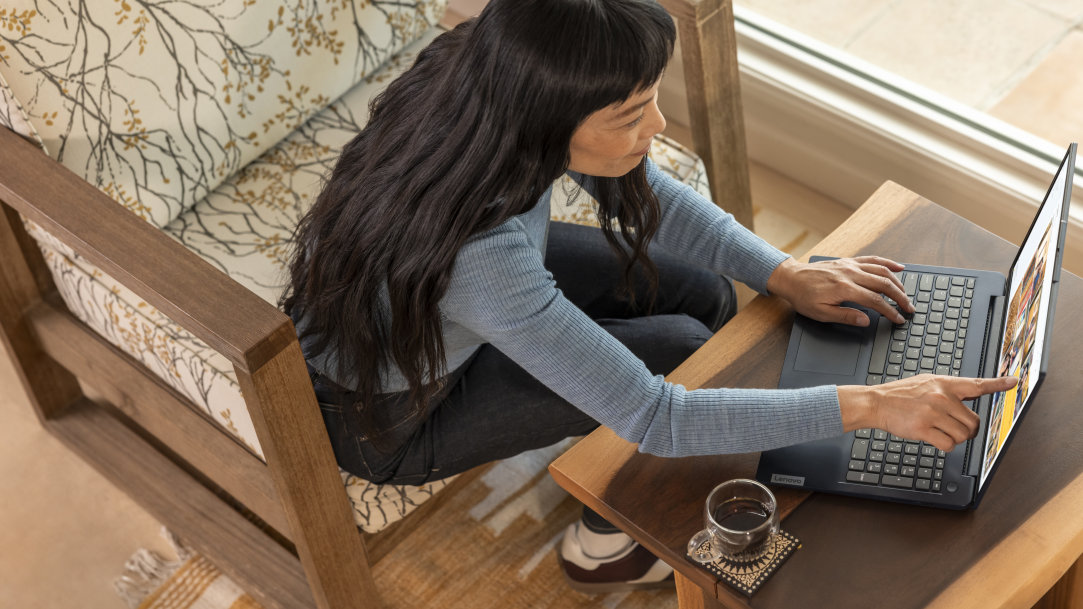
Touchscreen laptops introduce a more natural way to navigate your device. With 2-in-1s, for example, you can pinch to zoom into fine details and rotate your canvas with simple gestures. Both laptop and 2-in-1 touchscreens let you tap to select tools instantly and use your finger to scroll. This direct interaction feels faster and more fluid than traditional navigation.
Touchscreens are also ideal for note‑taking, sketching, and presenting. On devices with pen support, you can write or draw directly on the screen, bringing a level of precision and expressiveness that’s hard to achieve with a keyboard and mouse alone. Compared to traditional laptops, touchscreen devices offer more flexibility for switching between work and play.
Best touchscreen laptops for work
When productivity is your priority, the best touchscreen laptops deliver strong performance, portability, and a smooth touch experience. Surface devices excel here thanks to thoughtful design, seamless integration with Windows 11 AI experiences, and high‑resolution PixelSense touchscreen for vibrant detail and smooth responsiveness. Surface Pro and Surface Laptop are powerful options for anyone seeking a touchscreen laptop for productivity, creativity, and entertainment.
Surface Pro: Versatile 2-in-1 touchscreen laptop with pen support
Surface Pro is a powerful 2‑in‑1 touchscreen laptop designed for users who need adaptability. It works like a laptop and plays like a tablet, giving you the freedom to move between typing, touching, and writing with a Surface Slim Pen.1 Surface Pro is especially useful for students, professionals, and anyone who needs a device that can easily shift between tasks throughout the day.
Key advantages include:
- A natural keyboard1, touch and pen workflow
- Smooth performance for productivity apps
- Lightweight mobility
- Long battery life2
Surface Laptop: Classic form touchscreen laptop for productivity
If you prefer a traditional laptop design, Surface Laptop offers premium craftsmanship with the added benefit of touch. Lighter than your average laptop, and more powerful, Surface Laptops are among the fastest, most intelligent Windows PCs ever. The built-in keyboard and powerful capabilities make Surface Laptops well suited for those who require multitasking, creativity, and productivity.
Key advantages include:
- Fast performance for productivity apps
- A comfortable typing experience
- Long battery life2
- A sleek, portable design
Best touchscreen laptops for entertainment
Touchscreen laptops also elevate entertainment. High‑resolution displays bring movies, games, and creative apps to life with vibrant detail and sharp text. Dolby® audio enhances immersion, whether you’re streaming a show or listening to music.
Like many touchscreen laptops, Surface PCs can make entertainment feel more immersive, with a responsive touch for scrolling and selecting, and high‑quality displays that are great for watching movies, browsing, and using creative apps.
The best of both worlds: 2-in-1 touchscreen laptop
A 2‑in‑1 touchscreen laptop gives you the freedom to switch between laptop and tablet modes depending on your task. Laptop mode is perfect for typing essays or working in productivity apps, while tablet mode is ideal for sketching, reading, or presenting.
With pen and accessory support, 2‑in‑1 devices like Surface Pro-offer a natural, expressive way to work and create. Surface Pro is especially beneficial for:
- Students who need a lightweight, adaptable device
- Creatives who rely on pen input for drawing or design
- Travelers who want portability without sacrificing capability
How to choose the right touchscreen laptop
Use this checklist to guide your decision:
- Screen size and resolution
- Performance needs
- Battery life
- Accessories such as pens or detachable keyboards
- Balance between entertainment and productivity
Why Surface touchscreen laptops stand out
Surface offers a premium, integrated experience built around touch. With high‑resolution PixelSense touchscreens, long battery life, and accessories designed specifically for touch input, Surface Laptop and Surface Pro 2-in-1s deliver exceptional performance for both work and entertainment. deliver exceptional performance for both work and entertainment.
If you’re ready for a touchscreen laptop that’s the fastest, most intelligent Windows PCs ever, with brilliant AI features designed to enhance your everyday life, explore Surface laptops.
- [1] Sold separately.
- [2] Battery life varies significantly based on usage, network and feature configuration, signal strength, settings, and other factors. See aka.ms/SurfaceBatteryPerformance for details.
You may also like

The differences between Surface Laptop and Surface Pro from Microsoft

Surface Pro: A comprehensive guide
