
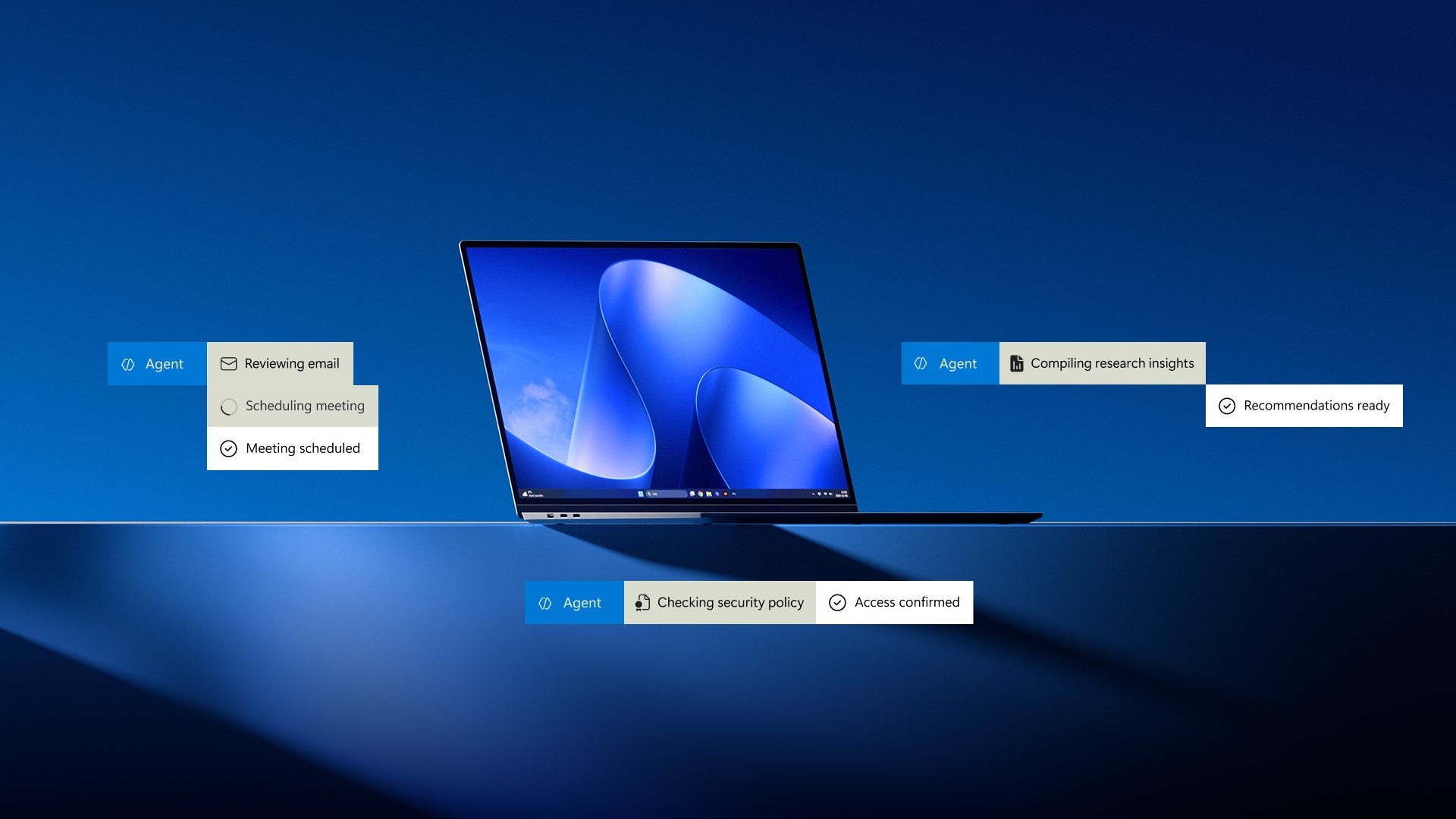
Help teams do more, simplify PC security and management1, and spark innovation.
Advance your goals with Windows 11 Pro
Protect your business
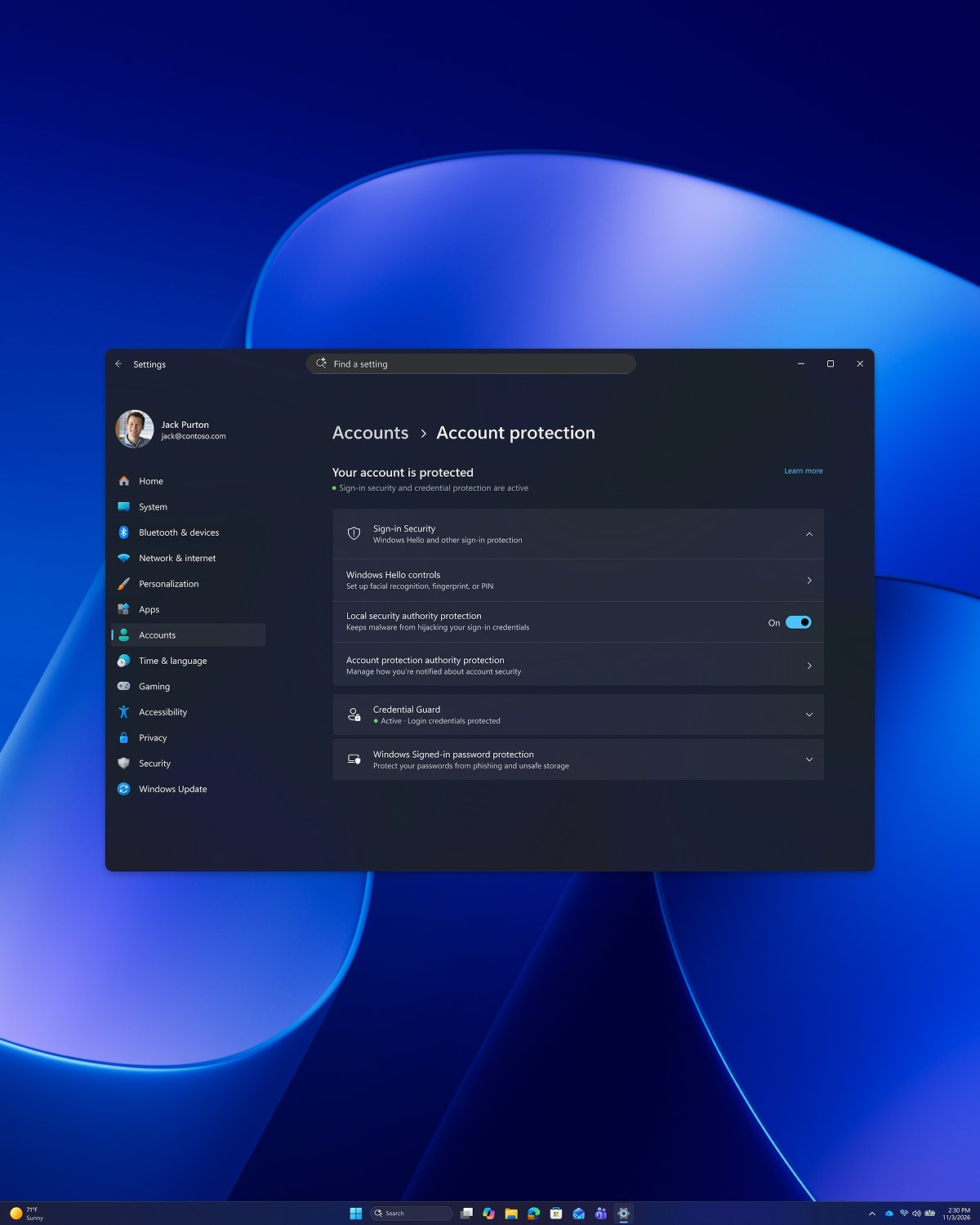
Shield your data as you work with built-in Windows 11 Pro security and lay a foundation for simpler PC management6.
Simplify management
Build on a stronger foundation with up-to-date security. With Windows Autopatch2, businesses reported 90% patch compliance in roughly half the time.3
Safeguard what matters
Help secure sign-ins with Windows Hello and passkeys4, and control which apps can run with App Control for Business5.
Build resilience
Strengthen security and resilience by using Windows declared configuration to help devices stay in an IT-defined state.6
Empower your teams
Help your teams turn expertise into action with fast performance, familiar tools, and Copilot on Windows intelligence that makes everyday workflows simpler.7
Get more done
Keep everyday tasks moving with a Windows experience that’s up to 20% more responsive8 across Start, File Explorer, Search, and more.
Find what matters
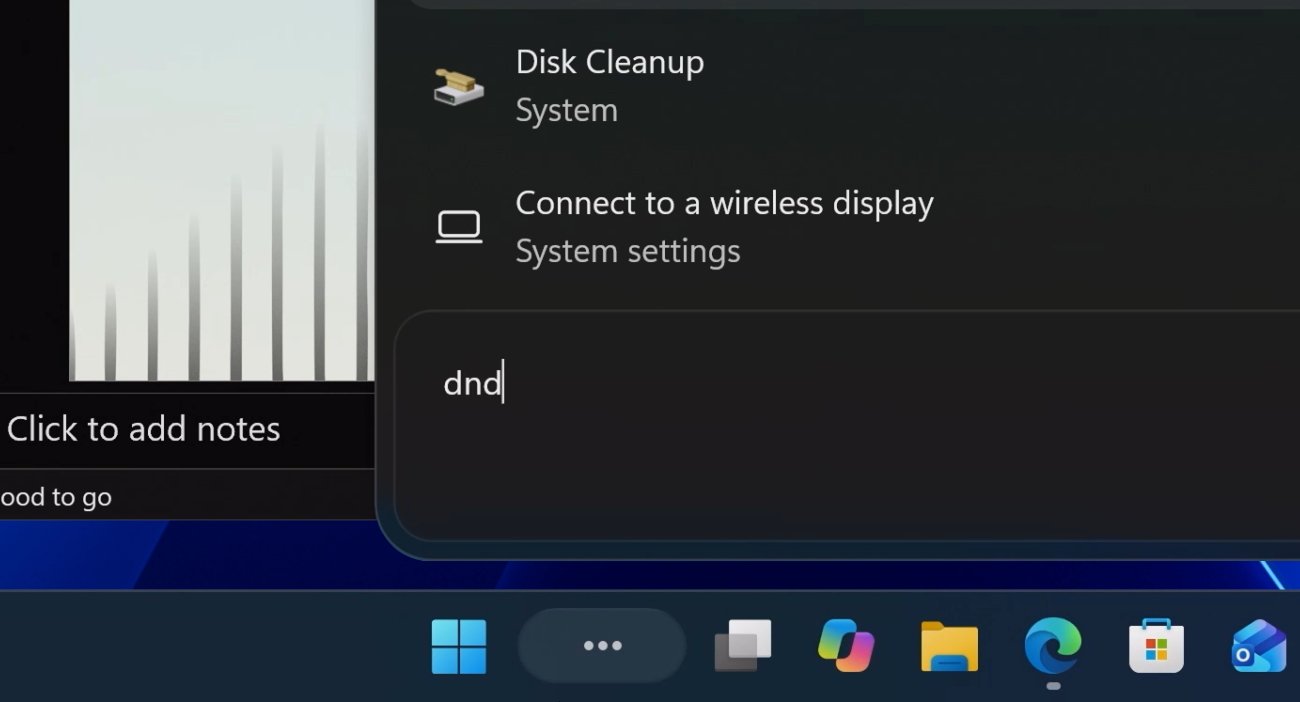
Get from searching to doing with less friction. Intelligent search surfaces relevant content in File Explorer and the taskbar based on what’s being worked on.12
Work smarter
Capture and pull text from your screen with Snipping Tool, so your team can focus less on routine work and more on demanding challenges.
Drive transformation
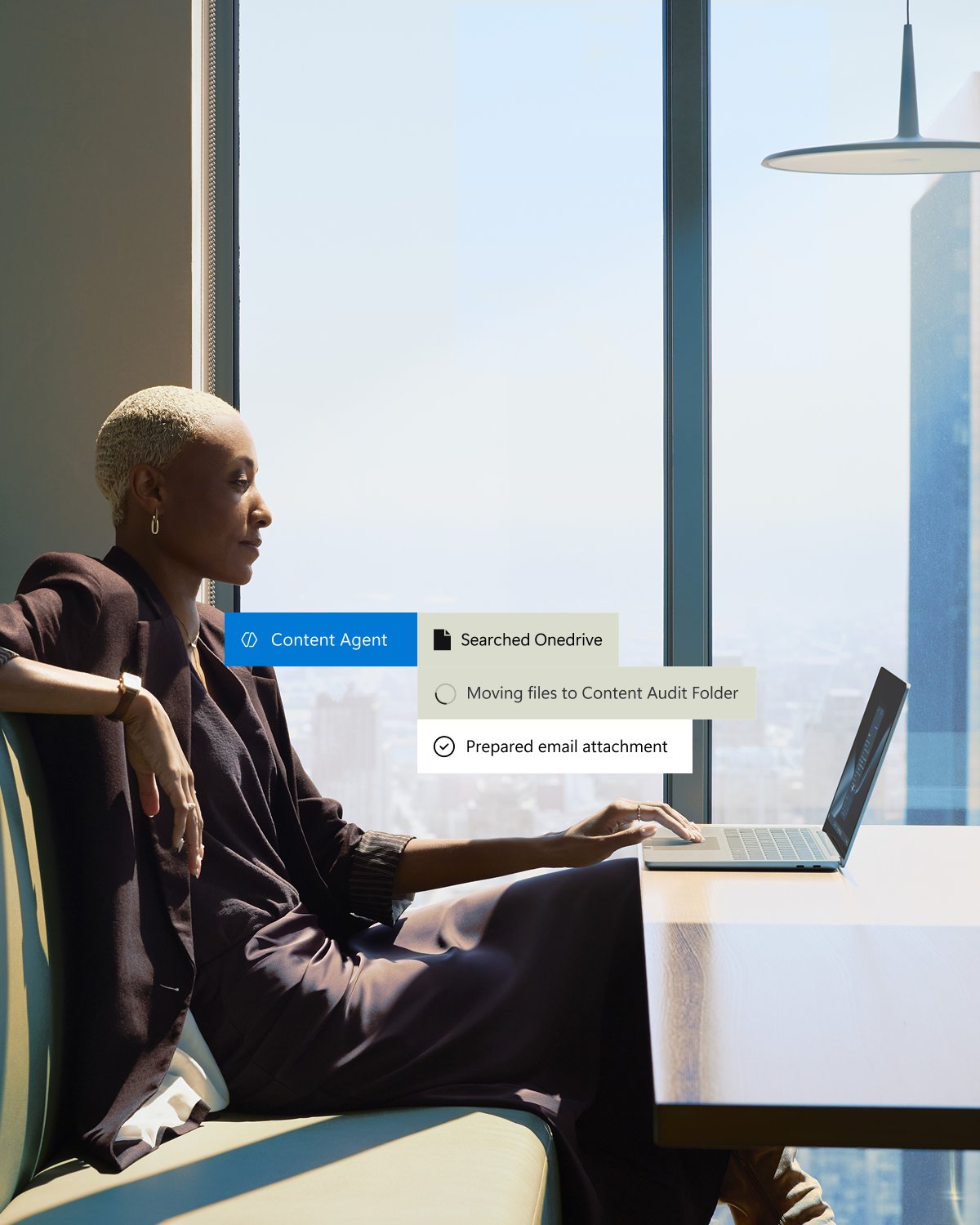
Make more of your technology investments and turn AI into measurable business value.
Improve how work gets done
Streamline processes to reduce friction with Copilot built into familiar Windows experiences like File Explorer and search.9
Create measurable value
Boost efficiency and drive value with solutions based on Windows 11 Pro and Microsoft 36510 for enhanced productivity with Office and modern management with Intune5.
Turn AI into impact
Hybrid intelligence on Windows combines local and cloud AI for more ways to work, get insights, and solve problems.
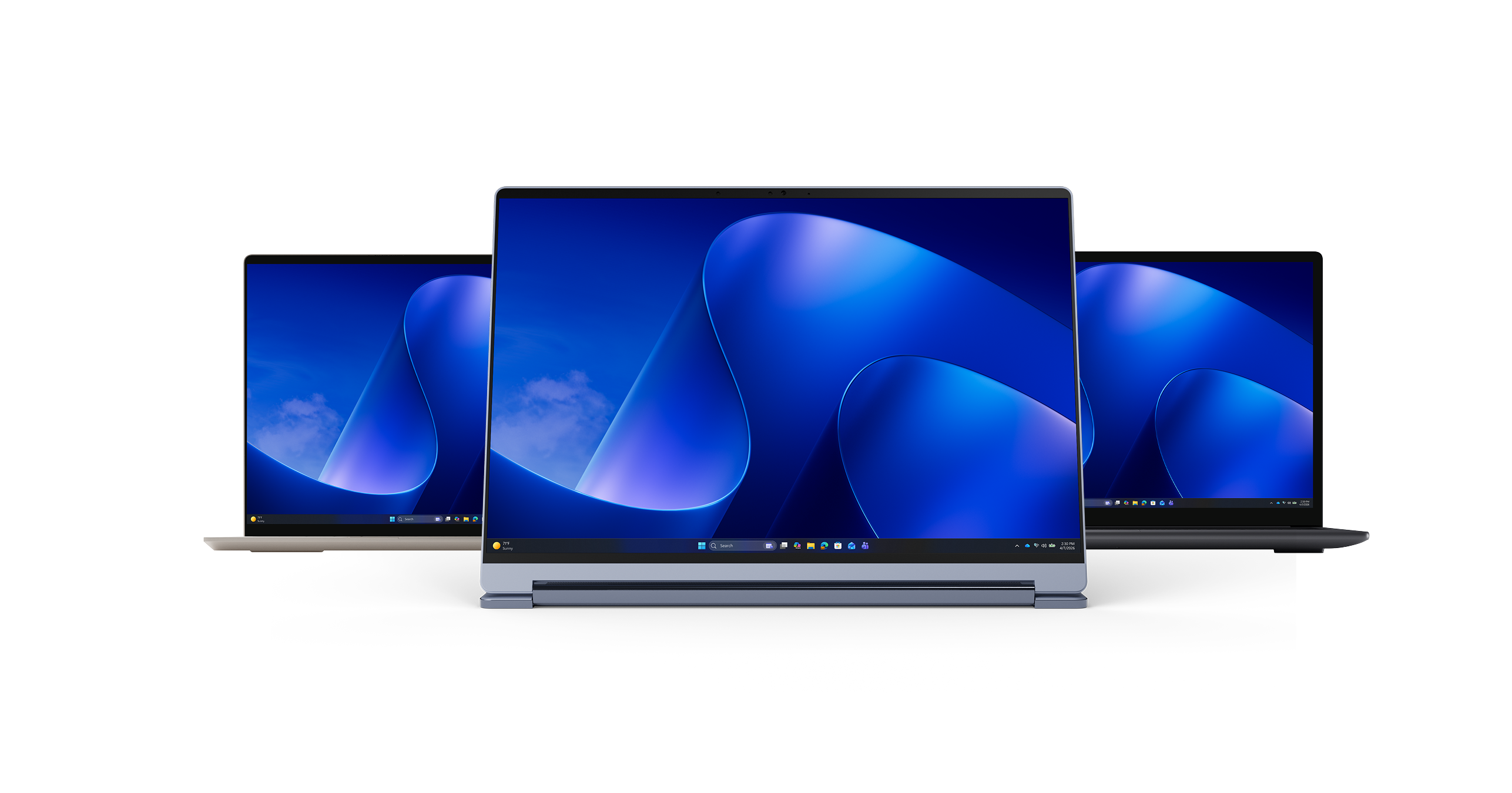
Find the right PC for every way of working
Equip your teams with the security, performance, and AI capabilities they need to do their best work.
Stay informed
Subscribe to the Windows for Business Digest for our latest product news, security tips, and productivity insights.
Frequently asked questions
Upgrade to Windows 11 Pro if your business needs current security updates, business device management, or features not available with Windows 11 Home. Windows 11 Pro is designed to support business productivity, secure sign-in, device protection, deployment, and management. Confirm that your device meets the Windows 11 system requirements before upgrading.
Your company can upgrade to Windows 11 Pro by purchasing new Windows 11 Pro PCs or upgrading eligible Windows devices with a valid Windows 11 Pro license. Before upgrading, confirm that each device meets the system requirements and review compatibility with your organization’s apps, hardware, and management tools.
PCs with Windows 11 are available from a broad selection of resellers and our partners. Explore Windows 11 Pro computers today.
Windows 11 Pro includes additional security, networking, and device-management features designed for businesses. Unlike Windows 11 Home, Windows 11 Pro supports capabilities such as BitLocker Drive Encryption, Remote Desktop, domain and Microsoft Entra ID11 join, helping organizations protect and manage business devices.
Upgrade from Windows 10 to Windows 11 Pro by first confirming that your device meets the Windows 11 system requirements and that you have a valid Windows 11 Pro license. Eligible devices can upgrade to Windows 11, while businesses that need Pro features can purchase Windows 11 Pro or activate it with a valid product key. Windows 11 Pro supports business-focused security and management capabilities, including BitLocker Drive Encryption, Remote Desktop, and Microsoft Entra ID join.
An update is a change within a version of a Windows product. An upgrade is when you change OS versions, for example moving from Windows 10 to Windows 11, or when you upgrade to a higher edition within the same OS version (e.g., Windows 11 Home to Windows 11 Pro).
Your company can get a Windows 11 Pro license by purchasing a new PC with Windows 11 Pro or buying a Pro upgrade for an eligible Windows 11 Home device. Organizations purchasing licenses for multiple devices should review Microsoft’s business licensing options to determine the appropriate purchase path.
Upgrading to Windows 11 Pro typically takes as little as a few minutes when upgrading from Windows 11 Home with a valid Pro license, although the total time can vary depending on the device, network connection, and whether updates are required. Before upgrading, confirm that the device meets Windows 11 system requirements and that you have a valid Windows 11 Pro license or product key. Upgrading through the Microsoft Store automatically checks eligibility and guides users through the process.
Windows 11 Pro combines performance, security, and manageability to help businesses stay productive and protected. It offers enhanced security, AI capabilities, optimized workflows, accelerated performance, and device management tools.
- [1]
Some security and management capabilities require additional licenses, subscriptions, or services. See Licensing Documents.
- [2]
Microsoft Intune sold separately.
- [3]
Requires Microsoft 365 Business Premium or other eligible licensing; managed via Microsoft Intune (may be sold separately). Learn more.
- [4]
The passkey can be saved locally to the Windows device and authenticated via Windows Hello or Windows Hello for Business. Hardware dependent.
- [5]
Microsoft Intune required, sold separately. App Control features vary depending on the version of Windows.
- [6]
Additional licensing, subscriptions, and/or usage charges may apply. Learn more about declared configuration.
- [7]
Additional licensing, subscriptions, and/or usage charges may apply. Learn more about licensing.
- [8]
Windows experience blog, October 2026. Based on measurements of Search, Start, right-click, Settings, Snipping Tool and File Explorer response times using PCs with 8GB RAM and Windows 11 OS build 26300.9550 compared to Windows 11 OS build 26200.7628; actual performance varies by device, configuration, usage, and other factors. Rollout timing and availability may vary by device and region.
- [9]
Additional licensing, subscriptions, and/or usage charges may apply. Learn more.
- [10]
Requires Microsoft 365 Business Premium and above; sold separately.
- [11]
Entra ID sold separately or with eligible license.
- [12]
The new Windows Search preview is rolling out to Windows Insiders with U.S. English language support. Pre-release product; subject to change. From searching to doing: Building a faster, more streamlined Windows Search | Windows Insider Blog