
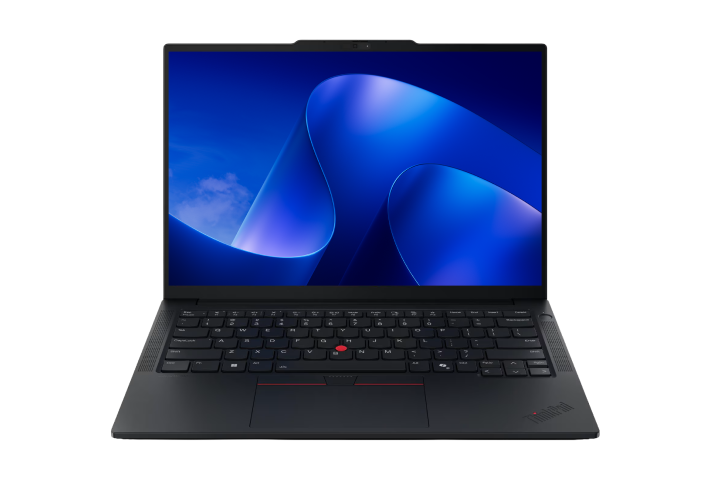
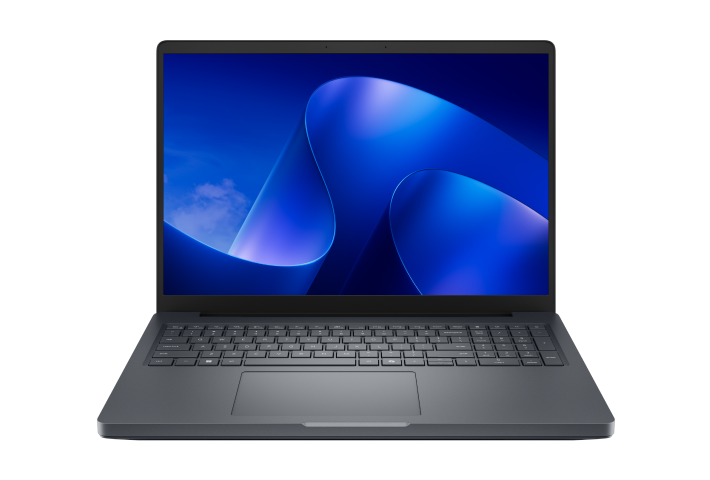
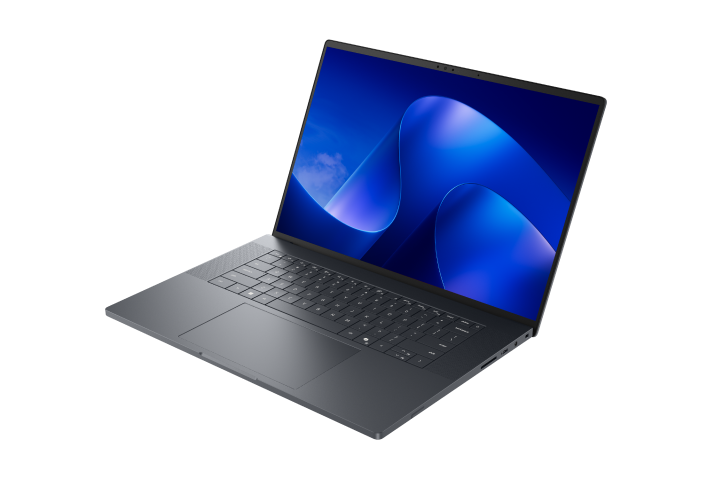
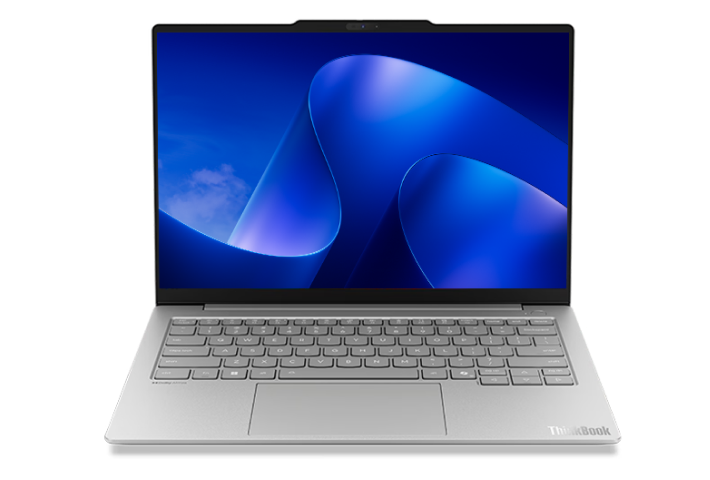
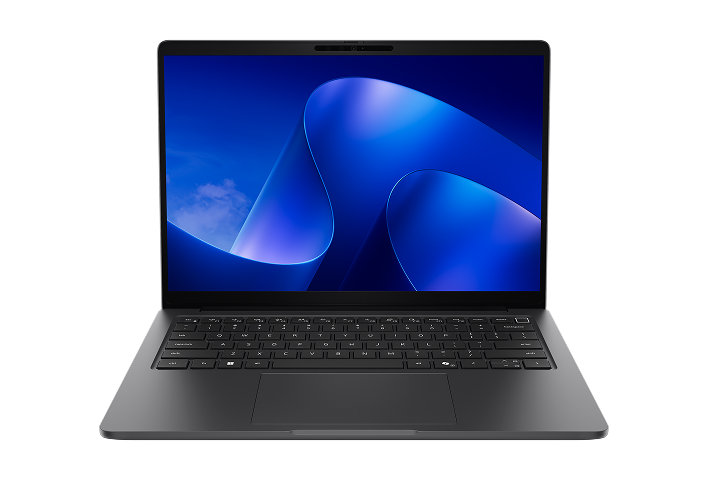
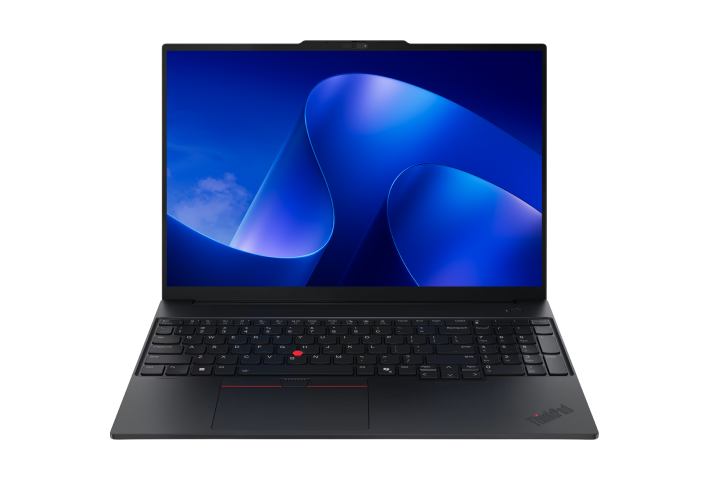
Windows 11 Pro helps teams work smarter with faster workflows and stronger security.

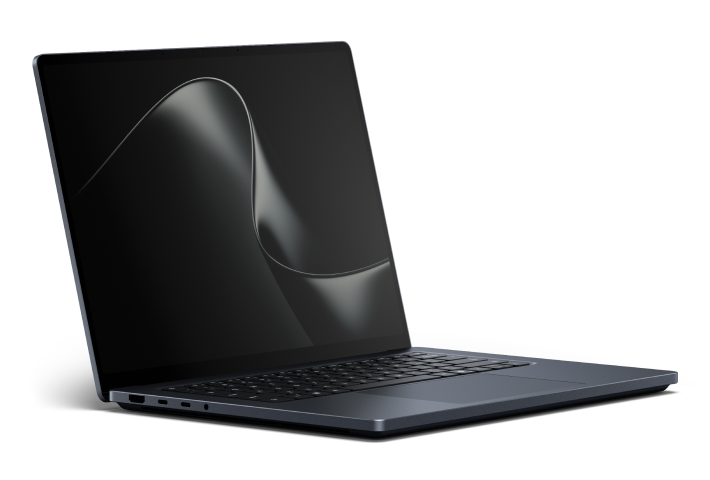
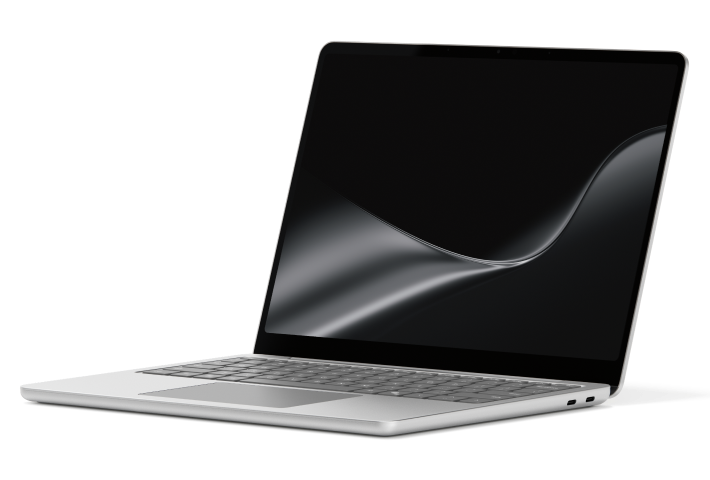
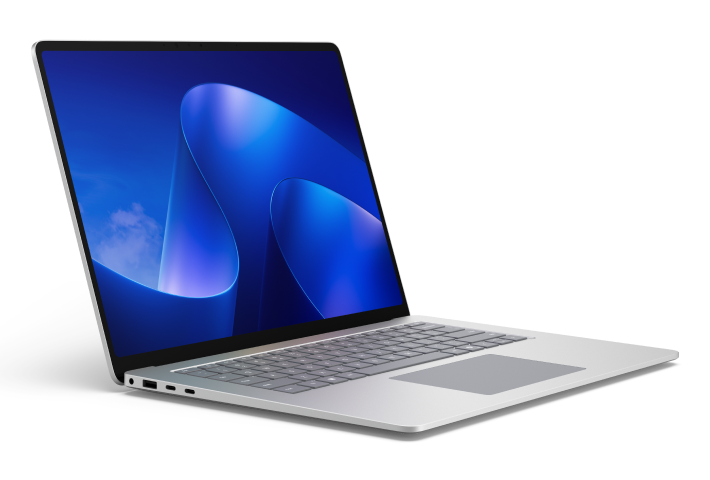

The Windows difference
Frequently asked questions
Windows 11 Pro devices are designed for business use and include features that help organizations manage, secure, and deploy PCs at scale. Compared with consumer-focused operating systems, Windows 11 Pro supports business-ready capabilities such as device management, advanced security controls, and productivity features for modern workplaces.
Small business laptops are designed to balance performance, security, portability, and value. Business owners often look for devices that support everyday productivity, remote collaboration, and future growth while simplifying device management and security.
A 2-in-1 business laptop is a device that can function as both a traditional laptop and a tablet. These devices provide flexibility for presentations, note-taking, field work, and mobile productivity while maintaining the performance and security businesses need.
A Copilot+ PC is a category of Windows PC designed to support AI-powered experiences. Copilot+ PCs combine powerful hardware with on-device AI capabilities to help users work more efficiently, streamline workflows, and support emerging business use cases3.
Many businesses can benefit from an AI-ready PC, especially if employees use AI-powered tools, collaborate frequently, create content, analyze data, or want to improve productivity. AI-ready PCs are designed with dedicated hardware that supports AI experiences and can help organizations prepare for emerging workplace technologies3. Businesses evaluating new device purchases may want to consider AI-ready PCs alongside traditional business laptops when planning future hardware investments.
Devices for remote and hybrid work should enable collaboration, mobility, and productivity from virtually anywhere. Many organizations prioritize lightweight laptops, long battery life, high-quality cameras and microphones, and secure cloud-connected experiences for distributed teams.
The best business laptop or PC depends on employee workstyles, performance requirements, mobility needs, and workspace setup. Organizations evaluating business laptops and PCs should consider portability, flexibility, collaboration needs, and workload requirements when selecting devices.
Use the guide below to compare common business PC form factors and identify the best fit for your organization's needs.
Compare business PC form factors | |
|---|---|
Business laptops | Best for: Everyday productivity, hybrid work, and general business use |
Ultra-Slim business notebooks | Best for: Business travel, portability, and employees who work on the go |
2-in-1 business laptops | Best for: Flexibility, presentations, collaboration, and touch-enabled experiences |
Business desktop computers | Best for: Performance-intensive workloads, multi-monitor setups, and dedicated office workspaces |
All-in-one business PCs | Best for: Space-saving workstations, simplified setups, and modern office environments |
Business travelers often prioritize laptops that balance portability, battery life, performance, and security. Lightweight designs can make devices easier to carry between meetings and destinations, while long battery life, reliable connectivity, and business-grade security features help employees stay productive while traveling.
- [1]
Unless clicking Learn more on a Microsoft Surface device, clicking Shop now, Buy now, or Learn more will take you to an external website, whose privacy policy, terms and conditions will apply. Microsoft is not responsible for the privacy policy, content or accuracy of external websites. All specifications are subject to change without notice. Please check with each manufacturer or reseller for exact offers. Products may not be available in all markets. Displayed prices are current lowest prices offered by stated manufacturers or resellers and are subject to change. Prices are not offered by Microsoft unless stated.
- [2]
Service may be sold separately.
- [3]
Copilot+ PC experiences vary by device and region and may require updates continuing to roll out; timing varies. See Copilot+ PC details.
- [4]
Copilot key is available on many new Windows 11 PCs. Copilot key feature availability varies by market. Learn more about Copilot key.