 Discover Windows
Discover Windows
Discover Windows
AI Art Created via Copilot
January 13, 2026
Share this page


Your PC handles a lot: work projects, late-night browsing, movie marathons, shopping sprees, and all the everyday tasks in between. With so much happening on one device, having solid antivirus protection isn’t overkill, it’s just common sense.
The good news? You don’t need to be a security expert to stay safe. Windows 11 includes built-in protections that work quietly in the background while you go about your day.
Why antivirus protection matters more than ever
The internet is an incredible place, but it can be overwhelming sometimes. One minute you’re checking email, and the next you’re looking at an attachment from “Your Bank” that you definitely don’t remember asking for. Add in suspicious downloads, pop-ups pretending to be system alerts, and websites that look almost legit, and it’s easy to see why antivirus protection matters.
Think of it like a smart filter that quietly sorts the good from the bad. It catches many of the threats you might not notice at first glance and keeps them from getting too cozy on your PC.
Better still, Windows 11 handles a lot of this without you lifting a finger. Strong, built-in security kicks in the moment you power on your device—no long setup or complicated configuration required.
What antivirus software can protect you from
Antivirus software (especially what’s already built into Windows 11) does a great job blocking the most common digital troublemakers. For example, it can help protect you from:
With these defenses in place, you’re already protected from most of the trouble that tries to sneak in online.
What antivirus software cannot fully protect you from
As powerful as antivirus tools are, they can’t shield you from everything. Some threats focus on tricking you, not your computer. That’s where antivirus protection meets its limits:
A good gut check: when a website or app seems a little too curious—like asking for access it doesn’t need—take a moment. That pause is often enough to avoid getting tangled in a scam.
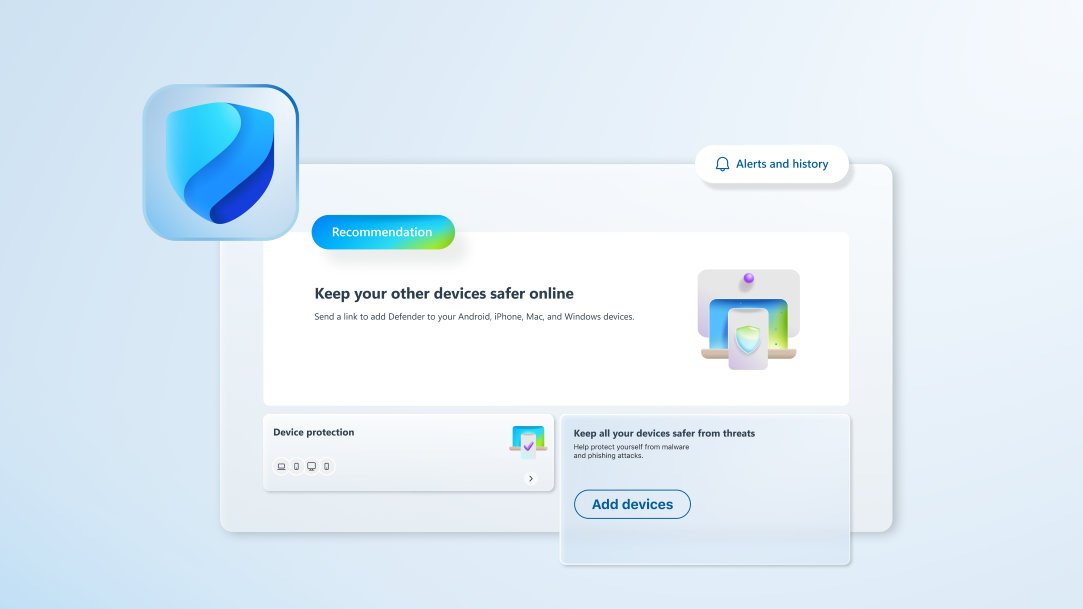
Microsoft Defender: built-in antivirus software in Windows 11
Windows 11 security comes with Microsoft Defender Antivirus, so you’re already protected from the start. No subscriptions, no install prompts, just solid, real-time security. Defender can:
For many users, this level of protection is plenty. Some third-party tools offer extras (like identity monitoring or built-in VPNs), but Microsoft Defender covers the essentials.
Simple habits that make your PC much safer
Some of the biggest boosts to your security come from small day-to-day habits. A few that make a real difference:
Other Windows 11 security features worth knowing about
As a bonus, Windows 11 includes several behind-the-scenes protections that many users don’t even realize they have. These features quietly add even more strength to your security setup:
Combined, these protections help ensure your device stays secure at every layer.
Smarter protection starts with Windows 11
Antivirus protection is a key foundation for safe online activity, but it’s even more effective when paired with the built-in tools and thoughtful features of Windows 11. Once you know what antivirus software can and can’t do, it’s easier to make smart choices and enjoy a smoother, safer PC experience.
Ready for simple, powerful protection that works quietly in the background? Explore Windows 11 today.


