
December 12, 2023 | Updated: January 13, 2026
Share this page


The best laptop accessories for a productive school year
One of the best ways for students to maximize learning and productivity is to take advantage of the essential laptop accessories. There are several Microsoft Surface accessories that can help them stay organized, focused, and efficient. Let’s take a look at some of the Surface accessories1 that are among the best computer accessories for productivity.
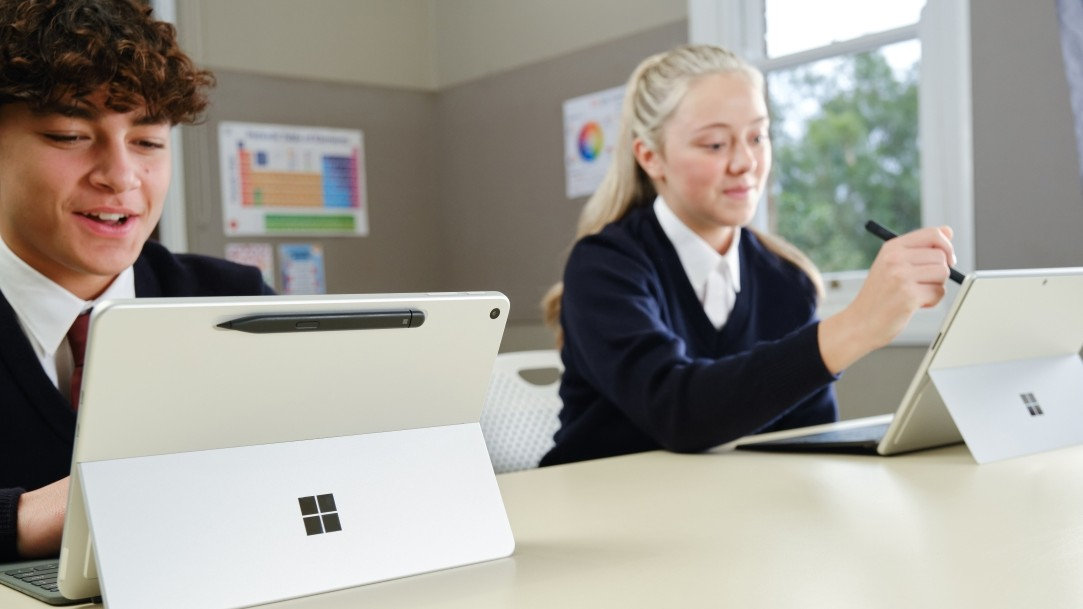
Surface Slim Pen
Surface Slim Pen1 is a must-have accessory. Thanks to the precision and pressure sensitivity of Surface Slim Pen, students can take handwritten notes or sketch with a pen-on-paper feel, Customizable vibrations mimic real drawing tools, enhancing realism and control2.
When paired with Copilot+ PCs like Surface Pro 2-in-1s, Surface Slim Pen unlocks AI-powered features in apps such as Windows Paint (sketch-to-image generation) and Microsoft OneNote (intelligent note summarization). Surface Slim Pen also supports handwriting-to-text conversion across multiple languages.
Offering up to 15 hours of battery life3, Surface Slim Pen charges wirelessly and magnetically attaches to compatible Surface accessories2.
Surface keyboards
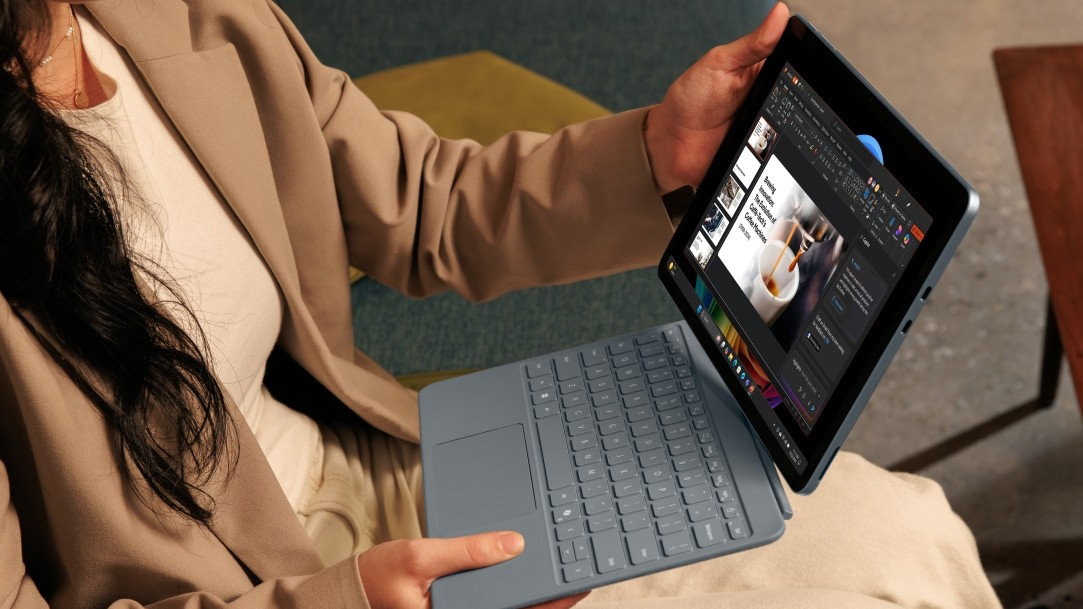
Snap on a Surface Pro keyboard1 to your Surface Pro for full laptop functionality or detach the keyboard to use Surface Pro as a lightweight tablet. The power of AI is right at your fingertips, too. Just tap the Copilot key4 built into Surface Pro keyboards for quick access to Copilot, your AI companion.
For added value, bundle a Surface Pro keyboard with Surface Slim Pen.
Surface Arc Mouse
Slim, light, and ready to go where you go, Surface Arc Mouse1 is designed to conform to your hand and snaps flat to fit easily in your backpack. It’s an excellent choice for students on the go or need a mouse that can be easily tucked away.
Surface Arc’s Bluetooth® connection helps you take it anywhere with less weight and bulk of a traditional mouse. The touch-sensitive surface and precise scrolling can enhance productivity in tasks like web browsing and document editing.
Instead of traditional buttons, Surface Arc Mouse uses a touchpad for both right and left clicks, as well as scrolling. This touchpad supports horizontal and vertical scrolling, so you can scroll in every direction for more intuitive navigation. And you can express your personal style with a variety of colors2, including platinum, black, ocean, and violet.
Surface USB4 Dock
In addition to a detachable keyboard and Surface Slim Pen for the best laptop accessories, complete your home office setup with a dock, such as Surface USB4 Dock. Surface USB4 Dock delivers ultrafast data transfer speeds, expanded port options for essential accessories, up to 65W of power passthrough to charge devices, and dual 4k monitor support.
This versatile and portable laptop accessory for students can help elevate their workspace and is useful when working on large files or when collaborating with other students on projects. For those seeking the ultimate productivity, this dock is among the essential laptop accessories.
Best computer accessories for productivity
These are just some of the best laptop accessories that can help students be more productive during the school year. Whether students are searching for laptop accessories that assist in notetaking, enable connection to multiple displays, or help block out distractions, there is something for everyone in the Surface lineup.
Explore Surface accessories today find what you need to be confident and excel in the classroom.
- [1] Chargers, software, accessories, and devices sold separately. Availability may vary by market.
- [2] Surface Slim Pen (2nd Edition) experiences and compatibility vary by which Surface device you are using it with. Visit Surface Slim Pen Compatibility to learn more.
- [3] Available colors vary by market.
- [4] Copilot key feature availability varies by market, see Key Support.
Mentioned in this article

Surface Slim Pen
Surface Pro Copilot+ PC

Microsoft Copilot
Surface Arc Mouse
Surface Pro keyboards

Surface USB 4 Dock
You may also like

Best Surface laptop features for architecture students

Best Surface laptop features for computer science students
