
August 27, 2024
Share this page


USB-C® and other powerful wired connections
Understanding the range of wired connections can make your laptop experience seamless. From USB-C® to USB-A, these connections are essential for powering, charging, and transferring data across your devices. Explore the landscape of wired connections and learn more about the unparalleled value of USB-C and other powerful ways to use your device’s ports.
Different types of wired connections for your PC
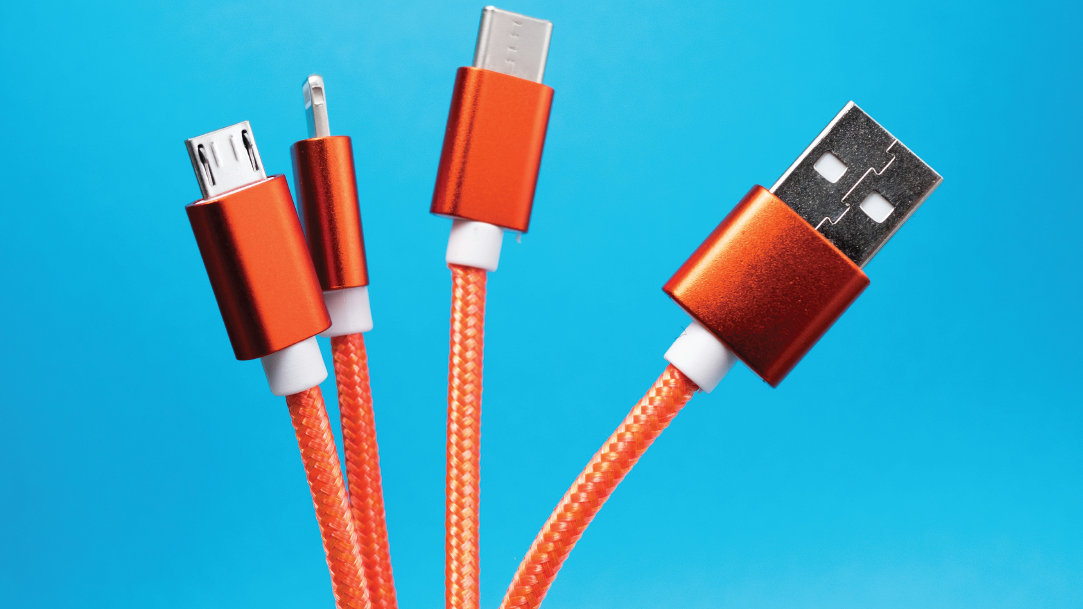
Different types of wired connections help you get the most out of your computing experience. USB cables allow you to connect your PC to other devices and accessories, charge your laptop or 2-in-1 PC, and more. Here are some of the powerful wired connections you can use with your PC or laptop ports:
USB-C
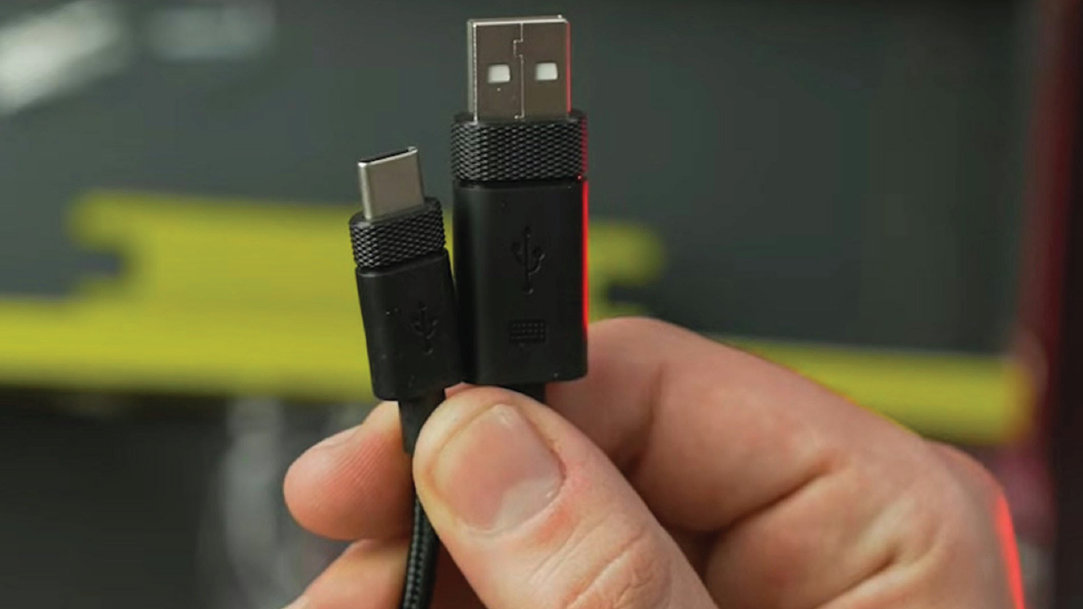
USB-C, or Universal Serial Bus Type-C, has become the gold standard in wired connections. Its reversible design means you never have to fumble to plug it in correctly. USB-C handles both charging and data transfer, making it incredibly versatile.
USB-A
While USB-C takes center stage, USB-A remains a steadfast player in the wired connectivity arena. Recognizable by its rectangular shape, USB-A is a legacy connector widely used for peripherals like keyboards, mice, and external hard drives. Despite its familiarity, USB-A isn’t quite as versatile as USB-C, because it offers slower data transfer speeds and a non-reversible design.
HDMI and Thunderbolt
Moving beyond USB connections, HDMI and Thunderbolt cater to multimedia needs. HDMI, or High-Definition Multimedia Interface, is an optimal choice for connecting laptops to external displays or TVs. Thunderbolt, on the other hand, is a high-speed data and display interface, often found in premium laptops. While Thunderbolt and HDMI share the same physical connector, Thunderbolt offers faster data transfer rates and additional capabilities like daisy-chaining multiple devices.
Computer adapters
When it comes to making your laptops and PCs work together with older devices, computer adapters are your unsung heroes. For example, VGA and DisplayPort adapters can help you connect your modern PC to an older device, like a projector.
Whether you're connecting your 2-in-1 PC with a VGA adapter to deliver a group presentation or are getting lost in a big screen with a DisplayPort, these computer adapters make it all possible. They're like the universal translators of the tech world that make sure your devices, old and new, can understand and play nice with each other. Keeping one of these wired connections on hand helps ensure that your PC stays flexible and ready for anything.
Laptop ports for charging
Laptops come with various charging connections, with USB-C emerging as the preferred choice for many manufacturers. USB-C's power delivery capabilities allow for faster charging, and its universality simplifies the charging process. The ability to charge a laptop, smartphone, or other devices with a single cable adds to the convenience that USB-C brings to the table.
Ports on popular Microsoft Surface devices
Some of Microsoft Surface’s latest devices include a wide range of port and connection options to provide you with the easy and efficient user experience you desire. Surface Pro 11ᵗʰ Edition and Surface Laptop 7ᵗʰ Edition let you charge on the go, transfer data fast, or create the ultimate desktop setup with two USB-C 4 ports and support for up to three 4K monitors at 60Hz.¹
With a comprehensive array of ports, including the versatile USB-C, these devices embody seamless connectivity. Get a Microsoft Surface device to take advantage of its innovation, efficiency, and array of connectivity options.
- [1] Supporting 3 external displays requires either 2 displays connected to a compatible dock or connected through a daisy chain.
Products featured in this article

Surface Laptop 7ᵗʰ Edition
Surface Laptop 11ᵗʰ Edition
Related topics

Why a Microsoft Surface is the best Windows device experience

How we’re making the new Copilot+ PCs from Surface more accessible
