Windows at Microsoft Ignite
Put intelligence to work
Give your teams more time for meaningful work. Simplify tasks with Microsoft Copilot grounded in your data and available in the Microsoft 365 apps1 you already use.
 Windows for business
Windows at Microsoft Ignite
Give your teams more time for meaningful work. Simplify tasks with Microsoft Copilot grounded in your data and available in the Microsoft 365 apps1 you already use.
The Microsoft security you know and trust extends to agents. Windows enforces boundaries at runtime and Microsoft Agent 3652 adds visibility and control.
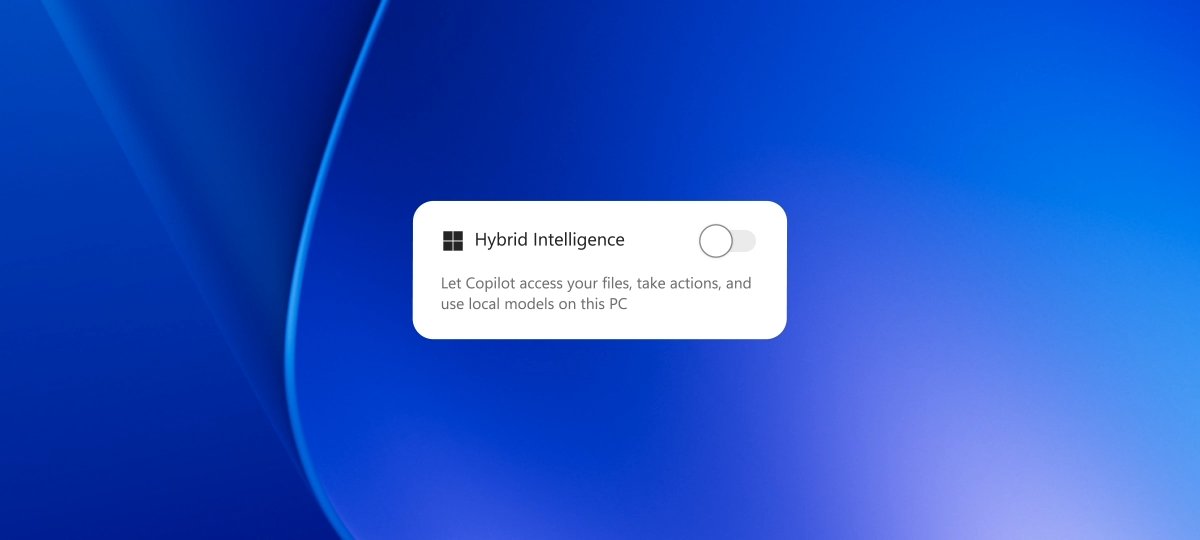
Gain flexibility with the latest supported devices like Copilot+ PCs, which run select AI workloads on-device and extend to the cloud as needed.
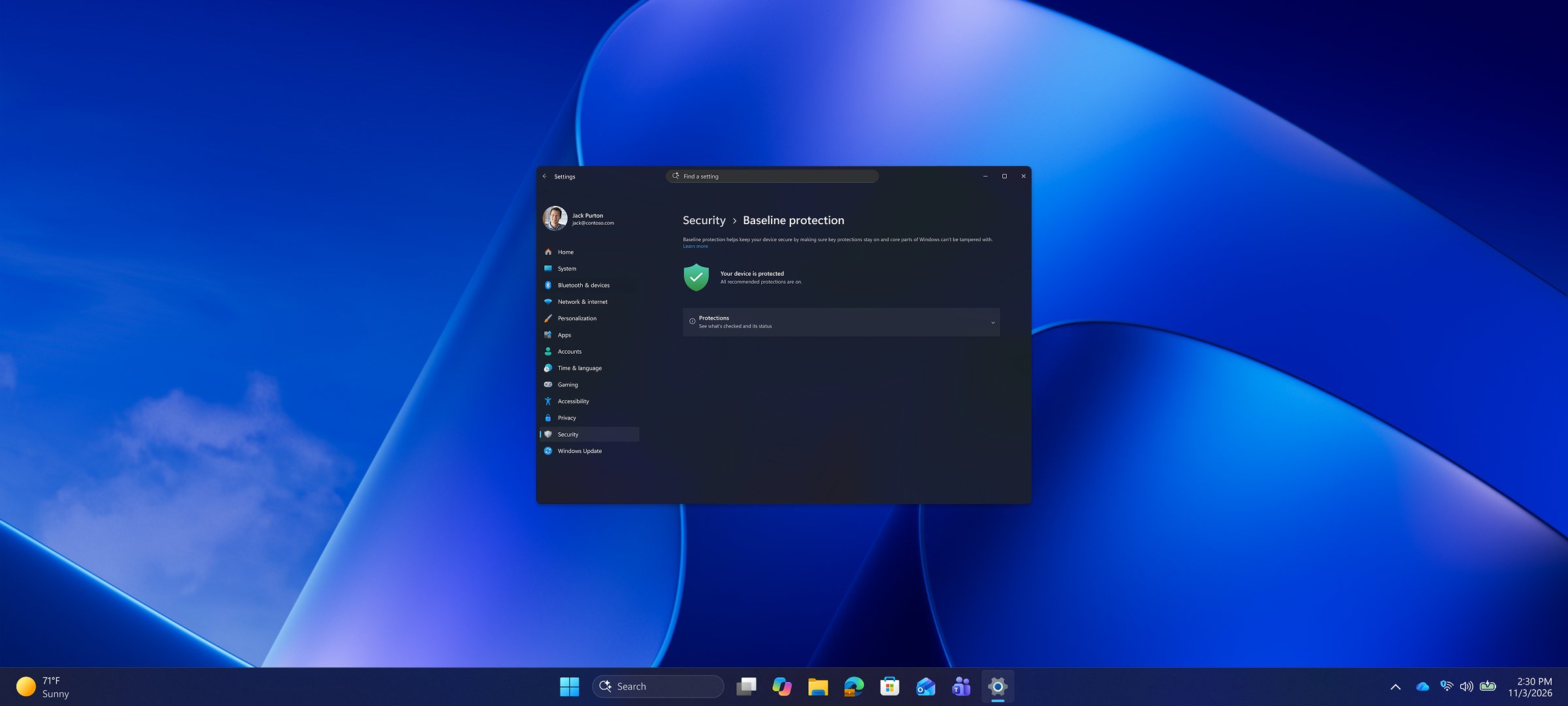
Build on a stronger foundation with Windows baseline protection and improved control and visibility with Windows Autopatch3.

Help protect your organization’s data and apps with security built into Windows by default, including Microsoft Defender Antivirus, BitLocker, Secure Boot, and Windows Firewall.
Find information fast, move smoothly between demanding tasks, and stay productive with a more refined Windows experience.
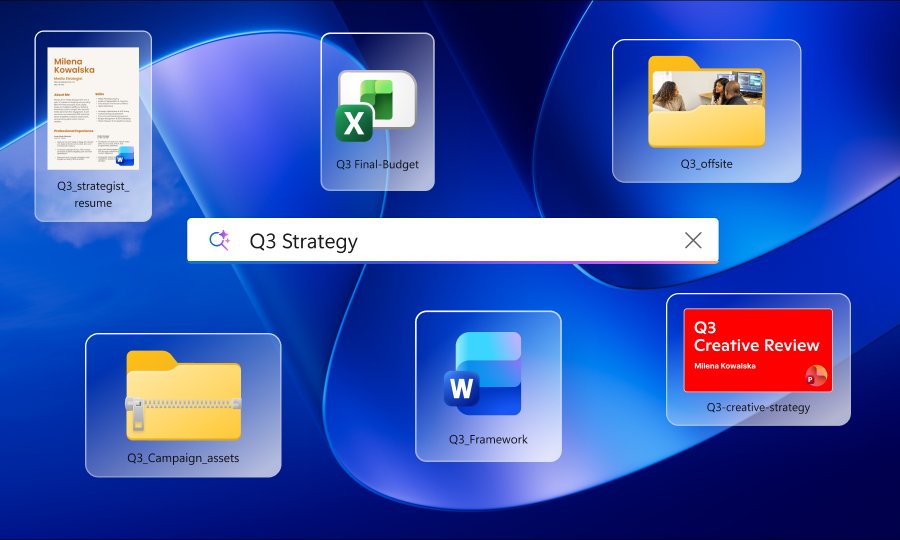
Shorten the path from search to action
Search faster with clearer answers, easy access to recent searches, and more control over results.4
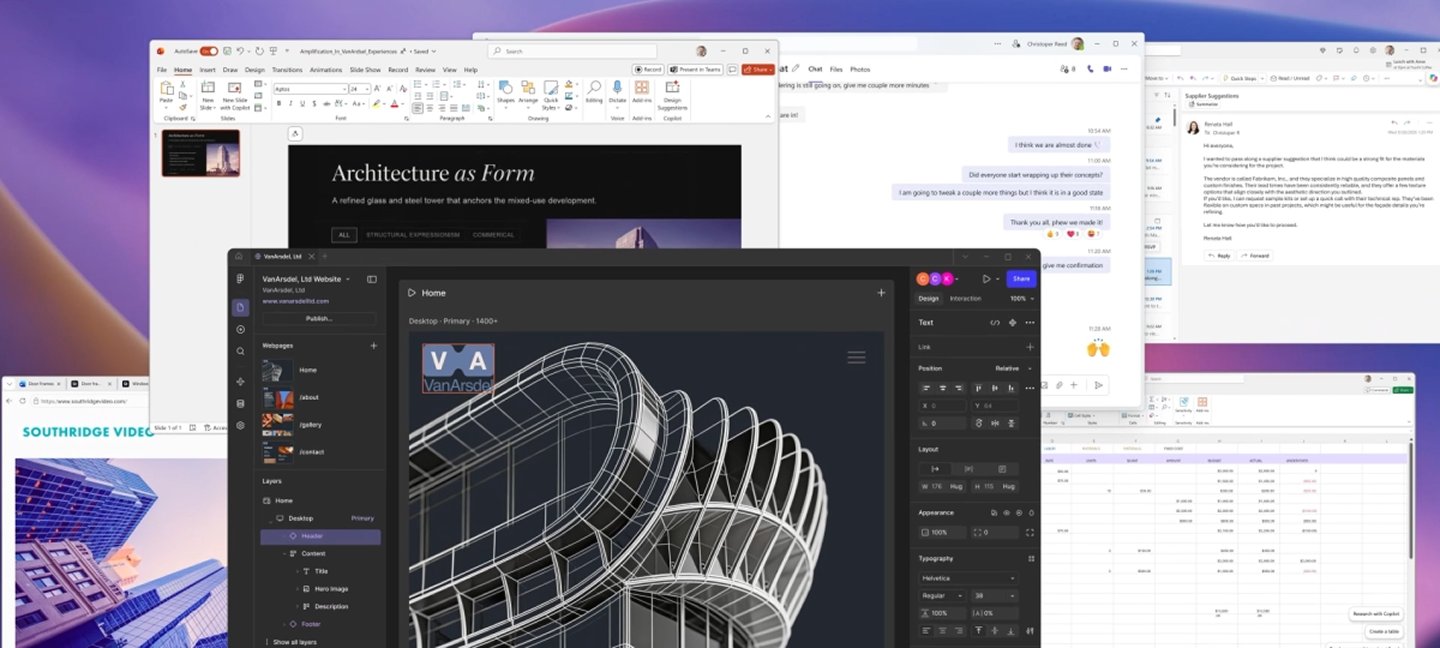
Work smarter, faster
Windows is up to 20% more responsive across Start, File Explorer, Search, and more.5
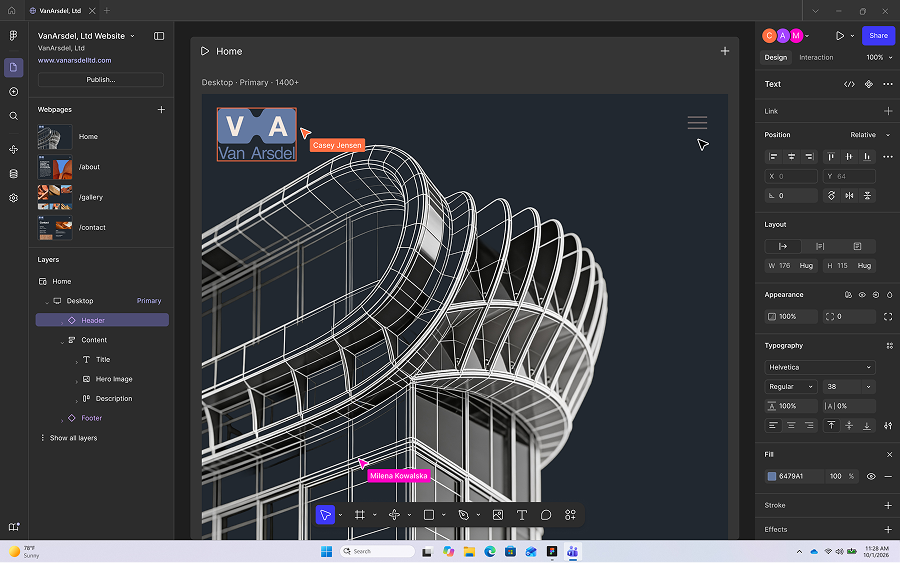
Speed through high-powered work
Help your teams move between apps and tackle demanding workflows faster.
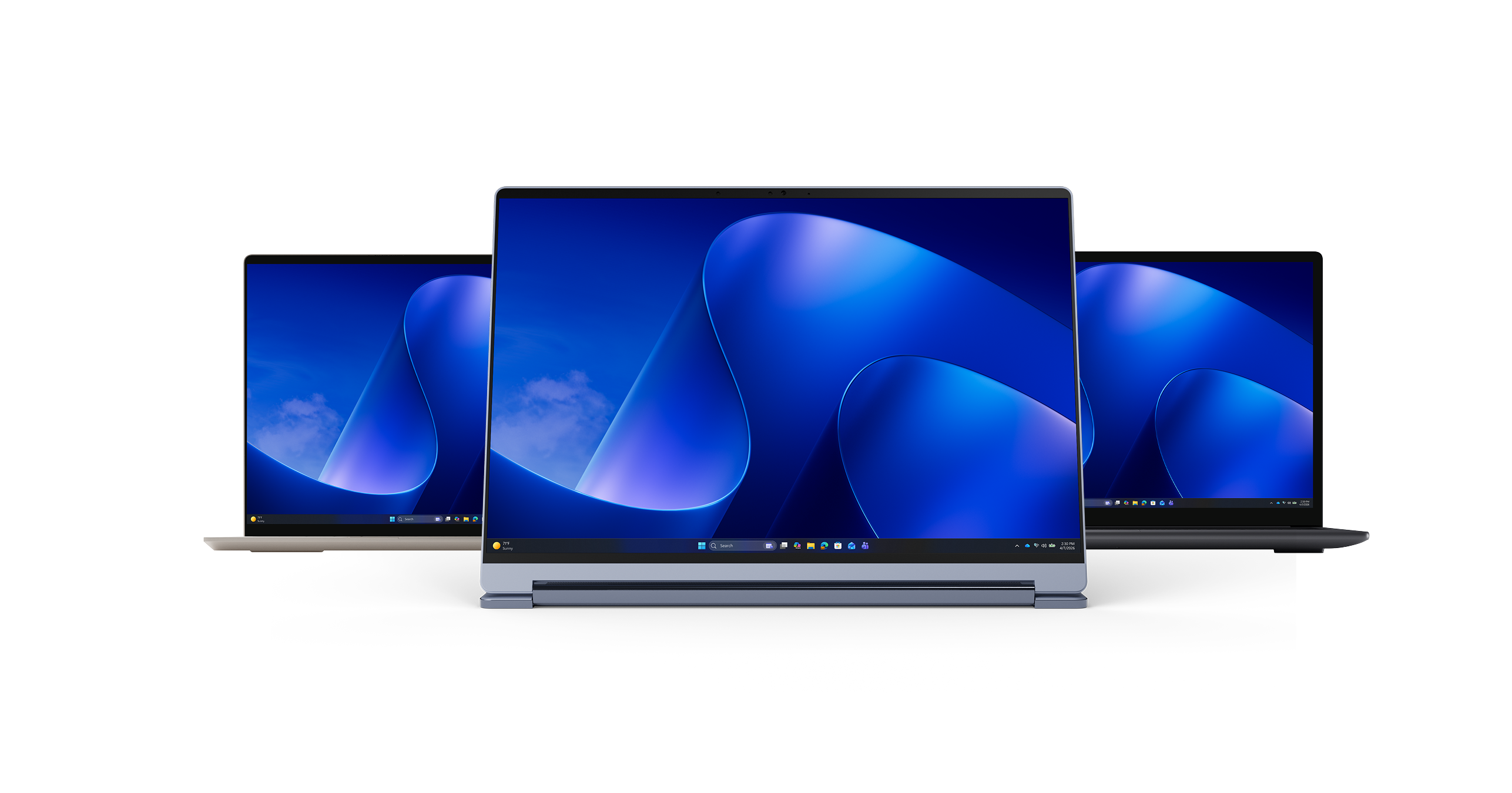
Find the right Windows 11 Pro PCs for how your organization works today and where it’s going tomorrow.
Subscribe to the Windows for Business Digest for our latest product news, security tips, and productivity insights.
Windows 11 Pro is a business-focused edition of Windows that includes advanced security, device management, and productivity features designed for organizations. It helps IT teams manage devices more effectively while giving employees the tools they need to work securely from anywhere.
Windows 11 Pro helps organizations strengthen security through built-in protections for devices, identities, and data. Combined with modern management tools, it supports a more secure workplace while helping IT teams respond to evolving threats.
Windows 11 Pro with modern management solutions like Microsoft Intune2 helps organizations deploy, manage, and maintain devices throughout their lifecycle. IT teams can streamline setup, updates, security policies, and ongoing management across their device fleet.
Windows 11 Pro is considered an enterprise-grade operating system because it’s built to support the security, control, and scalability businesses need as they grow. It includes advanced features like device encryption, secure sign-in options, and built-in protection against modern threats, helping keep company data safer whether employees are working in the office or remotely. With layers of security built in, Windows 11 Pro is a business operating system that helps organizations run efficiently while supporting long-term device management.2
Organizations can move from Windows 10 to Windows 11 Pro by evaluating device readiness, upgrading eligible PCs, and adopting new Windows devices where needed. Upgrading helps organizations access the latest Windows security, management, productivity, and AI capabilities while supporting a more modern workplace.
You can purchase devices directly from Microsoft, work with a certified partner, or choose from authorized resellers. For larger organizations, Microsoft partners can assist with deployment and modernization planning.
Requires eligible Microsoft 365 license.
Microsoft Agent 365 license required; Microsoft Intune sold separately. Feature availability based on timing and region.
Additional licensing, subscriptions, and/or usage charges may apply. Learn more about Autopatch.
The new Windows Search preview is rolling out to Windows Insiders with U.S. English language support. Pre-release product; subject to change. From searching to doing: Building a faster, more streamlined Windows Search | Windows Insider Blog
Windows experience blog, October 2026. Based on measurements of Search, Start, right-click, Settings, Snipping Tool and File Explorer response times using PCs with 8GB RAM and Windows 11 OS build 26300.9550 compared to Windows 11 OS build 26200.7628; actual performance varies by device, configuration, usage, and other factors. Rollout timing and availability may vary by device and region.