
Windows productivity tips
It’s time to get more done. These Windows 11 features will help you save time, get inspired, and use more of your screen to finish that task. Need some inspiration? On the go? Here’s why this is the best Windows ever.

All Windows productivity features
Learn more about how to use this Windows 11 feature to stay productive.
Clipboard history
Explore ways accessing clipboard history can help you by using copied or cut items later so you can paste them in other apps when you use Windows.
Voice
Advanced voice recognition can be used to transcribe your spoken words into text on your PC.
Quick Assist
Quick Assist makes it easy to remotely connect to another PC.
Snipping Tool
See it, snip it, share it. Take a snapshot to copy words or images from all or part of your PC screen. Use Snipping Tool to make changes or notes, then save, and share.
Focus sessions
Keep your mind focused and away from distractions with Focus Sessions, a feature of the Clock app that helps you concentrate on what you need to do.
4 Copilot+ PCs features that you should know
Unlock the power of a Windows Copilot+ PC with key features to enhance productivity, creativity, and quality.
Get more done with task batching
Boost productivity and tackle your to-do list with task batching.
Other categories
Meet Windows 11
Explore what’s new and learn why Windows 11 is the best Windows yet.
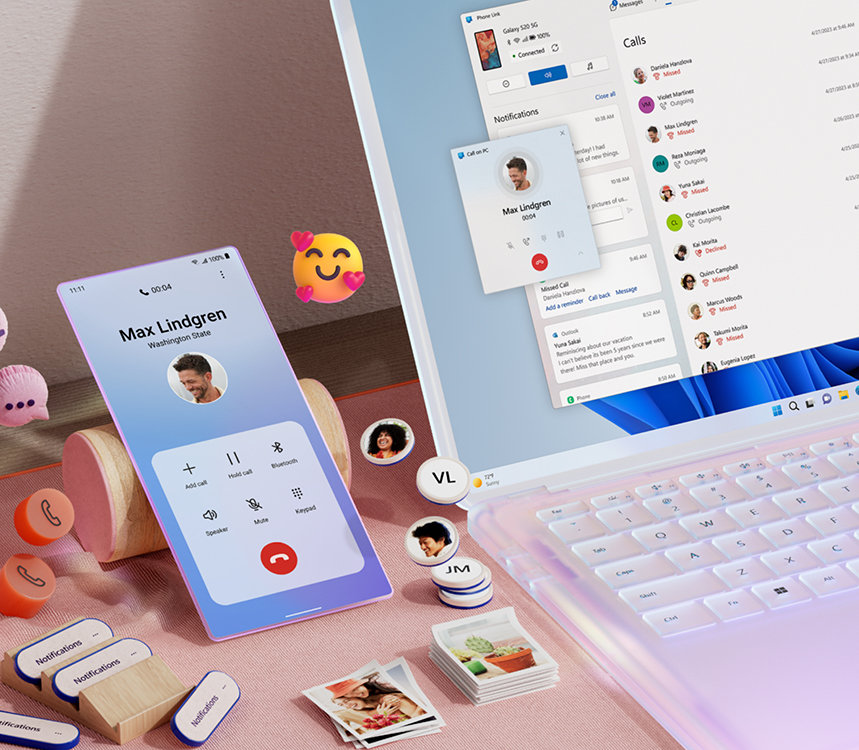
Sync smartphones to your computer
Stay connected with your Windows PC and streamline your digital life.


Follow Microsoft Windows