Copilot in Word | G2: Make clear how well the system can do what it can do
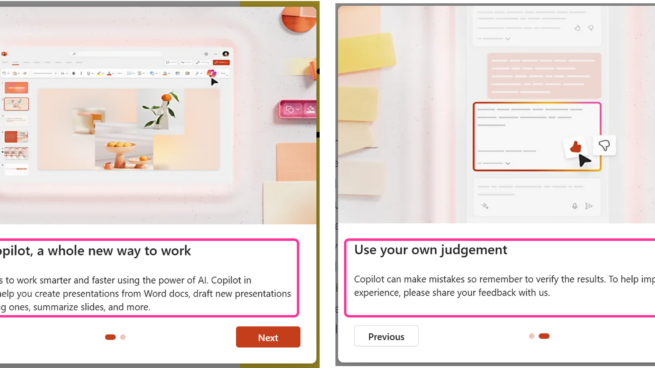
Copilot in PowerPoint | G2: Make clear how well the system can do what it can do

Copilot in Word | 1A: Introductory blurb
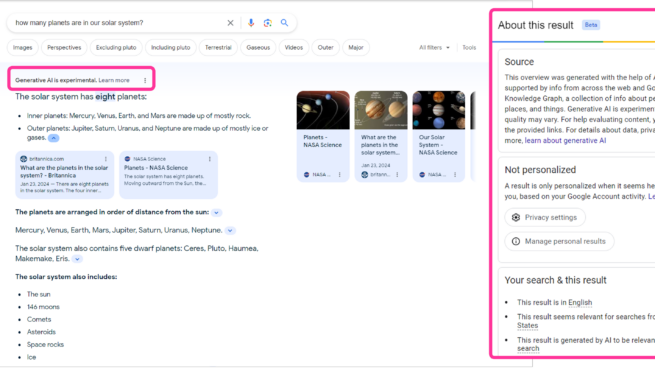
Google Search | G2: Make clear how well a system can do what it can do

Google Bard | G2: Make clear how well a system can do what it can do
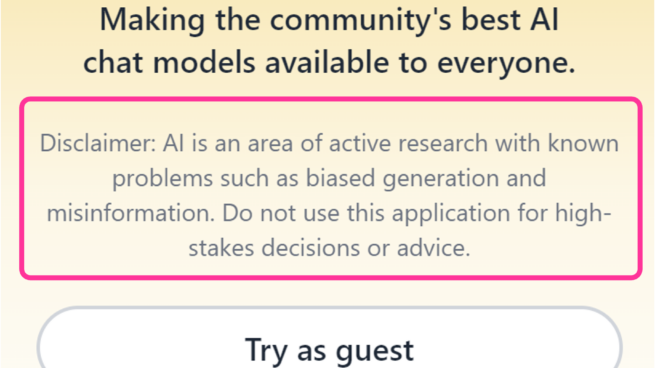
Hugging Chat | G2: Make clear how well a system can do what it can do
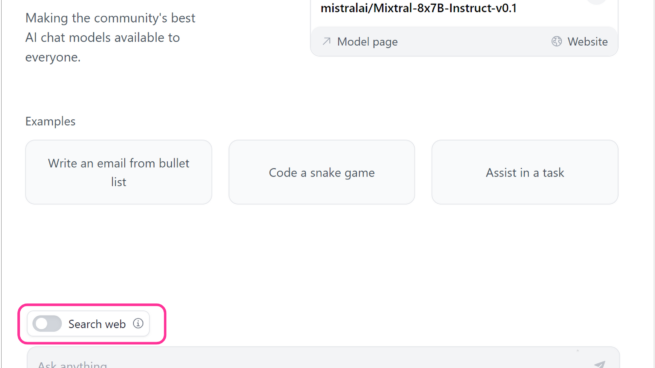
Hugging Chat’s interface showing input examples, prompt box and a switch option for search web.

Hugging Chat | G17: Provide global controls
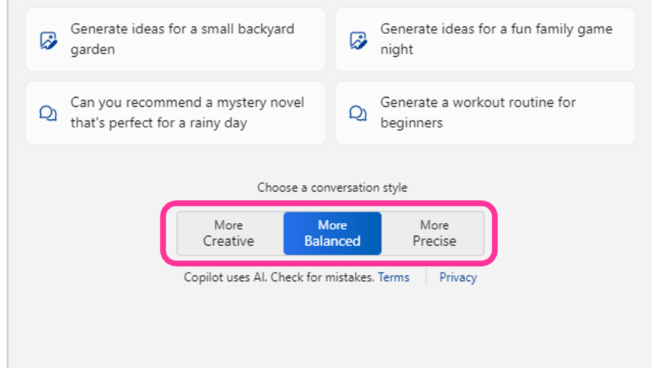
Copilot your everyday companion. Windows Copilot pane showing two controls one, work or web tab selection and two, conversation style, more creative, more balanced and more precise.

Windows Copilot | G17: Provide global controls
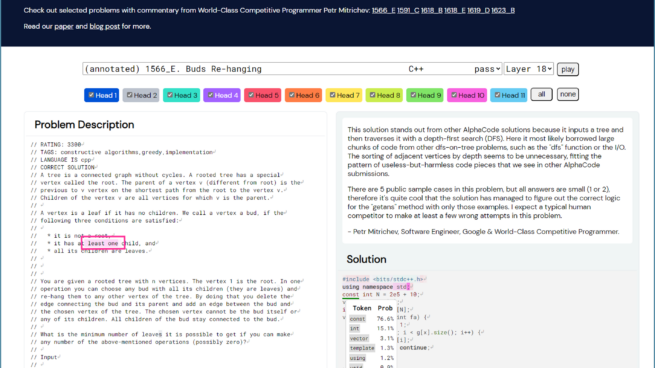
AlphaCode attention visualization interface showing a coding problem description and generated solution. Selecting the token const in solution highlighted tokens in the problem based on model’s attention to them.

AlphaCode | 11D: Map system input attributes to system outputs
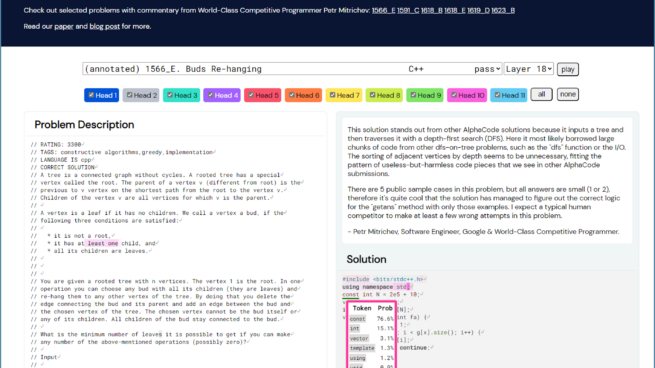
Alphacode attention visualization interface showing a a coding problem description and generated solution. Token probabilities highlighted in solution for underlined token const

AlphaCode | 11A: Local explanations

Google Search | 11A: Local explanations
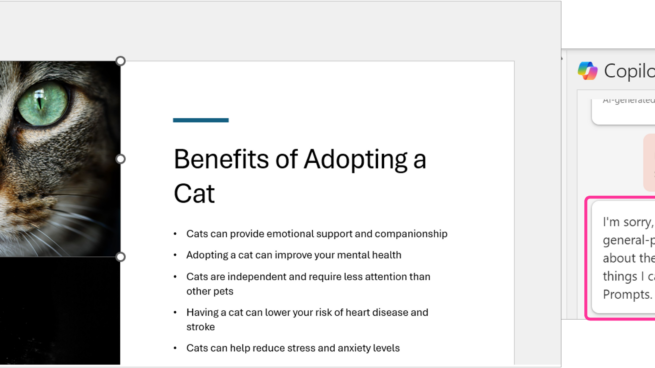
Copilot in PowerPoint | G10: Scope services when in doubt