July 22, 2025
Share this page


Built-in security from chip to cloud, made for growing IT teams
Why modern security starts with the endpoint
Cyberattacks are not just getting more sophisticated, they’re growing by leaps and bounds, leaving even the most proactive companies vulnerable. From ransomware and credential theft to social engineering and supply chain attacks, today’s threats don’t just affect enterprises. They target your users, your devices, and your data. According to the Microsoft Security Signals report, endpoints remain the top target in an increasingly hybrid world.
That’s why more technical decision makers (TDMs) are rethinking their security strategy from the ground up, starting with the devices themselves.
What’s changed (and why it matters now)
Endpoint security used to be synonymous with antivirus. But today, IT leaders are expected to defend against coordinated ransomware campaigns, insider threats, and zero-day exploits, all while managing distributed teams and constrained budgets. It’s not about chasing the next tool. It’s about rethinking where and how security starts (and what matters most): the endpoint.
Security that begins at the core
Think of the endpoint as your front door. You wouldn’t leave it unlocked and hope for the best. You’d install a smart lock, reinforce the frame, and make sure only trusted people had access. That’s the philosophy behind chip-to-cloud security: layering protection from the inside out, without slowing anyone down.
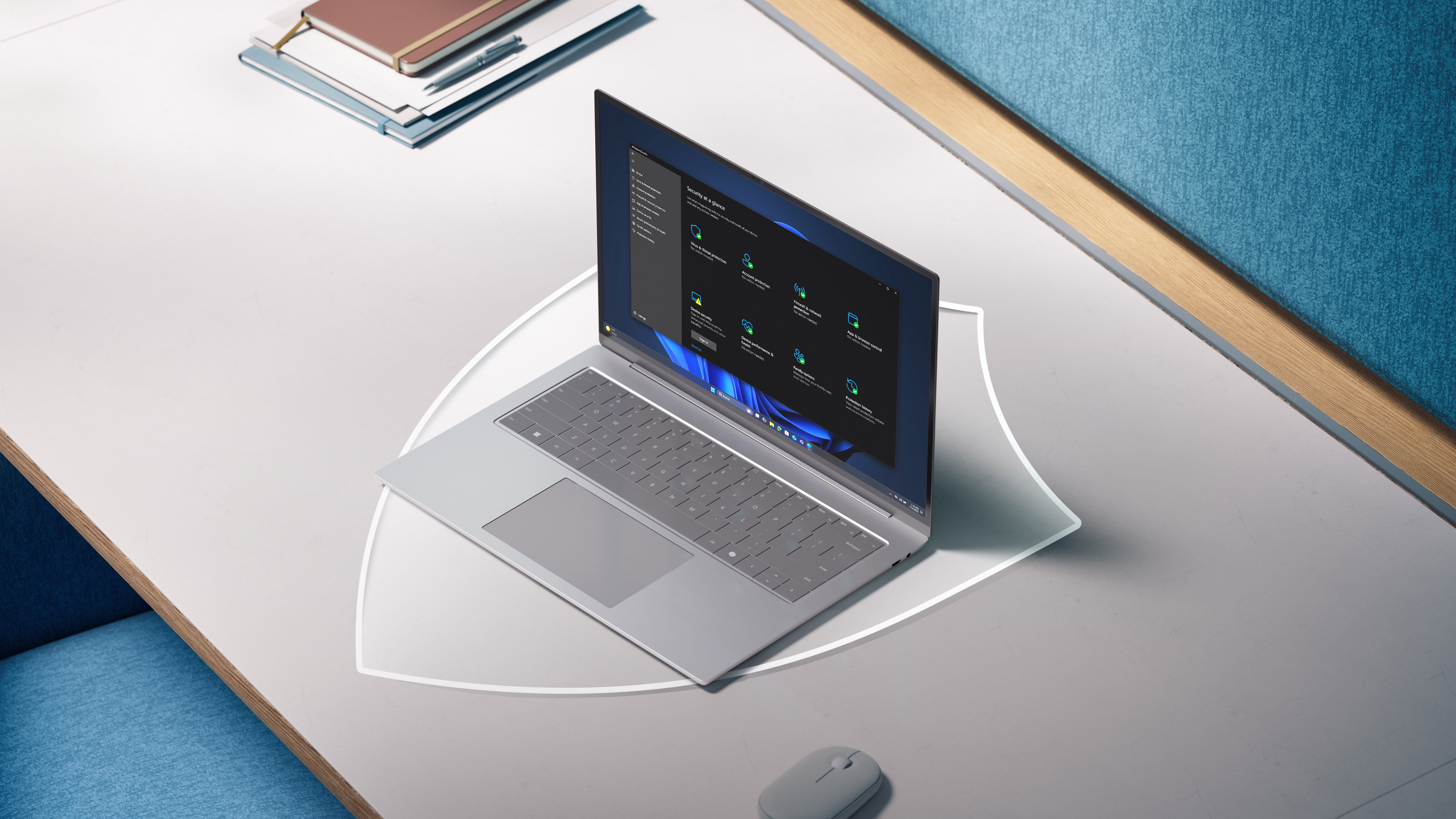
Windows 11 Pro devices with the Intel® vPro™ platform are built with a layered approach to security, offering protection by design and by default. With features enabled out of the box, these systems deliver peace of mind without complicated setups or bolt-on tools. This level of endpoint security helps small and mid-sized businesses stay ahead of evolving threats with less manual overhead and less risk.
This isn’t about piecing together security after the fact. These protections are integrated from day one, designed to work together for proactive protection without extra setup.
Built-in protections include:
Together, these features form a holistic data security strategy that protects information at every layer—from identity to encryption. This chip-to-cloud architecture gives IT teams confidence that every device on the network is fortified from login to boot and beyond.
Endpoint security that adapts to your environment
Whether you’re provisioning new devices or managing a remote team, endpoint security needs to scale without added friction. In reality, most small and mid-sized businesses don’t have the luxury of dedicated security teams or custom-built infrastructure. That’s why choosing the right device platform can be one of the most critical decisions an IT lead makes, especially when balancing growth, security, and manageability. With the right platform in place, your team spends less time on configuration and more on moving the business forward—safely.
Windows 11 Pro + Intel® vPro™ devices integrate protection, manageability, and performance into one streamlined platform. While built-in protections lay the foundation, here’s what those core security features look like in practice, delivering real-world impact for IT teams managing modern endpoints:
These layers work together to defend against evolving threats while reducing reliance on third-party tools.
What does that look like in practice? Let’s say you’re onboarding ten remote hires across different states. With traditional provisioning, you’d be juggling setup calls, password resets, and endless configuration. With tools like Autopilot and Endpoint Manager, those devices show up at each doorstep pre-configured, policy-compliant, and ready to go.
A smarter starting point for security
Growing companies shouldn’t have to choose between strong endpoint security and manageable complexity. Windows 11 Pro + Intel® vPro™ devices give IT leaders a head start with built-in protections and scalable tools designed for today’s real-world threats.
Imagine a lost device scenario. With BitLocker, TPM 2.0, and Intel® AMT, your IT team can lock it down, wipe the data, and maintain compliance—all without physical access. That’s not just risk mitigation; it’s operational resilience.
Endpoint security isn’t a checkbox. It’s a strategic investment that helps you stay ready for what’s next.
Management made simple
Security is only as strong as your ability to maintain it. That’s where tools like Windows Autopilot, Microsoft Intune, and Intel® AMT come in. They form the foundation of a comprehensive endpoint security manager strategy to maintain device health and compliance:
Together, these security tools simplify endpoint lifecycle management for busy teams and lean IT departments.
Security isn’t just tested in audits or compliance checks. It’s tested on a Tuesday afternoon when someone clicks the wrong link, or when a device goes missing in transit. This is when built-in layers of protection kick in and quietly do their job.
Ready to modernize your endpoint defense?
Start with devices engineered for proactive protection, easy manageability, and long-term peace of mind. Windows 11 Pro + Intel® vPro™ devices help you defend what matters without overloading your team.
Explore Windows 11 Pro + Intel® vPro™ devices designed for built-in endpoint security resilience, remote management, and modern protection that holds up in the real world.
DISCLAIMERS: This article is for informational purposes only and does not constitute legal, financial, or technical advice. Readers should consult their own advisors for guidance specific to their organization.
Performance results and benefits described are based on internal testing or customer feedback and may vary depending on hardware, software, and usage environment.
Intel, Intel Core, Intel vPro, and the Intel logo are trademarks of Intel Corporation or its subsidiaries. Microsoft, Windows, Microsoft 365, and Microsoft Copilot are trademarks of the Microsoft group of companies. All other trademarks are the property of their respective owners.
Mention of third-party products or services does not constitute an endorsement or recommendation unless explicitly stated.
Features and functionalities described may not be available in all markets or languages and are subject to change without notice.


