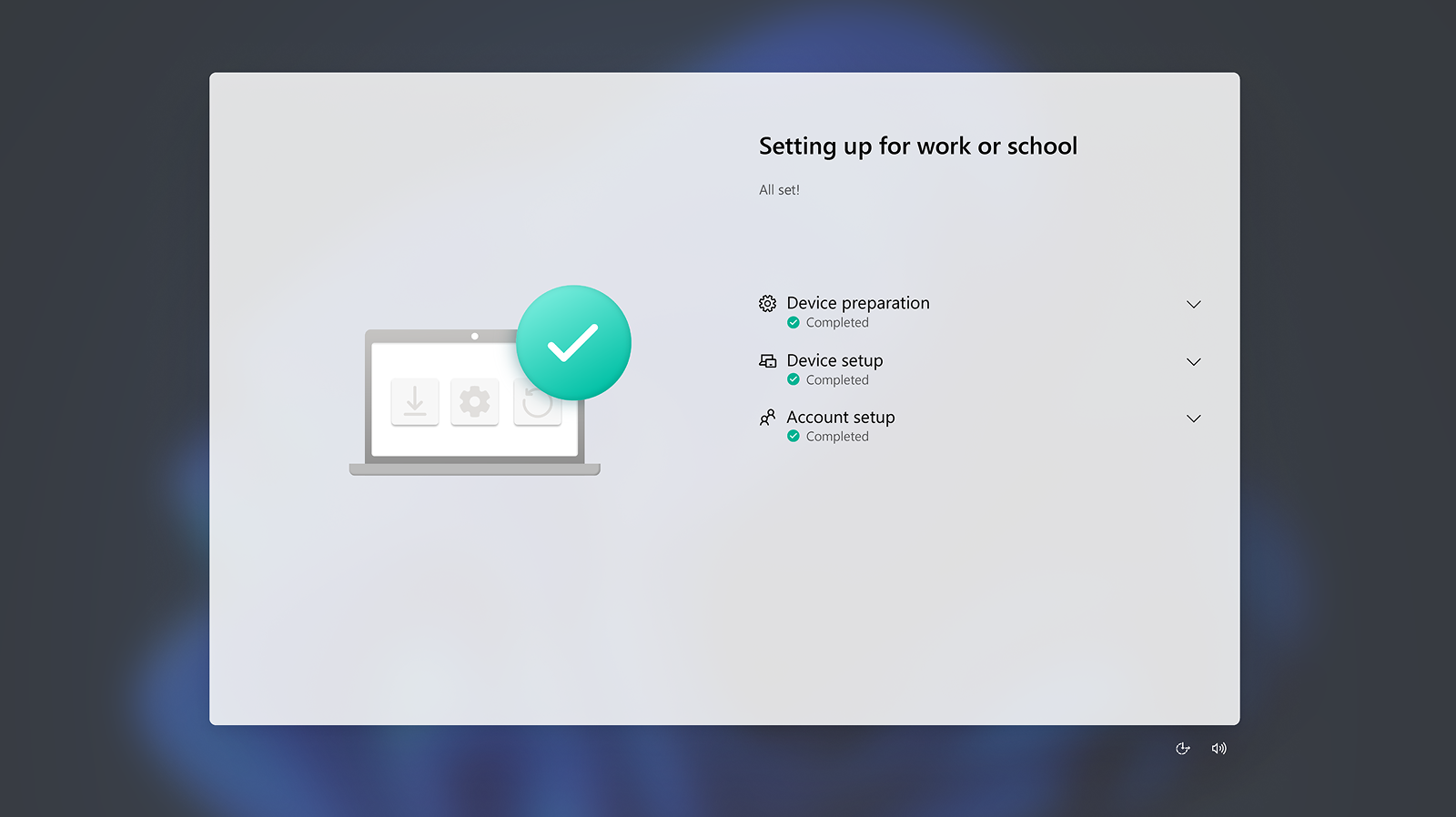
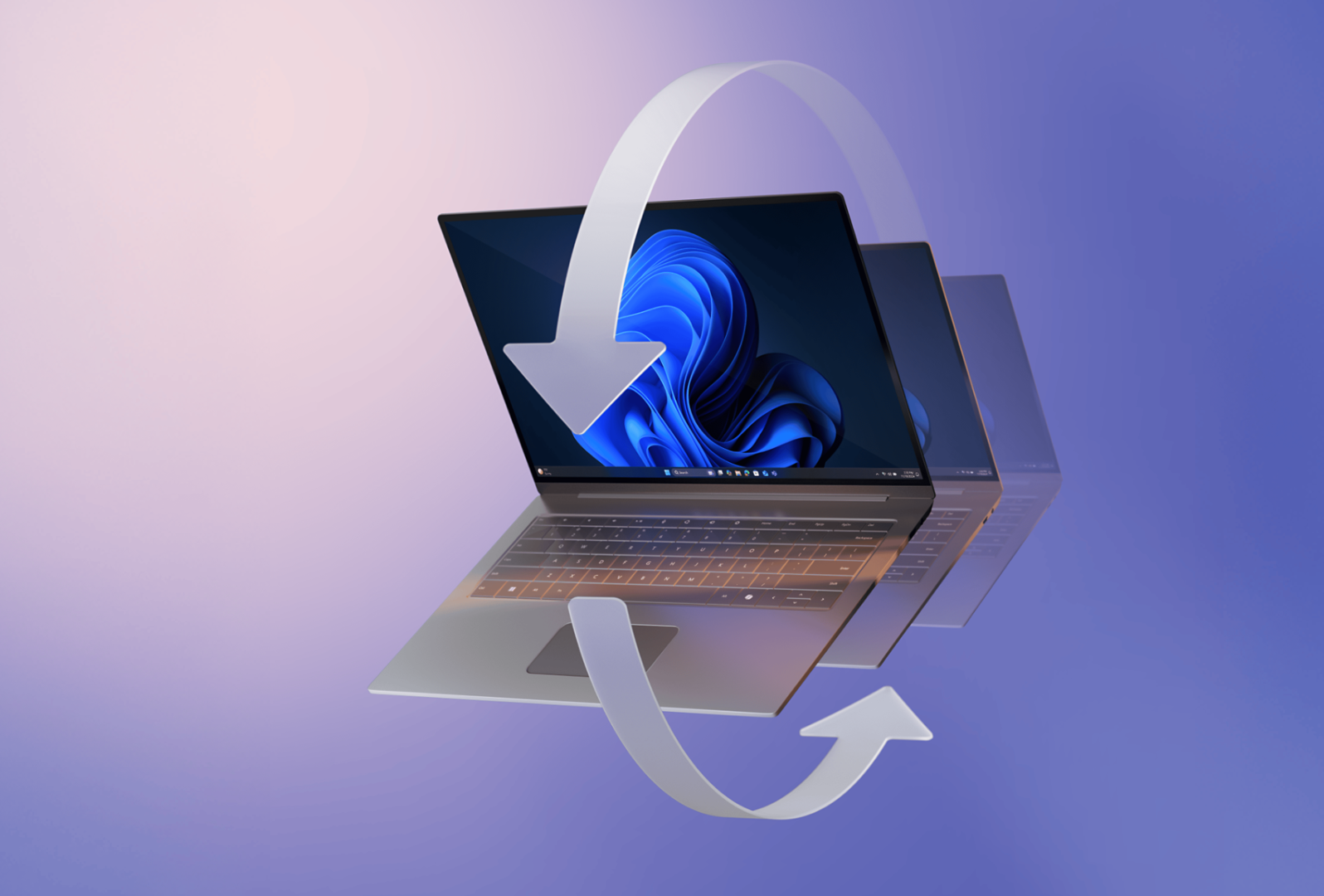
Deploy faster with Windows Autopilot 11 for zero-touch provisioning to get employees’ new PCs ready to go—with apps and security policies in place.
Anticipated reduction in device management time by up to 30% due to improved reliability and support for proactive diagnostics with Copilot+ PCs. 4
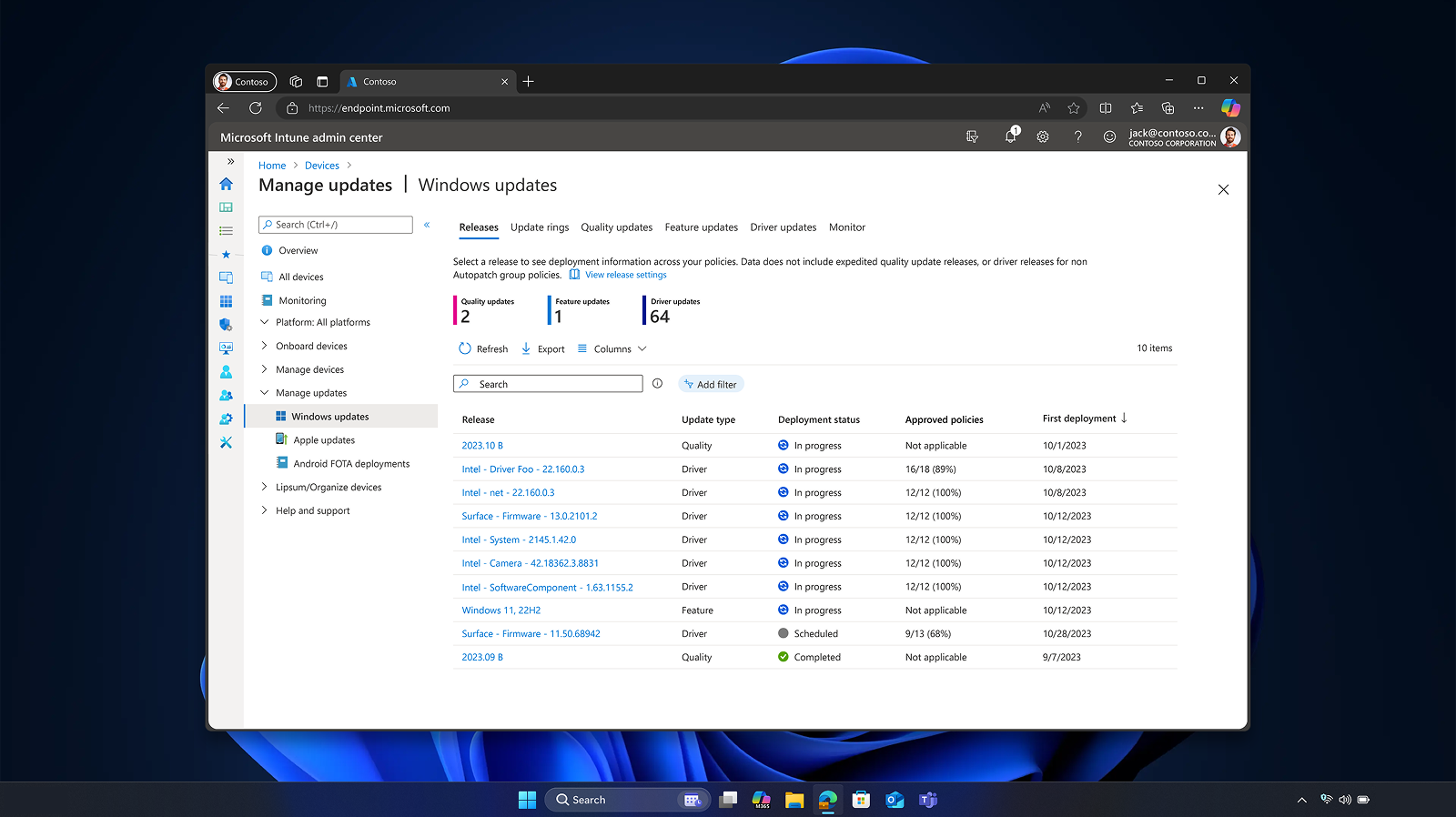
Manage devices, apps, AI tools, Zero Trust policies, and least-privilege access using Microsoft Intune, 2 so endpoints remain compliant and secure.
Increase your productivity by using security features turned on by default and self-service features that can reduce helpdesk requests.
Frequently asked questions
|
The upgrade to Windows 11 is for the same edition as you have on your Windows 10 device. Windows 11 Pro does not offer Windows 11 Pro in S mode, so you will need to switch out of S mode to upgrade.
Yes, and you can get the best Copilot experiences using Windows 11 PCs, with Copilot+ PCs offering the most advanced AI capabilities. For enterprise data protection, users must sign in with their Microsoft Entra ID. 12
Windows 11 Pro helps increase engagement of each employee by bringing more intelligent, inclusive experiences across every job and workstyle. It balances information access and employee flexibility with addressing an ever-changing threat environment. In addition, it helps IT cut costs and complexity with cloud tools, streamlined devices, and management from anywhere.
Upgrade to Windows 11 Enterprise for advanced management and security features.
Windows 11 Pro helps employees work more efficiently by:
Managing multiple apps at once to reduce time lost to switching windows.
Minimizing distractions during deep work sessions with Focus Assist, which improves concentration and output.
Streamline workflows and boost operational efficiency with AI assistance in familiar apps, with optimized experiences delivered on Copilot+ PCs. 10
Copilot+ PCs represent a cutting-edge category of AI-enhanced Windows 11 devices. In addition to the CPU and GPU available on conventional computers, Copilot+ PCs feature high performance neural processing units (NPUs). These NPUs—capable of executing over 40 trillion operations per second (TOPS)—are designed to handle demanding AI workloads efficiently, enabling high-performance features such as real-time language translations. By handling certain AI tasks, the NPU frees up the CPU and GPU to focus on other operations, resulting in improved overall system performance and can deliver longer battery life 9 due to optimized power distribution.
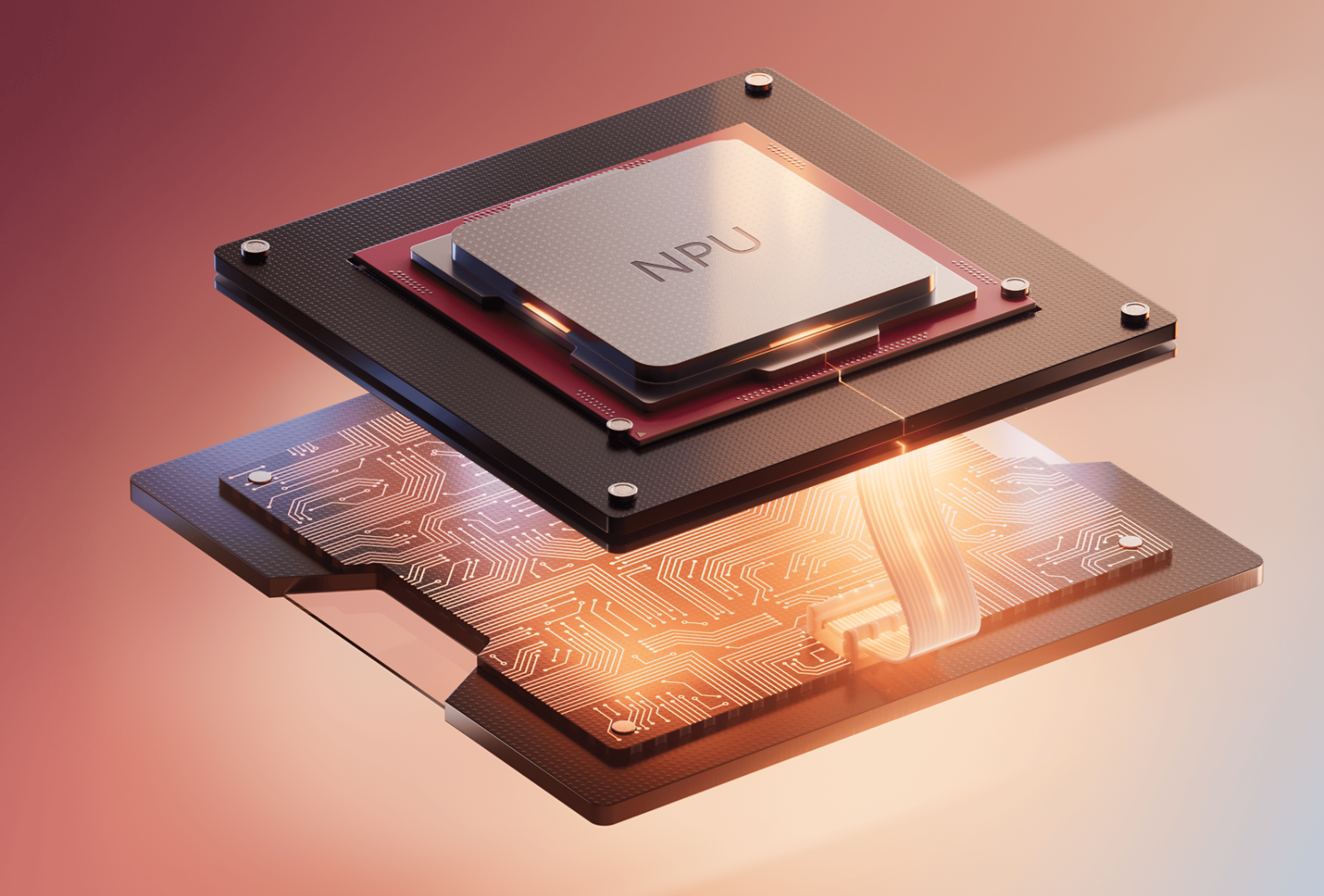
The Neural Processing Unit (NPU) embedded in Copilot+ PCs is a chip purpose-built to accelerate AI processes and enable advanced and unique AI experiences. 10 NPUs are optimized for low-latency, high-throughput execution with less memory fetching, enabling advanced AI functionality while helping ensure fast-system performance overall and long battery life. 9 Core features powered by the NPU on Copilot+ PCs include Live Captions with real-time translation, Click to Do 13 that analyzes text or images on your screen and gives intelligent suggestions for the next steps in your workflow, and improved Windows search 14to find documents and settings by describing them, Copilot+ PCs also provide an opportunity for developers to create their own AI models that leverage the NPU by using resources available in Microsoft Foundry on Windows. Learn more.
Copilot+ PCs are optimized to deliver exceptional AI-powered experiences 10 to boost innovation, enhance communication, and increase productivity for both IT staff and employees. Leveraging the performance of high-powered NPUs, these devices offer unique features and tools that cater to a variety of operational needs. While Copilot+ PCs offer unique experiences, they are business ready and can be securely managed with the same tools and processes used for other Windows 11 Pro PCs. Highlights of Copilot+ PCs features delivered through 2025 that use the NPU include, Click to Do, 13 improved Windows search, 14 Live Captions with translation, 15 and Windows Studio Effects. 16 For context, let’s compare a familiar experience. On Windows 11 Pro PCs, you can have a great videocall enhanced by features like background blur and Live Captions for dozens of languages. Copilot+ PCs with their powerful NPUs take that videocall to the next level, with features like automatic framing and live translation from 40+ languages into English and from 27 languages into Chinese (Simplified).
While all Windows PCs have a CPU and GPU, Copilot+ PCs add a powerful Neural Processing Unit (NPU) capable of over 40 trillion operations per second. This NPU is purpose-built to accelerate demanding AI workloads, enabling faster performance, longer battery life, 9 and new hybrid AI experiences that intelligently distribute tasks between the device and the cloud. Copilot+ PCs feature the most powerful Windows security by default—including Secured-core PC protection and Microsoft Pluton—and can be managed with the same tools as your other Windows 11 Pro PCs.
Copilot+ PC experiences are not available on all Windows 11 Pro PCs and are exclusive to a specialized class of Windows 11 devices that feature advanced system specifications. As the highest-performing Windows PCs available, Copilot+ PCs are designed with advanced hardware capabilities—most notably a neural processing unit (NPU) capable of over 40 trillion operations per second (TOPS). Features exclusive to Copilot+ PCs include AI-enhanced features such as Click to Do, 13 Live Captions with translation, 15 Windows Studio Effects, 16 and more.
Microsoft Windows helps businesses run smarter and more securely
Optimize business results with Windows 11 Pro PCs.
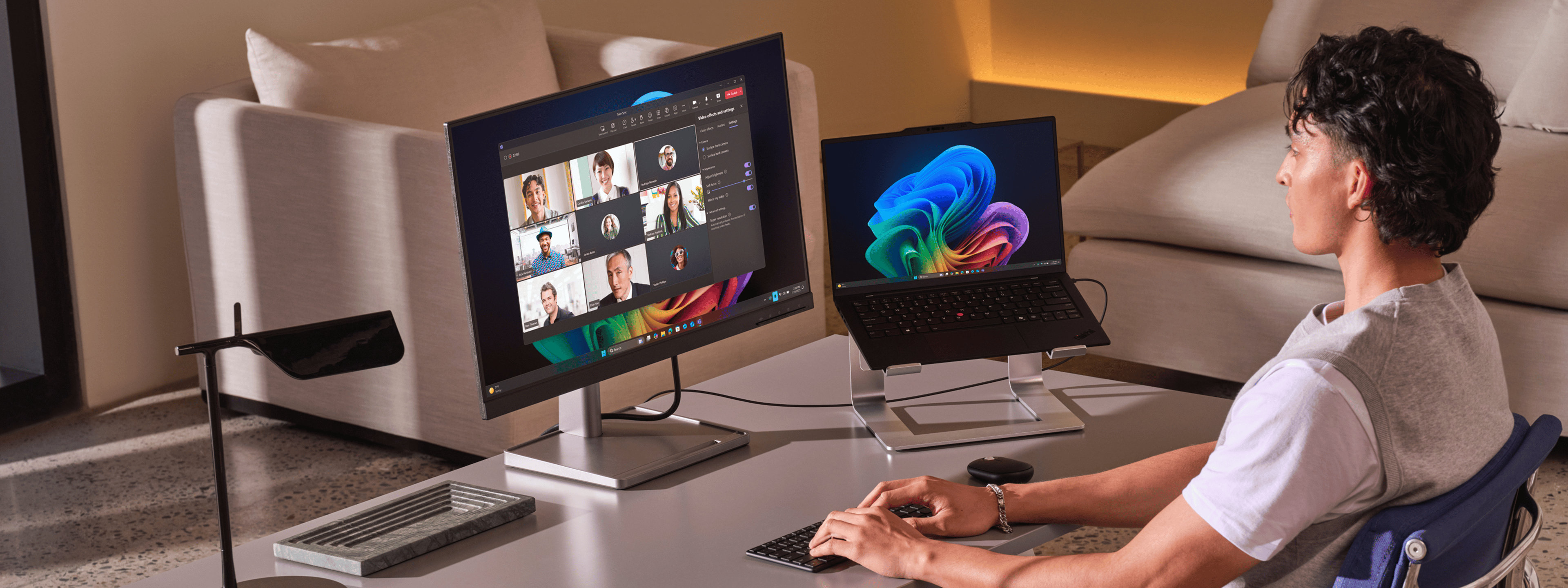
Switch easily from tablet to laptop—and back—to work the way that you prefer. With a great tablet experience, 2-in-1 laptops are ideal for mobile and hybrid workers everywhere.
Copilot+ PCs
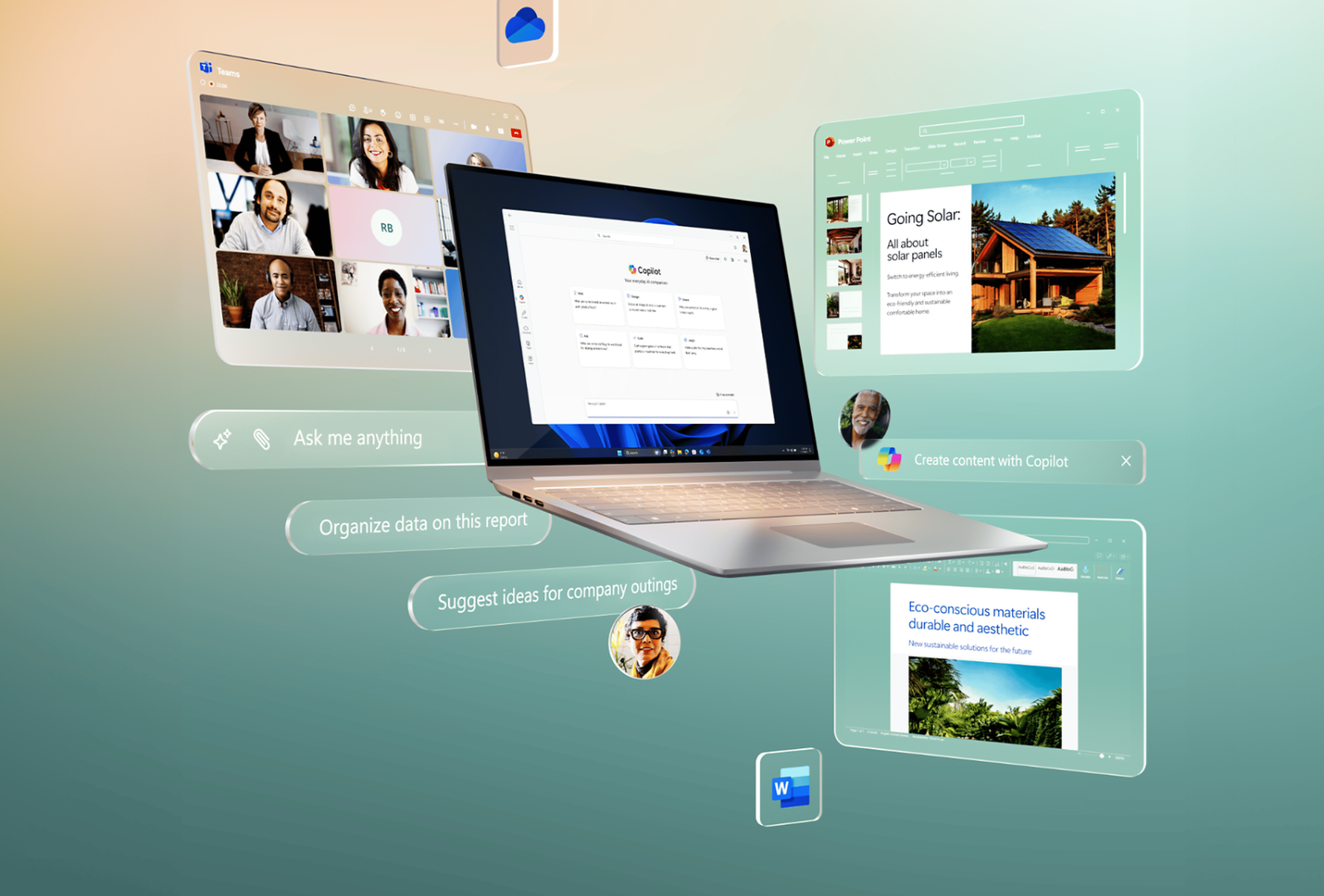
Unlock efficiencies across your organization with powerful, smart computing at your service. Copilot+ PCs are business-ready for easy adoption of the latest AI innovations.
Laptops for business
Windows Pro laptops offer speed, power, familiarity, and ease at a range of price points, delivering the latest features to enhance mobility without sacrificing performance.
All-in-ones for business
Windows all-in-ones have the muscle for demanding tasks without sacrificing style or requiring a large workspace. Optional touchscreen and adjustable stands enable an ultra-intuitive experience.
Forrester study found 250% ROI
Explore how new Windows 11 Pro computers delivered cost-effective results including a 15% better end user productivity and 20% increase in security team productivity. Factors like tighter security, faster deployment, and fewer help desk tickets resulted in 250% ROI in six months. Utilize the Windows 11 calculator tool to get your personalized analysis. 7
Forrester identifies benefits of Windows for business
Survey respondents indicated that non-Windows devices for business above $500 required virtual desktop infrastructure (VDI) support, which cost 10% to 20% more per user as compared to Windows PCs for business.
Artificial intelligence and business impact
64% of employees need more time to do their job
Hours worked, workday span, and time spent in meetings have steadily increased over the past few years.2
70% of employees say they would use AI
Employees are eager to delegate workload to AI and prevent burnout. 2
86% of employees welcome AI to help them find answers
People are looking for AI to help in almost every aspect of their work. 2
Artificial intelligence and business impact
64% of employees need more time to do their job
Hours worked, workday span, and time spent in meetings have steadily increased over the past few years.
70% of employees say they would use AI
Employees are eager to delegate workload to AI and prevent burnout
86% of employees welcome AI to help them find answers
People are looking for AI to help in almost every aspect of their work.
Windows 11 Pro key benefits
Pause
PreviousNext
Optimize your business environment
Achieve more with less time and effort. Enhance every workstyle with business AI and features to get organized in a snap, speeding workflows by 50% faster on average. 3
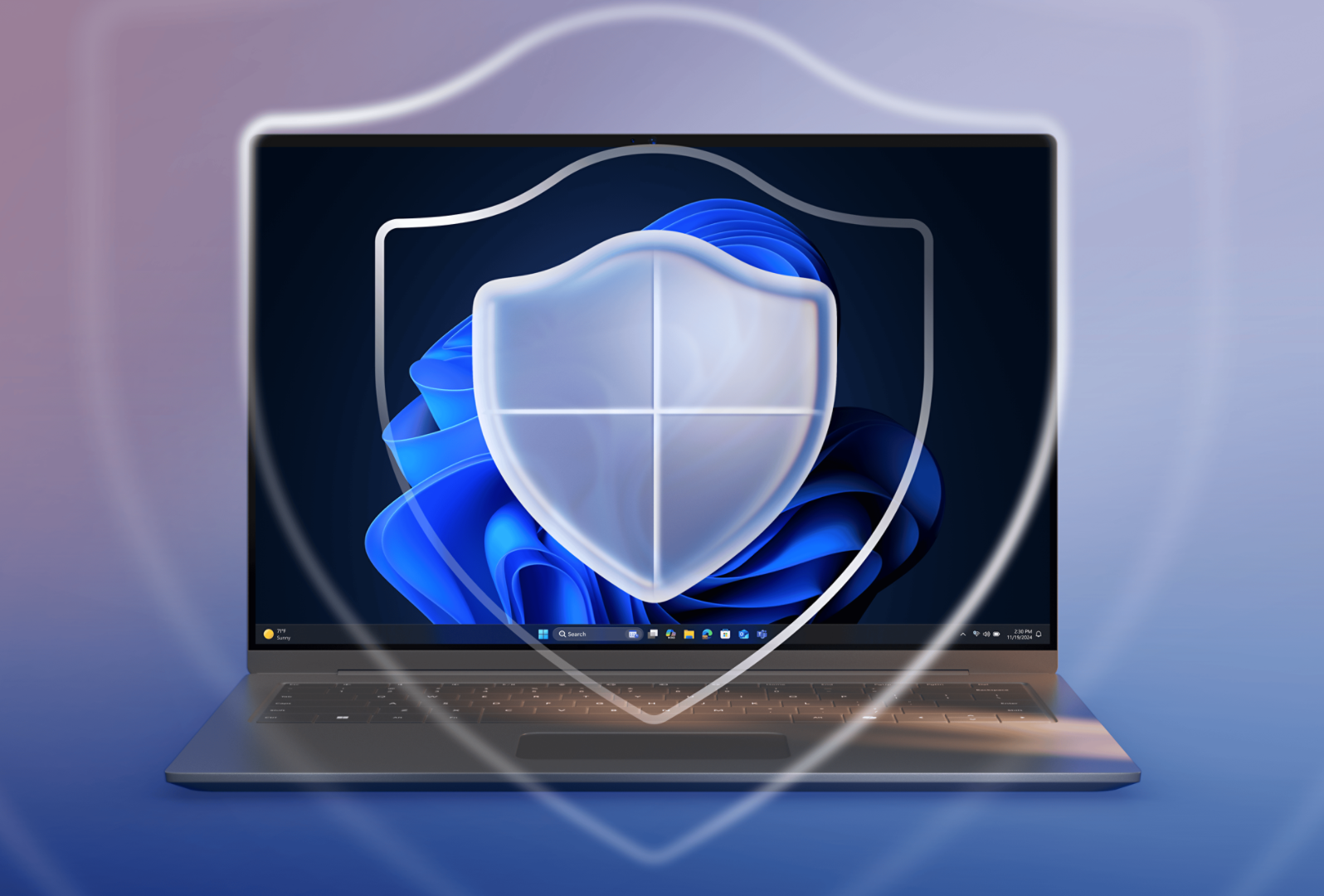
Windows is secure by design and secure by default, with layers of hardware-backed protection for every face of business and a reported 62% drop in security incidents. 5
“We have analytics software, broadcast software, rendering software. Every department has specific software that they run, and it all works seamlessly with Windows 11 Pro.”
“SHI is always identifying new use cases for AI, which is a strategic focus for us. We’re very excited about AI that can be native to users’ devices and PCs with neural processing capabilities.”
Matt Fisher, Vice President of Marketing, SHI International Corporation
“My number one reason for moving to Windows 11 Pro is security. We can identify potential security risks in our endpoints before they cause damage. Windows 11 Pro includes robust security capabilities that help us protect the organization against ever-changing threats, protect and manage patient data in a compliant manner, and simplify endpoint management.”
Peter Stephens, CIO, Southeastern Virginia Health System
Learn why you should move your business to Window 11 Pro
Research, blogs and analyst reports.
Smarter tech. Stronger Security. Significant ROI.
Forrester projects substantial ROI with Copilot+ PCs—expected up to 5 hours saved per user weekly, 70% breach vector coverage, and up to 30% reduced device management time. 6
Subscribe to our Windows for Business Newsletter to receive the latest product news, security tips, and productivity insights directly into your inbox.
[3]Results in comparison to Windows 10 PCs. Improve your day-to-day experience with Windows 11 Pro laptops, Principled Technologies, April 2023. Report commissioned by Microsoft.
[4]Commissioned study delivered by Forrester Consulting “The Total Economic Impact™ of Windows 11 Pro Devices,” December 2022. Note, quantified benefits reflect results over three years combined into a single composite organization that generates $1 billion in annual revenue, has 2,000 employees, refreshes hardware on a four-year cycle, and migrates the entirety of its workforce to Windows 11 devices.
[5]Results in comparison to Windows 10 PCs. Windows 11 Survey Report, Techaisle, September 2024. Report commissioned by Microsoft.
[6]New Tech: The Projected Total Economic Impact™ of Microsoft Copilot+ PCs. Microsoft-commissioned study by Forrester Consulting, July 2025. Projected benefits for a single composite organization that has US$1 billion annual revenue and 2,000 employees with 80% using Copilot+ PCs. In comparison to a mixed environment of conventional Windows 11 and Windows 10 PCs.















Follow Microsoft Windows