
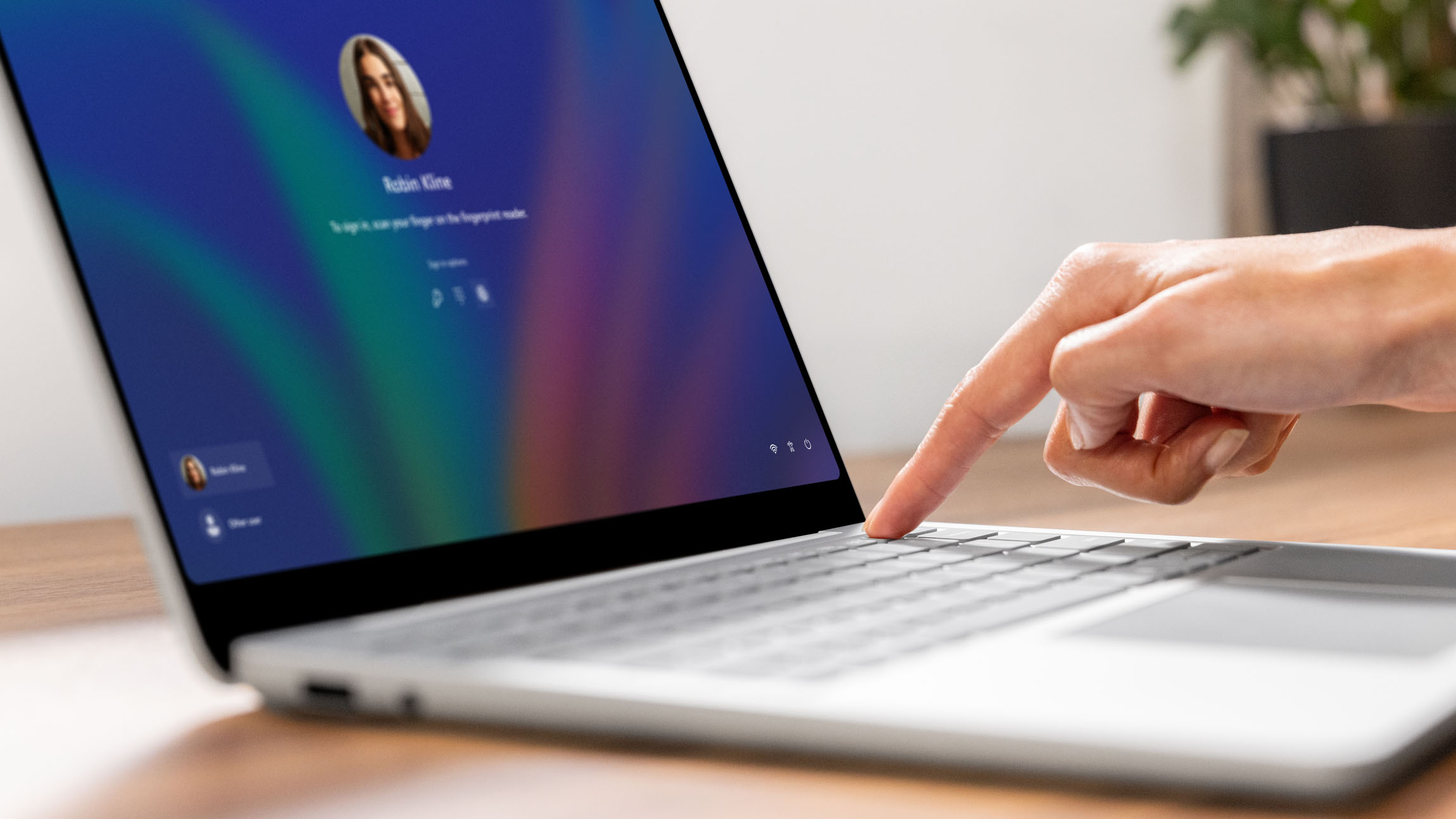
At Microsoft, we’re relentlessly focused on modernizing our passwordless protections in ways that strengthen our identity and security for everyone at the company.
At an organization the size of ours—with a global workforce, massive cloud footprint, and millions of identities to protect—relying on passwords wasn’t a sustainable security posture. We needed something stronger, simpler, and more secure.
This led to the introduction of Windows Hello for Business, which was first built into Windows 10 and then Windows 11. Windows Hello for Business replaces traditional passwords with hardware‑backed keys tied to a user’s device.
So, instead of typing a “secret phrase” that can be phished or leaked, our employees authenticate with biometrics or a PIN that never leaves the device. It’s fast, intuitive, and—most importantly—resistant to the kinds of attacks that plague password‑based systems.

“This wasn’t just a technology shift—it was a structural change in how we establish trust across the organization. The lessons we learned offer a practical blueprint for any organization looking to strengthen their security while also reducing friction for their workforce.”
Abu Kabir, director of IT service management, Microsoft Digital
Rolling out passwordless authentication at a large company like ours took more than just introducing new technology. It also required that we come up with a new way to onboard our employees securely, no matter where they work.
The first step we took toward passwordless credentials was to create Identity Pass, which included an emphasis on Day 1 authentication (on a new employee’s first day at Microsoft). By combining strong identity proofing, a Temporary Access Pass (TAP), and automated onboarding workflows, we forged an identification system where employees could unbox their device, sign in securely, and register their credentials without ever needing a password.
The result wasn’t just a smoother user experience.
“This wasn’t just a technology shift—it was a structural change in how we establish trust across the organization,” says Abu Kabir, a director of IT service management in Microsoft Digital, the company’s IT organization. “The lessons we learned offer a practical blueprint for any organization looking to strengthen their security while also reducing friction for their workforce.”
How we launched passwordless authentication
To understand how we worked through the details of passwordless authentication, it’s helpful to explain how it was implemented in the first place.
Our passwordless security system includes several components, including face or fingerprint, a PIN tied to their device, and a physical security key (like a YubiKey), but this story focuses these on two:
- Identity Pass: the internal system for secure, passwordless onboarding and recovery
- Windows Hello for Business: the phishing‑resistant credential that Identity Pass helps users register
Identity Pass
Identity Pass, which is only used internally here at Microsoft, uses several tools to “bootstrap” the user, which is the first step in establishing trust among a user, a device, and an identity system. It’s the moment when you go from “nothing trusted” to “something trusted.” Everything that happens afterward depends on getting that moment right.
Identity Pass relies on three core elements:
- Verified ID is what we use internally to establish proof of identity. It’s an initial step and is valid for 30 days.
- Temporary Access Pass (TAP) establishes authentication.
- Conditional access enforces policy.
Identity Pass is where risk signals matter most, because onboarding and recovery are the moments when identity assurance is weakest. Those risk signals include:
- Authentication behavior detection: If a user tries to redeem a TAP or Verified ID from an unusual location, device, or pattern, Authentication Behavior Detection can flag a sign in as risky. Identity Pass can then require stronger identity proofing or block the flow.
- Global high‑risk detection: If our threat intelligence determines the user is likely compromised, Identity Pass will not allow TAP issuance or passwordless registration until the risk is remediated.
- Strong fraud indicators: If the user’s session or token shows signs of fraud (token replay, hijacking, malicious infrastructure), Identity Pass will force remediation and block bootstrap flows.
- Risk‑based identity assurance: This is the decision engine that takes security signals and determines what level of assurance is required. For example:
- Low risk = allow TAP issuance
- Medium risk = require Verified ID reproofing
- High risk = block and escalate
Identity Pass is essentially the front door where these signals decide whether a user can even begin the passwordless journey.
Windows Hello for Business
Windows Hello for Business is the strong, phishing‑resistant credential that Identity Pass helps users register. Once this is in place, the risk signals listed above continue to influence authentication.
- Authentication behavior detection: Windows Hello for Business sign‑ins are evaluated like any other. If the user suddenly authenticates from an impossible location or unusual device, this system flags it as a sign‑in risk.
- Global high‑risk detection: If our detects a high‑confidence compromise, Windows Hello for Business sessions can be revoked via Continuous Access Evaluation. The user then reregisters through Identity Pass.
- Strong fraud indicators: If a Windows Hello for Business token is replayed or misused, this system triggers immediate revocation and forces secure recovery.
- Risk‑based identity assurance: This determines whether Windows Hello for Business alone is sufficient, or whether the user must step up to a stronger method based on risk.
Windows Hello for Business is the credential, but the risk signals determine whether that credential is trusted at any given moment.
What we learned: Rollout and implementation
While our toolsets and protocols offer a clear path for any organization moving toward passwordless authentication, transferring users from a typical user/password security setup can have a variety of challenges—especially at the outset.
Devices, environments, and remote work all matter
When an organization adopts identity‑based, passwordless authentication, one of the first realities it confronts is that the onboarding experience isn’t uniform. Employees don’t all show up with the same hardware, the same operating system version, or the same security capabilities. That diversity has a direct impact on how smoothly a user can complete the initial Day 1 setup and register a strong, phishing‑resistant credential.

“It’s not one-size-fits-all. The onboarding experience can be different by platform, version, and device. The further away you get from a homogenized environment, the more complexity you introduce.”
Matt Scott, senior IT service manager, Microsoft Digital
Device and platform diversity is one of the defining factors in designing a successful passwordless onboarding experience. Any organization adopting identity‑based authentication needs an onboarding system that can adapt to a wide range of hardware, OS versions, and security capabilities while still enforcing a consistent, high‑assurance security model.
Identity proofing and credential registration don’t look the same across platforms. A laptop might support credential setup directly at the login screen, while a mobile device might require an app‑based flow, and a non‑traditional platform might rely entirely on browser‑based enrollment. The underlying model stays consistent, but the user experience varies depending on where the user begins.
“It’s not one-size-fits-all,” says Matt Scott, a senior IT service manager in Microsoft Digital. “The onboarding experience can be different by platform, version, and device. The further away you get from a homogenized environment, the more complexity you introduce.”
Support volume
With Identity Pass in place, we have seen dramatic reductions in password reset volume (80%), onboarding delays, and help desk tickets related to account access. At the initial rollout stage, however, most organizations should anticipate a temporary spike in support needs.
“We expected an increase in volume, because we had recently gotten to 99% in terms of users being identified through Phish-Resistant Multi-Factor Authentication,” Scott says. “In reality, what’s happening is you have a lot of users who are unhappy with the experience as part of the move to a passwordless environment.”
No matter how solid the argument is for a passwordless approach or how cleanly an organization implements it, our experience shows that organizations should expect initial confusion from employees and increased pressure on support teams.
“Moving into a passwordless environment is obviously good for everyone, but we needed to make it easier for users to get the information they needed,” Scott says. “It’s not just one fell swoop of moving from password to passwordless. It’s truly a journey. And it’s very important that change management is part of that journey.”
Helping employees help themselves
Another key learning during our implementation of passwordless authentication was the importance of accessible documentation. This gives users who have yet to establish their identity credentials a way to get unblocked without having to immediately call IT support.
That documentation must stay accurate over time, so it’s crucial to build a governance strategy that ensures updates are made quickly as new devices, platforms, and scenarios emerge.
“During onboarding, if there’s a problem and a user is locked out, they may not have access to the corporate network,” Kabir says. “Having a site that they could access, with actual instruction based on which device they’re using and that shows them how to get past key blockers, was very helpful.”
Maintaining a direct line to leadership in order to help unblock lingering change requests also proved to be essential. In one case, bugs lingered in the engineering queue for days, even weeks, because the escalation path was limited (by design).
“Approval requests were blocked, and so approvals needed to be accelerated to the skip-level approver,” Kabir says. “We were able to move fast to fix that, because we had a clear understanding of the pain that folks were feeling on our side and could effectively communicate that to leadership.”
Short-term pain, long-term gain
The impact has been significant. Instead of spending long cycles troubleshooting forgotten passwords or manually verifying user identities, IT teams can focus on higher‑value work: strengthening identity protection, refining automation, and improving the user experience. This shift not only reduces operational overhead, it also aligns with our Zero Trust principles by removing weak authentication steps from the identity lifecycle.
For employees, the experience is equally transformative. New hires can unbox a device, authenticate using a TAP delivered through a secure Verified ID workflow, and immediately register passwordless methods like Windows Hello for Business. Although the onboarding journey may vary across platforms and devices, the process is fast and intuitive.
For existing users who lose access—whether due to a forgotten PIN, a lost device, or a credential reset—Identity Pass provides a self‑service recovery path that avoids the delays and security risks of traditional reset processes.
Our experience demonstrates that when these processes are redesigned around strong, hardware‑backed, phishing‑resistant credentials, organizations gain both security and efficiency. The result is a more resilient identity foundation that supports the realities of modern work.

Key takeaways
Here are some suggestions for getting started with Windows Hello for Business and Day 1 onboarding:
- Passwordless authentication start with strong identity proofing. Establishing user identity up front is essential to creating a secure foundation for all future authentication.
- Day 1 onboarding is the riskiest moment. The initial bootstrap step is where trust is first established, and risk signals matter most.
- Temporary Access Pass replaces temporary passwords. TAP provides a secure, time‑bound way for users to authenticate and register passwordless credentials without exposing the network to attack.
- Device and platform diversity shapes the user experience. Different hardware, operating systems, and compute environments require flexible onboarding paths that still enforce consistent security.
- Support demand spikes before it drops. Organizations should expect short‑term confusion and increased help‑desk volume before passwordless security benefits fully materialize.
- Long‑term gains are significant. Once deployed, passwordless authentication reduces operational overhead, strengthens security, and improves the user experience across the identity lifecycle.

Try it out

Related links
- Learn more about implementing strong user authentication with Windows Hello for Business.
- Read about phishing-resistant authentication with Microsoft Entra ID.
- See how Microsoft is using AI to reinvent network security.
- Discover how we developed a Zero Trust security model at Microsoft.
- Find out how Windows Hotpatch transformed security and compliance at Microsoft.
- Learn how Microsoft hardened our defenses with Microsoft Baseline Security Mode.

We’d like to hear from you!


