
October 03, 2023
Share this page


Tips for your Surface Pro Signature Keyboard
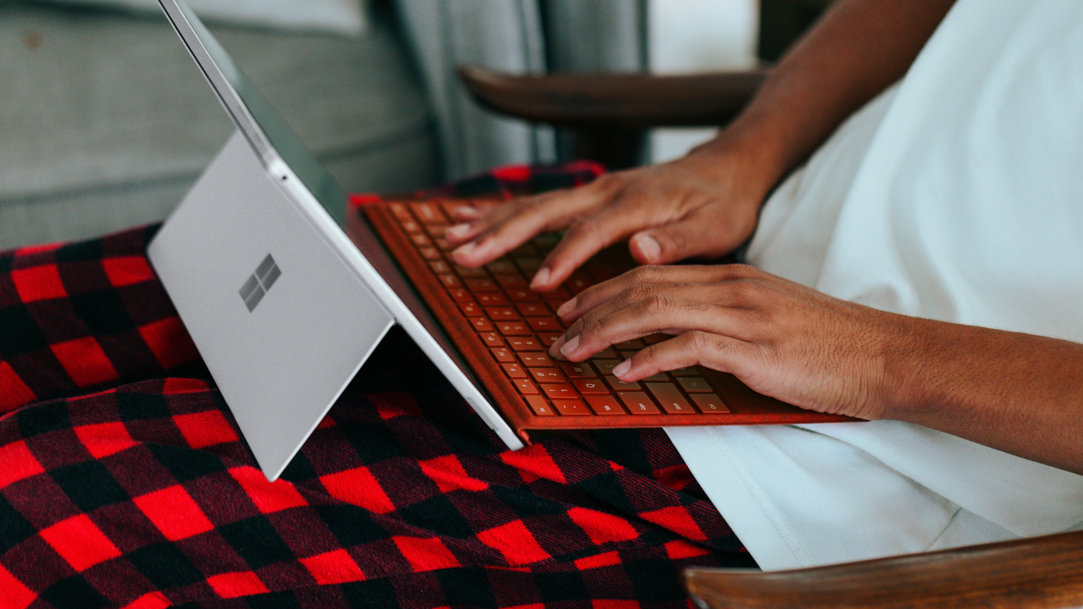
If you own a Surface Pro 8 or Surface Pro 9, you already enjoy the mobile versatility of a tablet device — but you can transform it into a powerful laptop with the full lineup of Surface Pro Signature Keyboards.¹ These detachable accessories add a large, all-glass touchpad, luxurious Alcantara® textures, and even an optional fingerprint reader to your Surface Pro. By folding perfectly to the touchscreen of your Surface Pro, they can protect your device from damage and impacts. And with multiple color options, they’re the perfect complement to your device. See how the Surface Pro Signature Keyboard can enhance your productivity and add the functionality of a full-sized keyboard to your Surface Pro.
Customize your Surface settings
Surface devices allow you to customize your accessory’s settings to fit your exact needs. Start by heading to Settings > Devices > Typing. From there, you can adjust key repeat rate, cursor speed, and more. You can even turn on a feature to ignore accidental trackpad input. Choose whether to enable the function keys as standard function keys or special keys that control features like brightness and volume. Customizing these settings will help you be more comfortable and efficient when using your Surface.
Take advantage of the large touchpad
The Surface Pro Keyboard’s all-glass touchpad is one of the largest on the market, providing plenty of room to navigate and perform gestures. It’s so advanced and sensitive, in fact, that that it can distinguish between accidental palm presses and intentional gestures. To get the most out of your touchpad, make sure you're familiar with all the available gestures. For example, you can swipe up with three fingers to show all open windows or swipe down with three fingers to minimize all open windows. With practice, these gestures will become second nature and help you navigate your device more efficiently.
Master features like the fingerprint reader and backlight
There’s no need to enter a password anymore—not with Windows Hello integration on the Surface Pro Keyboard with Fingerprint Reader. Simply place your preferred finger on the reader, adjust so Windows Hello can identify your full fingerprint, and you’re done! Now you can simply log in with the press of a finger. And since it’s biometric technology, fully personalized to you and you alone.
The integrated backlight is a game changer for anyone who works in low-light environments, or simply prefers the look of an illuminated keyboard. To adjust the brightness of the keyboard, select F1 to dim or F2 to brighten, or turn off the backlight entirely, select F1 until the keyboard icon disappears.
See the Surface Pro Signature Keyboard in action here:
With a Surface Pro Signature Keyboard, you’ll get the most out of your 2-in-1 device without sacrificing functionality. Compare Surface devices to see which Surface is right for you.
- [1] Chargers, software, accessories, and devices sold separately. Availability may vary by market.
Products featured in this article

Surface Pro 8
Surface Pro 9
Surface Type Covers and Keyboards
Related topics

What are 2‑in‑1 laptops?

Why Surface Pro is the best 2-in-1 laptop for students
