 Windows for business
Windows for business
Windows for business
September 26, 2025
Share this page


How CPUs, GPUs, and NPUs deliver the firepower behind smarter, faster business outcomes
AI isn’t magic. It’s math.
And behind every real-time recommendation, predictive insight, and automated workflow lies a powerful set of processors working together to make it happen. For business leaders exploring AI automation, it’s tempting to focus on software tools alone. But if your hardware isn’t up to speed, even the best AI investments won’t reach their full potential.
The future of AI-powered productivity doesn’t just run on code. It runs on compute architecture that powers real-time tools, minimizes latency, and reduces disruptions. And understanding the role of these modern processors—CPUs, GPUs, and NPUs—can help you make smarter infrastructure decisions that drive better outcomes across the board as soon as they’re deployed. That’s the kind of ROI you can bank on.
So, let’s break down what’s inside the devices your teams are already using and connect the dots between chip architecture and charting a course for catalytic change.
The hidden workhorse: what is a CPU?
Think of the central processing unit, or CPU, as the brain of your computer. It handles general-purpose tasks like opening files, running applications, or executing business software. If you've ever asked, “what does a central processing unit do?”, the short answer is: almost everything.
But while CPUs are great at juggling a wide variety of tasks, they aren’t built for the specialized demands of AI. Training models, running deep learning algorithms, or processing real-time visual effects require a different kind of horsepower. Think real-time fraud detection catching suspicious transactions as they happen, AI-powered chatbots handling thousands of customer queries simultaneously, or automated quality inspections spotting defects faster than any human eye. The use cases are as infinite as the data itself for business leaders who need to stay responsive, sharp, and poised to outpace the competition.
That’s where the rest of this modern processing trio comes in.
CPU vs GPU: The difference behind the data
If the CPU is the brain, the GPU (graphics processing unit) is the muscle for massive parallel processing. Originally designed for rendering visuals, GPUs on computers now play a major role in accelerating AI workflows. When comparing CPU vs GPU, the key difference comes down to efficiency.
While a CPU may have a handful of cores optimized for single-threaded performance, a GPU contains thousands of smaller cores. That means it can handle many operations simultaneously, making it ideal for tasks like image recognition, data modeling, and machine learning.
What does a GPU do in a business context? It powers the behind-the-scenes number crunching that fuels AI applications. From dynamic demand forecasting in retail to intelligent routing in logistics, GPUs help turn big data into rapid insights, accelerating workflow speed and cutting time-to-decision so leaders can act quickly and lead with confidence.
Meet the new kid: What is an NPU?
Now, a third processor is reshaping what’s possible with AI: the neural processing unit, or NPU. This specialized chip is designed specifically to accelerate AI automation by handling operations associated with neural networks and deep learning.
Unlike CPUs or GPUs, NPUs are purpose-built for AI inference at the edge. That means they enable devices to process AI tasks locally, in real time, without needing to ping the cloud. That brings significant resource efficiencies that let you scale faster, smarter, and poised for innovation (and profitability).
So, if you’ve been wondering what is an NPU, or how it compares—NPU vs CPU or NPU vs GPU—the distinction comes down to specialization. NPUs consume less power and work more efficiently for AI-specific tasks, freeing up the CPU and GPU to do what they do best. The result? Smarter performance, longer battery life, and real-time responsiveness for features like on-device language translation, background blur in video calls, or intelligent document summarization. Together, these advanced features streamline communication, save time, and supercharge productivity across hybrid teams.
Imagine a manager walking into a client meeting with notes already transcribed and key points summarized. No late-night prep scrambling required. Or a sales leader running a global call where on-device translation makes every participant feel heard in their own language. These moments, multiplied across a company, mean less time on busywork and more time focused on outcomes.
And as AI workflows become more integrated into everyday tools, the role of NPUs will only grow more central.
Why processor architecture is now a business decision
Choosing the right mix of processors is no longer just an IT or engineering concern. It’s a leadership issue. In fact, Gartner predicts 100% of new enterprise PCs will have AI chips by the end of 2026. Because the type of compute infrastructure you invest in directly impacts your ability to scale AI, boost productivity, and improve time-to-decision across the business.
Whether you're running AI workflow tools in marketing, using predictive analytics in sales, or deploying AI workflow automation in HR or operations, the speed and stability of your AI outcomes depend on what’s inside the machine.
Here’s how modern processing power translates to business value:
What GPUs do to boost your bottom line
Across industries, businesses are investing in AI automation to improve workflow efficiency and stay competitive. But those results are only as strong as the infrastructure beneath them.
If you're still relying on devices built before AI became mainstream, you're likely missing out on the performance and productivity gains newer processors deliver. Whether it’s navigating customer service tools, streamlining procurement workflows, or improving real-time collaboration, modern processor architecture ensures your business keeps moving without bottlenecks or burnout.
Power up for what’s next
Understanding the types of computer processors inside your organization’s devices is more than tech trivia. It’s a strategic advantage. And in a world where speed, responsiveness, and scale define success, that knowledge can drive smarter decisions across IT, finance, and overall operations.
So, the next time someone on your team asks, “What is a CPU, GPU, or NPU and why should we care?”—you’ll know the answer. These aren’t just components. They’re the engine behind your ability to automate AI, improve workflow, and deliver business outcomes that move faster than the competition.
Ready to supercharge your business with hardware built for AI?
The right processor mix isn’t just a performance boost. It’s a future-proof foundation.
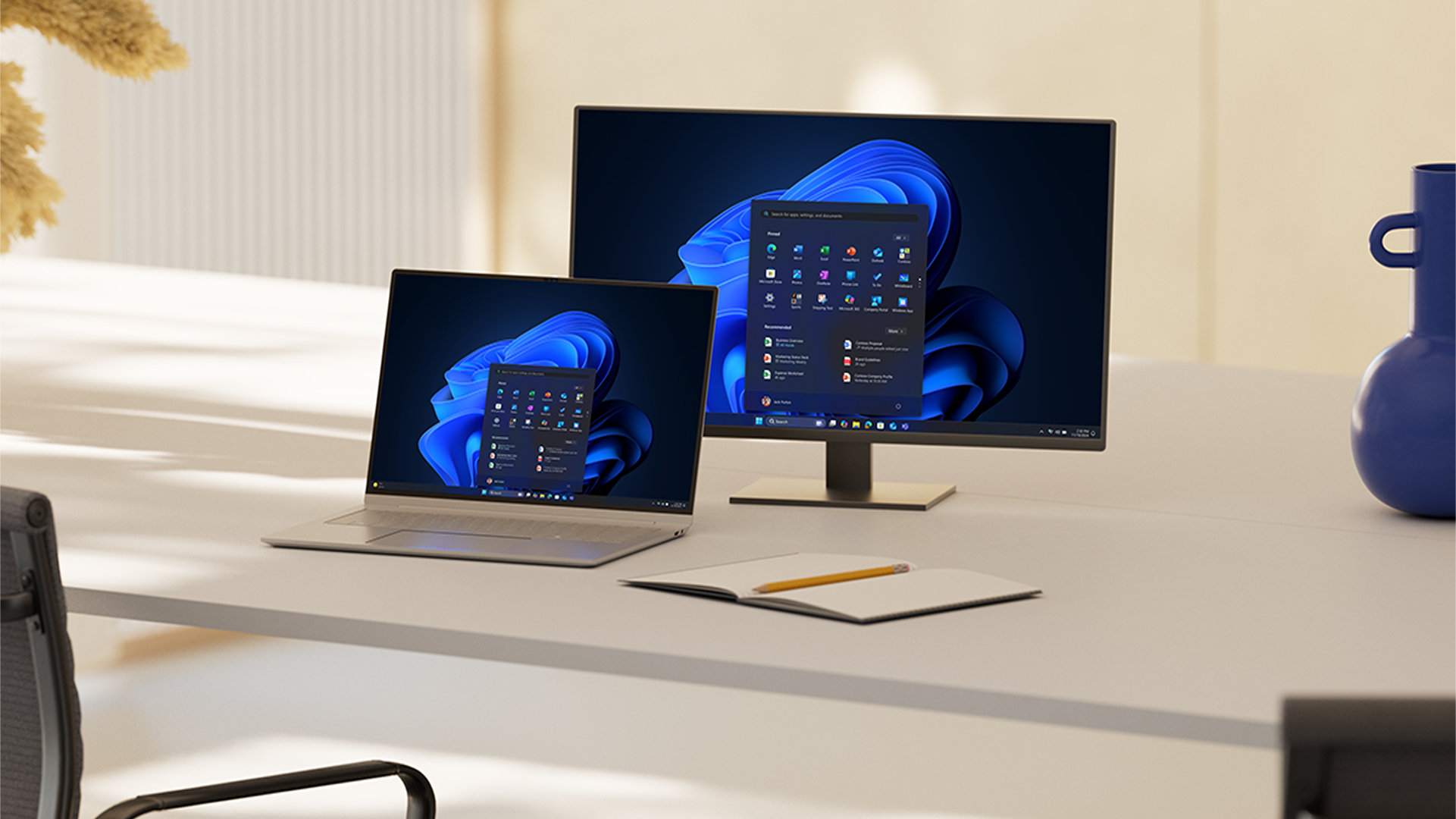
Set the pace for faster performance with Windows PCs, available for every preference and workstyle, from versatile 2-in-1 devices to powerful desktops, all compatible with nearly every application and accessory. Work efficiently from anywhere with speed, flexibility, and style on the latest Windows 11 Pro devices powered by Intel® Core™ Ultra processors with Intel vPro®. These devices feature a modern architecture that brings together CPU, GPU, and NPU technology to accelerate workflows, support AI-enhanced experiences, 1 and deliver long battery life 2 for sustainable workstyles.
Copilot+ PCs 3 deliver even more transformative impact to optimize AI workloads, enable all-day battery life, and unlock new levels of speed for demanding tasks. Charge once and unplug all day, 4 with the best videoconferencing, AI features, battery life, and performance on a Windows PC. Copilot+ PCs are built for speed and ready to serve up the latest AI innovations for every business need.


