

Windows Resiliency Initiative
Trust in Windows for work that never misses a beat
The platform leaders can count on for reliability, productivity, and protection without disruption.
Overview
When threats rise, Windows security matters
What is the Windows Resiliency Initiative (WRI)?

Powerful performance for transformative impact
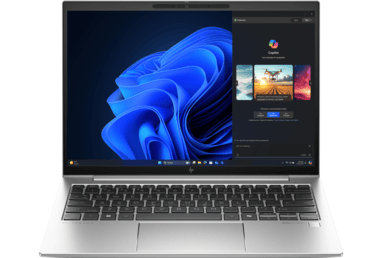
How to buy the right Windows 11 Pro Edition and Windows PC for your business
How to buy the right Windows 11 Pro Edition and Windows PC for your business
How to buy the right Windows 11 Pro Edition and Windows PC for your business
How to buy the right Windows 11 Pro Edition and Windows PC for your business
How to buy the right Windows 11 Pro Edition and Windows PC for your business
Priorities
Turning resilience into reality
How WRI delivers workday-ready reliability and security capabilities across Windows.
Strengthen security

Strengthen security
- Kernel hardening reduces system instability at the core 1
- End-to-end verification to help ensure only trusted apps can be installed or run
- More apps and users can run without admin privileges
- Enhanced identity protection features like Windows Hello for Business and Token Protection help prevent phishing attacks 2
Solidify system reliability

Solidify system reliability
- Hotpatching in Windows 11 enables security updates without interruptions 3
- Microsoft Intune and Autopatch support recovery workflows for endpoints that fail to boot, helping restore functionality faster 4
- Point-in-time restore (PITR) helps PC-users and IT Pros recover an individual or group of devices with comprehensive rollback within minutes to the exact state of the system at a previous point in time, including the OS, apps, settings and local files 4
- Windows 365 Reserve provides temporary access to secure cloud PCs when primary devices are unavailable
Extend platform openness

Extend platform openness
- Windows Endpoint Security Platform (WESP) enables Windows protection and security solutions to run outside the kernel
- End-to-end verification and certification to help ensure only trusted drivers can be installed
- Windows Protected Print ensures no printer drivers are installed in the kernel
- Windows Recovery Environment (WinRE) is the basis of the recovery framework with added enterprise networking and an Intune management client 4
Invigorate the ecosystem

Invigorate the ecosystem
- MVI 3.0 reflects Microsoft’s commitment to our partners, strengthening Windows security and reliability through validated practices 5
- Microsoft-tested incident response and deployment practices deliver reliable updates to endpoints 6
- Deployment rings support gradual updates that minimize risk of disruption
- Tools like Microsoft Intune and Defender for Endpoint provide analytics and monitoring to improve endpoint health and recovery 7
Our progress
Resilience in the real world
The impact your business can see.
“WithSecure is proud to be part of Microsoft’s Windows Resiliency Initiative, a collaborative effort to strengthen the Windows ecosystem.”
— Johannes Rave, Lead Architect of XDR at WithSecure
Steps you can take today
Simple ways to strengthen your enterprise resilience now.

Invest in hardware and software that contain integrated capabilities to support a security strategy
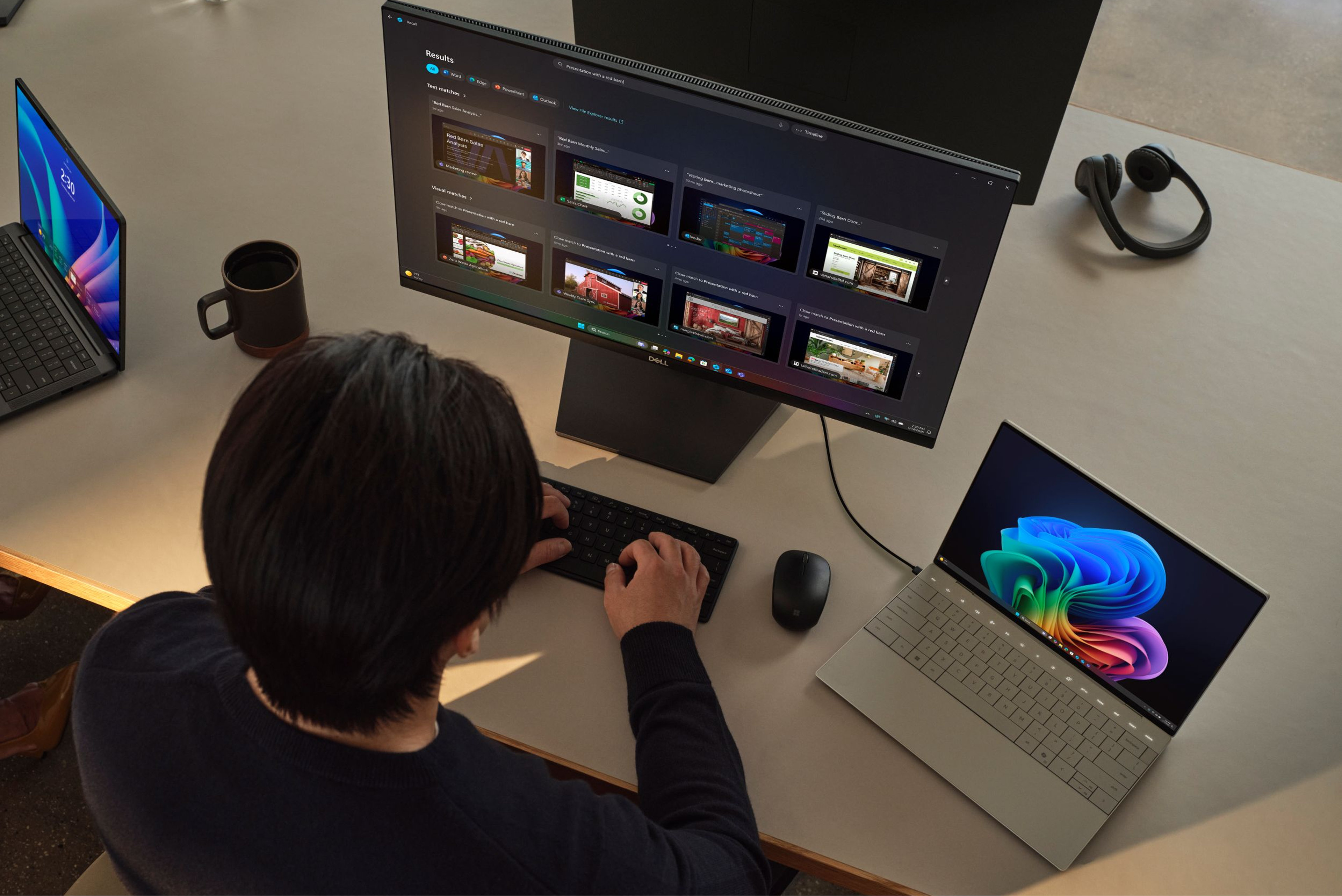
Embrace Zero Trust principles and maintain a comprehensive asset inventory

Practice consistent security hygiene

Transition to phishing-resistant, passwordless authentication methods
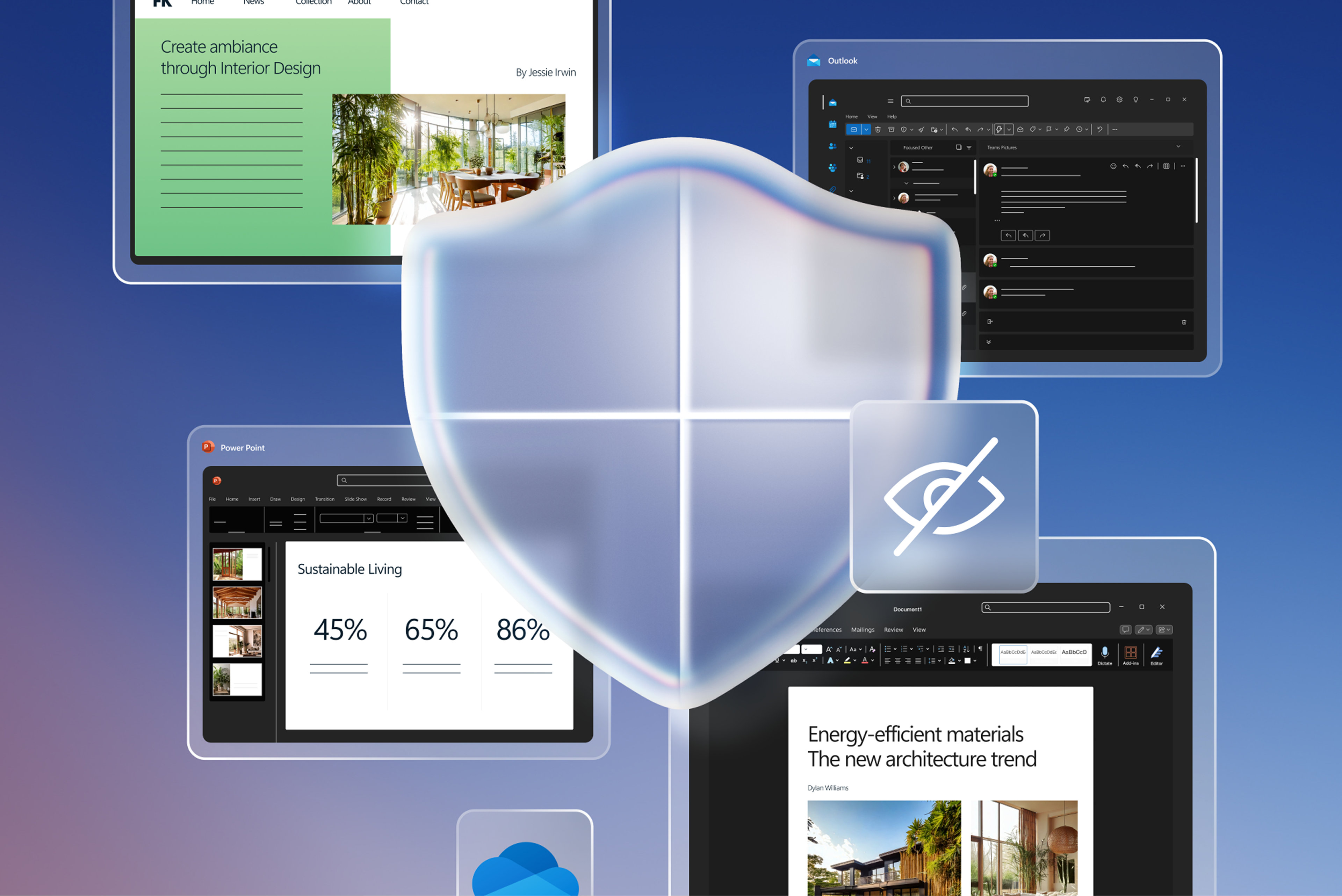
Implement blocklists for known malicious domains and apps

Strengthen your posture with Microsoft Intune and Windows Autopatch

Collaborate with government bodies and industry partners to strengthen cybersecurity measures

Incorporate Cloud PCs into your recovery strategy for enhanced flexibility
Putting WRI into practice

What’s next for WRI?
Stay current with the latest updates, announcements, and events.
Ignite 2025
November 18-21, 2025
See how WRI continues to define the future of Windows at Ignite 2025.

Quick machine recovery
A new recovery capability that restores Windows devices that are down during a global outage.

Point-in-time restore
A recovery mechanism that restores a Windows PC to a previously taken snapshot that is stored locally.

Remote management of recovery for Windows PCs
Manage and orchestrate your Windows device recovery options with Microsoft Intune and Autopatch.

Keep your business moving forward
Discover the tools, resources, and devices that make WRI a reality for your organization.
Frequently asked questions
-
WRI is Microsoft’s comprehensive reliability and recovery framework that helps organizations prevent, manage, and recover from unexpected endpoint disruptions.
With 89% of business leaders identifying resilience as a top strategic priority, 10 WRI helps safeguard:
- Financial performance
- Competitive advantage and reputation
The initiative spans platform hardening through new Windows capabilities, guidance and best practices documentation, and recovery services for devices.
-
The CrowdStrike outage underscored how endpoint system failures can quickly disrupt operations across organizations.
WRI directly addresses this type of widespread issue through a multi-layered approach to protection, including:
- Moving security products outside kernel mode
- Safe Deployment Practices with gradual updates using deployment rings
- Automated Quick Machine Recovery for remote boot failure fixes
Microsoft's MVI 3.0 program now requires endpoint security partners to follow rigorous testing and incident response processes, preventing single points of failure that can impact entire business operations.
-
Organizations implementing resilience programs can achieve improved risk management, better financial performance, and competitive marketplace advantage.
With the average cost of credential-based breaches reaching $4.81 million and 90% of successful ransomware attacks leveraging unmanaged devices, 11 WRI's automated recovery services and prevention capabilities can contribute to measurable cost avoidance.
The initiative reduces manual IT intervention and minimizes productivity losses from system outages across enterprise environments. 12
-
Quick Machine Recovery transforms manual recovery from a global outage into an automated process by:
- Automatically detecting widespread boot failures
- Integrating with Microsoft’s remediation response system
- Downloading and applying targeted fixes from Windows Update
- Restoring system operations at global scale without manual IT intervention
This ensures swift, policy-controlled recovery that minimizes business downtime.
-
Enterprise IT leaders maintain full governance over Windows Resiliency recovery services through modern device management tools such as Microsoft Intune and Windows Autopatch.
Organizations can configure auto-remediation behavior, set scan and reboot intervals, and establish deployment rings for gradual rollouts. For Windows 11 Pro and Enterprise editions, Quick Machine Recovery is turned off and requires explicit IT administrator enablement and configuration—ensuring complete organizational control over resiliency capabilities.
-
WRI implementation will vary by organization size and scope, but core capabilities can be deployed within weeks for most enterprises. Quick Machine Recovery requires upgrading to Windows 11 24H2 and can be enabled immediately through Microsoft Intune or Autopatch.
Microsoft provides guidance for deployment and best practices for enterprises with 1,000+ devices to ensure smooth implementation timelines.
- [1] Kernel hardening features vary by edition and configuration. Effectiveness may depend on deployment model.
- [2] Effectiveness may vary based on configuration and usage. Requires supported hardware and Windows 11 Enterprise edition.
- [3] Available only in Windows 11 Enterprise and Azure-based environments. Scope of updates may vary. Learn more.
- [4] More details at https://aka.ms/WindowsResiliencyBlogIgnite2025.
- [5] MVI 3.0 is a Microsoft-led initiative for secure and reliable device validation. Participation varies by partner. Learn more.
- [6] Based on internal validation and industry best practices. Results may vary.
- [7] Requires Microsoft Intune P1 and Microsoft Defender for Endpoint P1 or P2. Effectiveness may vary.
- [8] Windows 11 Survey Report. Techaisle LLC, September 2024. Commissioned by Microsoft. Windows 11 results are in comparison with Windows 10 devices.
- [9] Secure Future Initiative (SFI) April 2025 Progress Report.
- [10] The Resilience Revolution: PwC’s Global Crisis and Resilience Survey 2023.
- [11] IBM's Cost of a Data Breach Report 2025.
- [12] Windows Resiliency Initiative e-book.


Follow Microsoft Windows