
Microsoft 365 Copilot helps our employees work faster and be more creative. But sometimes it slams on the brakes and says, “Whoa, there! You can’t do that!” And that’s by design, to keep us safe from stuff that doesn’t belong in the workplace anyway.
In this article, we’re going to show you what kinds of prompts Copilot rejects, offer some workarounds you can use if you get stuck, and show you where to turn to learn more and report issues if you need to.
Copilot guardrails protect people and content
These kinds of guardrails are part of the Microsoft Responsible AI (RAI) Microsoft Responsible AI framework. They are designed to keep us safe, increase trust and make sure what we create doesn’t cause harm.
When working with Copilot, you may get blocked from getting a response if your prompt falls into a category that our guidelines indicate is off-limits. Here are some examples:
Don’t use prompts that:
- Mislead or impersonate: For example, no fake CEO quotes or unlabeled deepfakes.
- Break laws or policies: A prompt that is harmful, discriminatory, or illegal equals a hard stop.
- Violate copyright: This means that Superman and Disney princesses are off-limits.
- Exploit vulnerabilities: No manipulative or deceptive practices.
- Generate unsafe content: Violence, hate, or anything harmful? These are all blocked by design, obviously.

Pro tip
Forget brand names and don’t ask Copilot to directly imitate real people or copyrighted characters. Instead, describe the idea you’re going for—that way, you stay creative without getting blocked.
Content best practices for working with Copilot
To get the most value from Copilot, keep these best practices in mind:
- Use licensed or original content: Make sure you own the content or have the rights to it. If you’re creating content that will be shared externally, protect your organization’s intellectual property and align it with your brand’s AI standards.
- Apply security and privacy controls: To make sure your data stays protected, apply sensitivity labels wisely.
- Keep humans in the loop: Don’t add to the growing pile of un-reviewed low-quality AI-generated content. If you’re using Copilot to create, don’t hit publish without first adding your review, voice, and expertise.
Reframing prompts when Copilot says ‘no’
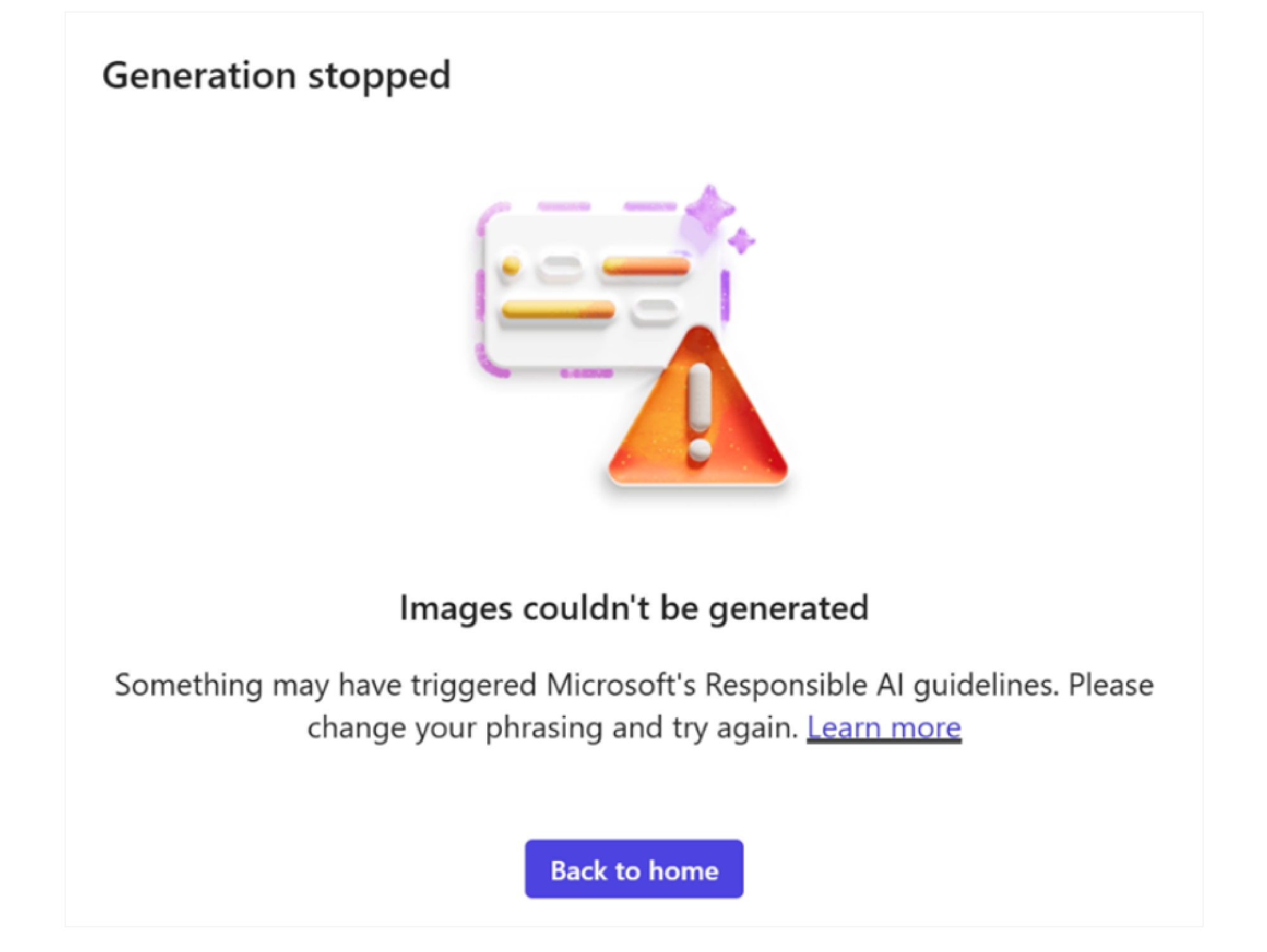
If you get blocked by Copilot, it doesn’t mean you can’t use your imagination to draft a prompt that will work. Here are some sample ideas, organized by category.
Image prompts
If you’re looking to create a Marvel-ous image of a “Spider-Man-like” character, instead of prompting:
“An image of Spider-Man swinging through a city skyline.”
Try this:
“A superhero in a red suit swinging through a city skyline.”
You’ll get a similar result that’s more customized to your needs!
Pro tip
When testing prompts, we saw a lot more blocks when trying to create images using the “photorealistic” setting in Copilot. Try a different style and see what works.
Written prompts
With prompts for written content, Copilot does a great job of politely saying, “No can do, but here’s what will work.”
Here are a couple of examples where this could happen:
Example one: Prompts impersonating a person. This is blocked:
“Write a motivational speech by Satya Nadella.”
Copilot provides me with this alternative:
“Write a motivational speech inspired by the leadership style of Satya Nadella.”
Example two: Prompts violating copyright. This is blocked:
“Write a blog post comparing our new AI tool to Star Wars technology, using quotes from the movie.”
Try this instead:
“Write a blog post comparing our new AI tool to Star Wars tech using playful references and analogies.”
Copilot’s guardrails aren’t here to cramp your style; it’s just keeping out content that’s Not Safe For Work. Looking for more details? Check out Microsoft’s AI Code of Conduct. Note that guidelines may change, so what works today may not fly tomorrow.
Using Copilot creatively—and responsibly
When Copilot says “no,” it’s an opportunity for you to rethink and refine your approach. By staying within the guidelines—using original ideas, respecting privacy, and keeping humans in the loop—you can unlock Copilot’s full potential without compromising safety.
In following the principles of Responsible AI, you can ensure that creativity and compliance go hand in hand, and that the content you create reflects both innovation and integrity. Together, we can embrace AI as a revolutionary tool, empowering us to work smarter and more productively while still upholding the values that matter most.

Key takeaways
Here are a few things to remember if you run into blocks when using Microsoft 365 Copilot:
- Understand the “why” behind the block. Copilot’s restrictions are based on the Microsoft Responsible AI principles, designed to protect people and data while preserving trust.
- Stay creative within the guidelines. If a prompt gets blocked, reframe it using descriptive language instead of brand names or real people.
- Use original or licensed content. This ensures compliance with copyright laws and protects your organization’s intellectual property.
- Apply security and privacy controls. Sensitivity labels and proper data handling keep your information safe while using AI tools.
- Keep humans in the loop. Copilot is a powerful assistant, but your review and expertise are essential before publishing any AI-generated content.

Try it out

Related links
- Find out how to get started with Copilot with our adoption playbook.
- Discover our top 10 tips for using Copilot every day.
- Learn more about how employees are infusing Responsible AI principles into their work at Microsoft.
- See how we’re enabling meaningful AI adoption at Microsoft with a Copilot Expo.
- Explore ways we’re transforming the employee experience at Microsoft with AI.
- Read our guide for deploying and driving adoption of Microsoft 365 Copilot.

We’d like to hear from you!