


Update [04/19/2021]: The Surface Laptop 4 powered by Intel 11th Gen Intel® Core™ processors ship with enhanced hardware security capabilities enabled by default.
VBS and HVCI-enabled devices help protect from advanced attacks
Escalation of privilege attacks are a malicious actor’s best friend, and they often target sensitive information stored in memory. These kinds of attacks can turn a minor user mode compromise into a full compromise of your OS and device. To combat these kinds of attacks, Microsoft developed virtualization-based security (VBS) and Hypervisor-protected code integrity (HVCI, also commonly referred to as memory integrity). VBS and HVCI use the power of hardware capabilities like virtualization to provide better protection against common and sophisticated malware by performing sensitive security operations in an isolated environment.
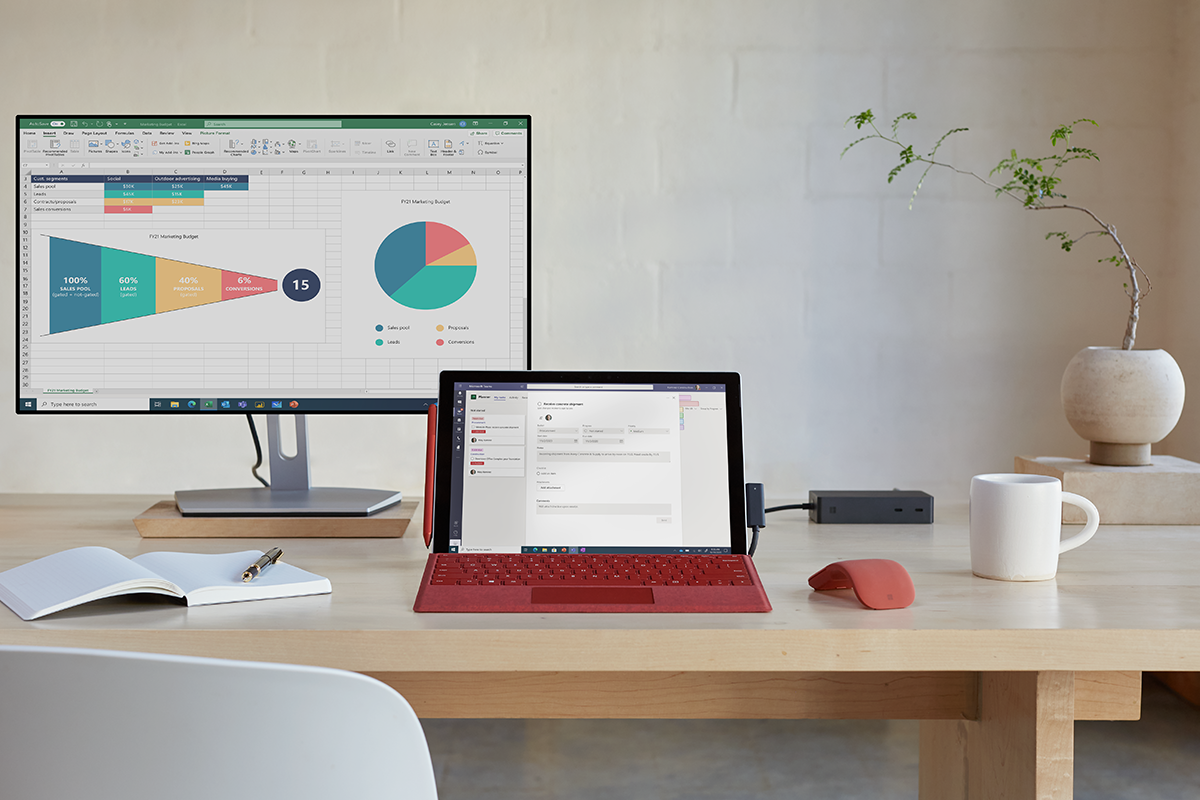
Today, Microsoft announced that the new Surface Pro 7+ for Business will ship with these Windows enhanced hardware security features enabled out of the box to give customers even stronger security that is built-in and turned on by default. The Surface Pro 7+ for Business joins existing recently shipped devices like the Surface Book 3, Surface Laptop Go, and the Surface Pro X in enabling VBS and HVCI by default.
Surface enables added security features by default to combat common threats
Surface devices are used by customers across a variety of mission critical scenarios – from collaborating in Office on important documents to Microsoft Teams calls with coworkers across the globe. Providing robust protection against the latest malware and ransomware is a critical goal for Surface as customers expect that their devices and data can withstand common attacks. To meet this customer need, Surface has worked diligently across multiple hardware platforms to enable VBS and HVCI by default on capable new Surface models, including the Surface Book 3 and Surface Laptop Go, to provide the latest security protections consistently across different form factors and price points available to customers.
VBS and HVCI create and isolate a region of memory from the normal operating system using hardware virtualization capabilities. This security capability can stop most escalation of privilege attacks. The security subsystems running in the isolated environment provided by the hypervisor can help enforce HVCI protections, including preventing kernel memory pages from being both writeable and executable.
VBS provides significant security gains against practical attacks including several we saw last year, including human-operated ransomware attacks like RobbinHood and sophisticated malware attacks like Trickbot, which employ kernel drivers and techniques that can be mitigated by HVCI. Our research shows that there were 60% fewer active malware reports from machines reporting detections to Microsoft 365 Defender with HVCI enabled compared to systems without HVCI. The Surface Book 3 shipped in May 2020 and the Surface Laptop Go shipped in October 2020, and users may not have noticed they are running VBS and are therefore better protected based on the work done under the hood.
The simple choice for device security
Endpoint security has always been at the core of Surface devices. Our engineering team has been using a unified approach to firmware protection and device security since 2015 through complete end-to-end ownership of hardware design, in-house firmware development, and a holistic approach to device updates and management.
For Surface, our Unified Extensible Firmware Interface (UEFI) is written in-house, continuously maintained through Windows Update, and fully managed through the cloud by Microsoft Endpoint Manager. This level of control enables enterprises to minimize risk and maximize control at the firmware level before the device even starts Windows 10. IT organizations now have the ability through the cloud to disable a camera or disable the ability to boot from USB all at the pre-boot firmware level. The result is a reduced attack vector that is critical to endpoint protection. Microsoft is making this UEFI* available broadly via open source through Project Mu on GitHub.
To protect the firmware and initial boot of your device, Surface enables Secure boot to ensure an authentic version of Windows 10 is started and make certain the firmware is as genuine as it was when it left the factory. Surface also ensures that each commercial device includes a security processor (TPM 2.0) to provide advanced encryption capabilities such as BitLocker to secure and encrypt your data and Windows Hello to enable passwordless sign-in. Each of these built-in security options helps protect your device from malicious software attacks.
With the necessary hardware and OS settings configured during manufacturing, the simple choice for customers looking for devices with advanced Windows security enabled is a Windows PC. Today, the Surface Pro 7 + for Business, Surface Book 3, Surface Laptop Go, and Surface Pro X already ship with VBS and HVCI enabled by default. Future Surface models on capable silicon will ship with these capabilities also enabled by default. Most recent Surface devices and Windows PCs from many other OEMs that have virtualization support are also capable of using these features. Customers can turn on the Memory integrity feature in the device security settings, which also automatically checks if devices are capable.


