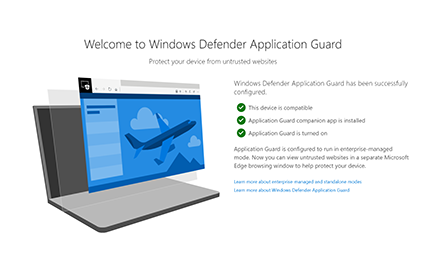
The hardware-based isolation technology on Windows 10 that allows Microsoft Edge to isolate browser-based attacks is now available as a browser extension for Google Chrome and Mozilla Firefox.
We introduced the container technology in 2017. Since then, we have been evolving the technology and engaging with customers to understand how hardware-based isolation can best help solve their security concerns. We know that many of our customers depend on multi-browser environments to allow enterprise apps to meet various compatibility requirements and enable productivity. And while modern browsers are continuously working to mitigate vulnerabilities, there are still exposures across these complex engines that can lead to irreversible and costly damages.
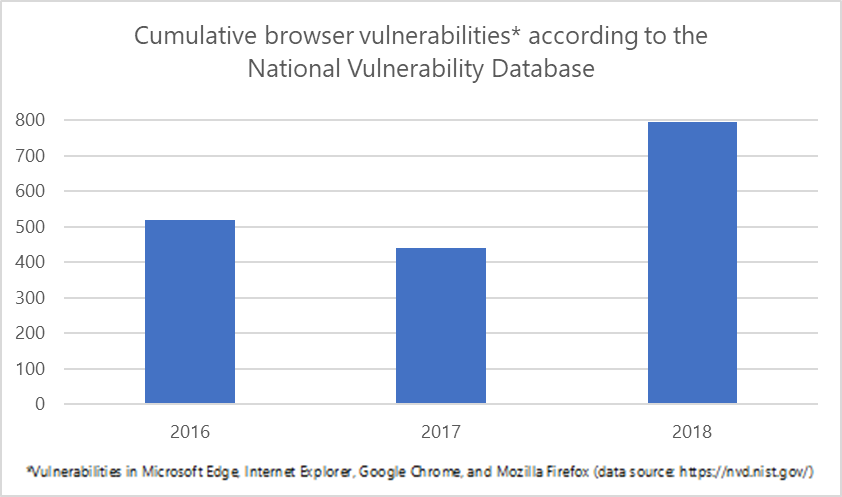
To provide customers with a comprehensive solution to isolate potential browser-based attacks, we have designed and developed Windows Defender Application Guard extensions, now generally available, to allow customers to integrate hardware-based isolation with Google Chrome and Mozilla Firefox.

How it works
The extensions for Google Chrome and Mozilla Firefox automatically redirect untrusted navigations to Windows Defender Application Guard for Microsoft Edge. The extension relies on a native application that we’ve built to support the communication between the browser and the device’s Application Guard settings.
When users navigate to a site, the extension checks the URL against a list of enterprise sites defined by enterprise administrators. If the site is determined to be untrusted, the user is redirected to an isolated Microsoft Edge session. In the isolated Microsoft Edge session, the user can freely navigate to any site that has not been explicitly defined as enterprise-trusted by their organization without any risk to the rest of system. With our upcoming dynamic switching capability, if the user tries to go to an enterprise site while in an isolated Microsoft Edge session, the user is taken back to the default browser.
To configure the Application Guard extension under managed mode, enterprise administrators can follow these recommended steps:
- Ensure devices meet requirements.
- Turn on Windows Defender Application Guard.
- Define the network isolation settings to ensure a set of enterprise sites is in place.
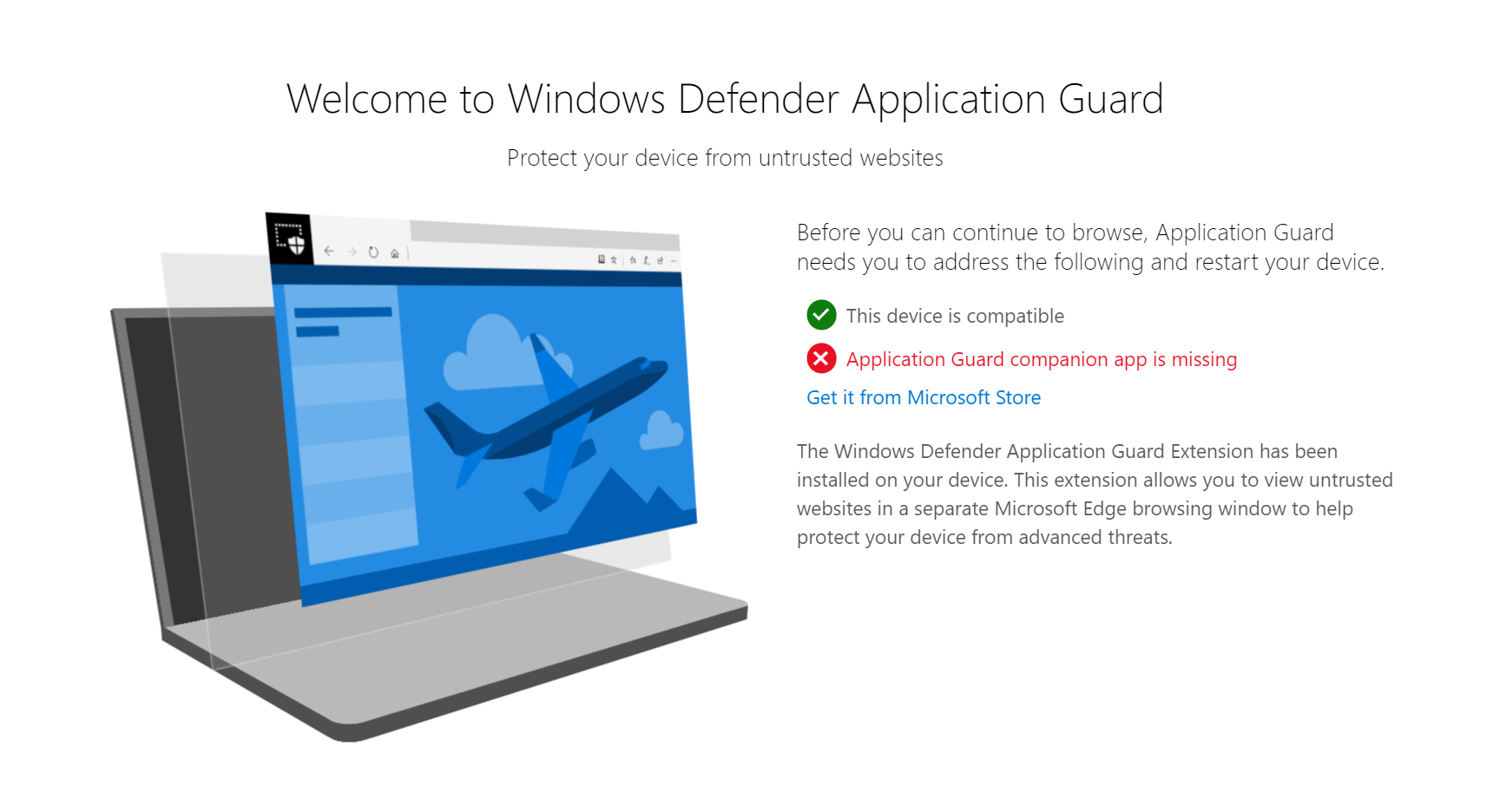
- Install the new Windows Defender Application Guard companion application from the Microsoft Store.
- Install the extension for Google Chrome or Mozilla Firefox browsers provided by Microsoft.
- Restart the device.
Intuitive user experience
We designed the user interface to be transparent to users about Windows Defender Application Guard being installed on their devices and what it does. We want to ensure that users are fully aware that their untrusted navigations will be isolated and why.
- When users initially open Google Chrome or Mozilla Firefox after the extension is deployed and configured properly, they will see a Windows Defender Application Guard landing page.

- If there are any problems with the configuration, users will get instructions for resolving any configuration errors.
- Users can initiate an Application Guard session without entering a URL or clicking on a link by clicking the extension icon on the menu bar of the browser.

Commitment to keep enterprise users and data safe
Hardware-based isolation is one of the innovations that enhance platform security on Windows 10. It is a critical component of the attack surface reduction capabilities in Microsoft Defender Advanced Threat Protection (Microsoft Defender ATP) and the broader unified security in Microsoft Threat Protection. With the new Application Guard extension for Google Chrome and Mozilla Firefox, customers can extend the security benefits of isolation in their environments and further reduce attack surface. Customers can confidently navigate the expansive internet with protection for enterprise and personal data.
The Windows Defender Application Guard extensions for Google Chrome and Mozilla Firefox are now available for Windows 10 Professional, Enterprise, and Education SKUs, version 1803 and later with latest updates.
Rona Song
Windows platform security team
Talk to us
Questions, concerns, or insights on this story? Join discussions at the Microsoft Defender ATP community.
Follow us on Twitter @MsftSecIntel.