Best practices
Get practical guidance for building a stronger, more resilient security strategy. Learn best practices from Microsoft experts thatโll help you defend against todayโs threats.
Refine results
Topic
Products and services
Publish date
-
As companies embrace the cloud and mobile computing to connect with their customers and optimize their operations, they take on new risks.
-
Top Five Security Threats Facing Your Business and How to Respond
This post was authored by Ann Johnson, Vice-President, Enterprise Cybersecurity Group Headlines highlighting how vulnerable we are to cyber threats are now all too commonplace. -
Cyber Resilience: rethinking risk management
The rapid pace of technological evolution and dramatic increases in connectivity are sparking discussion about what systemic cyber risks what might look like and how best manage them. -
The Importance of Effective Information Sharing
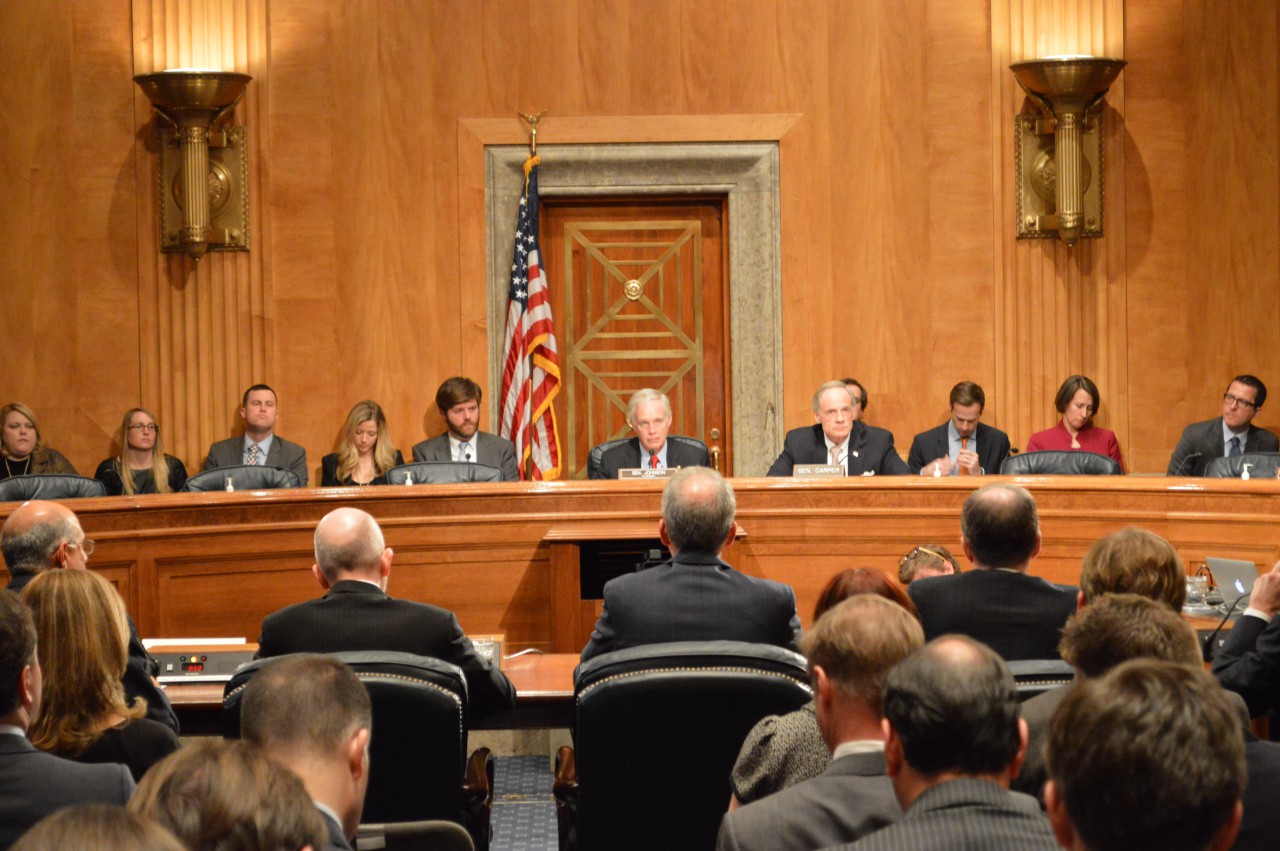
This week, I testified before the U. -
Putting Information Sharing into Context
Putting Information Sharing into Context: New Whitepaper Offers Framework for Risk Reduction The nearly incessant drumbeat of cybersecurity incidents over the past weeks and months has brought about renewed interested in information sharing across the technical and political spheres. -
7 Precautions for Protecting Against Perpetrators
Cyberattacks and data breaches continue to dominate the news globally. -
How do digital youth of the “app generation” learn, communicate, and express themselves
I recently had the opportunity to speak with Katie Davis, an assistant professor from the University of Washington Information School to discuss her role and a book she co-authored called, The App Generation: How Today’s Youth Navigate Identity, Intimacy, and Imagination in a Digital World. -
What is a trusted device?
When you try to view or edit your credit card details or other sensitive information in your Microsoft account, you might need to enter a security code first, to make sure that only you can get in to your account. -
How to sign into devices that don’t accept security codes
Two-step verification makes it more difficult for hackers to access your account, even when they have your password. -
5 ways to protect your Microsoft account
Your Microsoft account (formerly your Windows Live ID) is the combination of an email address and a password that you use to sign in to services such as Xbox LIVE and Outlook. -
5 reasons NOT to share personal information on a website
Knowing when to trust a website depends in part on who publishes it, what information they want, and what you want from the site. -
How do I get rid of all of these security warnings?
Rogue security software (also known as “scareware”) creates pop-up warnings that look like legitimate security updates.