
You may have heard that identity is the “new” perimeter. Indeed, with the proliferation of phishing attacks over the past few years, one of the best ways to secure data is to ensure that identity—the primary way we access data—can be trusted.
How do we secure identity?
Start by evaluating how users are authenticating to all applications inside and outside the organization. I say all applications, because it doesn’t take much effort for a hacker to pivot from a low-value, non-sensitive application to a high-value and highly-sensitive application, quickly gaining access to confidential or restricted data.
Similarly, Multi-Factor Authentication (MFA) must be enforced for all users as well, not just highly privileged users. Remember that it is simple for bad actors to pass-the-hash, run a Golden Ticket Attack, or use other techniques to elevate their privileges and gain access to sensitive data.
Modern authentication encourages us to reduce vulnerable legacy authentication methods, including Kerberos and NTLM. Additionally, modern authentication requires that we rely on more than one factor of authentication for all users. These factors range from something you know (password or one-time password), something you have (hardware token or soft token), or something you are (biometrics like 3D facial recognition or fingerprint matching).
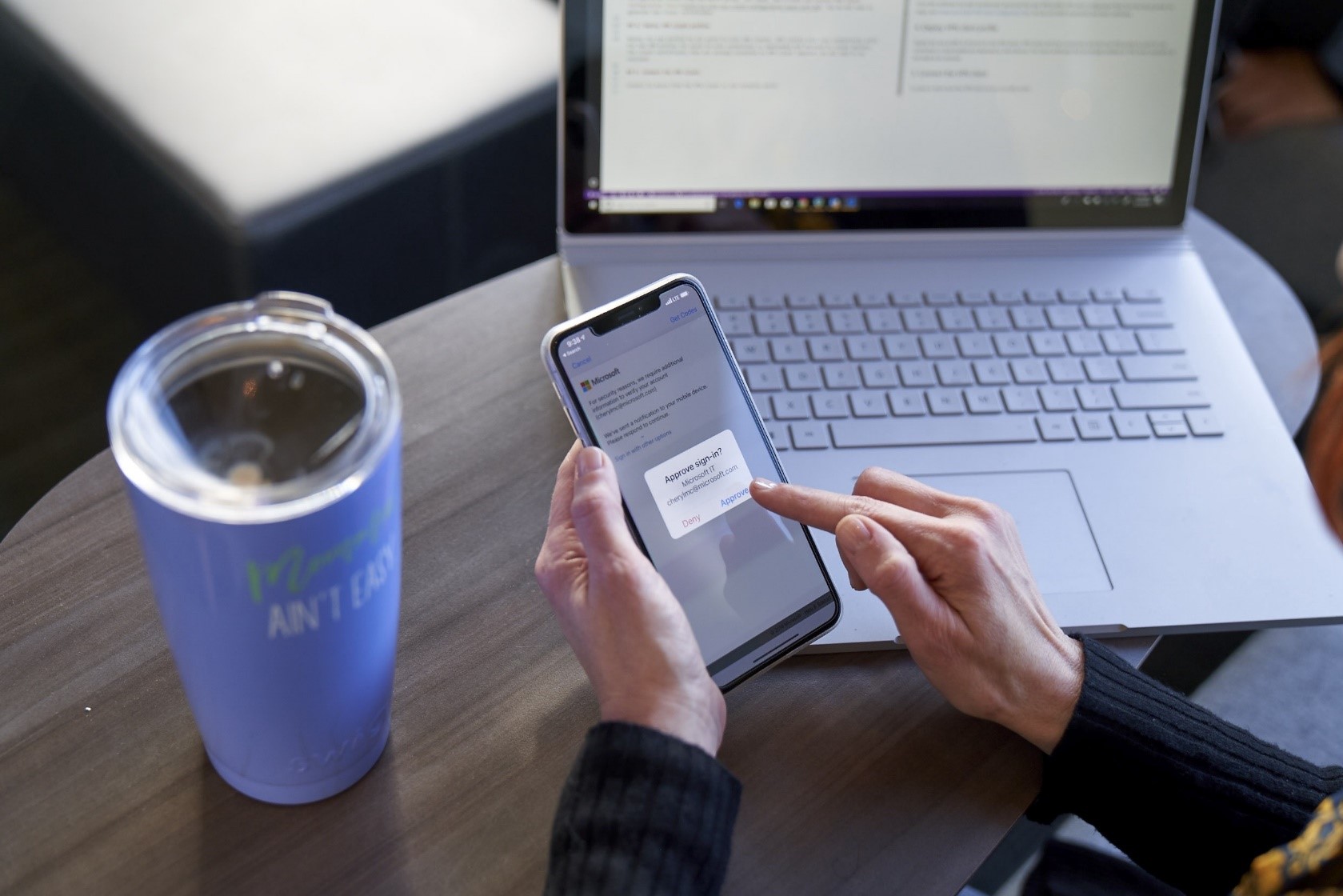
Start with MFA.
Requiring MFA for all applications, whether on-premises or in the cloud, is a great start. When using MFA, consider enforcing an authenticator app or a one-time password mechanism as they are typically not as susceptible to man-in-the-middle attacks, compared to text-back codes or phone calls that may be intercepted with spoofing.
The least vulnerable MFA mechanisms include FIDO2, which utilizes a biometric device or USB hardware token like YubiKey, and machine learning systems that can provide conditional access based on Zero Trust and time-of-authentication context.
Here is the context commonly evaluated by machine learning authentication systems:
- Can an authentication token be obtained?
- Does the user have a valid username, password, and a second form of authentication (MFA), like a biometric validation (fingerprint or 3D facial recognition) through an authenticator app?
- What is the risk score of the user?
- Is the user authenticating from two places at nearly the same time (Impossible Traveler)?
- Has the user’s password been discovered on the Dark Web because of an account and password database breach?
- Is this a reasonable time for the user to be signed in based upon past behavior?
- Is the user signing-in from an anonymous source like a Tor exit node?
- What is the risk score of the device?
- Has the device experienced unresolved risk in the last several days?
- Has the machine been exposed to malware?
- Is the machine running a high-risk application?
- Are the antimalware signatures up to date?
- Are all the critical and high software patches applied?
- Are there sensitive documents on the device?
With the enforcement of MFA, a single, unified MFA reduces the success of phishing attacks due to password reuse or social engineering. With web-based Authentication-as-a-Service (AaaS) applications, MFA is easy to implement across the enterprise. Modern operating systems now enforce multifactor authentication by default, including Windows 10 Hello, macOS, iOS, and Android. Most modern on-premises and cloud applications should be able to consume SSO authentication standards like SAML or OpenID and OAth2 authorization.
Moving toward a secure SSO posture
Implementing a single identity source for all applications leads the organization to a better and less time-consuming and complicated user experience, and an arguably more secure SSO posture by:
- Reducing the number of passwords that users need to remember or save—quite often insecurely—to access their applications.
- Introducing pass-through authentication and authorization, so that once a user authenticates to an operating system, they have unprompted access to both on-premises and cloud apps, using the same security token created when they signed in to the operating system using MFA.
- Reducing the threat of untimely termination/missed identity decommissioning by decreasing “identity sprawl,” which is what you encounter when your organization has multiple identities in multiple applications per user. That is sometimes the result of non-integrated entities or not yet integrated entities and affiliates. B2B approaches to SSO can be explored to solve the problems associated with not integrating a business unit or operating group into the organization’s core directory.

Considering user satisfaction is critical.
MFA and SSO together increases user satisfaction, making the CISO a business enabler rather than a productivity and collaboration roadblock. Cloud-based MFA and SSOP directory systems have been shown to be more available than on-premises directory or federation services with many cloud providers providing 99.9 percent uptime. A three-nines Service Level Agreement (SLA) is challenging to achieve on-premises with limited IT staff and budget!
Stay tuned
Stay tuned for the next installment of my Changing the Monolith series. In the meantime, check out the first three posts in the series:
- Part 1: Building alliances for a secure culture
- Part 2: Whose support do you need?
- Part 3: What’s your process?
Also, bookmark the Security blog to keep up with our expert coverage on security matters and follow us at @MSFTSecurity for the latest news and updates on cybersecurity.