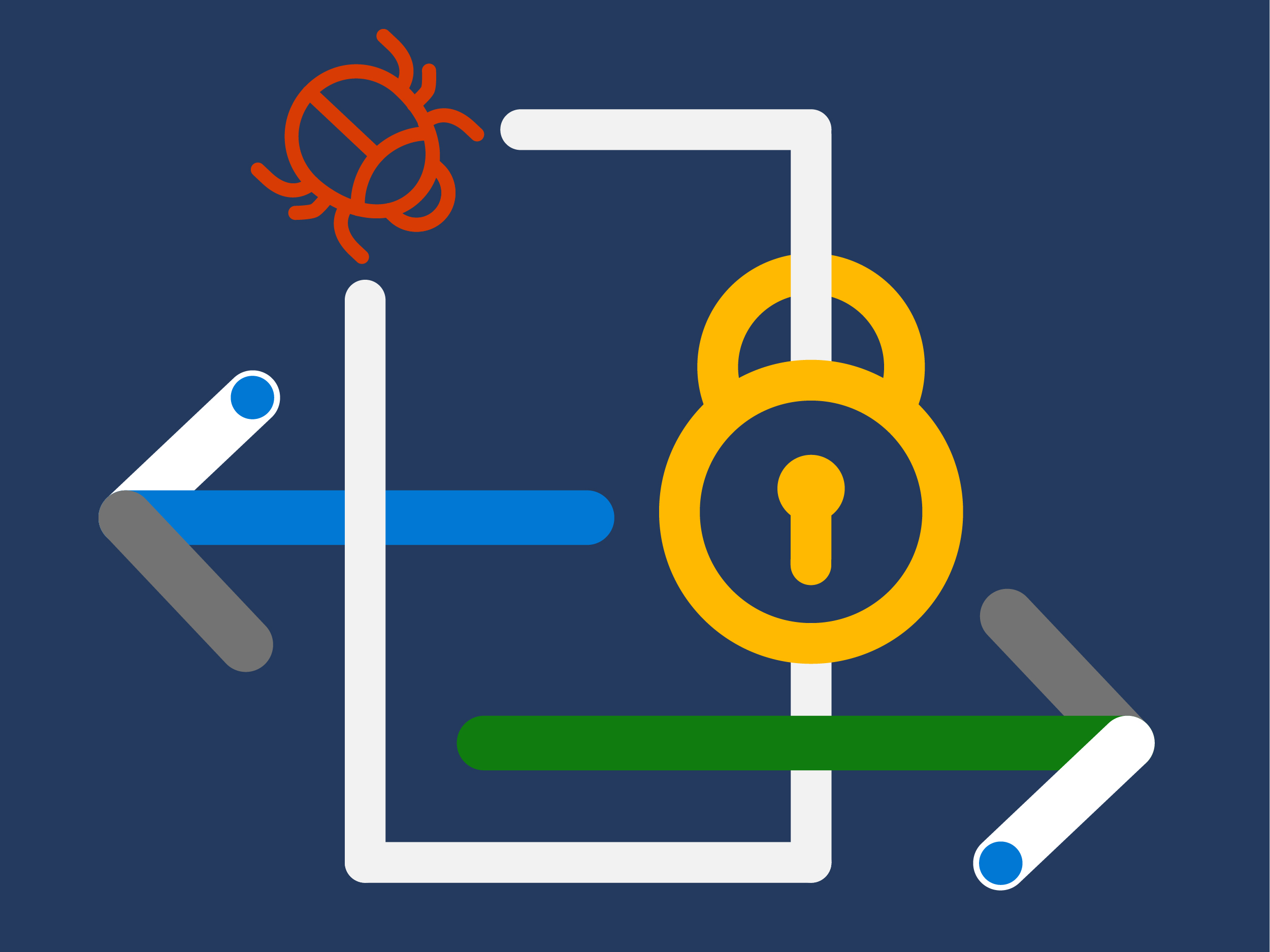
There are over 300 million fraudulent sign-in attempts to our cloud services every day. Cyberattacks aren’t slowing down, and it’s worth noting that many attacks have been successful without the use of advanced technology. All it takes is one compromised credential or one legacy application to cause a data breach. This underscores how critical it is to ensure password security and strong authentication. Read on to learn about common vulnerabilities and the single action you can take to protect your accounts from attacks.

Common vulnerabilities
In a recent paper from the SANS Software Security Institute, the most common vulnerabilities include:
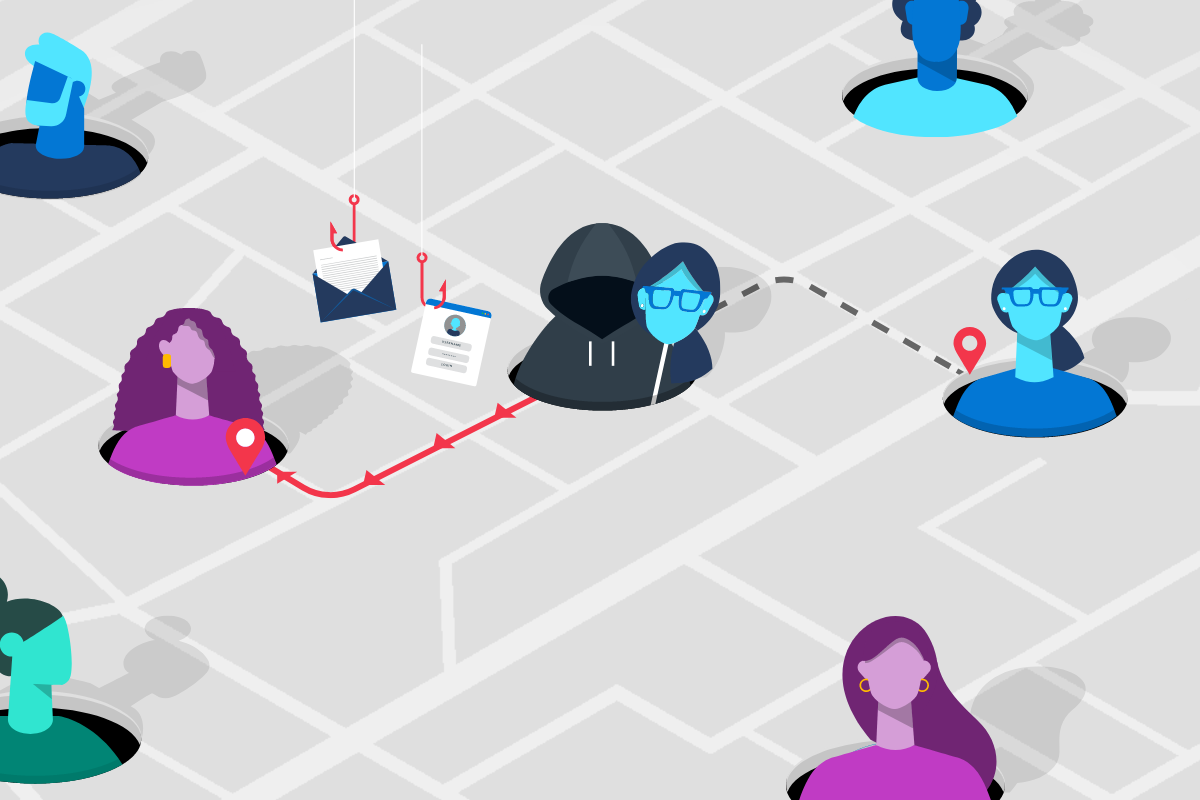
- Business email compromise, where an attacker gains access to a corporate email account, such as through phishing or spoofing, and uses it to exploit the system and steal money. Accounts that are protected with only a password are easy targets.
- Legacy protocols can create a major vulnerability because applications that use basic protocols, such as SMTP, were not designed to manage Multi-Factor Authentication (MFA). So even if you require MFA for most use cases, attackers will search for opportunities to use outdated browsers or email applications to force the use of less secure protocols.
- Password reuse, where password spray and credential stuffing attacks come into play. Common passwords and credentials compromised by attackers in public breaches are used against corporate accounts to try to gain access. Considering that up to 73 percent of passwords are duplicates, this has been a successful strategy for many attackers and it’s easy to do.
What you can do to protect your company
You can help prevent some of these attacks by banning the use of bad passwords, blocking legacy authentication, and training employees on phishing. However, one of the best things you can do is to just turn on MFA. By providing an extra barrier and layer of security that makes it incredibly difficult for attackers to get past, MFA can block over 99.9 percent of account compromise attacks. With MFA, knowing or cracking the password won’t be enough to gain access. To learn more, read Your Pa$$word doesn’t matter.
MFA is easier than you think
According to the SANS Software Security Institute there are two primary obstacles to adopting MFA implementations today:
- Misconception that MFA requires external hardware devices.
- Concern about potential user disruption or concern over what may break.
Matt Bromiley, SANS Digital Forensics and Incident Response instructor, says, “It doesn’t have to be an all-or-nothing approach. There are different approaches your organization could use to limit the disruption while moving to a more advanced state of authentication.” These include a role-based or by application approach—starting with a small group and expanding from there. Bret Arsenault shares his advice on transitioning to a passwordless model in Preparing your enterprise to eliminate passwords.
Take a leap and go passwordless
Industry protocols such as WebAuthn and CTAP2, ratified in 2018, have made it possible to remove passwords from the equation altogether. These standards, collectively known as the FIDO2 standard, ensure that user credentials are protected end-to-end and strengthen the entire security chain. The use of biometrics has become more mainstream, popularized on mobile devices and laptops, so it’s a familiar technology for many users and one that is often preferred to passwords anyway. Passwordless authentication technologies are not only more convenient for people but are extremely difficult and costly for hackers to compromise. Learn more about Microsoft passwordless authentication solutions in a variety of form factors to meet user needs.
Convince your boss
Download the SANS white paper Bye Bye Passwords: New Ways to Authenticate to read more on guidance for companies ready to take the next step to better protect their environments from password risk. Remember, talk is easy, action gets results!