 Discover Windows
Discover Windows
Discover Windows
4 MIN READ
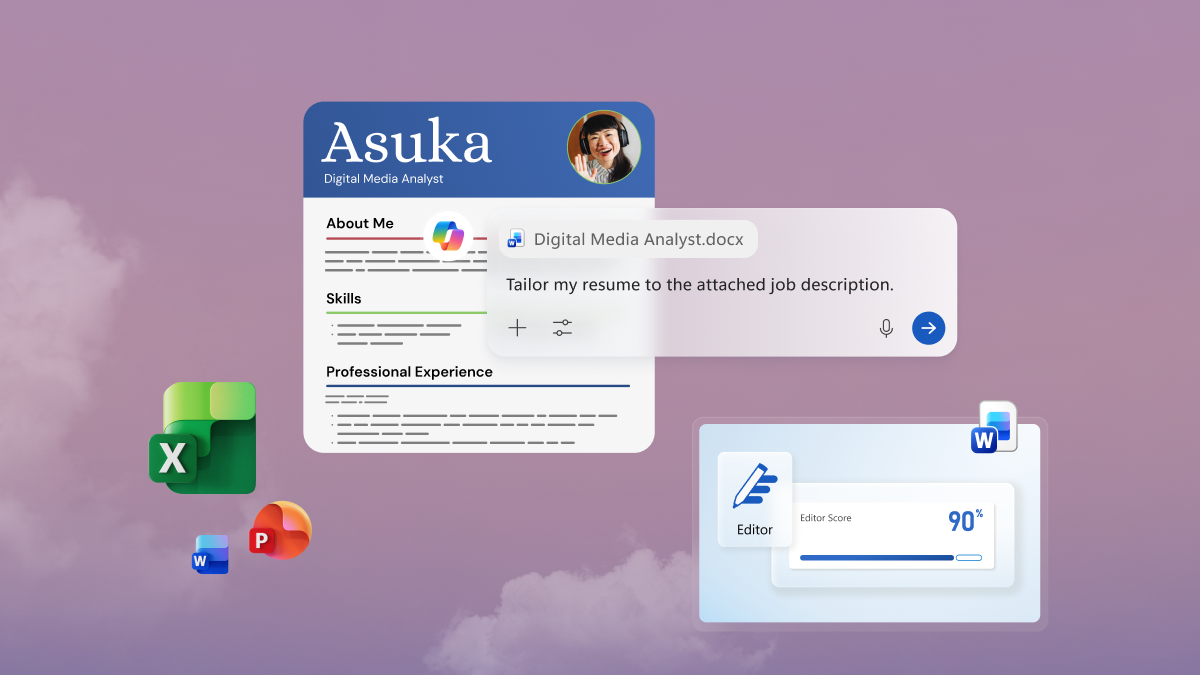
Boost productivity on Windows 11 with Copilot in Word, Excel, PowerPoint, and Outlook.
3 MIN READ
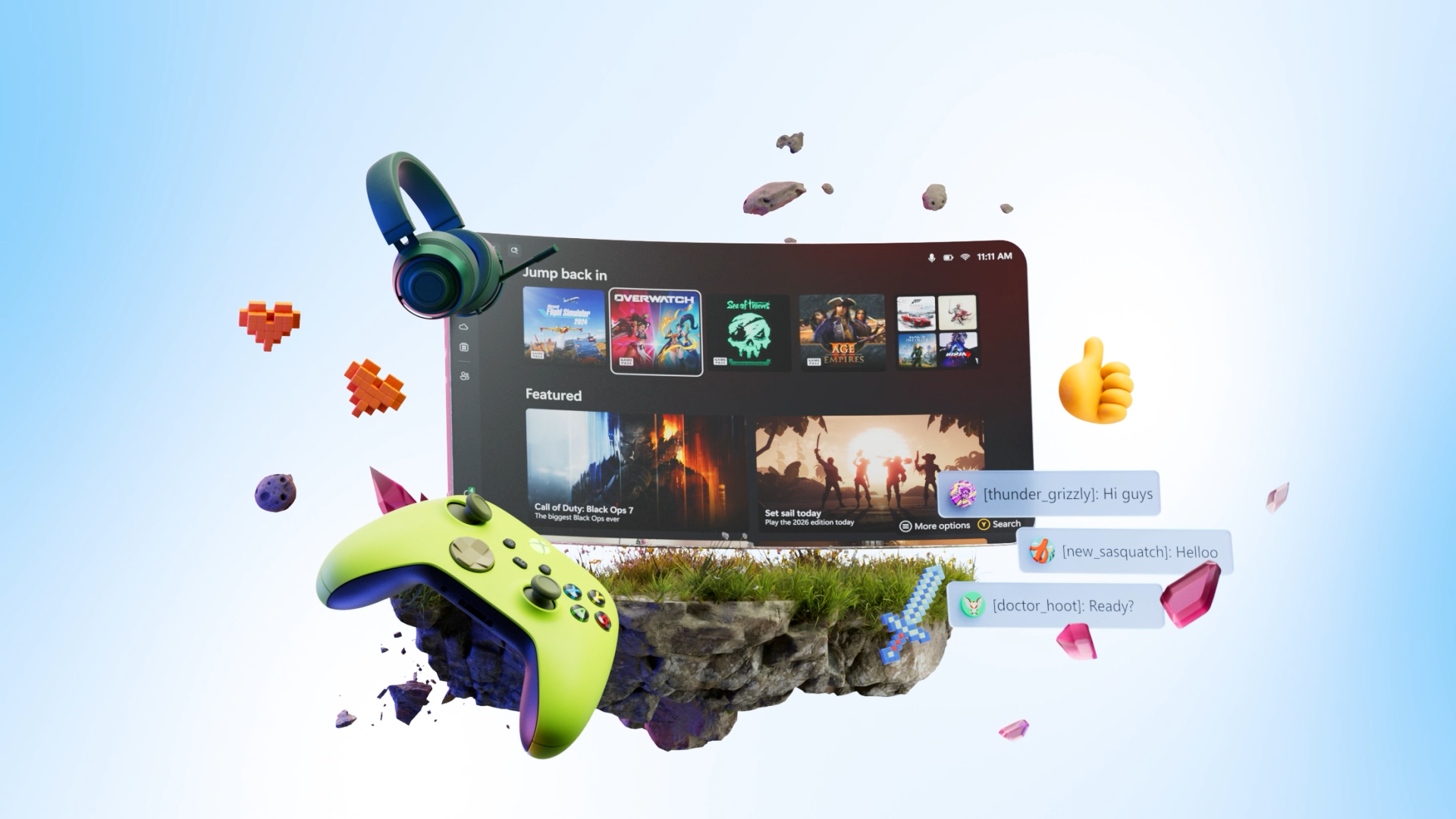
Windows 11 for students is bundled with a year of top apps, storage, and gaming.

3 MIN READ
Keep text, links, and images at your fingertips with Windows 11 clipboard history.
4 MIN READ
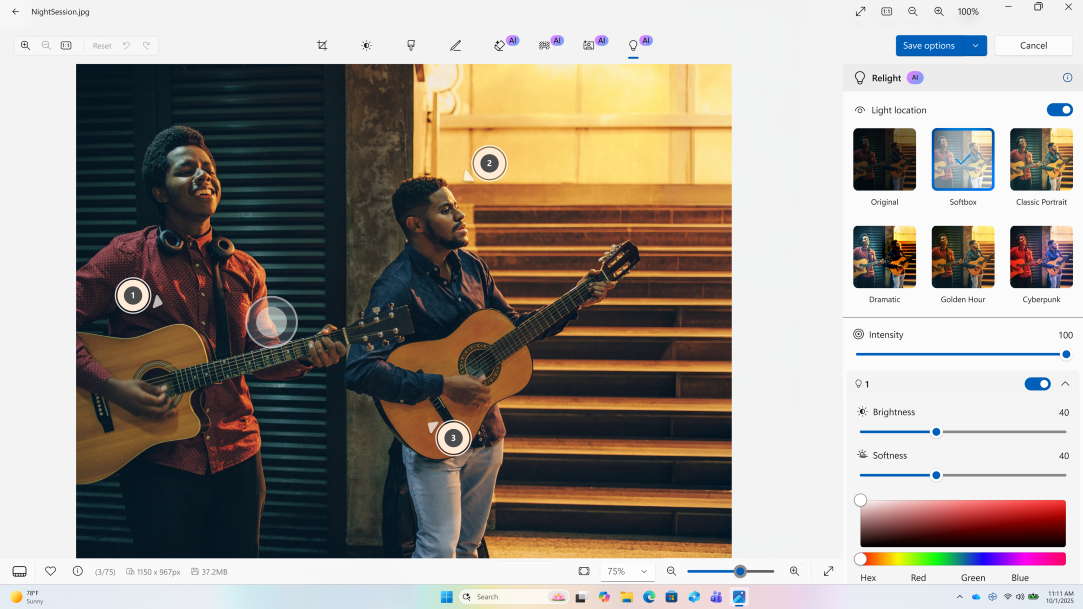
Handle everyday photo and video fixes in Windows 11 using built-in apps.
3 MIN READ
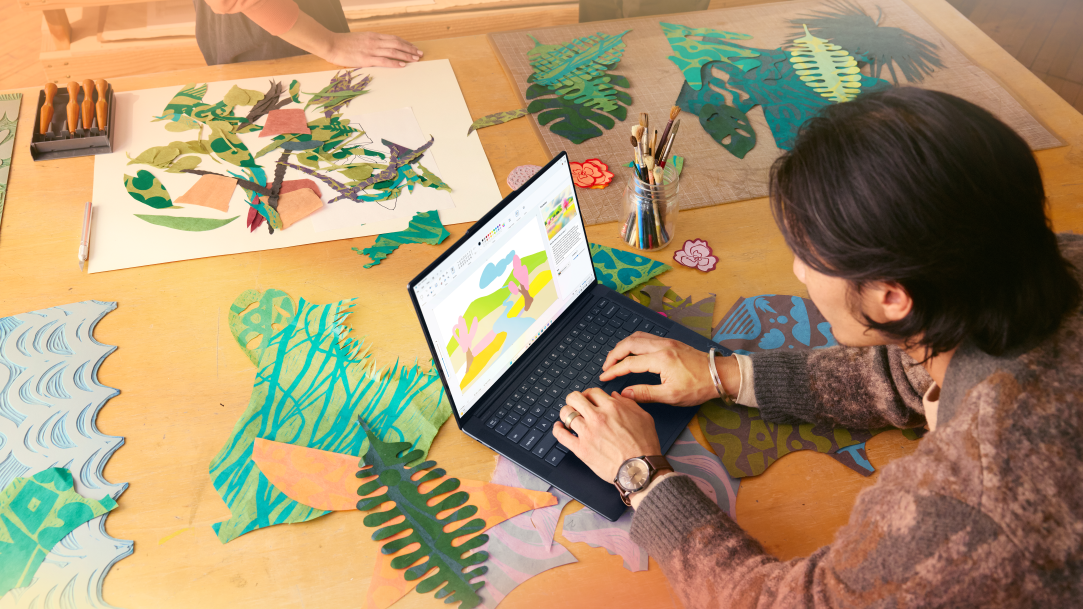
Unlock creativity with Windows built‑in drawing tools, from classic tools to modern AI features.

3 MIN READ
Speed up everyday tasks with Windows 11’s most useful shortcuts for PC users.
3 MIN READ
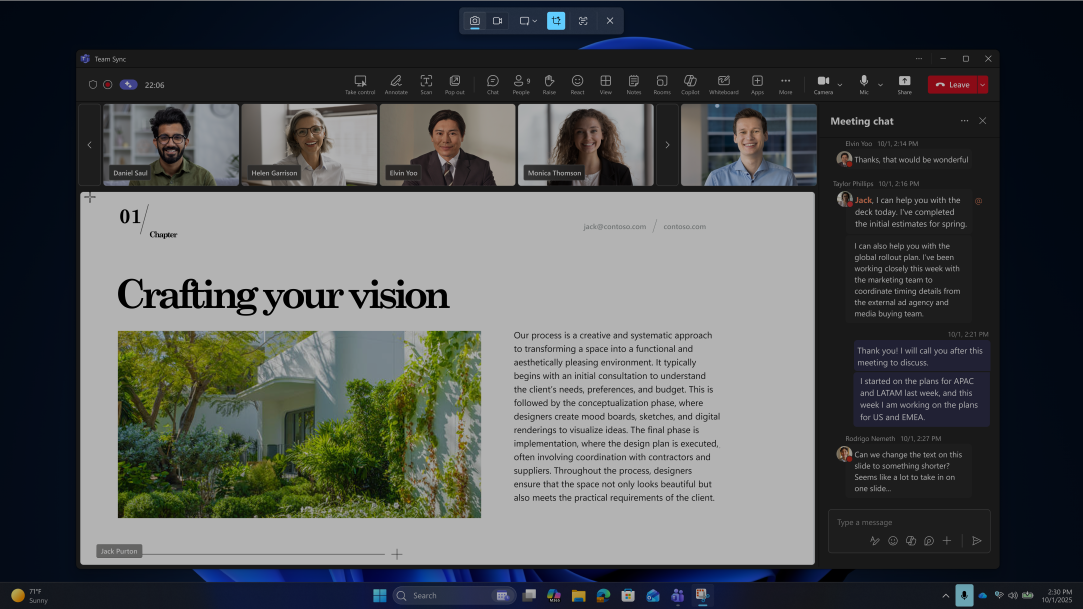
Your guide to quick, clean screen captures and recordings using Windows Snipping Tool.
3 MIN READ
Learn simple steps for PC data migration and move files to your new computer with confidence.

4 MIN READ
Explore the best productivity apps in Windows to simplify tasks and support an efficient workday.
4 MIN READ
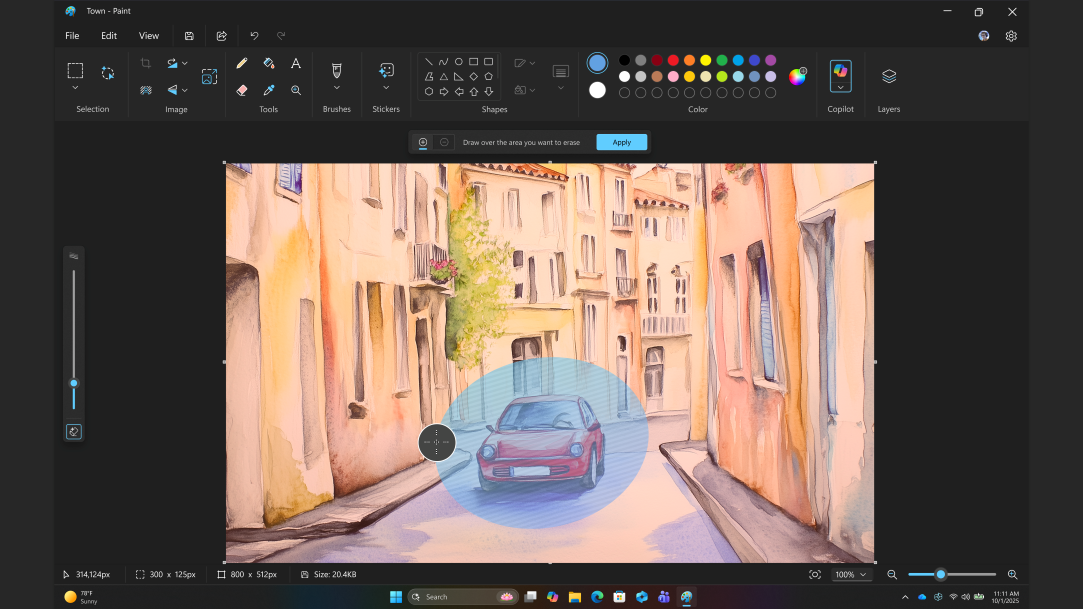
Bring ideas to life with familiar Paint tools enhanced by modern AI features.
4 MIN READ
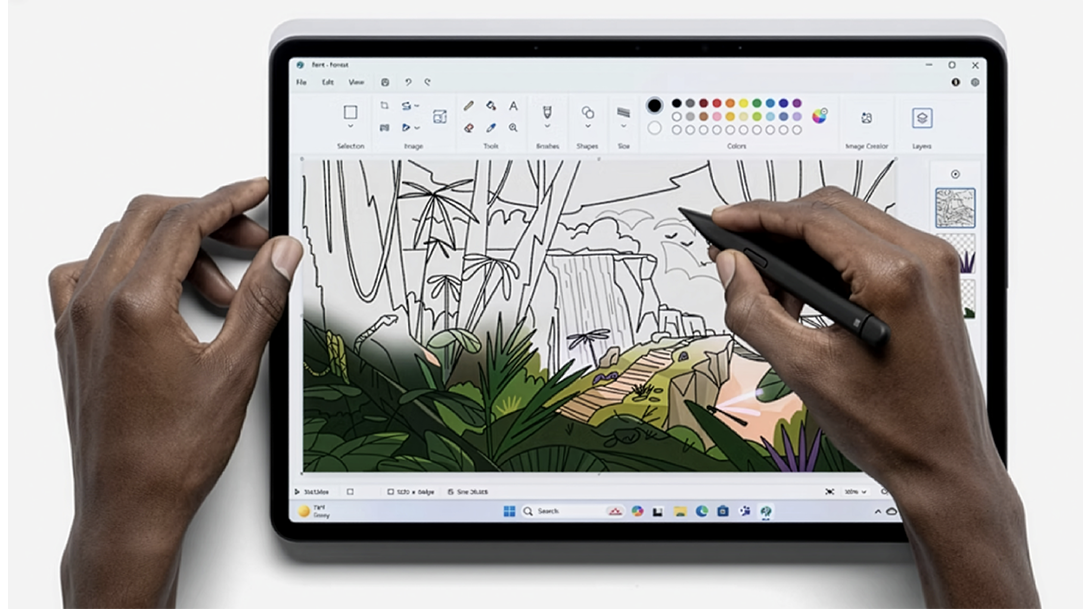
Discover how Microsoft Paint turns Windows 11 devices into a creative playground.
4 MIN READ
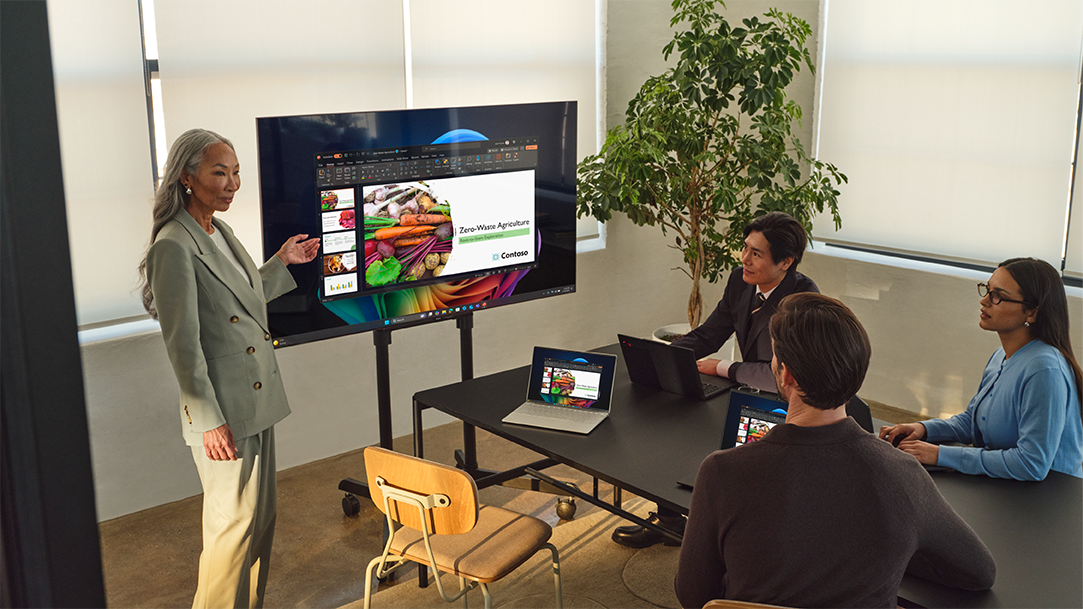
Connect your PC to a TV wirelessly. Windows screen sharing is fast, easy, and cable-free.
3 MIN READ
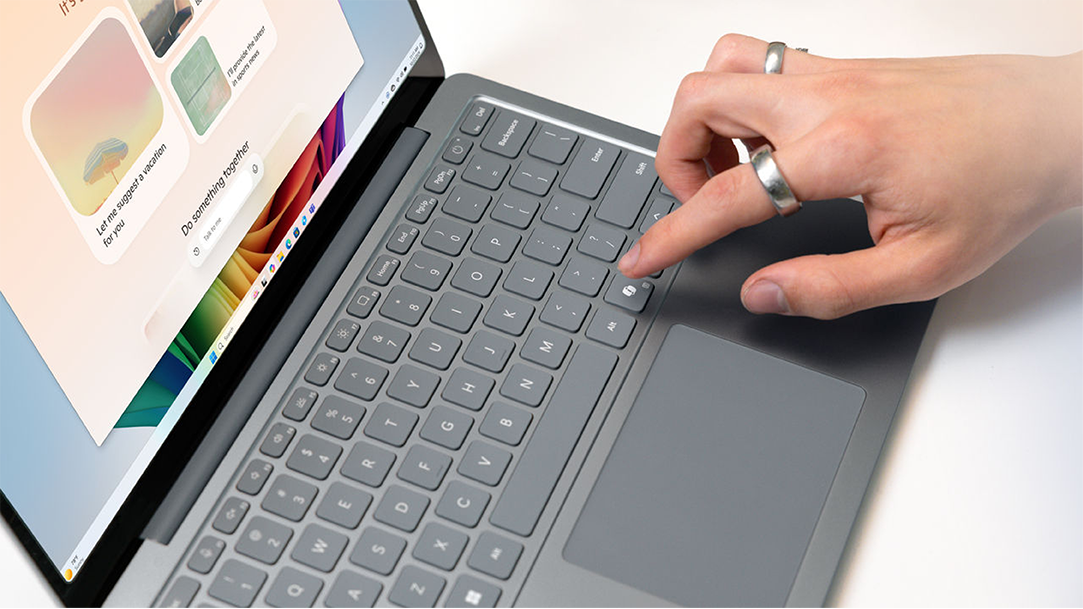
Meet the Copilot key: the newest shortcut on your Windows keyboard.
3 MIN READ
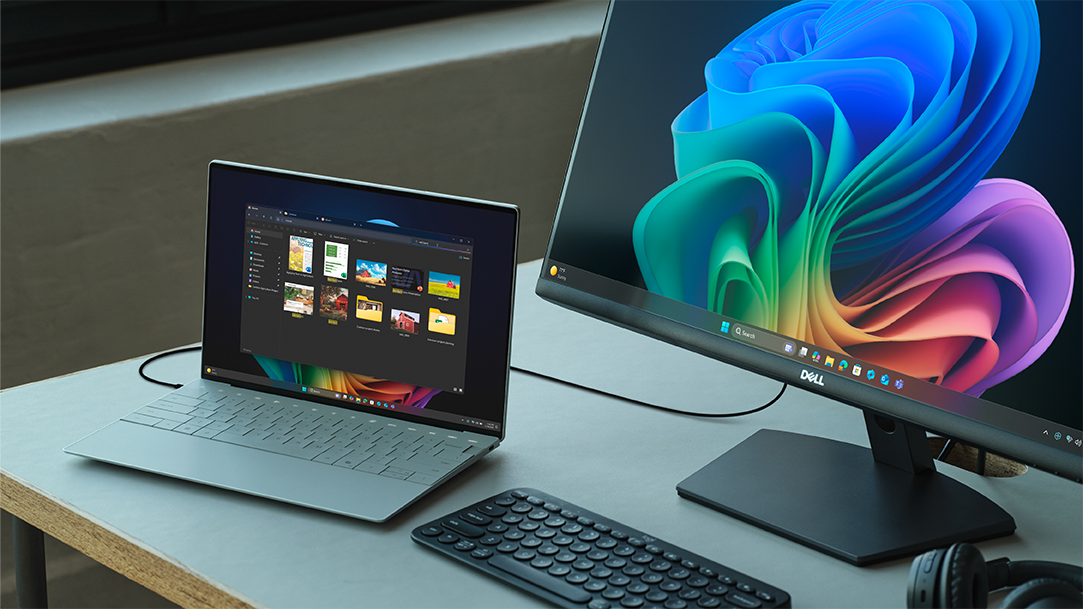
Learn how a dual monitor setup with your Windows laptop boosts productivity for work, study, and creativity.
4 MIN READ
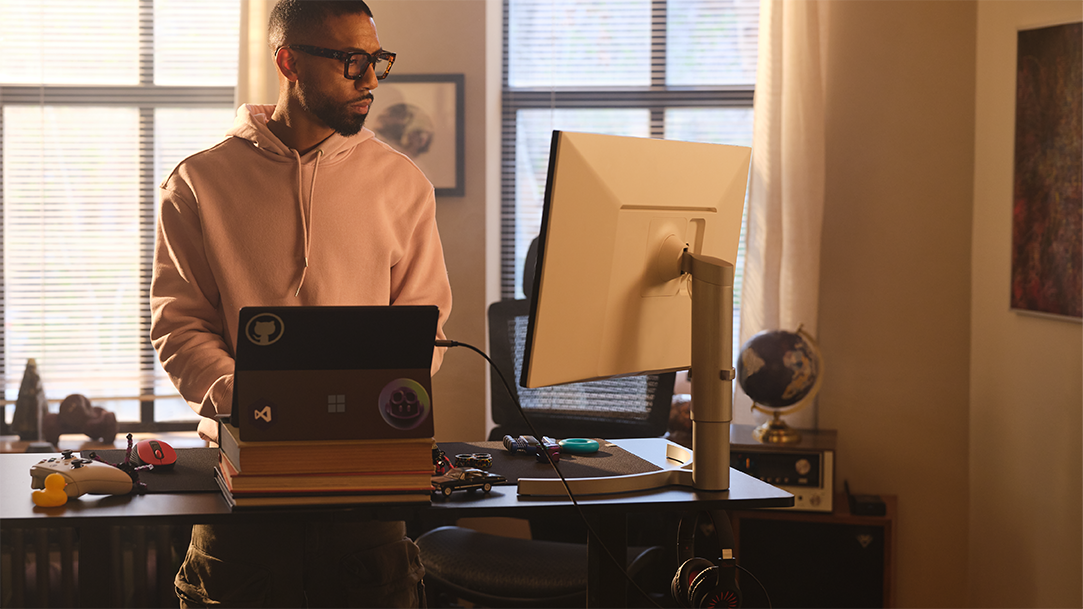
Start your day stronger: how Copilot+ PCs make mornings calmer, smarter, and more productive.
4 MIN READ
Learn how Copilot+ PCs help job seekers build resumes, prep for interviews, and get hired.

5 MIN READ
Ready to launch your side hustle? Here’s how Copilot+ PCs help you start, scale, and earn, on your own terms.
3 MIN READ
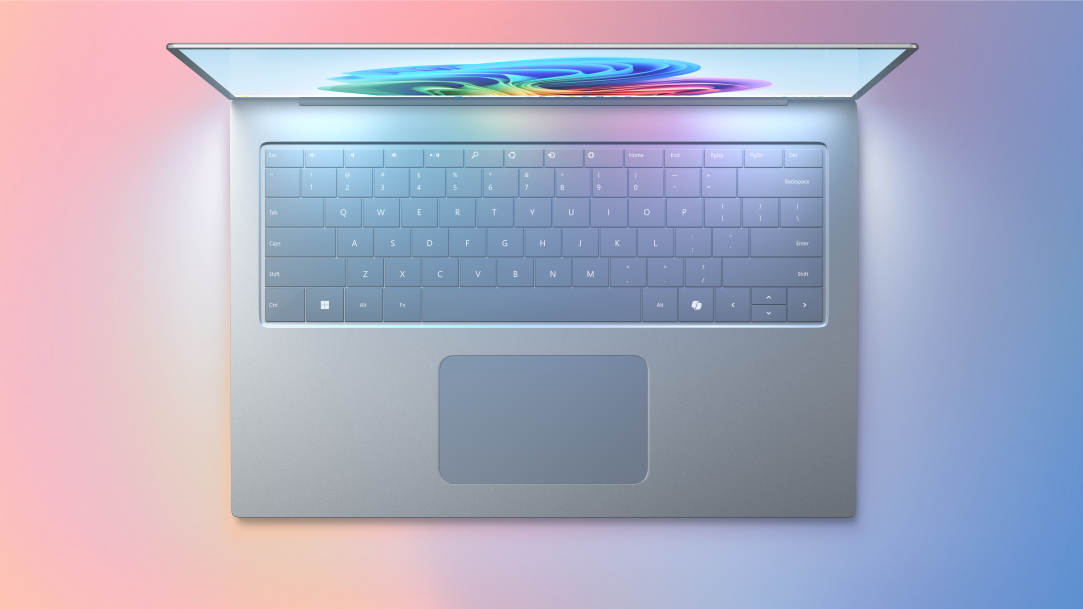
What to look for in a laptop built to match your creative energy.
3 MIN READ
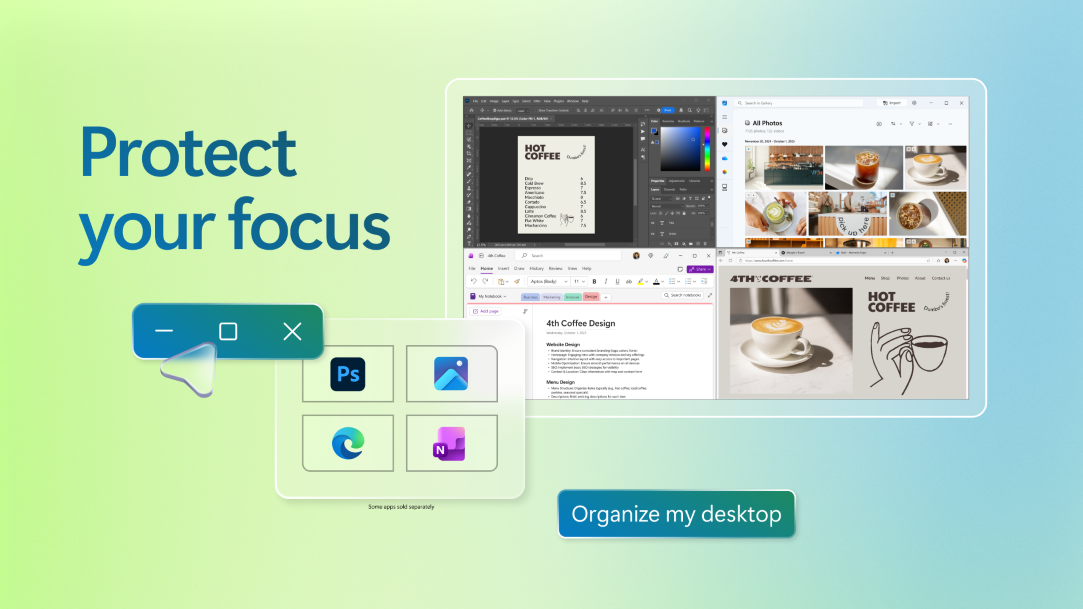
From blank page to masterpiece—here’s how to let Copilot+ PC tools do the heavy lifting.
2 MIN READ
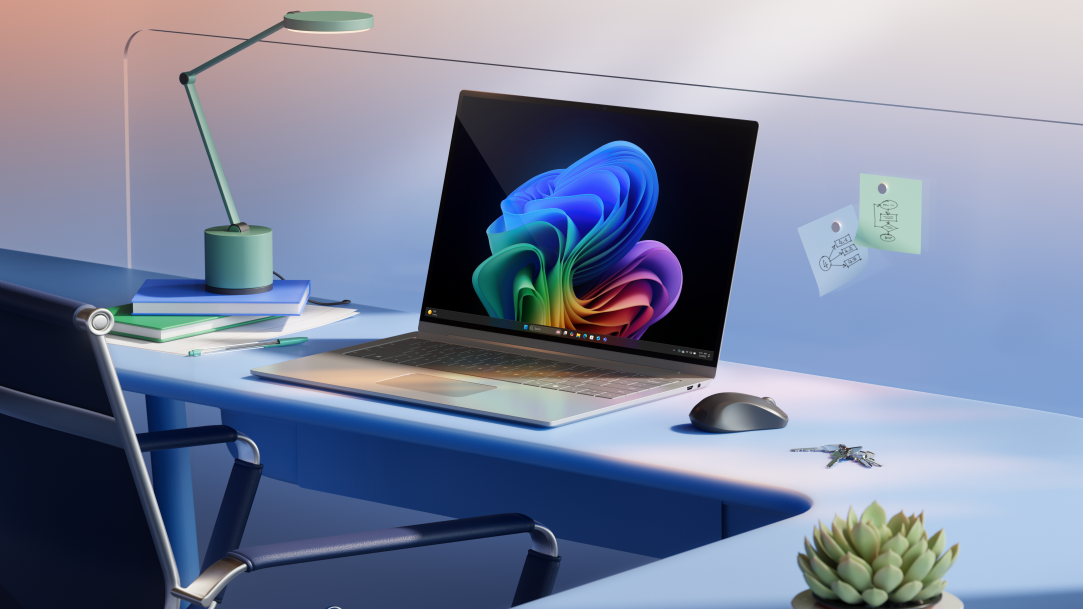
Windows 11 introduces Agent in Settings and Copilot Vision to streamline everday PC tasks.

2 MIN READ
Learn how to instantly change lighting direction, color, and intensity with Relight on Copilot+ PCs.
3 MIN READ
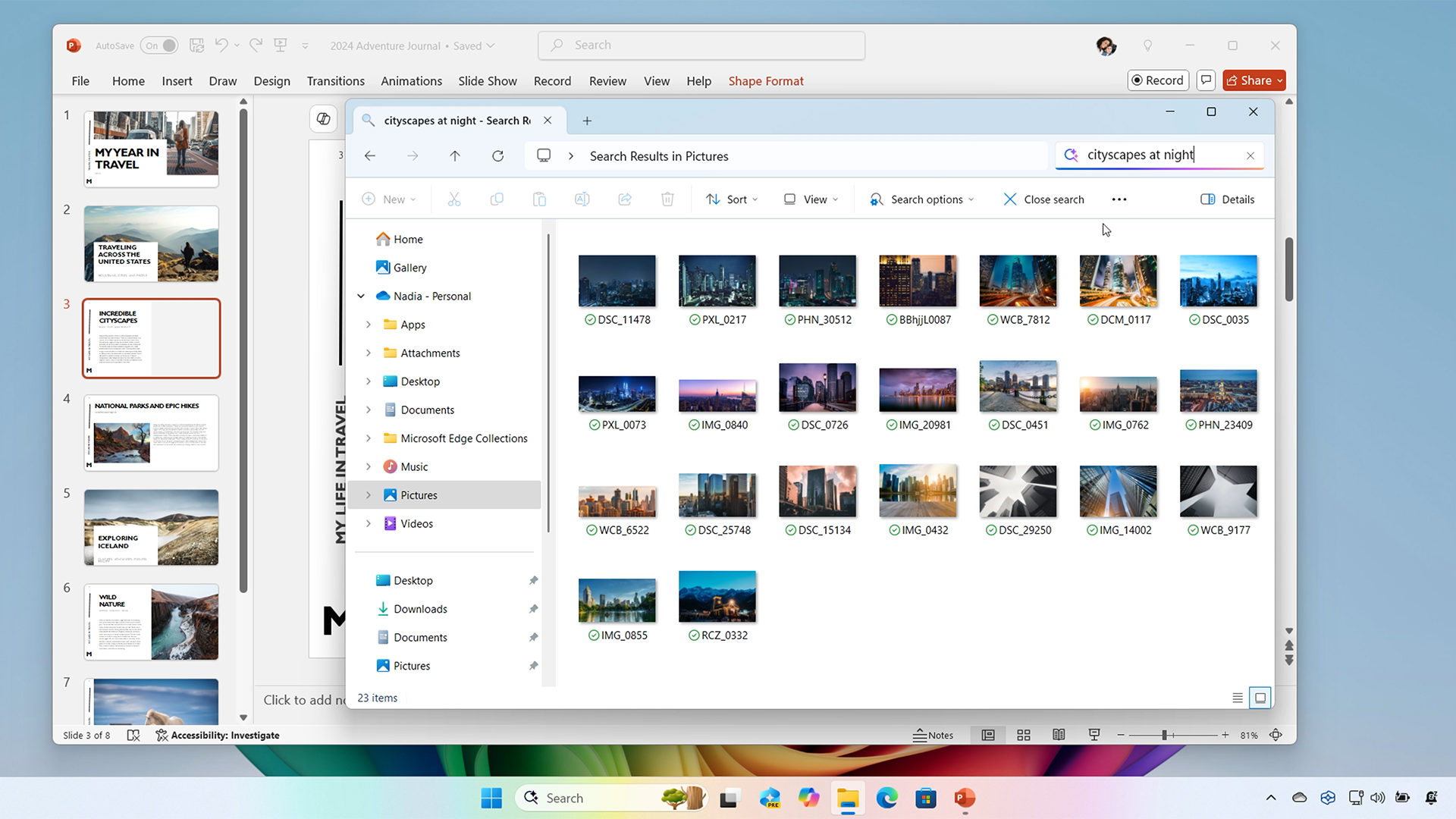
Describe it and discover it—improved Windows search finds your files, photos, and more.

4 MIN READ
Discover some of the best productivity apps for work, creativity, and AI-powered efficiency.

4 MIN READ
Create scrapbook pages from screenshots to preserve memories and celebrate special occasions.

4 MIN READ
See how powerful features like Snipping Tool and Generative erase simplify web design and content creation.
3 MIN READ
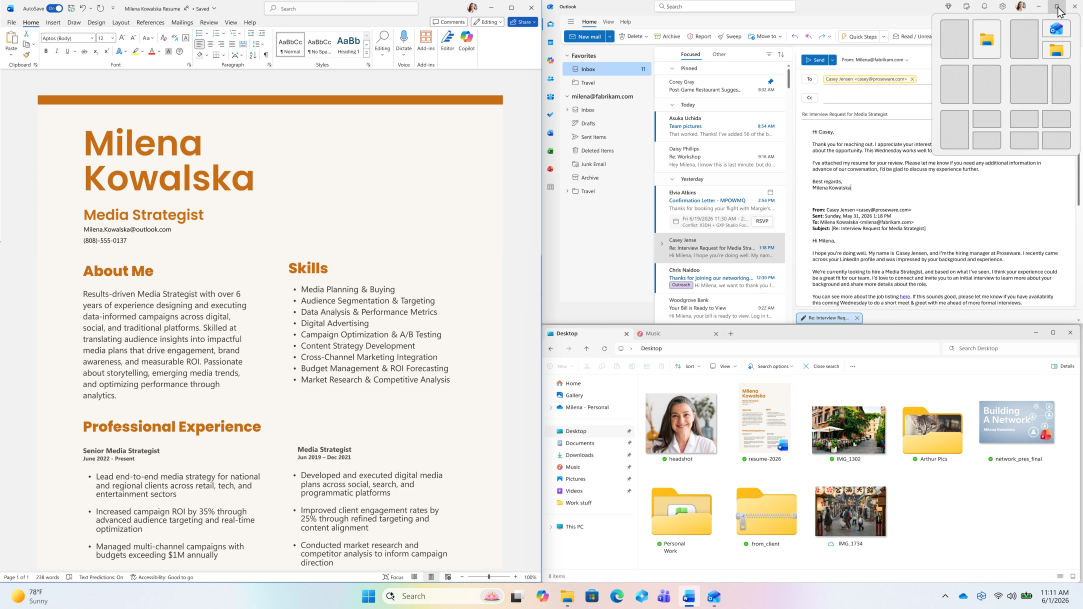
Essential tips and tricks for creating a more efficient online workspace.

3 MIN READ
Unlock features to boost productivity, enhance customization, and improve your overall experience.

3 MIN READ
Get tips and tricks for capturing, editing, and sharing screenshots with Snipping Tool.

3 MIN READ
Learn how to remove backgrounds and correct mistakes with Generative Erase in Windows 11.

3 MIN READ
Explore lesser-known shortcuts that enhance your productivity and streamline file management.

3 MIN READ
Learn how to design and personalize your digital calendar using calendar templates and features.

3 MIN READ
Customize your workspace, integrate cloud tools, and optimize performacne to boost productivity and creativity.

3 MIN READ
Simplify system management, app navigation, and feature access with these quick keys.

2 MIN READ
Unlock the power of a Copilot+ PC with key features to enhance productivity, creativity, and quality.

2 MIN READ
Learn how to create fun, shareable images in just a few simple steps with the Snipping tool.

2 MIN READ
Discover how to make productivity truly portable with Windows on mobile.
2 MIN READ
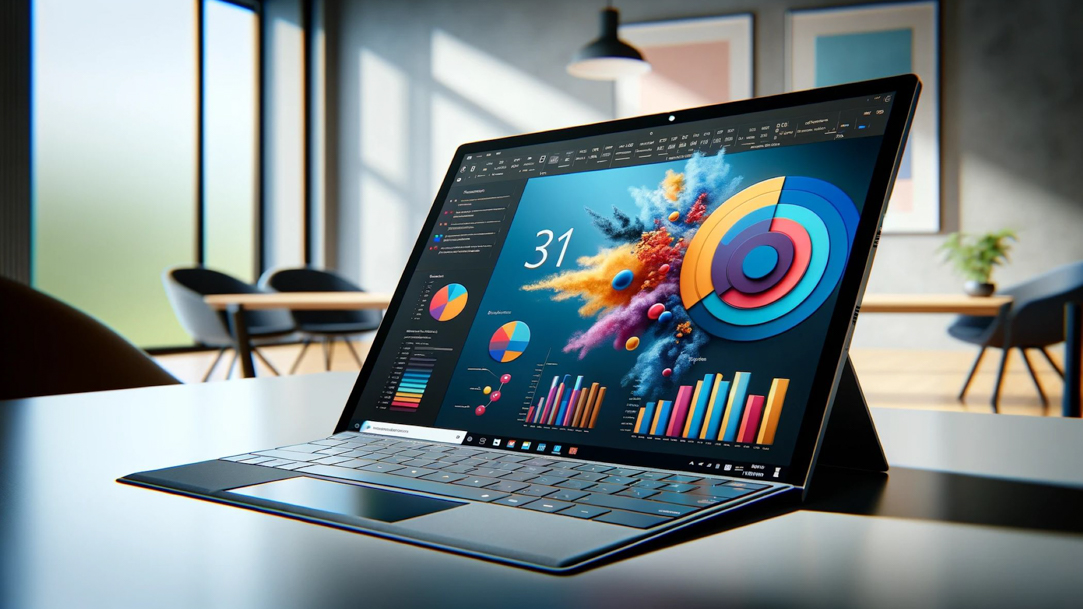
Keep your computer screen awake during periods of inactivity by using PowerToys Awake.

2 MIN READ
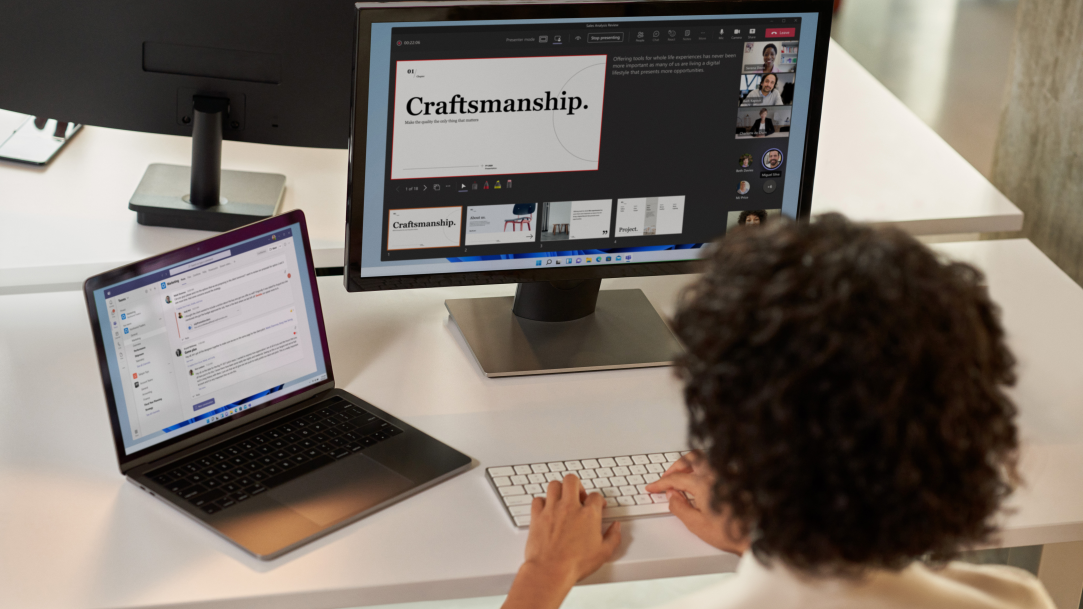
Increase your productivity by learning how to pin your important windows and apps.
2 MIN READ
Learn how to use the Snipping Tool in innovative ways.

2 MIN READ
Never forget a task again with these tools for setting reminders.
2 MIN READ
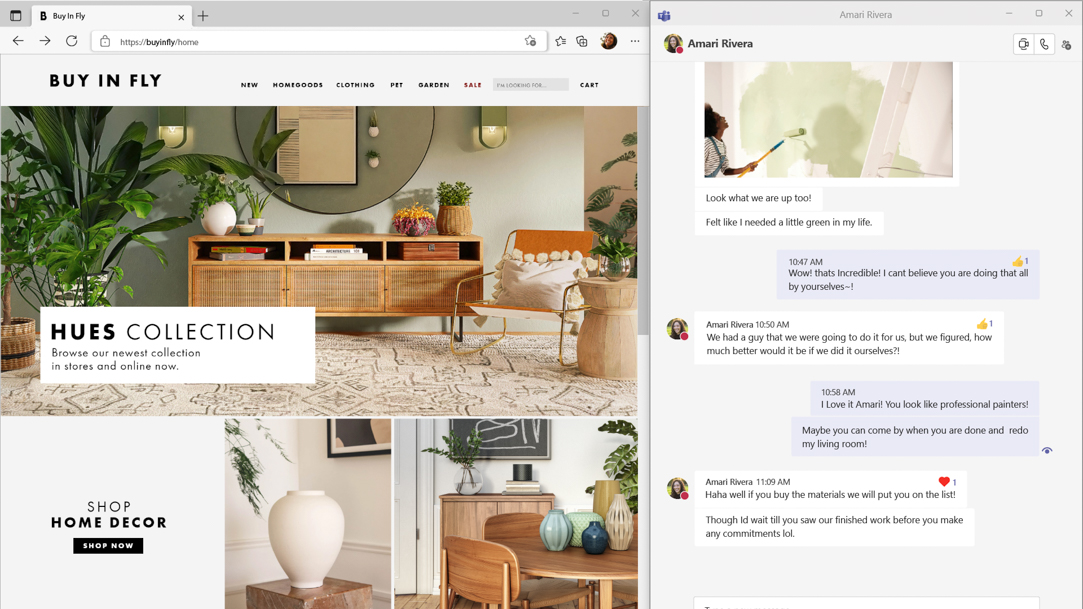
From multitasking on calls to optimizing research, Snap layouts make screen time more productive.

2 MIN READ
Try Clipchamp today to unlock your creative potential and tell your story, your way.
2 MIN READ
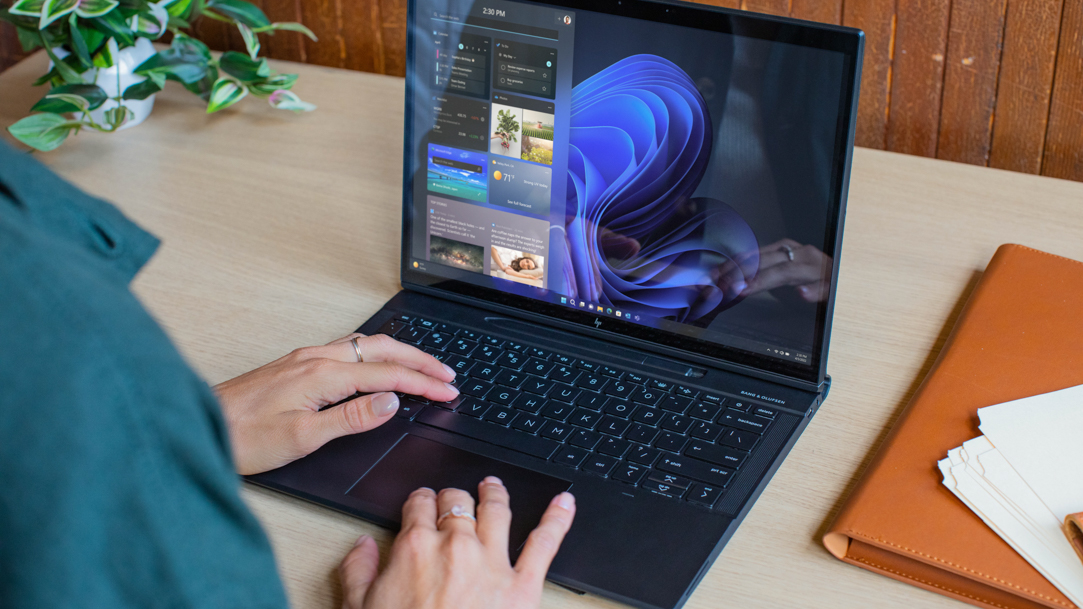
Take advantage of these Windows 11 keyboard shortcuts to accomplish tasks quickly.

2 MIN READ
Learn about your laptop's hotspot settings and get online, no matter where you are.
2 MIN READ
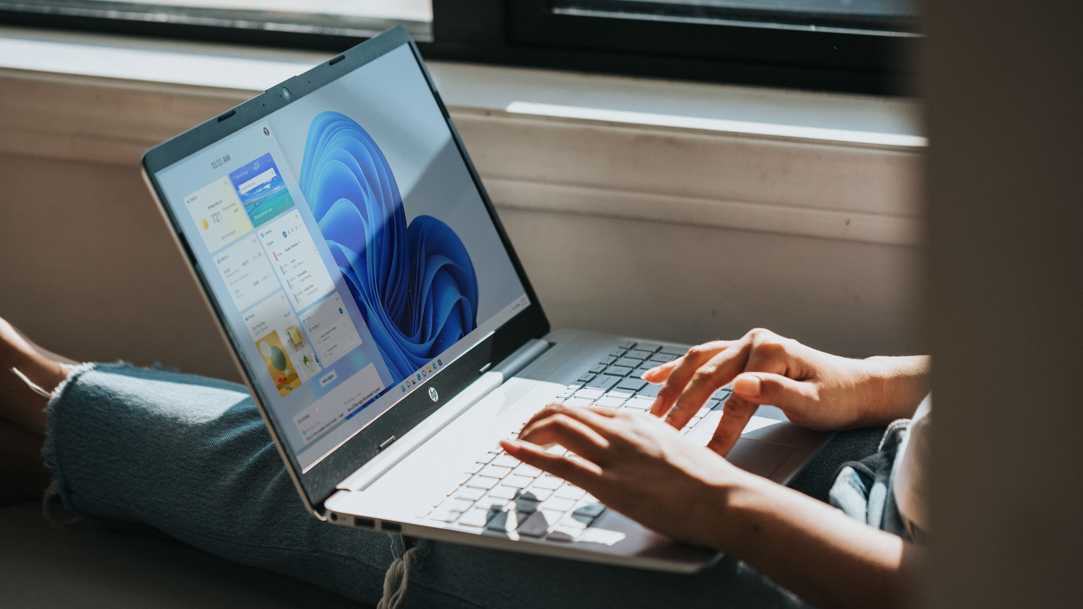
Keep your work and play separate with multiple desktops.

2 MIN READ
Boost your productivity by selecting the apps that you want to open at startup.
2 MIN READ
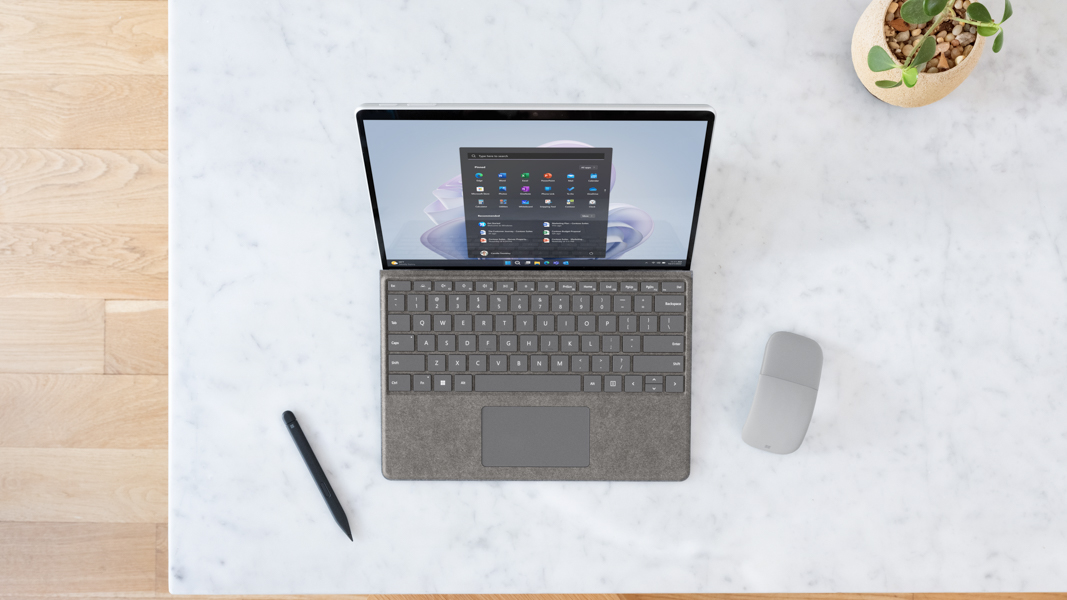
Have your new computer up and running in ways that work for you as soon as possible.

2 MIN READ
Find out just how easy Windows 11 makes it to capture anything and everything that’s happening on your screen.
Follow us: