
Do more with Surface
-
8 MIN READ
Surface Pro turns crowds into creators of public art
Creative technologist Philippe Dubost is using Surface Pro to make audiences a key element of his light shows.
-
5 MIN READ
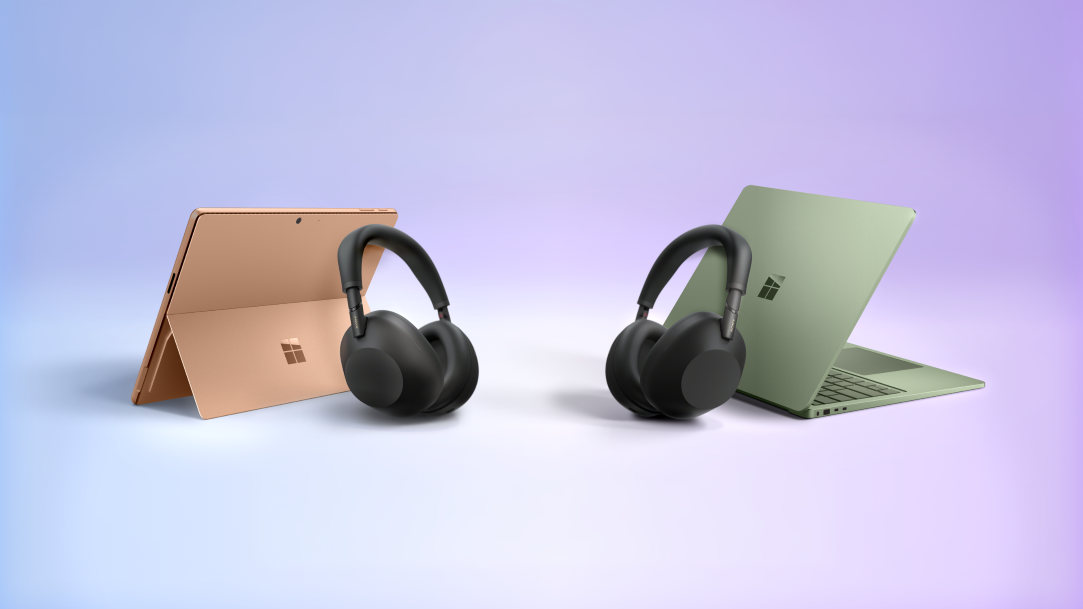
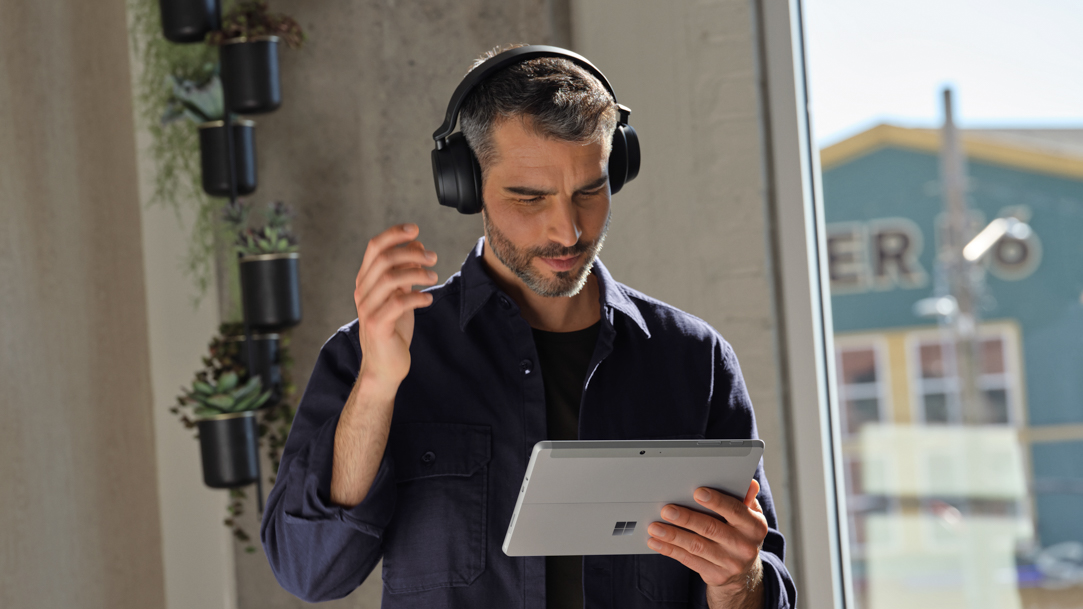
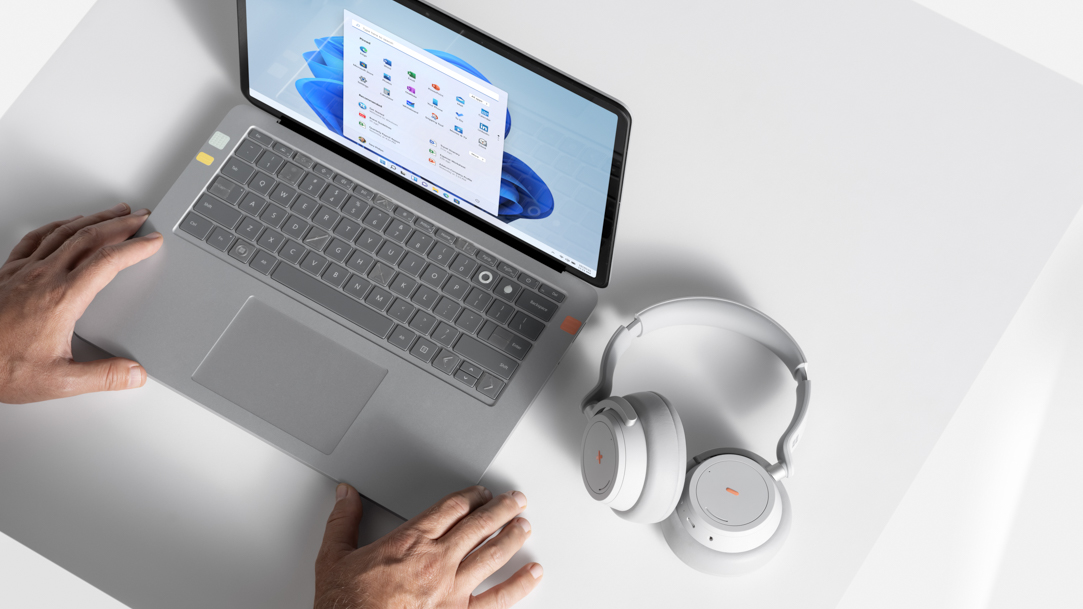
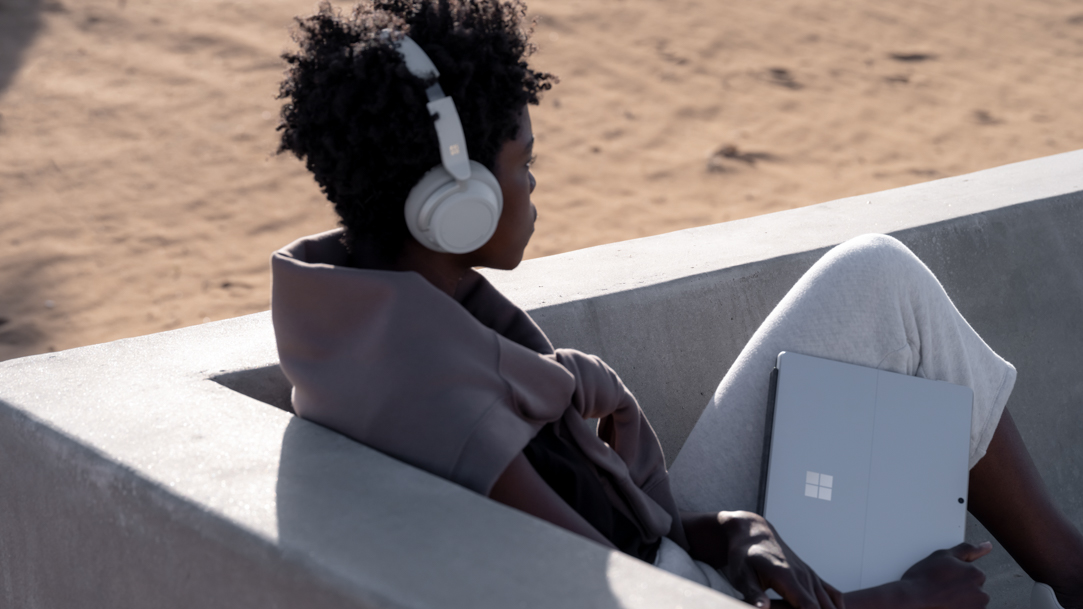
Surface + Sony WH-1000XM6: the ultimate Bluetooth LE Audio experience
Surface Pro and Surface Laptop and Sony WH-1000XM6 unlock the next generation of Bluetooth audio.
-
6 MIN READ
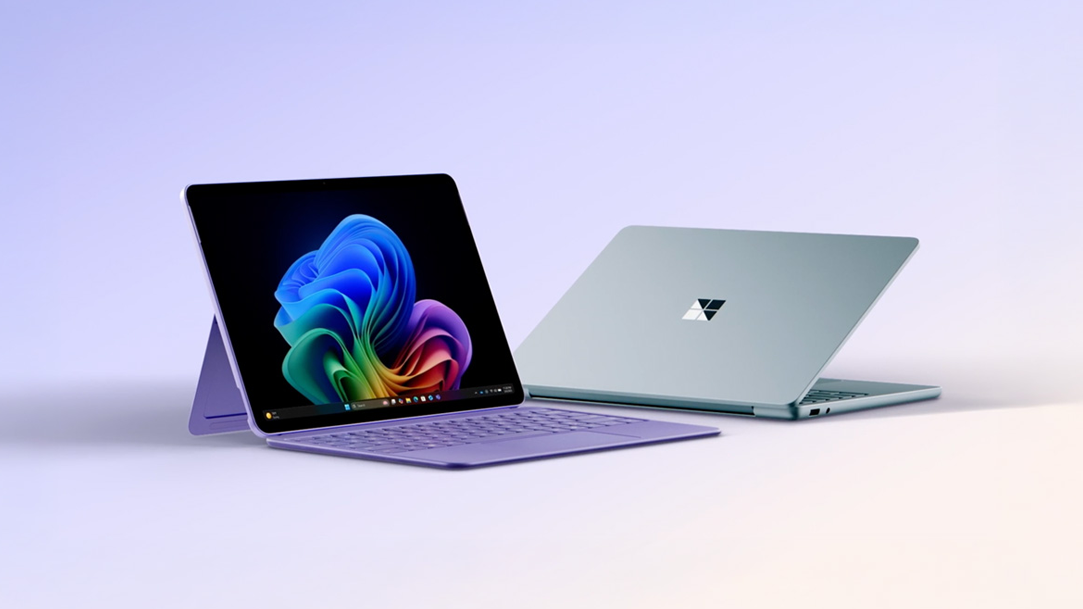
Why a Microsoft Surface is the best Windows device experience
Surface offers the best advantages with options that unlock exclusive Copilot+ PC features.
-
5 MIN READ
What is Snapdragon®?
Surface laptops are powered by Snapdragon® for fast, efficient on-device AI and long battery life.
-
5 MIN READ
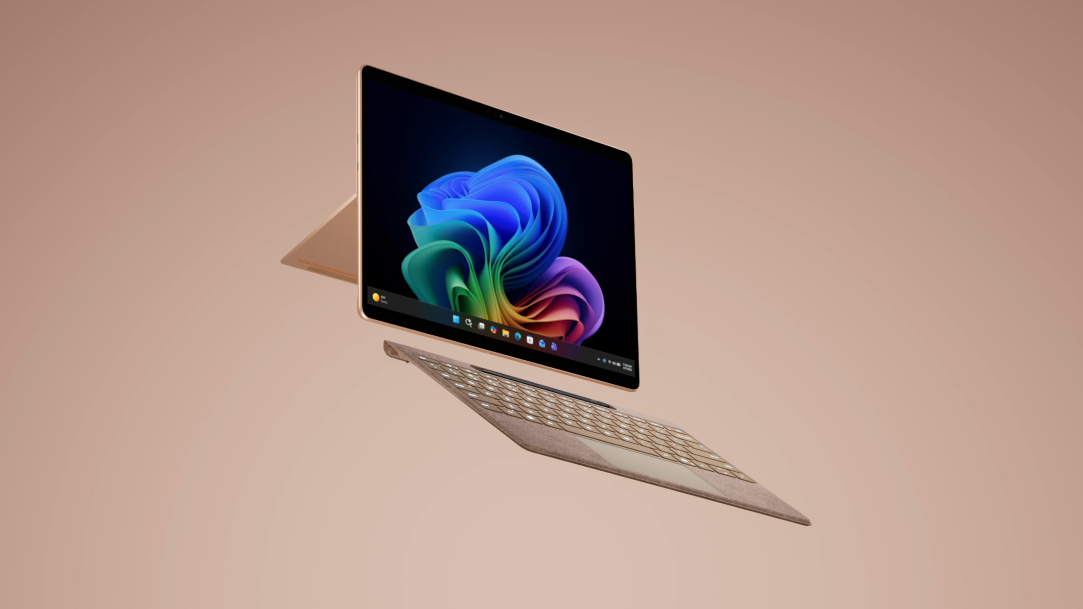
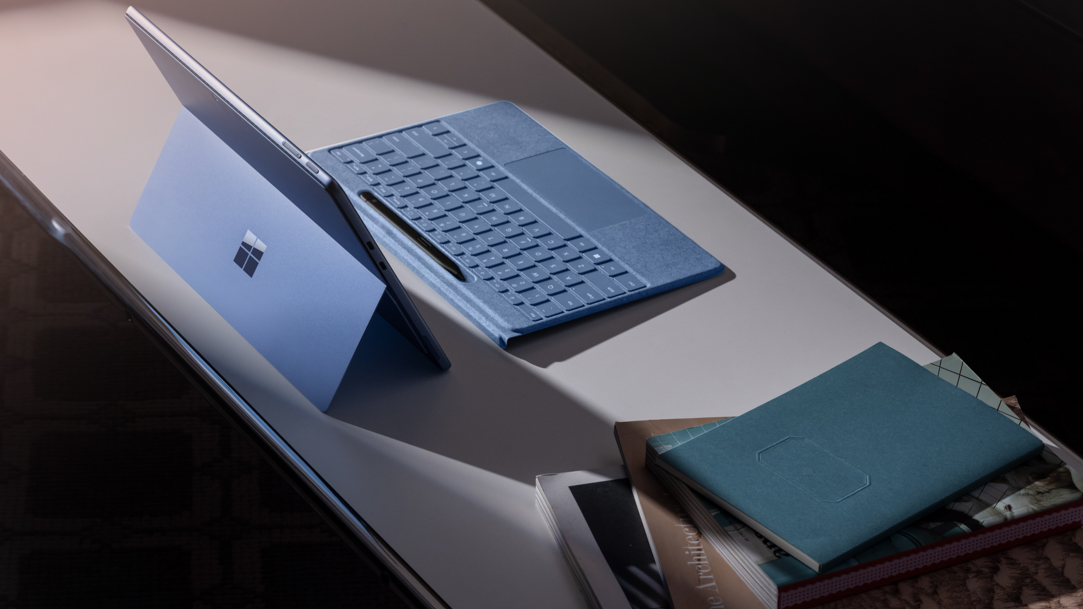
Surface Pro: A comprehensive guide
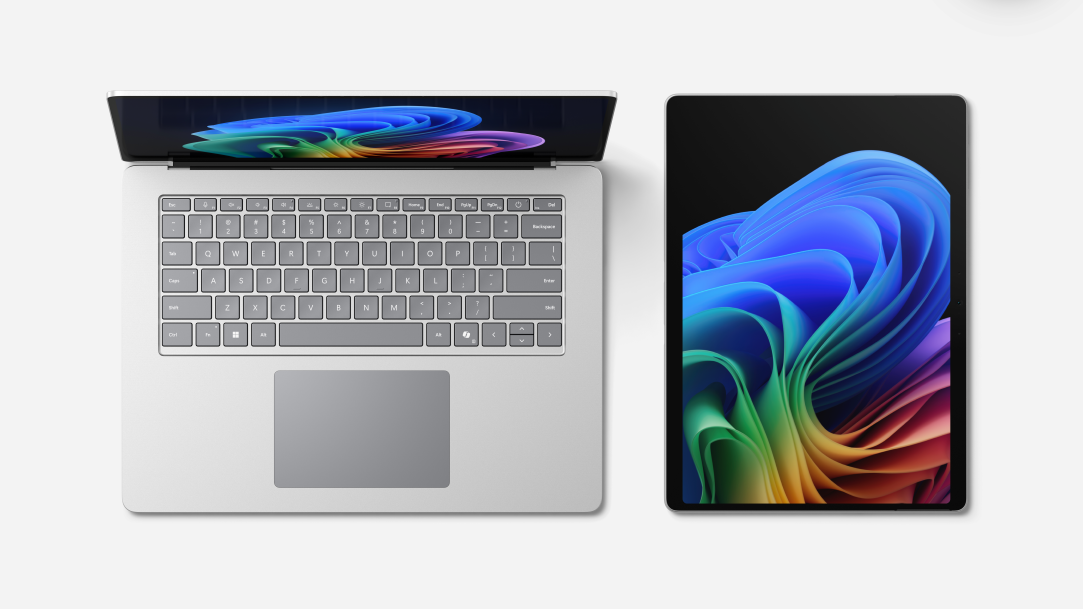
Part tablet and part laptop, work, create, and connect anywhere with AI power and versatility.
-
5 MIN READ
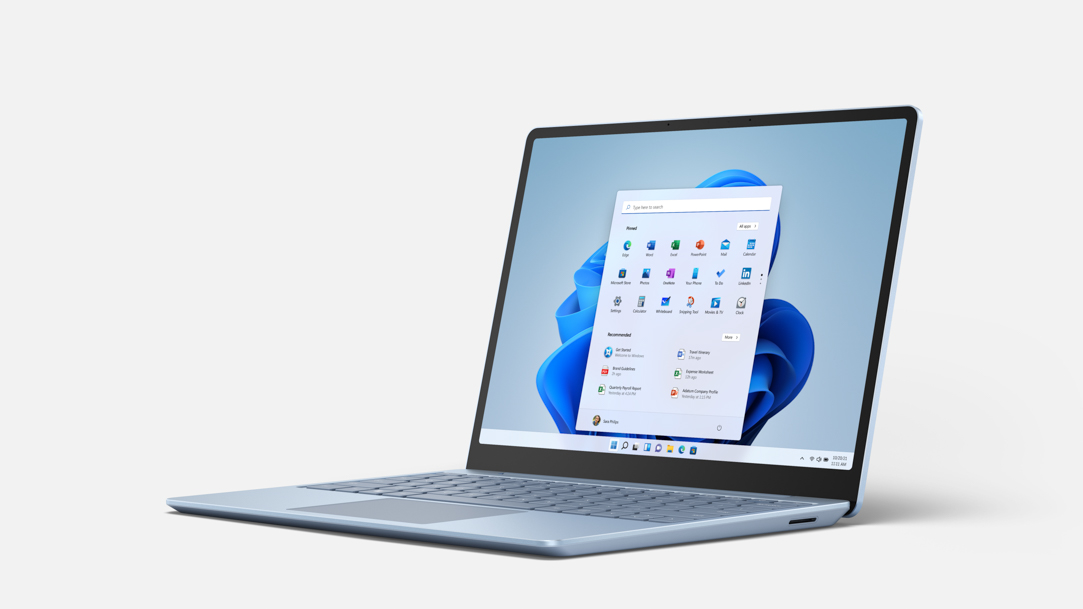
Surface Laptop: Which one is right for you?
Surface Laptop is designed to help you do more, wherever and however you work.
-
4 MIN READ
Eco-friendly laptops: Microsoft Surface sustainability features
Recycled materials and energy-saving technologies equals Microsoft Surface sustainability.
-
6 MIN READ
The differences between Surface Laptop and Surface Pro from Microsoft
Surface Laptop and Surface Pro share powerful features but each excels in their own right. Discover what makes each a standout.
-
3 MIN READ
What are 2‑in‑1 laptops?
Two-in-one laptops let you work, play, and study anywhere with laptop power and tablet freedom.
-
3 MIN READ
Touchscreen laptops: Top picks for work and entertainment
Touchscreen laptops combine precision, flexibility, and performance. Surface leads the way.
-
8 MIN READ
Bringing shark science and art together with Surface Pro
Natalie Donato uses science, illustration, and Surface Pro to reveal sharks’ hidden sensory world.
-
4 MIN READ
Get the most out of AI tablets: How AI tablets make daily tasks easier
AI tablets like Surface Pro help simplify daily workflows, from writing to creativity and more.
-
4 MIN READ
In 2026, the best 2‑in‑1 laptops are built for how you live
Powerful, portable, and flexible: See why 2‑in‑1 laptops like Surface Pro lead the way in 2026.
-
3 MIN READ
How large‑screen tablets make everyday tasks easier
From multitasking to note‑taking, a larger tablet screen helps you do more with less friction.
-
3 MIN READ
How to use tablet computers in 2026
Discover how a tablet computer helps you move easily between work, creativity, and downtime.
-
3 MIN READ
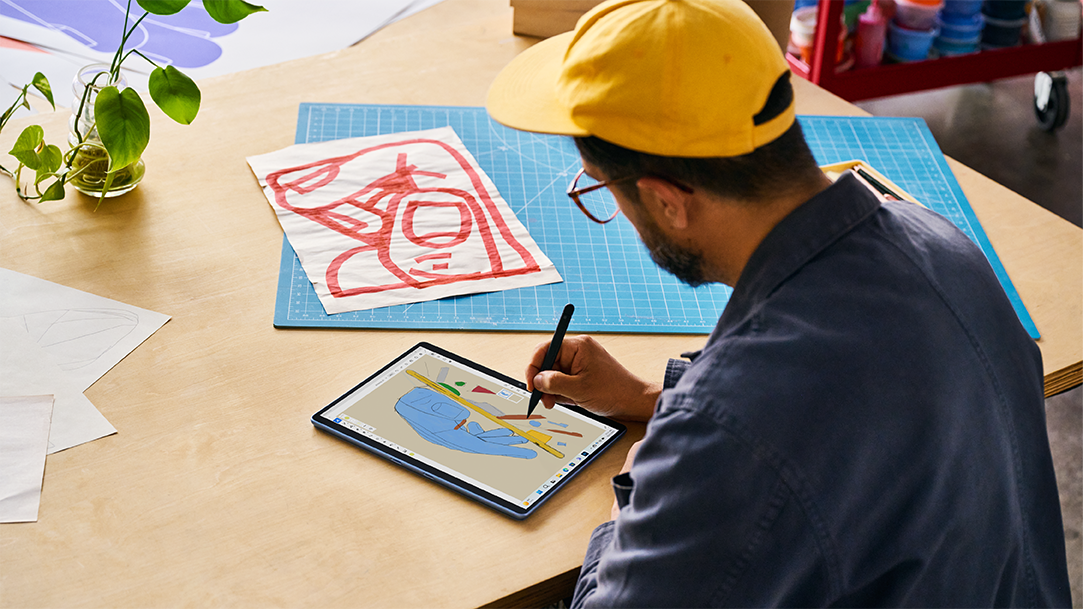
Best drawing tablets for designers and artists: Why Surface Pro stands out
Surface Pro combines pen precision, vibrant displays, and pro performance for creative workflows.
-
3 MIN READ
How to choose the best laptop for graphic design
See what makes the best laptops for designers and why Surface is the top choice.
-
3 MIN READ
Using a touchscreen laptop with pen support: A more natural way to work
A laptop with pen support combines touch, typing, and sketching for a smoother, natural workflow.
-
4 MIN READ
PC tablets vs. laptops for work or play: Pros and cons
Explore PC tablets, laptops and 2‑in‑1s to choose the best portable computing device for productivity.
-
3 MIN READ
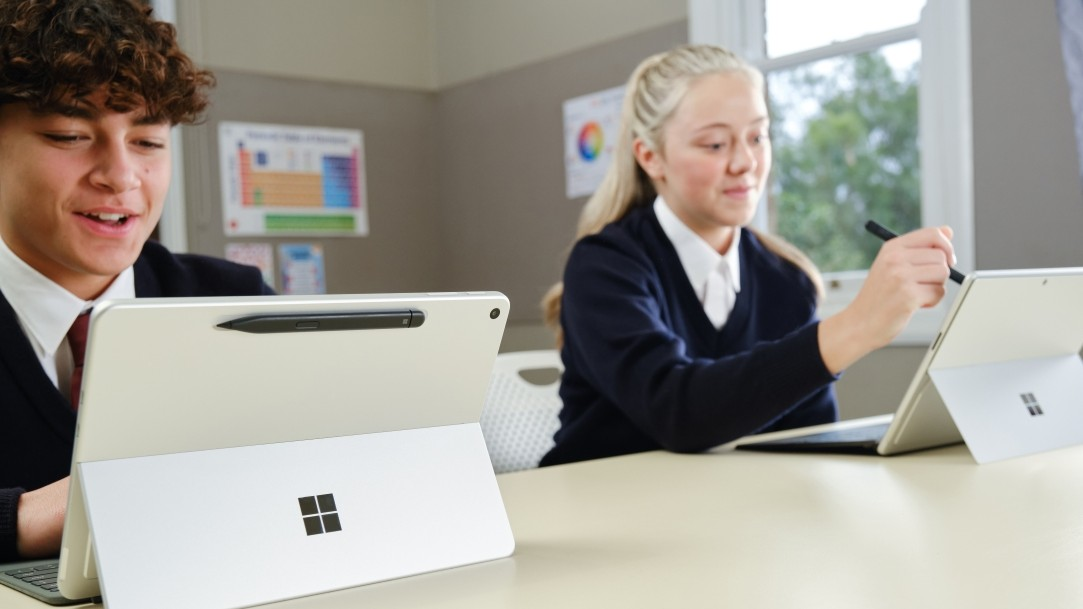
Best laptops for high school students: Buying guide
Your guide to laptops that fit high school life—performance, portability, and budget tips.
-
5 MIN READ
A laptop buying guide: Key specs to compare
Compare laptop specs and choose the best device for work, study, and creativity.
-
4 MIN READ
12-inch vs. 13-inch tablet: Which is best for you?
Portability meets performance—discover the perfect Surface Pro fit for you.
-
3 MIN READ
Benefits of using a laptop with a stylus
Unlock creativity and productivity with stylus-enabled laptops for work, study, and design.
-
4 MIN READ
Surface as a travel companion: Tips for working on the go
Work from anywhere with Surface Copilot+ PCs built for mobility, productivity, and AI power.
-
4 MIN READ
Microsoft Surface Copilot+ PCs unleash the power of AI
Experience fast, intelligent computing with built-in AI and all-day battery life.
-
4 MIN READ
Surface for students: Study hacks & organization tools for academic success
Tools, tips, and smart features that help students stay organized, focused, and ready to learn.
-
3 MIN READ
Getting the most from Surface Pen: Advanced tips and tricks
Unlock precision, comfort, and productivity with Surface Slim Pen.
-
4 MIN READ
Best Surface laptops for hybrid work: what to look for & best practices
Work from anywhere with Surface laptops built for flexibility, performance, and portability.
-
4 MIN READ
Why Surface is the best laptop for video editing
With lightning-fast performance & long battery life, Surface is the best laptop for video editing.
-
4 MIN READ
Best laptops: A buying guide for the holidays 2025
Find the best laptops for 2025, holiday deals, and specs for smarter Black Friday shopping.
-
4 MIN READ
Best laptop for travel: Durability, weight, and battery life matter
Surface Copilot+ PCs are travel-friendly laptops designed for durability and long battery life.
-
4 MIN READ
A laptop for everyone on your list
Shopping for a laptop? Surface laptops are a smart option for you and all your friends.
-
4 MIN READ
Creative workflow on 2-in-1 laptops
Work anywhere with the power of a laptop and the flexibility of a tablet.
-
4 MIN READ
How artists use tablets and laptops
The best laptop for digital art is also a tablet. Create anywhere with a Surface Pro 2-in-1 PC.
-
3 MIN READ
Best laptops with good battery life – why it matters
Explore laptops that keep up with you on the go, from meetings to globetrotting adventures.
-
4 MIN READ
What makes a laptop great for editing photos?
From RAW to refined—Surface gives you the power and AI tools to create unforgettable photos.
-
4 MIN READ
How to choose the right processor
From casual use to AI power, choose the right processor for your computing requirements.
-
4 MIN READ
Build a mobile office with your laptop
Equip your mobile office with the AI power of Surface and essential accessories.
-
4 MIN READ
Laptop battery life explained
What drains a battery? What extends it? How do you get through a day without recharging a battery?
-
4 MIN READ
How a laptop can boost online learning
From lectures to labs, Surface delivers what learners need for the best online learning experience.
-
4 MIN READ
Ready for school? Learn how to operate a laptop for the first time
Start the academic year strong by prepping your laptop for optimal performance and security.
-
5 MIN READ
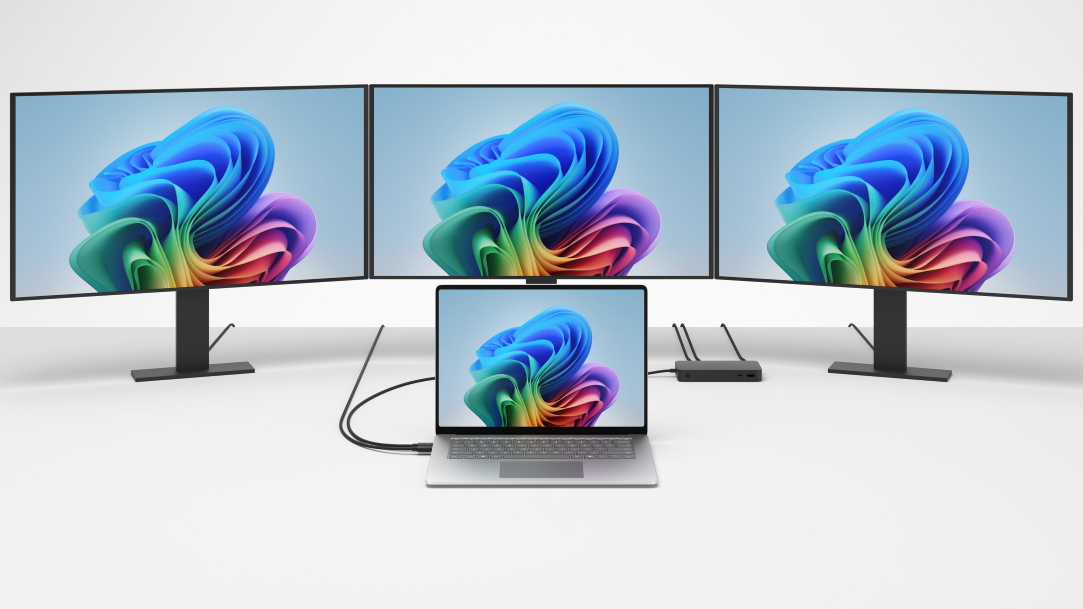
How to connect a monitor to any laptop
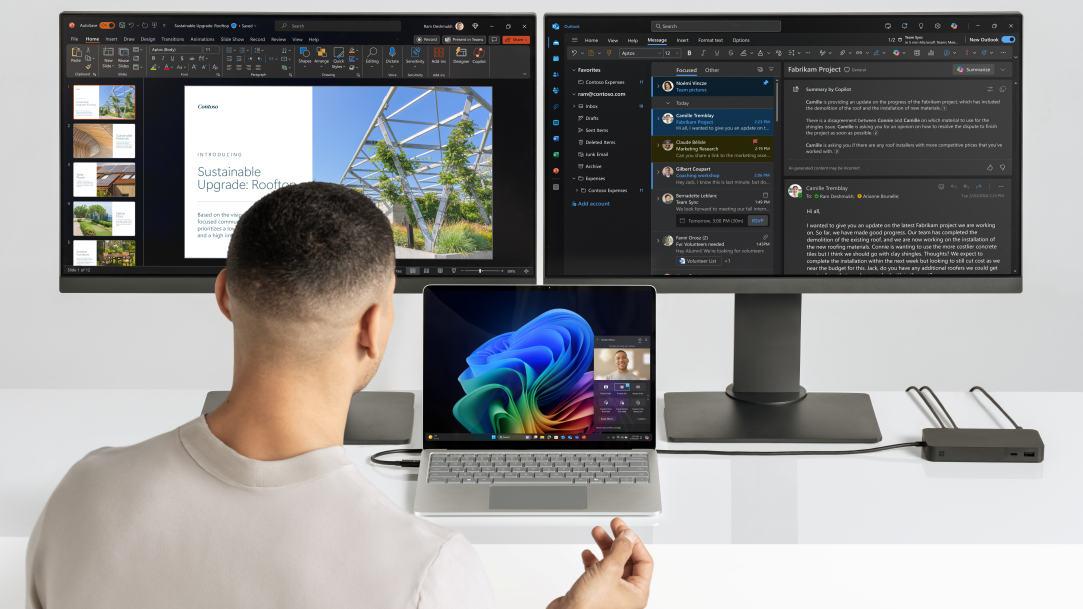
Expand your workspace. Connect your laptop to a monitor for maximum productivity.
-
5 MIN READ
Top features that make Surface Copilot+ PCs ideal for remote learning
From screen clarity to AI tools, Surface Copilot+ PCs lead in online learning success.
-
5 MIN READ
The best 2-in-1 for school? Surface Pro makes the grade
From lecture to lab and beyond, Surface Pro 2-in-1s are sleek, portable, and ideal for students.
-
5 MIN READ
Laptop vs notebook: What’s the difference?
“Laptop” and “notebook” have distinct origins. Modern devices, like AI PCs, reshape the category.
-
5 MIN READ
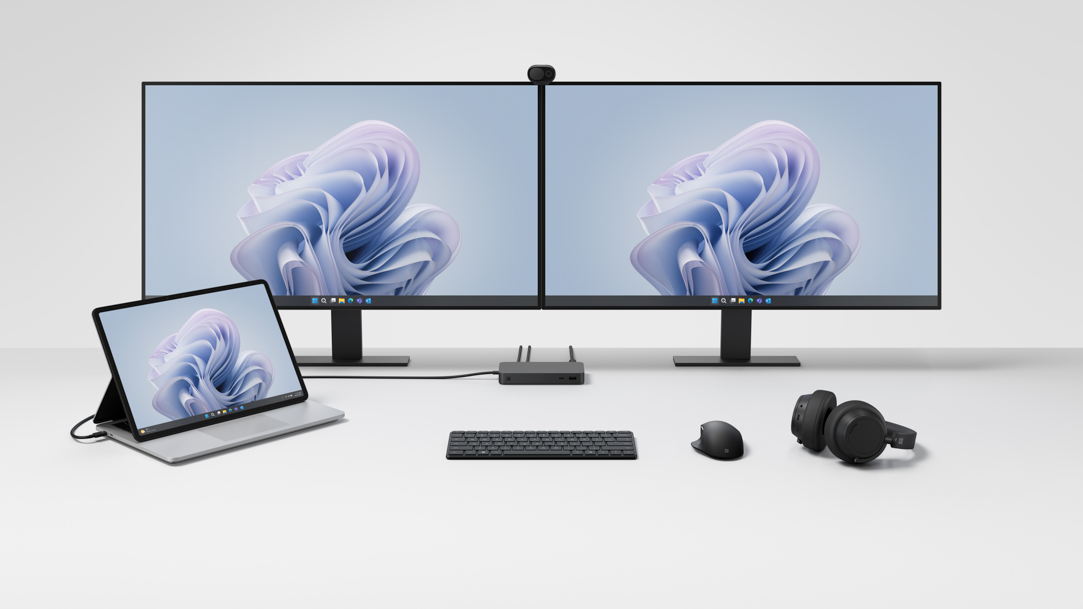
Study more efficiently: Set up your laptop with dual monitors
Dual monitors can help you streamline study flow and stay productive.
-
5 MIN READ
Surface: Explore some of the world’s best lightweight laptops
Looking for a great lightweight laptop or tablet PC? Try an ultra-portable Surface, Copilot+ PC.
-
5 MIN READ
Why Surface, Copilot+ PCs fit busy lives
Surface, Copilot+ PCs bring incredible speed and battery life together with game-changing AI.
-
5 MIN READ
Surface: The filmmaker’s choice for power and AI
Surface is one of the best PCs for video production. Discover how the power of AI can drive planning to final cut.
-
4 MIN READ
Microsoft Surface Pro: A favorite tablet PC for digital nomads
Ready to trade office walls for freedom of the road? Surface Pro empowers the nomadic lifestyle.
-
6 MIN READ
Why a Microsoft Surface is the best Copilot+ PC experience
Learn the advantages of Surface Copilot+ PCs and how Copilot+ PCs differ from other computers.
-
4 MIN READ
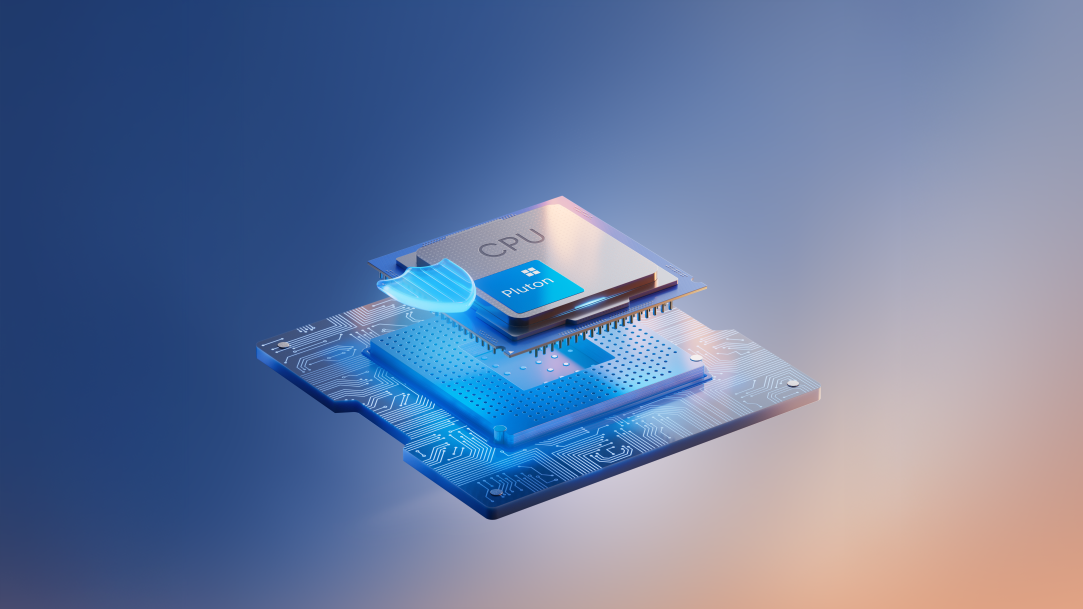
Microsoft Pluton: The heart of Surface security
Pluton is the ultimate security chip. It’s more secure, easier to update, and built into the CPU.
-
4 MIN READ
Buying a new laptop computer? Try Surface
Interested in the fastest, most intelligent Windows PC? Treat yourself to a Surface, Copilot+ PC.
-
4 MIN READ
Boost productivity with Surface, powered by AI
Surface helps increase productivity. Experience the top personal productivity tools you can find with AI.
-
3 MIN READ
Sports, movies & more: 5 tips to a better viewing experience
Enhance your sports and movie streaming experience. Try five tips for better viewing on a device.
-
5 MIN READ
Graphic design tips for laptop users
Creativity meets productivity. Learn graphic design tips with the AI-powered features of Surface.
-
4 MIN READ
Benefits of purchasing Certified Refurbished Surface laptops
Want top quality, and value? A Certified Refurbished Surface offers this and more.
-
4 MIN READ
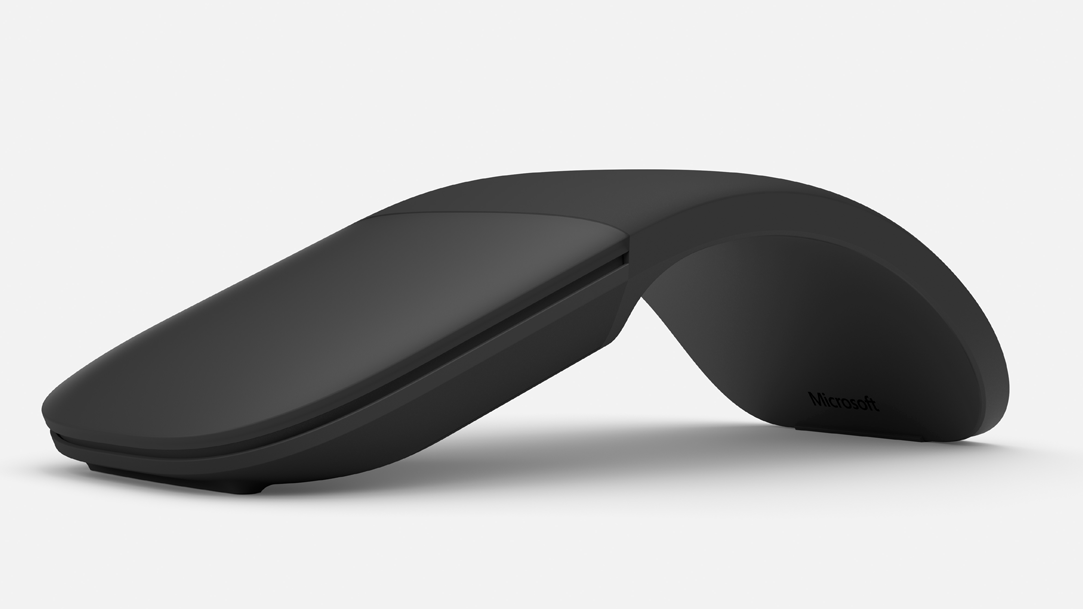
Choosing the best mouse for your Surface laptop
Surface Arc Mouse and Surface Mouse offer distinct advantages. The choice is yours.
-
4 MIN READ
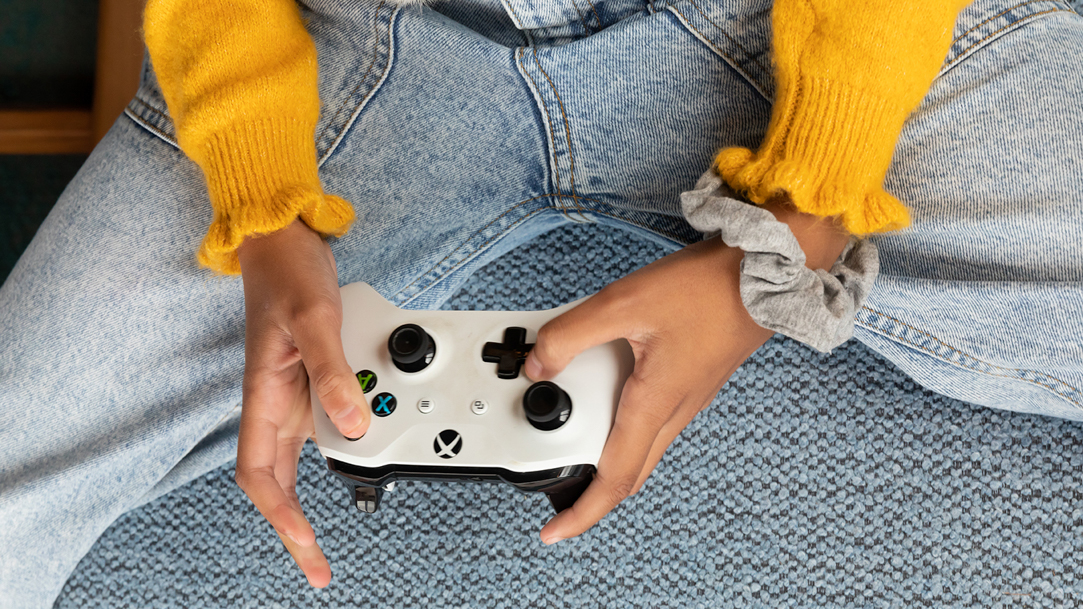
More fun gaming with Surface Dial
Elevate gameplay. Surface Dial helps you have more fun gaming in a natural, immersive way.
-
4 MIN READ
Score the best deals with refurbished Microsoft Surface
Interested in a like-new Surface, at a fraction of the cost of new? Score with a refurbished.
-
3 MIN READ
Become your family's favorite DJ with the help of Surface Dial
Ready to mix music the whole family can enjoy? Surface Dial helps make it easy.
-
4 MIN READ
How to keep your laptop cool
Like any electronic device, a laptop can overheat. It's important to keep it cool.
-
4 MIN READ
Work remote, securely with Surface
Count on Surface built-in security features and a few best practices. Work remote worry free.
-
3 MIN READ
How to screen cast a Surface to a TV
Enliven your TV viewing experience. Screen cast from a Surface, Copilot+ PC to a TV.
-
4 MIN READ
The best Surface Pro features for home chefs
Have a passion for culinary pursuits? Surface Pro can help support home chefs and entrepreneurs.
-
4 MIN READ
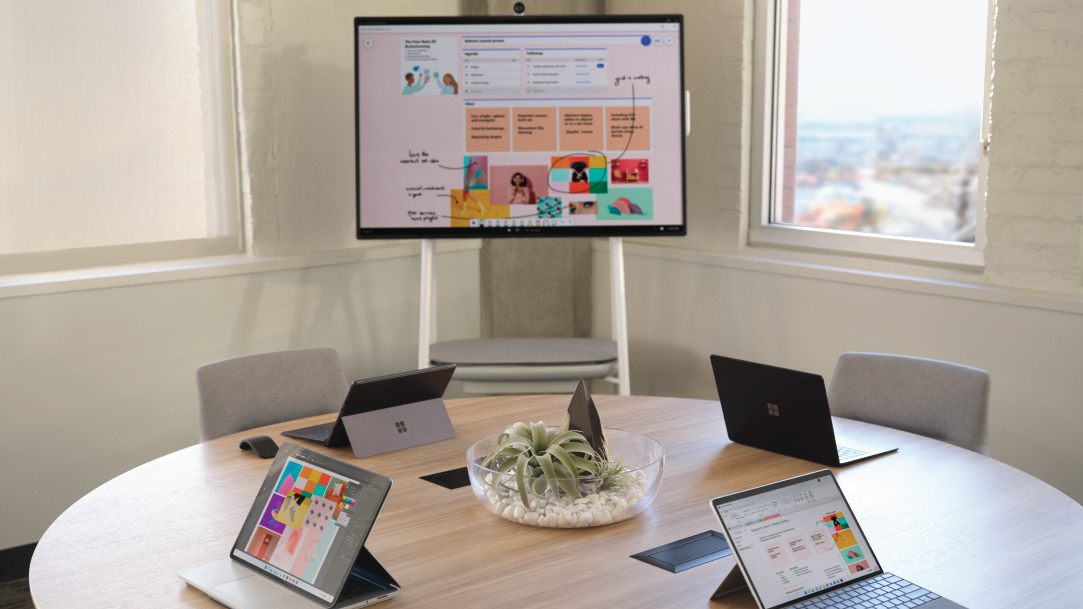
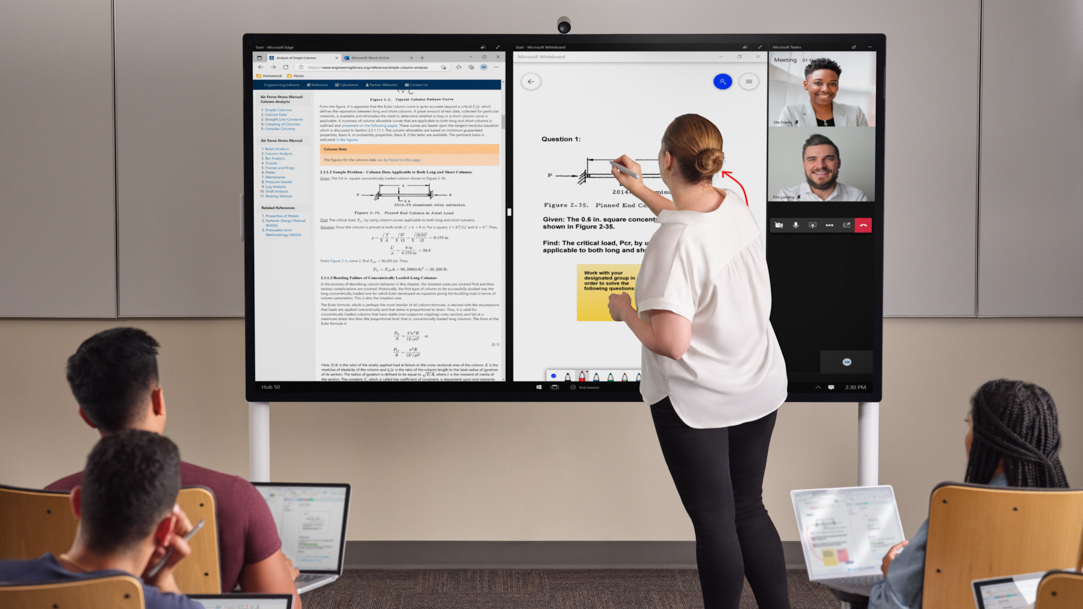
Explore Surface Hub 3, the all-in-one collaboration experience
Hybrid teams can be more productive than ever. Collaborate from anywhere with Surface Hub 3.
-
4 MIN READ
Stay productive while traveling for the holidays with Surface Pro
Traveling for the holidays? Productivity doesn't halt when a Surface Pro travels with you.
-
2 MIN READ
Best Surface Laptop features for fashion
Express your style and fashion each day. Tech meets fashion with Surface Laptop, a Copilot+ PC.
-
2 MIN READ
The gift of Surface accessories
Boost productivity and creativity. Give the gift of Surface accessories during the holidays.
-
2 MIN READ
How to set up a child account on your Windows laptop
Learn how to set up a child account, configure safety settings, set parental controls, and more.
-
4 MIN READ
Maximize battery life
Ever run out battery power in the middle of a task? With Surface, Copilot+ PCs, those interruptions are over.
-
3 MIN READ
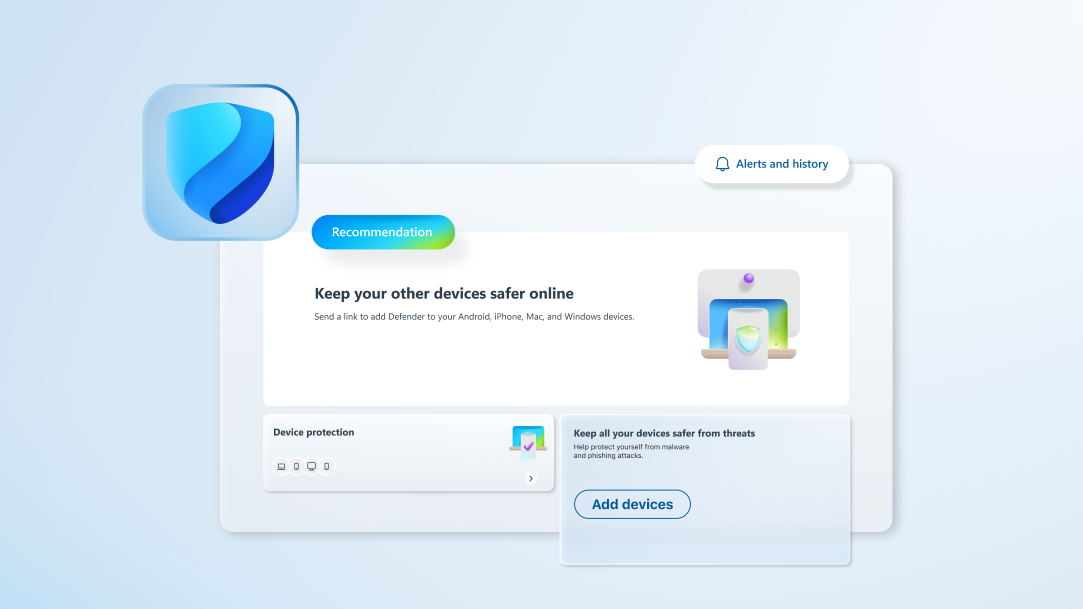
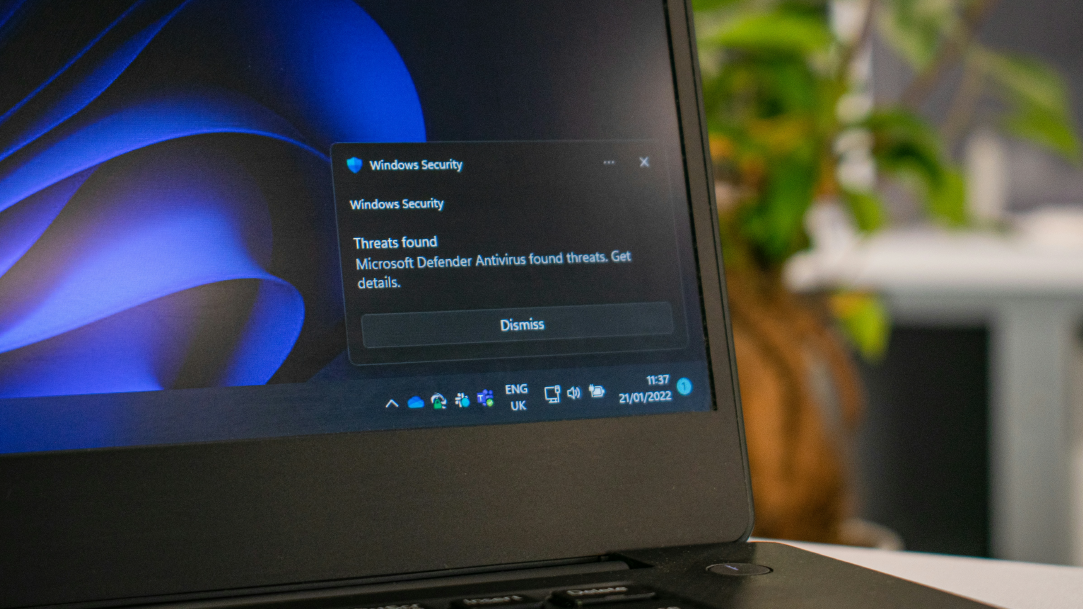
Microsoft Defender: Surface laptop’s best ally
Ever wondered how a Surface laptop stays safe from online threats? It's all thanks to Microsoft Defender.
-
3 MIN READ
What is quantum computing?
A quantum shift is on the horizon. Quantum computing redefines what can be achieved.
-
3 MIN READ
Best Surface features for gardeners
Have a passion for gardening and cultivating community? Surface Pro helps gardeners thrive.
-
2 MIN READ
5 reasons to upgrade to a Copilot+ PC
Upgrade to a Copilot+ PC for AI-powered speed, top security, and all-day battery life.
-
2 MIN READ
The role of Cybersecurity and Microsoft Surface devices
Cybersecurity is more critical than ever. Safeguarding your devices and data from threats is a priority.
-
2 MIN READ
What is a phishing attack?
Phishing is a prevalent and dangerous form of cybercrime. Don’t be tricked into revealing sensitive information.
-
-
2 MIN READ
What is Spyware?
Computers and devices are prime targets of malicious software, like Spyware. Protect yourself.
-
2 MIN READ
5 Windows cybersecurity features for data safety
Learn how Windows keeps your data safer with antivirus software, Windows Defender, and more.
-
2 MIN READ
How to customize the Windows experience on your laptop
Customize your Windows experience to maximize efficiency on your laptop.
-
2 MIN READ
How to make a video game on your laptop
Creating a video game on your laptop is easier than you might think!
-
2 MIN READ
How to plan a road trip using Windows Maps
Make preparing for your adventure easier by using Windows Maps.
-
2 MIN READ
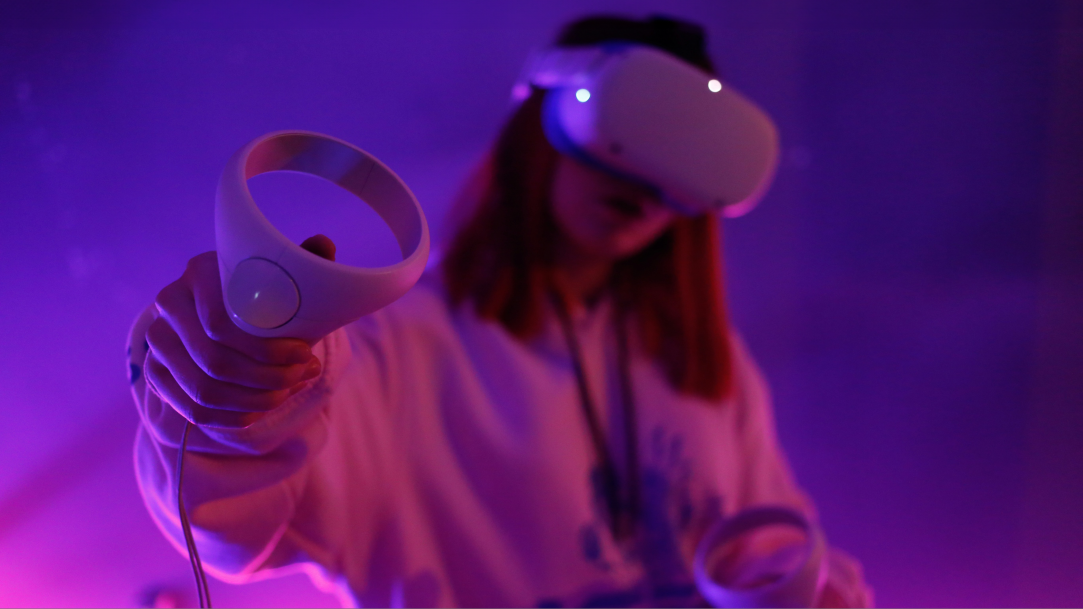
What are the best PC features for virtual reality gaming?
Learn about the best GPU, CPU, and more for smooth, immersive VR gameplay on your PC.
-
2 MIN READ
How to personalize invitations using Surface Pro 11ᵗʰ Edition
Personalize invitations for your events using features and tools available on your Surface Pro 11ᵗʰ Edition.
-
3 MIN READ
Six must-have laptop features for self-care
Center your digital wellness with self-care features such as Focus Mode and Do Not Disturb.
-
3 MIN READ
Seven ways to revamp your desktop
Revamp your desktop background, workspace, and setup with these seven tips.
-
2 MIN READ
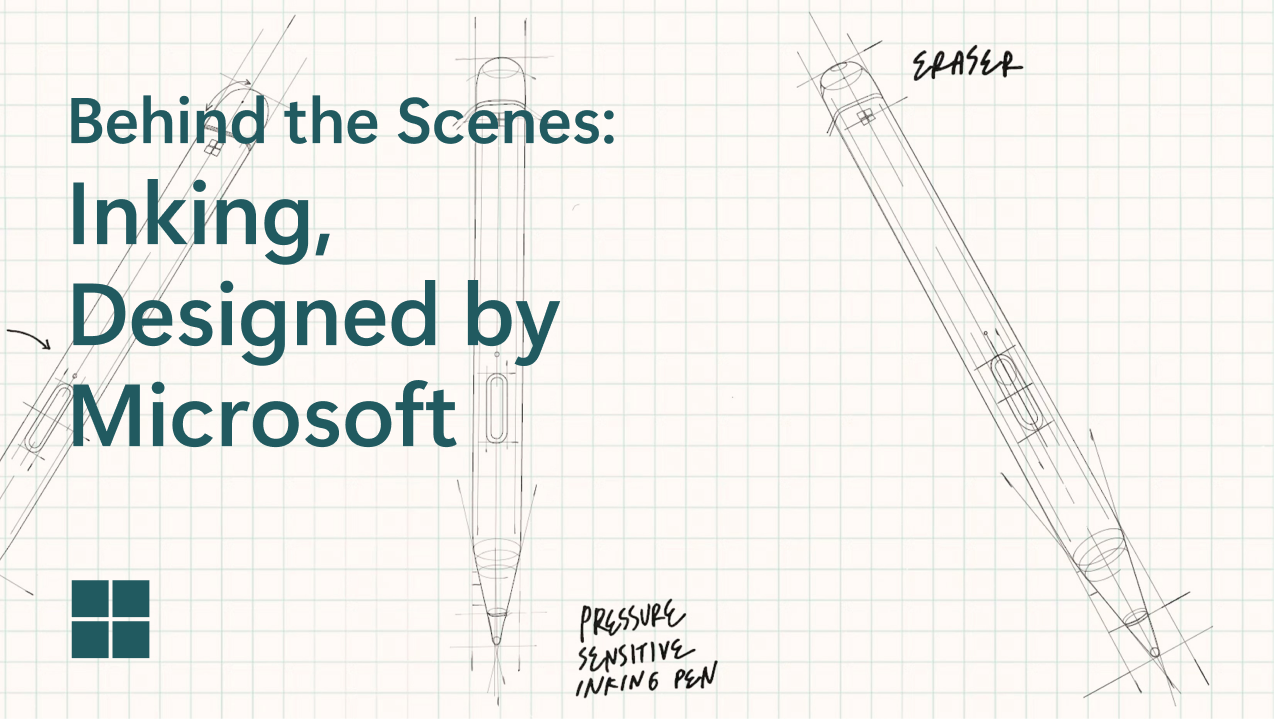
How the Surface Slim Pen was designed
Learn how the Surface Slim Pen was designed to bring a natural writing experience to your device.
-
3 MIN READ
How to scan using your 2-in-1 PC
Learn to scan and digitize your documents with your device’s camera.
-
2 MIN READ
8 tips for making your PC faster
Find practical tips for improving your PC’s speed and enhancing your computing experience.
-
2 MIN READ
How to take better notes using Surface pens
Elevate your notetaking using tools, applications, and more with your Surface pen.
-
2 MIN READ
Five ways to use your AI powered camera
Make the most out of your new AI-powered Surface Studio Camera with these five creative ideas.
-
2 MIN READ
How to become a content creator with Surface
Learn how to become a content creator and craft videos for social media with your Microsoft Surface device.
-
2 MIN READ
How to keep your laptop and phone synced
Learn how to sync devices so you can easily access shared data, files, and applications.
-
2 MIN READ
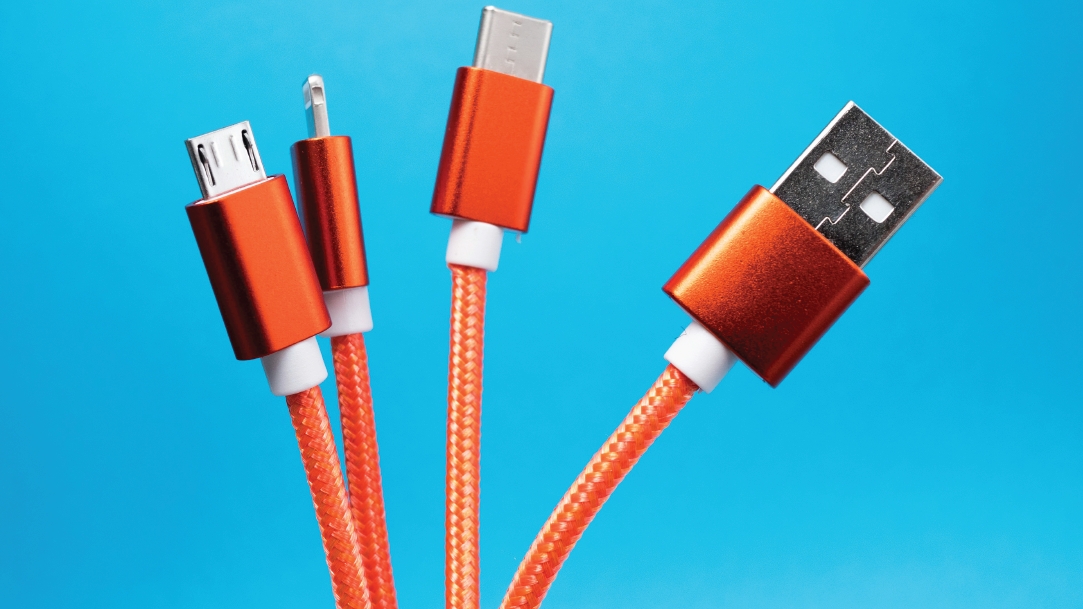
USB-C® and other powerful wired connections
Learn what makes USB-C such a powerful way to connect and how to use other wired connections to maximize your computing experience.
-
2 MIN READ
What new hobbies can you start on your laptop?
Develop new hobbies on your computer to build skills and invigorate your digital life.
-
2 MIN READ
7 ideas for giving your computer a new look
Try these seven ideas to customize your computer and personalize your digital experience.
-
2 MIN READ
How to use Nearby Sharing
Learn how Windows 11's Nearby Sharing facilitates easy file sharing with people in your vicinity.
-
2 MIN READ
How to improve presentations with AI
Create and deliver a quality presentation with help from Copilot.
-
2 MIN READ
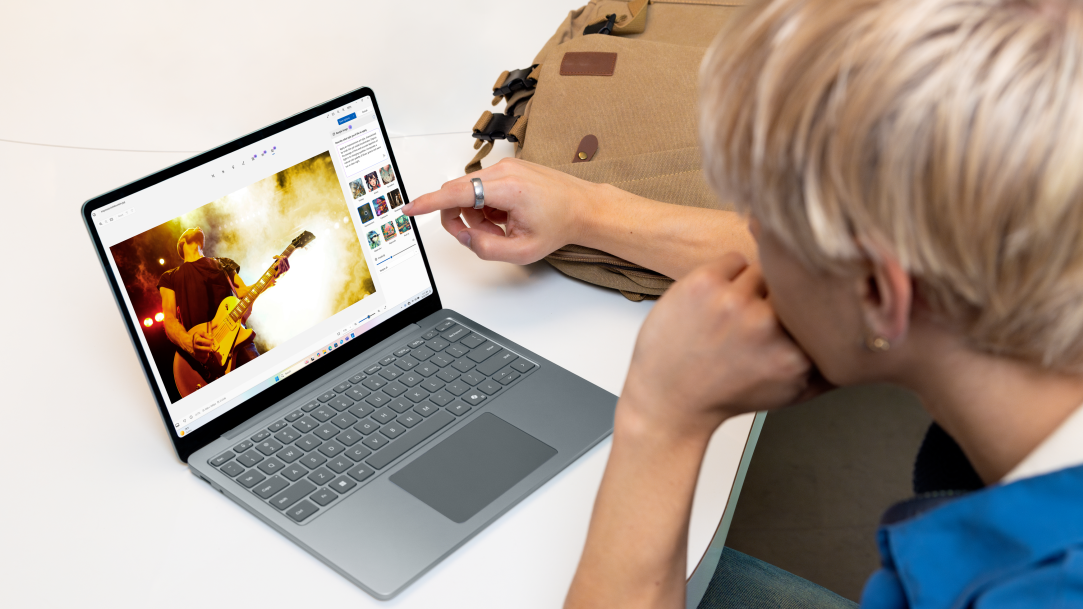
3 ways to enhance your photos with AI
See how you can edit and enhance your photos with AI-powered tools.
-
2 MIN READ
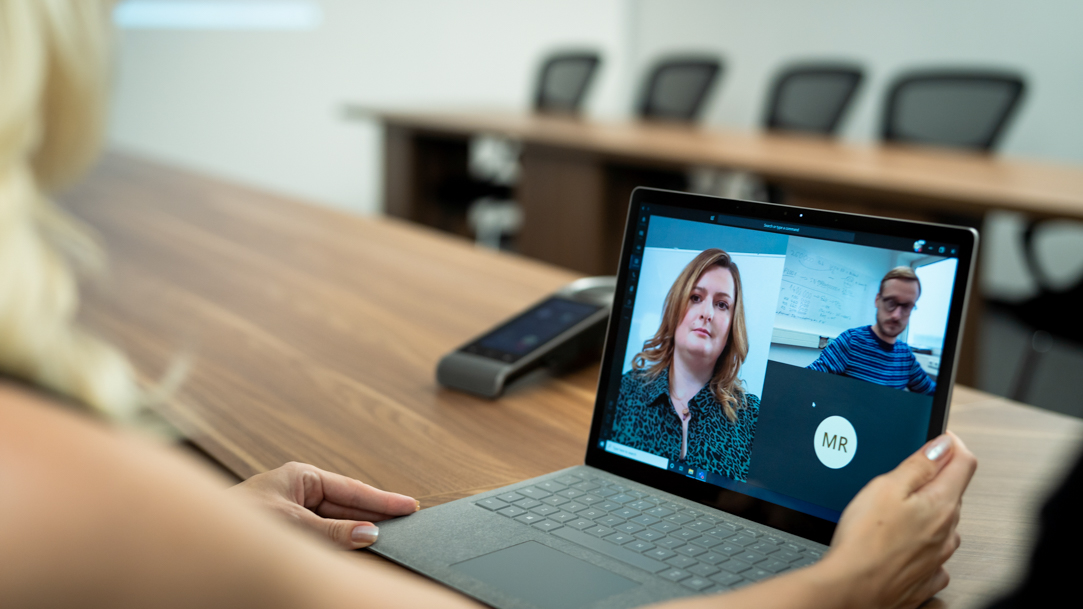
How to leverage AI in virtual meetings
Enhance your virtual meetings with AI-powered tools in Copilot+ PCs and Microsoft Teams.
-
2 MIN READ
Find quick data insights with AI
Understand data quickly and easily with the help of AI-accelerated Surface devices.
-
2 MIN READ
7 ways to personalize your Surface laptop
Learn seven ways to personalize your Microsoft Surface to your unique style and preferences.
-
2 MIN READ
What is Wi-Fi 7?
Learn more about Wi-Fi 7, the Wi-Fi standard supported by Surface Laptop 7ᵗʰ Edition and Surface Pro 11ᵗʰ Edition.
-
2 MIN READ
How to pick a Microsoft Surface to gift
Pick the right Microsoft Surface to gift by evaluating key features, specs, and more.
-
2 MIN READ
How to move files from MacBook to Windows laptop
Learn how to transfer files from your MacBook to a new Windows laptop.
-
2 MIN READ
How to create with AI on your Copilot+ PC
Generate images, design logos, craft presentations, and other visuals with the assistance of AI.
-
2 MIN READ
Surface Laptop 7ᵗʰ Edition vs. Surface Laptop 5
Explore the differences between Surface Laptop 7ᵗʰ Edition vs. Surface Laptop 5 so you can upgrade your PC.
-
2 MIN READ
Surface Pro, Copilot+ PCs vs. Surface Pro 9
Explore Surface Pro, Copilot+ PCs vs. Surface Pro 9 specs to learn why you should upgrade your PC.
-
2 MIN READ
Benefits of using Surface Pro Flex Keyboard
Explore the benefits of using Surface Pro Flex Keyboard to get the most out of using your 2-in-1 PC.
-
2 MIN READ
Seven things to look for in a versatile PC
Choose a PC that meets a wide range of needs by looking for these seven essential factors.
-
2 MIN READ
Best tech gift ideas for dad
Learn about the best tech gifts for supporting dad’s hobbies or work.
-
2 MIN READ
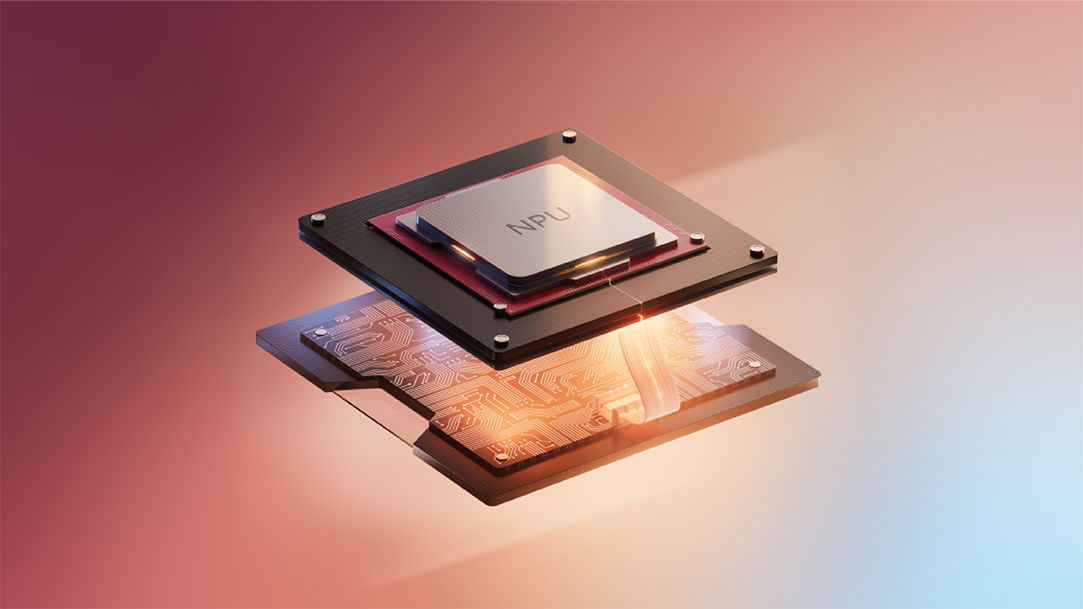
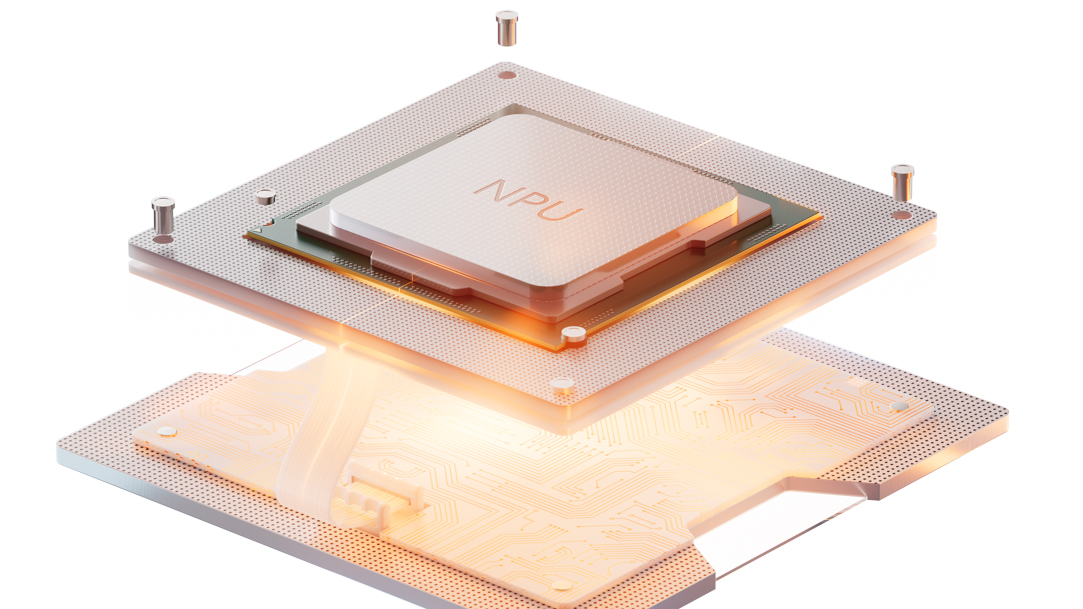
What are NPUs?
Learn about neural processing units (NPUs) and how they help with generative AI and other tasks.
-
2 MIN READ
How we’re making the new Copilot+ PCs from Surface more accessible
Learn more about accessibility features in the new Surface Laptop 7ᵗʰ Edition and Surface Pro 11ᵗʰ Edition.
-
2 MIN READ
Top seven reasons to go paperless (and how)
Learn why you should go paperless and support a sustainable future this World Environment Day.
-
2 MIN READ
How to use a laptop in a bright environment
Learn how to use a laptop in a bright environment to stay productive while working outside.
-
2 MIN READ
8 signs it’s time to upgrade your computer
Spot these warning signs that it’s time to upgrade your computer and switch to a new device.
-
2 MIN READ
What to look for in a new computer
Learn what to look for in a new computer to ensure its design and capabilities fit your needs.
-
2 MIN READ
What is the average lifespan of a laptop?
Learn how long laptops and computers last and the factors that affect their longevity.
-
2 MIN READ
The unofficial history of passwords
Learn about the simple beginnings and evolution of this crucial element of online safety.
-
2 MIN READ
The best PC features for digital nomads
Account for the computer features you need while working on the road as a digital nomad.
-
2 MIN READ
Best tech accessories for Mother’s Day
Find thoughtful gifts for tech-savvy—or not-so-savvy—moms in your life.
-
2 MIN READ
All about firewalls, and how to configure yours
Explore how a firewall keeps you safe and how to set it up for enhanced online security.
-
2 MIN READ
What is 5G and why does it matter for your device?
Learn how 5G wireless technology revolutionizes your device’s capabilities and connectivity.
-
2 MIN READ
How to start learning to code
Get started on your coding journey with the right computer and helpful resources.
-
2 MIN READ
How to safely clean computer screens
Keep your computer screen clear of impurities without risking damage to your device.
-
2 MIN READ
How to maintain your device’s battery life
Maximize your device’s battery life with power-saving charging tips.
-
2 MIN READ
How to choose an eco-friendly computer
Choose a computer that aligns with your digital needs and helps the environment.
-
2 MIN READ
Why is my screen flickering?
Put an end to your laptop screen flickering troubles with these troubleshooting methods.
-
2 MIN READ
Why isn’t the sound working on my laptop?
Solve your audio troubles on your laptop by trying these seven troubleshooting methods.
-
2 MIN READ
How to clean your laptop keyboard
Learn how to clean your computer keyboard to prevent dirt and bacteria accumulation.
-
2 MIN READ
How to fix a slow laptop
Learn why your laptop is slow to resolve performance issues and improve your productivity.
-
2 MIN READ
What to do if your laptop mouse isn't working
Learn quick fixes to get your mouse working if it’s unresponsive.
-
2 MIN READ
What to do if your PC’s camera isn't working
Troubleshoot issues with your laptop camera and learn how to test any software-related problems.
-
2 MIN READ
How to take advantage of ambient computing
Learn what invisible technology means for the next generation of connected devices.
-
2 MIN READ
How to maximize your PC's storage
Learn how to boost your available storage and discover how to get more space on your PC.
-
2 MIN READ
How to get the most out of your docking station
Unlock seamless device connectivity by optimizing your computer docking station.
-
2 MIN READ
How to game on the go
Discover how you can play your favorite titles on the go with portable gaming systems.
-
2 MIN READ
How to create a comfortable workspace with ergonomic computing
Get more done with ease by implementing computer ergonomics to your workspace.
-
2 MIN READ
What are all-in-one computers?
Get everything you need in a PC with an all-in-one computer.
-
2 MIN READ
Show your pet some love with your Windows 11 computer
Personalize your space on Windows 11 with memories and sweet moments of your pets.
-
2 MIN READ
How to use a split screen
Maximize flexibility and multitasking with a split-screen layout.
-
2 MIN READ
How to type faster on your laptop
Improve your laptop typing skills to increase productivity at work, school, and beyond.
-
2 MIN READ
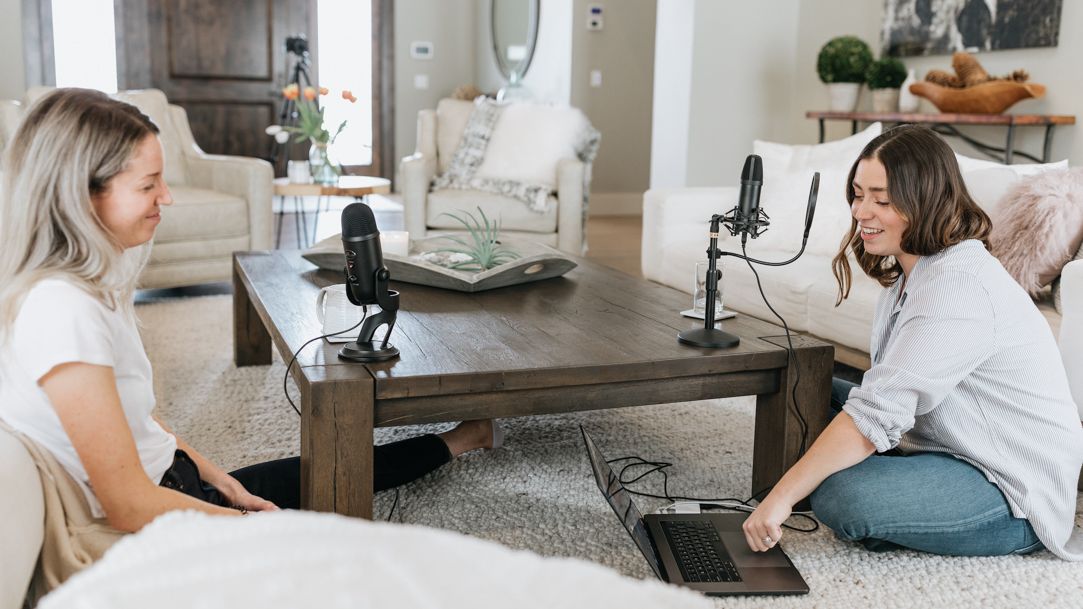
How to record a podcast with Windows 11
You have everything you need to record a podcast built into your Windows 11 computer.
-
2 MIN READ
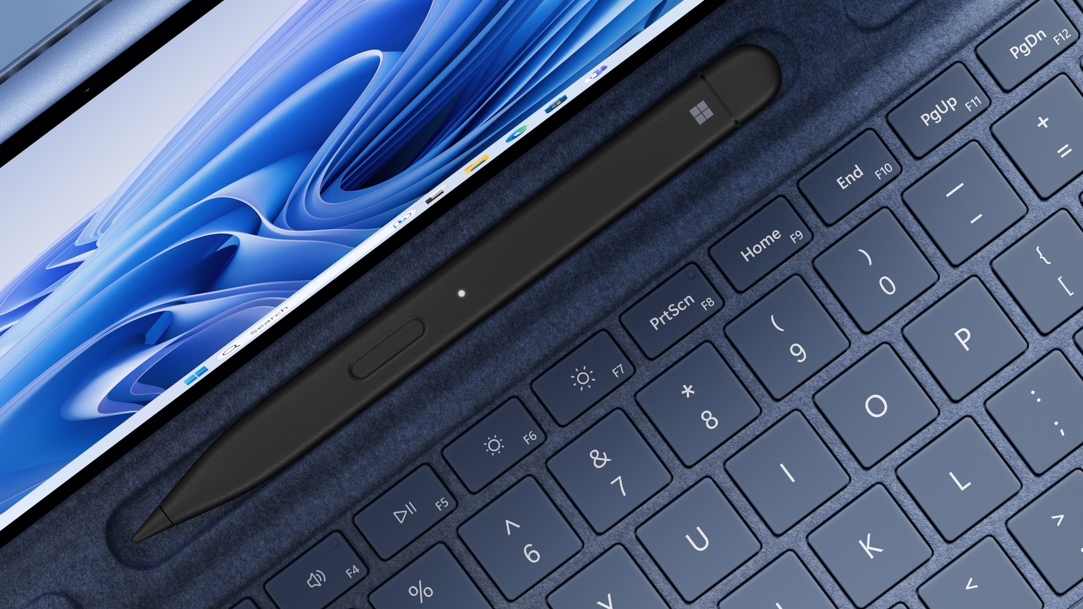
Surface Slim Pen 2: everything you need to know
Discover tips, features, and more for your Surface Slim Pen 2, Microsoft's intuitive digital pen.
-
-
2 MIN READ
How to use your laptop for music production
Edit, record, and compose music with the best laptops for music production.
-
2 MIN READ
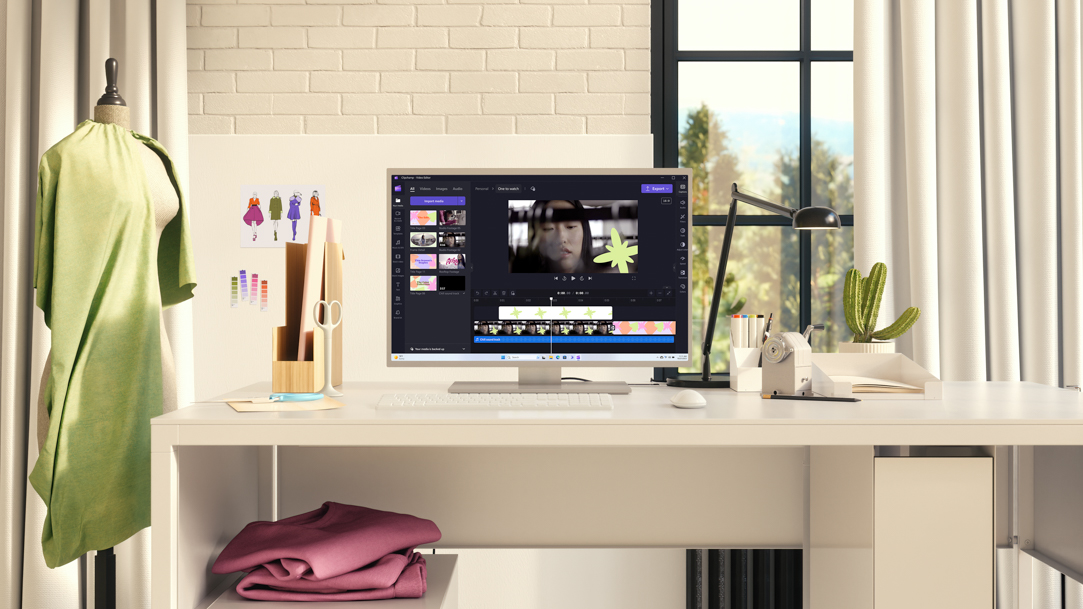
How to use a laptop for fashion design
Learn how to design clothing digitally with a laptop and digital pen.
-
2 MIN READ
How to recycle a Windows laptop
Before you upgrade, follow these steps to dispose of an old laptop responsibly and sustainably.
-
2 MIN READ
Does Windows 11 need antivirus on laptops?
Learn about built-in Windows 11 antivirus features and whether you need anything more.
-
2 MIN READ
How to build your ideal gaming setup
Get ready to make the laptop gaming setup that’s right for you.
-
2 MIN READ
Focus music in Windows 11 Focus Assist
See how Windows 11 focus sessions can provide the soundtrack for productivity.
-
2 MIN READ
How to edit music on your Surface
Edit and produce music on your Microsoft Surface device to unleash your musical creativity.
-
2 MIN READ
Best features of a 2-in-1 device
Equip yourself with a versatile Microsoft Surface 2-in-1 laptop, suited for your evolving needs.
-
2 MIN READ
What is an operating system (OS)
Learn what an operating system is and how it works on your device.
-
2 MIN READ
The benefits of 2-in-1 gaming
See how 2-in-1 gaming laptops can transform the way you play your favorite games.
-
2 MIN READ
Surface Pro 8 vs Surface Pro 9
Compare the Surface Pro 8 and the advances that set the Surface Pro 9 apart from its predecessor.
-
2 MIN READ
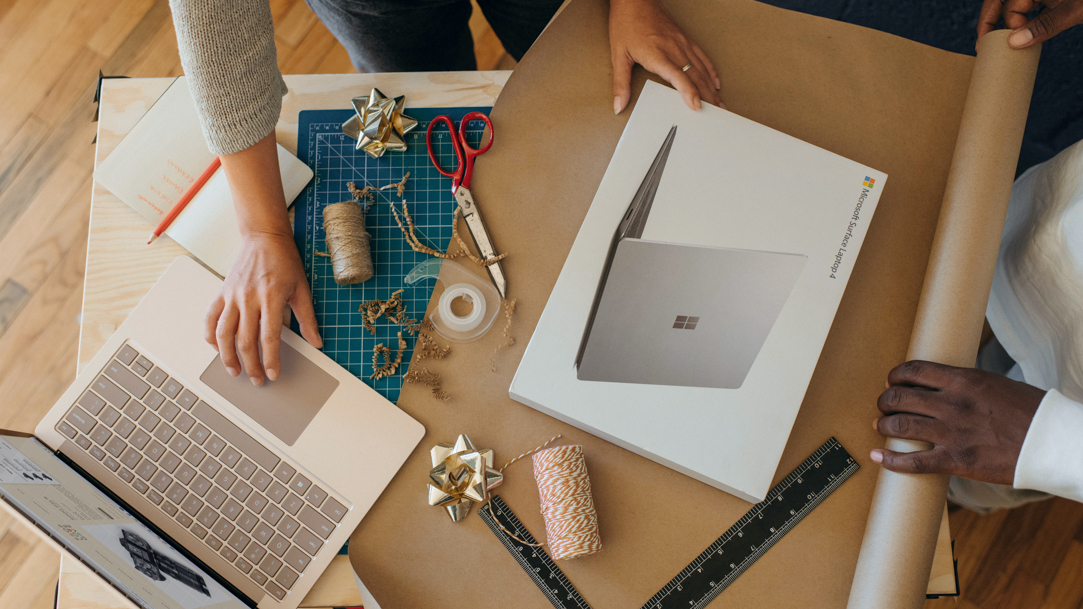
Creative ways to wrap gifts
Impress your loved ones this holiday season with these unique gift-wrapping techniques.
-
2 MIN READ
The best laptop accessories for students
Explore which laptop accessories can help students have a productive school year.
-
2 MIN READ
The benefits of using a touchscreen laptop
Enjoy improved productivity, accessibility, and intuitive design with touchscreen computers.
-
2 MIN READ
The power of color: setting Surface Laptop 5 apart
Creative, colorful work demands a device that can keep up and allow you to express yourself. Learn how Surface Laptop 5 is uniquely suited for design and productivity.
-
2 MIN READ
What to consider when choosing an all-in-one computer
Learn how to choose an all-in-one computer for work, play, and creativity.
-
2 MIN READ
What is secure boot?
Bad actors are so sneaky, they can install bugs that harm your computer before it’s even fully powered up. Luckily, there’s Secure Boot.
-
2 MIN READ
How to customize your laptop for school
Get tips on customizing your laptop so it is the perfect technology sidekick to get you through homework, tests, and more.
-
2 MIN READ
Digital painting with Microsoft Surface
Learn about digital painting techniques and how to implement them on a Surface device.
-
2 MIN READ
How to create digital art
Learn how to create stunning artworks using the best Microsoft Surface devices for digital art. See how digital technology can enhance your creativity.
-
2 MIN READ
Pen & paper in a digital age
Learn how putting pen to paper can fit into the digital age. Use Microsoft Surface devices and accessories for productivity and memory benefits.
-
2 MIN READ
Features that make a keyboard comfortable to use
The quest for the perfect laptop keyboard is not just about comfort; it's about preserving your precious flow state. Learn which features make a keyboard comfortable to use.
-
2 MIN READ
8 tips creating for a cozy desk setup
Enjoy your time at the desk more with these accessories and strategies.
-
2 MIN READ
Touch vs. regular type for your Surface device
Learn the difference between typing styles and input types for your Surface device.
-
2 MIN READ
Digital calligraphy
Learn how to create digital calligraphy and different ways you can create artful lettering with your Microsoft Surface.
-
2 MIN READ
The best Surface laptop features for podcasting
Kickstart your podcasting journey with these powerful Surface laptop features.
-
2 MIN READ
How to choose the right laptop processor
From immersive gaming to video editing, having a fast laptop processor is key.
-
2 MIN READ
How to attach and use your Surface Pro Keyboard
Transform your Surface 2-in-1 into a laptop for greater flexibility and instant productivity.
-
2 MIN READ
What the colors of your surface devices and accessories say about your personality
Learn what the color of your Surface device says about your personality. The colors you gravitate towards can tell you a lot about yourself.
-
2 MIN READ
Color accuracy: How Surface Laptop 5 and other devices provide true-to-life display quality
The way your monitor displays color can change the way you use your computer. Learn how the Surface Laptop 5 and other Surface devices stand above the rest.
-
2 MIN READ
Tips for your Surface Pro Signature Keyboard
Get the most out of this must-have accessory for your Surface 2-in-1 laptop.
-
2 MIN READ
7 things you can connect to your laptop’s USB port
Explore 7 things you can connect to your laptop’s USB port, from printers to flash drives.
-
-
2 MIN READ
What’s in the box? Surface Laptop 5
See how Surface Laptop 5 comes with everything you need from the start.
-
2 MIN READ
8 features of the best laptops for teachers
Learn about the features of the best laptops for educators from Surface to engage students in the classroom and beyond.
-
2 MIN READ
What’s in the box? Surface Pro 9 unboxing
Discover the specs and features that make Surface Pro 9 a master of portability and performance.
-
2 MIN READ
Why Surface Laptop Studio 2 is perfect for creatives
Get your creative juices flowing with Surface Laptop Studio 2.
-
2 MIN READ
Using accessibility tools with your Surface device
Learn how assistive technology and accessibility tools can enhance your Surface experience.
-
2 MIN READ
Tips on overcoming video conference fatigue
Have a better day of video calls with Surface.
-
2 MIN READ
The best Surface features for musicians
From high performance to versatile software, learn why Surface is a top choice for musicians.
-
2 MIN READ
How to watch movies with friends online
Enjoy the ultimate movie night experience with friends, no matter where you are, with Microsoft Teams.
-
2 MIN READ
Tips for getting the most out of your Surface Pro
Learn how to do even more with your Surface Pro.
-
2 MIN READ
Making the most out of your Surface Pen
Become a pro at using your Surface Pen with these tips and tricks.
-
2 MIN READ
How to use a Surface for personal budgeting with Excel
Set a personal budget with these Excel tips.
-
2 MIN READ
Use a Surface and Excel for tracking your investments
Learn about the stock market and track your investments with the right tools.
-
2 MIN READ
How to reset your Surface device
Learn how to reset your Microsoft Surface device with these simple steps.
-
2 MIN READ
How a 2-in-1 laptop helps your dollar go further
Learn the advantages of buying a 2-in-1 laptop that’s just as powerful as it is portable.
-
2 MIN READ
The best time to buy a laptop
Make the most of your investment when you buy a new laptop at the right time.
-
2 MIN READ
How to use your 2-in-1 as a convertible laptop
Enjoy the flexibility of a tablet with the performance of a convertible laptop.
-
-
2 MIN READ
How to create a financial plan for your small business
Manage your business with the right tools.
-
2 MIN READ
The best Surface features for artists and designers
See which Surface features can help artists and graphic designers make their best work.
-
2 MIN READ
What you can do with a 4K monitor
Learn how to enhance your gaming, creative work, and movie watching with a 4K monitor.
-
2 MIN READ
Surface devices to keep kids entertained
Check out kid-oriented features like video streaming and fun learning apps.
-
2 MIN READ
How to create a shared photo album on your laptop
Share memories and more when you create and collaborate on a photo album.
-
2 MIN READ
The best 2-in-1 PCs for reading at home or on the go
Enjoy the versatility of a 2-in-1 PC, whether you're combing through a breezy beach read or engrossed in a mystery. Find the best Surface 2-in-1 PC features to make reading a joy.
-
2 MIN READ
How to use a desktop replacement laptop
Achieve all of your goals with one versatile device and desktop setup.
-
2 MIN READ
Surface Laptop and 2-in-1 PC Features for Home Cooks
Find the best Microsoft Surface laptop features for home cooks. Learn how these 2-in-1 PC features and built-in apps make it easier to follow and create recipes.
-
2 MIN READ
How to use family sharing between laptops and 2-in-1 PCs
Learn how to share your favorite Microsoft apps and programs with your family. Your family can access the apps on their different Surface laptops and 2-in-1 PCs.
-
2 MIN READ
The best laptop features for writers
Learn which Surface laptop features can help writers stay productive and create their best work.
-
2 MIN READ
Best Surface features for photography
Find out which Microsoft Surface features are best for photography. Learn photography tips and how Surface 2-in-1 PCs and laptops help you create eye-catching photos to share.
-
2 MIN READ
Surface features to stay connected anywhere
Choose from Surface devices with everything you need to stay in touch.
-
2 MIN READ
How to improve your productivity with apps for Surface
From calendar apps to note-taking tools, find new ways to be more efficient and organized.
-
2 MIN READ
How to choose the best laptop screen size
Find out how to decide what laptop screen size makes the most sense for your digital needs.
-
2 MIN READ
How to change your Surface device password
Learn how to change the password on your Surface, and protect your device and private information.
-
2 MIN READ
Surface accessories for your WFH space
See which gadgets come in handy when working in a home office.
-
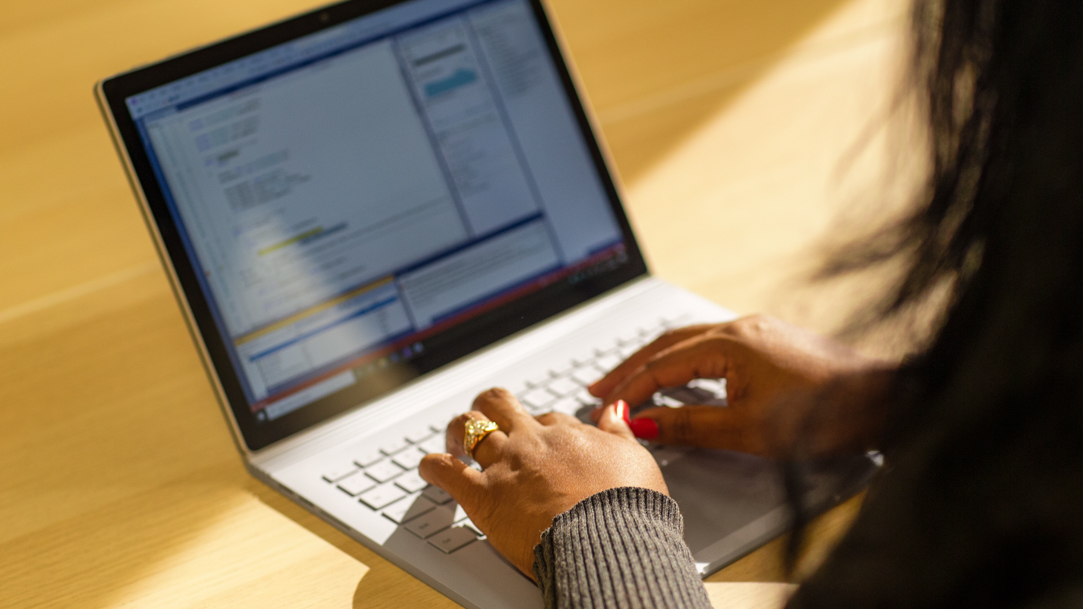
2 MIN READ
The Best Surface Features for Programmers
Learn how to find the best Surface features for programmers. Find out why it’s important for software programmers to use a device that’s suitable for coding.
-
-
2 MIN READ
5 things you didn’t know you could do with a Surface touchscreen
What can a touchscreen do? We’ll tell you.
-
2 MIN READ
What’s the best Microsoft Surface laptop for your budget?
There’s a Surface laptop to fit your needs, your family, and your budget.
-
2 MIN READ
Best Surface laptop features for gaming and school
Whether you're cramming in lessons or competing in leagues, there's a device that can handle it all.
-
2 MIN READ
Why Surface Pro is the best 2-in-1 laptop for students
Set your high school student on the path to success with a fast, intelligent 2-in-1 laptop.
-
2 MIN READ
How to choose a Surface laptop for video editing
Whether you’re looking for processing power, graphics, or portability, find a device that’s just right.
-
2 MIN READ
The top 5 Surface security features
Enhance your online security with preferences to fit your needs.
-
2 MIN READ
The best ways to configure a dual monitor setup with your Surface laptop
Don't settle for less—learn how to double your screen real estate.
-
2 MIN READ
How to update drivers on your Surface device
Keeping its operating system updated helps protect your files and personal information.
-
2 MIN READ
Best laptop for computer science students
Ace your computer science classes with laptop features built for programming.
-
2 MIN READ
How to choose the right processor for your Surface device
Find the perfect balance between versatile portability and ultrafast processing speeds.
-
2 MIN READ
The best Surface Pro 2-in-1 features for medical students
Learn about the most essential features for a medical student’s 2-in-1 laptop.
-
2 MIN READ
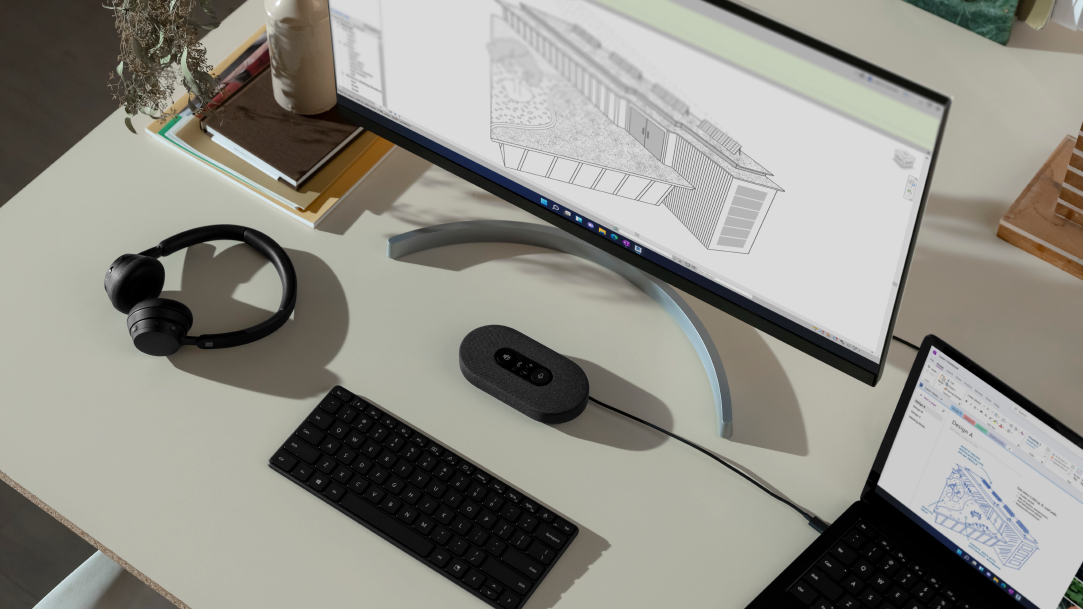
Best Surface laptops for architecture students 2026
Find out what features you should look for in laptops for architecture students.
-
2 MIN READ
How to choose the best Surface laptop for college based on your major
Find the best student laptop to excel in your specific major.
-
2 MIN READ
Surface laptop features for nursing students
Buy a laptop with top AI and power to dig into digital textbooks, presentations, videos, and more.
-
2 MIN READ
Best laptops for college
Balance studies, extracurriculars, and social life with the ideal Surface laptop.
-
2 MIN READ
The best Surface laptop for cybersecurity students
Find out about the best laptops for cybersecurity students from Microsoft Surface.
-
2 MIN READ
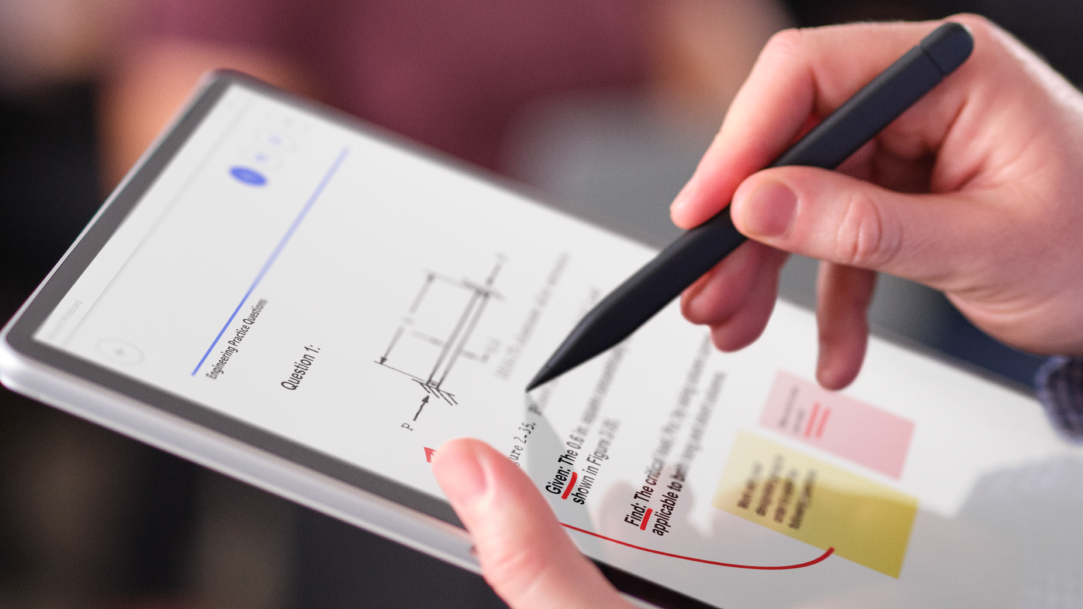
The best Surface laptop for engineering students
Find a powerful device with exceptional graphics and processing to meet the demands of your engineering coursework.































































































Follow us: